HelloGrowthCRM software
Built for real small-business sales teams
HelloGrowthCRM helps reps qualify faster, follow up on time, and close more deals—with practical automation in one place.
- AI lead scoring and pipeline visibility
- Built-in dialer, WhatsApp, and email automation
- Sales forecasting and RevOps-ready reporting
Tracking patient appointment reminders is crucial for UK small businesses such as clinics, dental practices, or therapy providers to reduce missed appointments and improve patient communication. A reliable system records each reminder sent, the channel used (SMS, WhatsApp, email, or phone call), and whether the patient confirmed, rescheduled, or did not respond.
Why this comes up / what goes wrong
Many small healthcare businesses face challenges with missed appointments because reminders are sent inconsistently or not tracked properly. Often reminders are sent manually via WhatsApp or phone calls without a formal record, causing confusion about who has been contacted and when. This wastes time, risks patient dissatisfaction, and affects revenue. Without tracking, it is difficult to follow up effectively or identify patterns in no-shows. A simple tracking method ensures every patient receives timely reminders and allows staff to act promptly on unconfirmed appointments.
Step-by-step
- Choose your reminder channels: Decide whether to send reminders by SMS, WhatsApp, email, or phone call. Consistency helps patients recognise and respond to reminders.
- Create a reminder schedule: For example, send the first reminder 7 days before the appointment, a second 2 days before, and a final reminder on the appointment day.
- Set up a tracking log: Use a spreadsheet or CRM to record each patient’s appointment date, reminder dates, method used, and patient response. Include columns for appointment ID, patient name, appointment date, reminder 1 date and channel, reminder 2 date and channel, final reminder date and channel, and patient response.
- Record each reminder sent immediately: After sending a reminder, log the date, time, and communication channel to keep the record accurate.
- Note patient responses: Mark if the patient confirmed, rescheduled, cancelled, or did not respond.
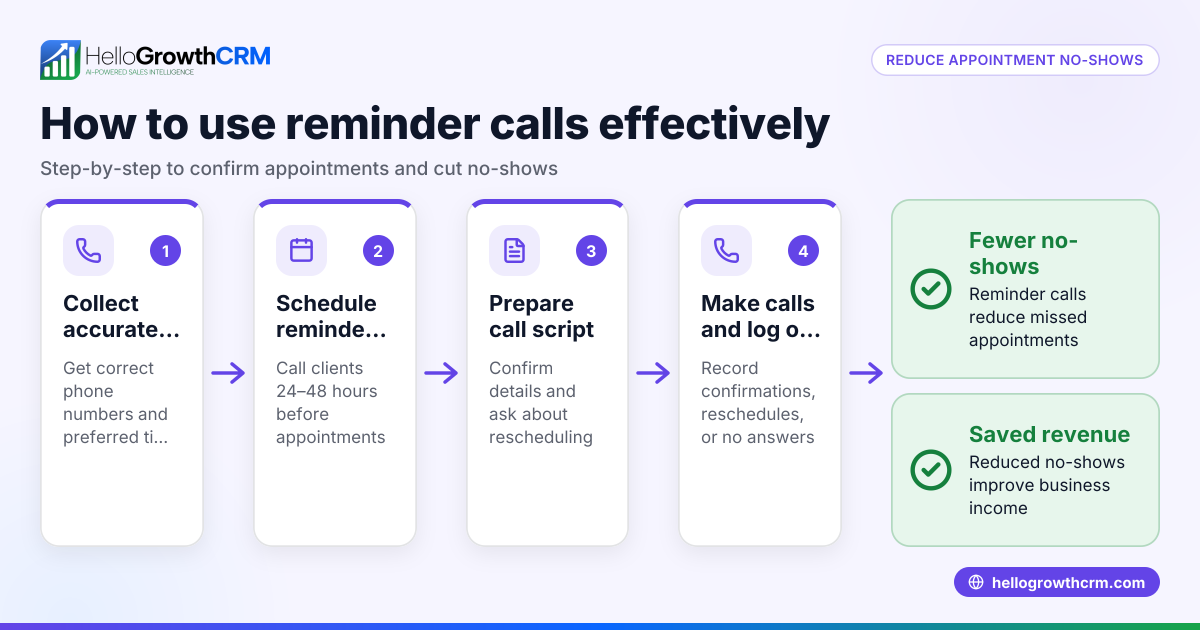
- Follow up on no responses: Contact patients who have not responded within 24 hours of the final reminder to confirm or reschedule.
- Review your tracking log weekly: Check for missed reminders, unconfirmed appointments, or patients needing follow-up.
- Adjust your process as needed: If many patients miss reminders, consider changing the timing or communication channel.
Using sales task boards can help visualise reminder statuses and follow-up actions clearly.
Example (fictional figures)
A Birmingham physiotherapy clinic has 100 appointments booked for the week starting 01/07/2024. They send reminders as follows:
- First reminder 7 days before
- Second reminder 2 days before
- Final reminder on the appointment day
They log reminders in a spreadsheet:
| Appointment ID | Patient Name | Appointment Date | Reminder 1 Date | Reminder 1 Channel | Reminder 2 Date | Reminder 2 Channel | Final Reminder Date | Final Reminder Channel | Patient Response |
|---|---|---|---|---|---|---|---|---|---|
| 001 | John Smith | 01/07/2024 | 24/06/2024 | SMS | 29/06/2024 | 01/07/2024 | Phone Call | Confirmed |
Out of 100 appointments:
- 80 patients confirmed after first or second reminder
- 10 patients confirmed after final reminder
- 10 patients did not respond and were called personally
Calculations:
Confirmed after first or second reminder = 80 appointments Confirmed after final reminder = 10 appointments No response and called = 10 appointments
Total appointments = 80 + 10 + 10 = 100 appointments
This tracking helps the clinic reduce no-shows and reschedule promptly, improving revenue and patient satisfaction.
Common mistakes
- Not recording reminders immediately: Leads to missed follow-ups. Prevent by logging reminders as soon as they are sent.
- Using inconsistent channels: Confuses patients. Use the same reminder method for each patient.
- Ignoring unconfirmed patients: Causes no-shows. Follow up with calls or messages promptly.
- Overcomplicating the system: Makes tracking hard. Keep the log simple and clear.
- Not reviewing the tracking log regularly: Issues go unnoticed. Schedule weekly reviews.
- Sending reminders too late: Patients may forget. Stick to planned reminder timings.
Doing this in HelloGrowthCRM
HelloGrowthCRM simplifies appointment reminders by offering meeting scheduler features. Patients pick a slot from a link, reducing back-and-forth on WhatsApp. You can track booking and reminder status within the system, helping your team stay organised and responsive.
Frequently asked questions
How often should I send patient appointment reminders? A good practice is to send three reminders: one a week before, one two days before, and a final reminder on the appointment day. Adjust based on patient feedback and no-show rates.
What is the best way to send appointment reminders? Use the communication channel your patients prefer, commonly SMS or WhatsApp for quick responses. Email can be used but may be less immediate.
How can I handle patients who don’t respond to reminders? Follow up with a phone call or personal message within 24 hours after the final reminder to confirm or reschedule.
Can I automate reminders for patient appointments? Yes, using a CRM or scheduling software can automate sending reminders and tracking responses, saving time and reducing errors.
Is it legal to send appointment reminders by SMS or WhatsApp in the UK? You must have patient consent to send messages via these channels and comply with data protection laws. Always keep patient data secure.
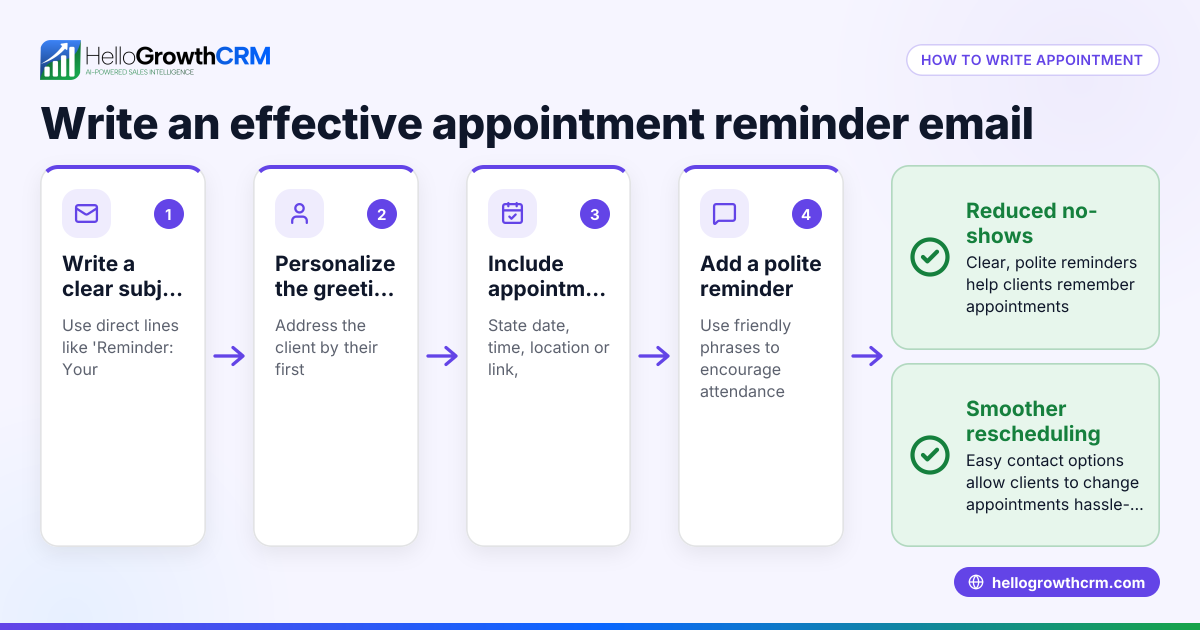
How can I improve patient attendance with reminders? Use clear, polite messages, multiple reminders, and easy rescheduling options. Tracking responses helps target follow-ups effectively.
See more on organising your sales and communication with HelloGrowthCRM for the United Kingdom.
Key takeaways
- Track every appointment reminder sent with date, method, and patient response.
- Use consistent reminder channels and schedules.
- Follow up quickly on unconfirmed patients to reduce no-shows.
- Keep your tracking system simple and review it regularly.
- Automate reminders and bookings with tools like HelloGrowthCRM’s meeting scheduler.
Start tracking patient appointment reminders today to improve attendance and patient satisfaction. Start on the Free Forever plan (200 leads, no credit card).
Ready to put this into practice?
Set up your pipeline, WhatsApp follow-ups, and AI lead scoring in minutes — free, no credit card.
Try HelloGrowthCRM freeGet CRM tips in your inbox
Join thousands of sales professionals who get weekly insights on CRM strategy, AI automation, and pipeline optimization.

The HelloGrowthCRM team publishes guides on CRM strategy, AI sales tools, and revenue operations for small business sales teams.