HelloGrowthCRM software
Built for real small-business sales teams
HelloGrowthCRM helps reps qualify faster, follow up on time, and close more deals—with practical automation in one place.
- AI lead scoring and pipeline visibility
- Built-in dialer, WhatsApp, and email automation
- Sales forecasting and RevOps-ready reporting
Tracking patient appointment reminders is essential for small healthcare businesses to reduce no-shows and keep schedules organized. The process involves recording appointment details, sending reminders, and marking when reminders are sent and confirmed. This article explains why tracking reminders is important, provides step-by-step instructions, a worked example, common mistakes to avoid, and how HelloGrowthCRM’s scheduling feature can simplify booking and reminders.
Why this comes up / what goes wrong
Small healthcare providers, clinics, or therapists in the USA often struggle with patients missing appointments. This leads to lost revenue and wasted staff time. Without a clear tracking system, reminders may be forgotten, sent late, or duplicated, causing confusion and inefficiency. Many small businesses rely on manual methods like spreadsheets, emails, or text messages without a unified log, making it hard to follow up efficiently or know which patients have confirmed or rescheduled.
Inconsistent reminder timing or unclear communication channels can also reduce patient responsiveness. For example, sending reminders too close to the appointment may not give patients enough time to adjust their schedule. On the other hand, sending too many reminders can annoy patients and lead to disengagement.
Step-by-step
- Create a patient appointment log: Use a spreadsheet, database, or CRM to record patient name, contact information (phone number, email, WhatsApp number), appointment date and time, and appointment type or reason.
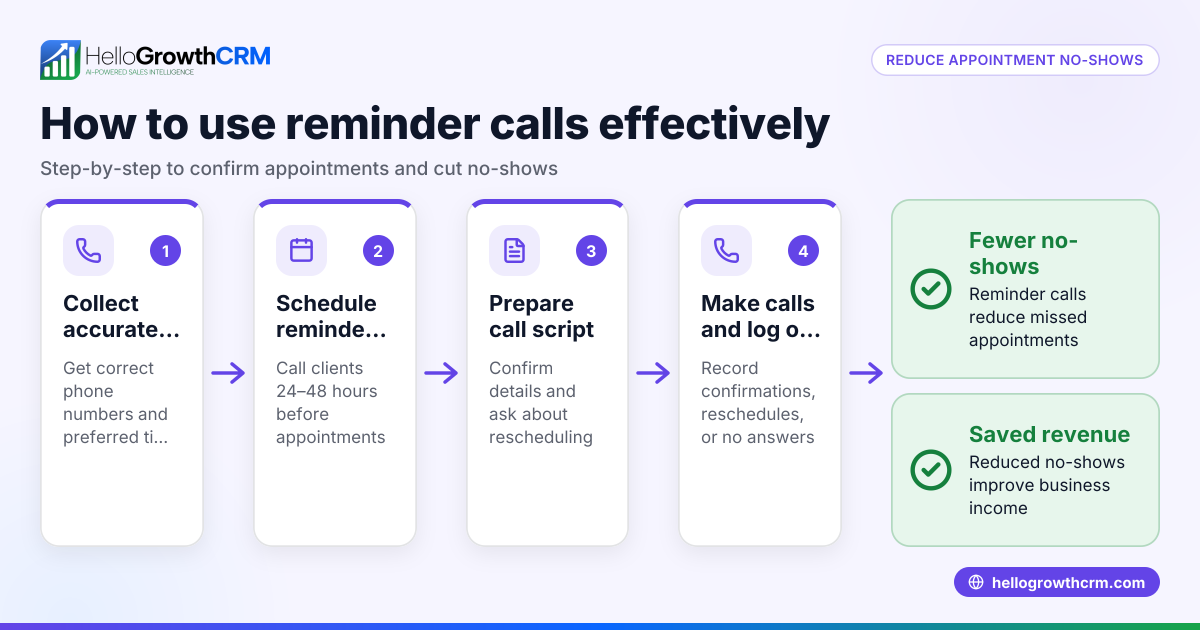
- Set a reminder schedule: Decide when to send reminders. A common effective schedule is 3 days before and 1 day before the appointment. You can also add a same-day reminder if needed. Confirm this timing fits your patients’ preferences.
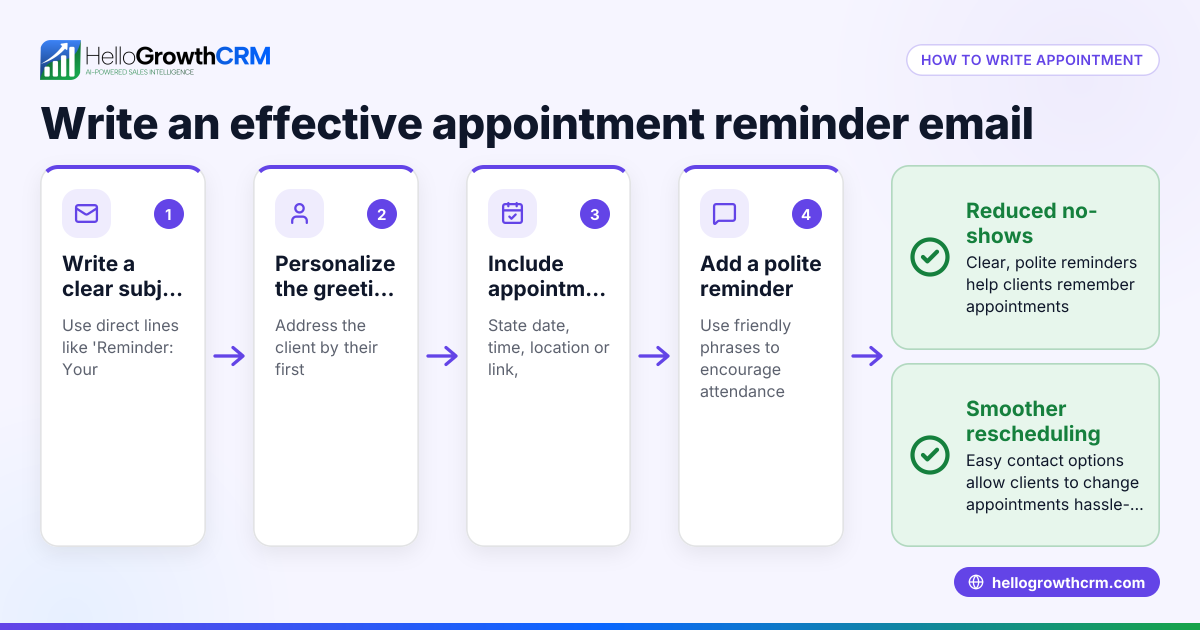
- Prepare reminder templates: Write clear and concise messages that include appointment details (date, time, location), a polite reminder to confirm or reschedule, and contact information. Use separate templates for each reminder timing.
- Send reminders via chosen channels: Use text messages, WhatsApp, or email to send reminders. Text and WhatsApp often get faster responses. Make sure to personalize messages with the patient’s name and appointment details.
- Record each reminder sent: Immediately update your log with the date/time the reminder was sent and the method used. This prevents duplicate messages and helps track effectiveness.
- Track patient confirmations or reschedules: Note patient replies in your log. Mark confirmations, cancellations, or reschedule requests. Follow up if no response is received within 24-48 hours.
- Follow up on unconfirmed appointments: Contact patients who do not respond to reminders by phone or additional messages to reduce no-shows.
- Review and update the log daily: Check that all appointments and reminders are current and accurate. Adjust schedules as needed.
- Analyze reminder effectiveness monthly: Calculate confirmation rates and no-show rates. Use this data to improve your reminder timing, message content, or channels.
For managing reminders and tasks efficiently, consider using sales task boards to organize follow-ups and keep your team coordinated.
Example (fictional figures)
A physical therapy clinic in Charlotte, North Carolina, schedules 100 patient appointments for the month of 07/2024. They send reminders 3 days and 1 day before each appointment by text message.
- Total appointments: 100
- Reminder schedule: 2 reminders per appointment = 100 × 2 = 200 reminders
- Cost per text reminder: $0.05 (assumed illustrative rate)
Calculation:
200 reminders × $0.05 = $10 total cost for reminders
If 90 patients confirm after reminders, the clinic tracks 90 confirmations out of 100 appointments (90%). They note the 10 no-shows and follow up for rescheduling.
This tracking helps the clinic reduce lost revenue and better manage staff schedules.
Common mistakes
- Not recording reminders sent: This causes duplicate messages or missed reminders. Prevent by updating your log immediately after sending each reminder.
- Sending reminders too late: Sending reminders less than 24 hours before appointments may not give patients enough time to respond. Prevent by setting automated alerts or calendar notifications for reminder dates.
- Using multiple unconnected tools: Managing reminders across separate spreadsheets, emails, and texts can cause confusion and errors. Prevent by consolidating reminders and tracking in one system like a CRM or a unified spreadsheet.
- Ignoring patient responses: Failing to log confirmations or reschedules leads to inaccurate schedules and wasted appointment slots. Prevent by promptly logging patient replies and adjusting your calendar.
- No follow-up on unconfirmed appointments: Patients who do not respond may simply forget or miss messages. Prevent by scheduling follow-up calls or messages for non-responders.
- Failing to analyze results: Without reviewing confirmation rates and no-shows, you cannot improve your reminder process. Prevent by reviewing results monthly and adjusting your methods.
Using a meeting scheduler can reduce back-and-forth communication and improve booking accuracy by letting patients pick appointment slots directly.
Doing this in HelloGrowthCRM
HelloGrowthCRM offers scheduling and booking pages that let patients pick appointment slots from a link, cutting down on back-and-forth messages on WhatsApp. This streamlines booking and helps track appointments and reminders in one place, reducing missed appointments and improving follow-up efficiency.
Learn more about HelloGrowthCRM scheduling and booking here.
Frequently asked questions
How often should I send appointment reminders? Sending at least two reminders is common: one 3 days before and another 1 day before the appointment. You can add more or fewer based on your patients’ preferences and no-show rates.
What methods work best for sending reminders? Text messages and WhatsApp messages are effective due to high open and response rates. Email can be used as a supplement but may not be as immediate.
How can I track patient confirmations easily? Record patient replies in your log or CRM immediately. Using a scheduling tool with automated confirmation tracking can simplify this process.
Can I automate reminders? Yes, many CRM systems support automated reminder sequences. HelloGrowthCRM’s meeting scheduler helps reduce manual reminder work by letting patients book and confirm online.
What if a patient wants to reschedule? Make it easy for patients to reply or click a reschedule link. Update your appointment log promptly and send new reminders for the updated appointment.
How do I reduce no-shows effectively? Combine timely reminders with easy rescheduling options and follow-up calls for unconfirmed appointments. Use tools like sales task boards to keep track of follow-ups.
Key takeaways
- Keep a detailed log of appointments and reminders including dates, times, and patient responses.
- Send reminders at least twice before the appointment using text or WhatsApp.
- Record each reminder sent and patient confirmation or reschedule promptly.
- Follow up on patients who do not confirm to reduce no-shows.
- Use tools like sales task boards and meeting scheduler to organize and automate reminders.
- Review your reminder process monthly to improve effectiveness.
Start improving your patient appointment reminders today. Start on the Free Forever plan (200 leads, no credit card).
Ready to put this into practice?
Set up your pipeline, WhatsApp follow-ups, and AI lead scoring in minutes — free, no credit card.
Try HelloGrowthCRM freeGet CRM tips in your inbox
Join thousands of sales professionals who get weekly insights on CRM strategy, AI automation, and pipeline optimization.

The HelloGrowthCRM team publishes guides on CRM strategy, AI sales tools, and revenue operations for small business sales teams.