HelloGrowthCRM software
Built for real small-business sales teams
HelloGrowthCRM helps reps qualify faster, follow up on time, and close more deals—with practical automation in one place.
- AI lead scoring and pipeline visibility
- Built-in dialer, WhatsApp, and email automation
- Sales forecasting and RevOps-ready reporting
Writing a payment reminder email is essential for small businesses to maintain healthy cash flow and keep customer relationships positive. This guide helps you craft a professional and effective payment reminder email tailored for UK businesses.
Why this comes up / what goes wrong
Small-business owners often face delays in receiving payments. Customers might forget, overlook, or delay payments due to busy schedules or unclear communication. Without a clear, polite, and timely reminder, invoices can remain unpaid, impacting your business’s cash flow and operations. A well-written payment reminder email helps recover overdue payments without damaging customer relations.
Step-by-step
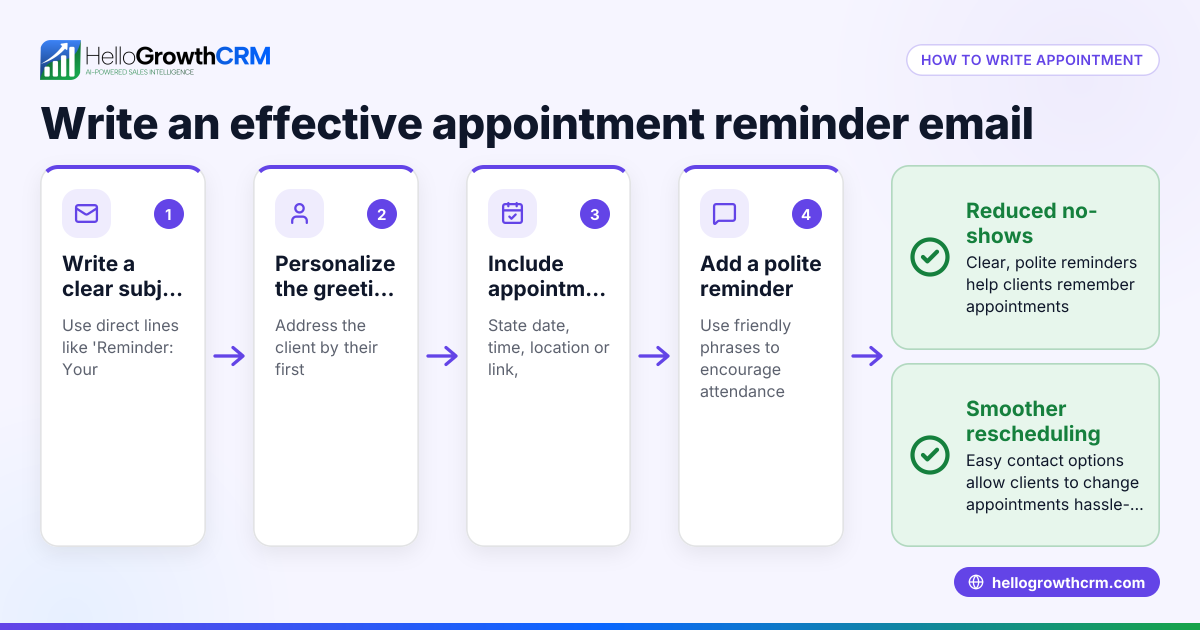
- Use a clear subject line: For example, "Payment Reminder: Invoice #12345 Due 15/05/2024". This immediately informs the recipient about the email’s purpose.
- Start with a polite greeting: Address the customer by name if possible to personalise the message.
- State the invoice details: Mention the invoice number, original invoice date, and the due date.
- Specify the amount due: Clearly state the amount outstanding in GBP with the currency symbol (£).
- Request payment politely: Use respectful language such as "Please arrange payment by [date]" or "We would appreciate your prompt attention to this matter."
- Include payment instructions: Remind the customer how to pay, including bank details or payment links.
- Offer assistance: Add a line inviting the customer to contact you if they have questions or issues.
- Close professionally: Use a courteous closing such as "Kind regards" followed by your name and contact information.
- Check for clarity and tone: Ensure the email is polite, concise, and free of errors.
- Add a follow-up task: Schedule a reminder to follow up again if payment is not received by the deadline.
Using a task board can help you manage these follow-ups efficiently. Learn more about sales task boards.
Example (fictional figures)
A Manchester-based letting agency, "CityLet Properties," sent an invoice on 01/04/2024 for £2,500 to a tenant, due on 01/05/2024. The payment has not been received by 10/05/2024, so a reminder email is needed.
Subject: Payment Reminder: Invoice #INV-2024-045 Due 01/05/2024
Dear Mr Smith,
We hope this message finds you well. Our records show that Invoice #INV-2024-045, dated 01/04/2024, for the amount of £2,500, was due on 01/05/2024 and remains unpaid.
Please arrange payment by 20/05/2024 to avoid any late fees.
Payment details: Bank: ABC Bank Account Number: 12345678 Sort Code: 12-34-56
If you have already made this payment, please disregard this notice. Otherwise, if you have any questions or need assistance, feel free to contact us.
Kind regards, CityLet Properties contact@citylet.co.uk 0161 234 5678
Arithmetic shown:
Invoice amount = £2,500 Due date = 01/05/2024 Reminder sent = 10/05/2024 New payment deadline = 20/05/2024
This email clearly states the overdue payment, new deadline, and contact information.
Common mistakes
- Being too aggressive or rude: Avoid harsh language that can alienate customers. Use polite, professional wording.
- Not including invoice details: Without invoice numbers or dates, customers may be confused about which payment is due.
- Forgetting payment instructions: Always include how to pay to make it easy for the customer.
- Ignoring follow-up: Set reminders to send a second or third notice if needed.
- Not personalising the email: Use the customer’s name to improve engagement.
- Sending reminders too late: Send the first reminder soon after the payment due date to improve chances of prompt payment. Consider automating reminders with email automation and sequences.
Doing this in HelloGrowthCRM
HelloGrowthCRM helps you manage payment reminders with built-in features:
- Activities and task boards let you turn each follow-up into a task with a due date, so you never miss a call or email reminder. The day’s calls appear as a list, not a memory test. Learn more at sales task boards.
- HelloMail shared inbox keeps all replies to quotation and invoice emails visible to your team, avoiding lost messages. See details at email automation and sequences.
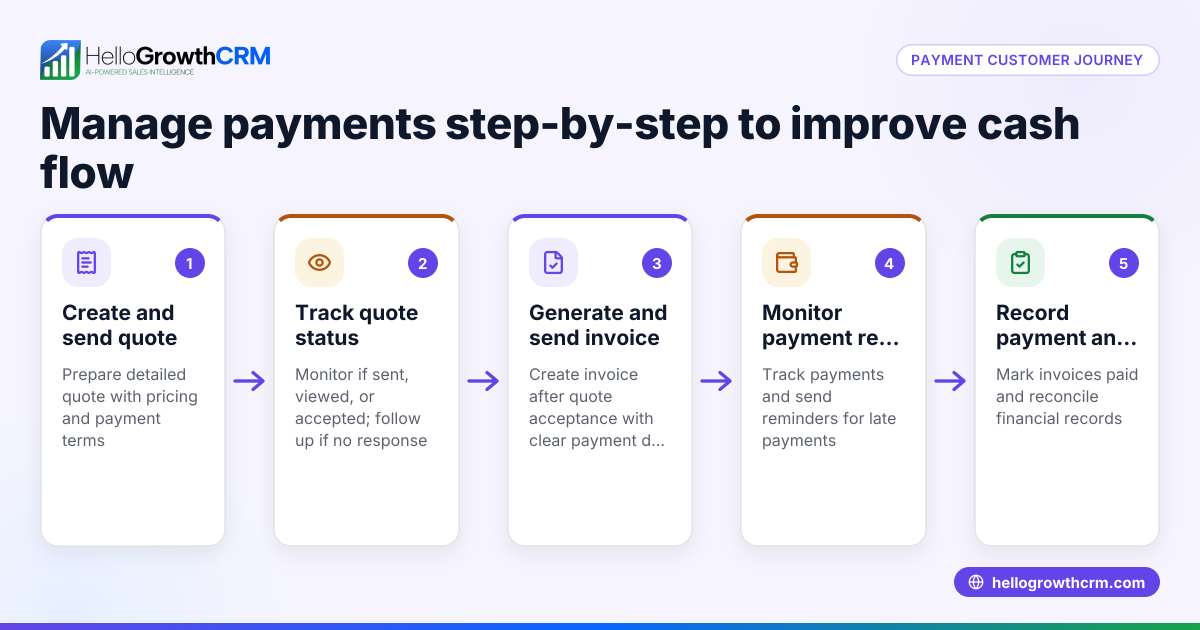
- From the deal screen, you can send quotes, proposals, and invoices, track their status (sent, viewed, accepted), and record payments received—all in one place. This helps you link reminders directly to the transaction. More info at HelloGrowthCRM for the United Kingdom.
Frequently asked questions
How soon should I send a payment reminder email after the due date? Send the first reminder within a week after the payment due date. Prompt reminders improve the chance of quick payment without damaging the customer relationship.
What tone should I use in a payment reminder email? Use a polite, professional, and respectful tone. Avoid sounding accusatory or aggressive. The goal is to prompt payment while maintaining goodwill.
Can I automate payment reminder emails? Yes, automating reminders saves time and ensures consistency. HelloGrowthCRM offers email automation and sequences to schedule and send reminders automatically.
What if the customer disputes the invoice? Invite the customer to contact you for any questions or issues. Keep communication open and resolve disputes promptly to avoid delays.
Should I include late payment fees in the reminder? If your contract or terms include late fees, mention them politely in the reminder. Be clear but not threatening.
Key takeaways
- Use a clear subject line with invoice number and due date.
- Include invoice details, amount due, and payment instructions.
- Keep the tone polite and professional.
- Personalise the email and offer assistance.
- Set follow-up tasks to track unpaid invoices.
- Use tools like HelloGrowthCRM to manage reminders and communications efficiently.
Start managing your payment reminders more effectively today. Start on the Free Forever plan (200 leads, no credit card).
Ready to put this into practice?
Set up your pipeline, WhatsApp follow-ups, and AI lead scoring in minutes — free, no credit card.
Try HelloGrowthCRM freeGet CRM tips in your inbox
Join thousands of sales professionals who get weekly insights on CRM strategy, AI automation, and pipeline optimization.

The HelloGrowthCRM team publishes guides on CRM strategy, AI sales tools, and revenue operations for small business sales teams.