HelloGrowthCRM software
Built for real small-business sales teams
HelloGrowthCRM helps reps qualify faster, follow up on time, and close more deals—with practical automation in one place.
- AI lead scoring and pipeline visibility
- Built-in dialer, WhatsApp, and email automation
- Sales forecasting and RevOps-ready reporting
Small businesses in the UK commonly use payment methods such as bank transfers, card payments, mobile wallets, and invoicing to receive funds from customers. Choosing the right payment methods depends on your business type, customer preferences, and cost considerations. This article explains why selecting payment methods matters, practical steps to set them up, a worked example, common mistakes to avoid, and how HelloGrowthCRM can help manage quotes, invoices, and payments efficiently.
Why this comes up / what goes wrong
Many small business owners struggle with choosing and managing payment methods because they want to make it easy for customers to pay while keeping costs low. Some businesses rely on manual methods like cash or bank transfers but miss out on card payments or mobile wallets that customers prefer. Others use multiple channels such as WhatsApp or email to send invoices but lack a system to track payments efficiently. This can cause slow payment, lost leads, or errors in reconciliation. Without clear payment methods, you risk cash flow delays and administrative overhead.
Step-by-step
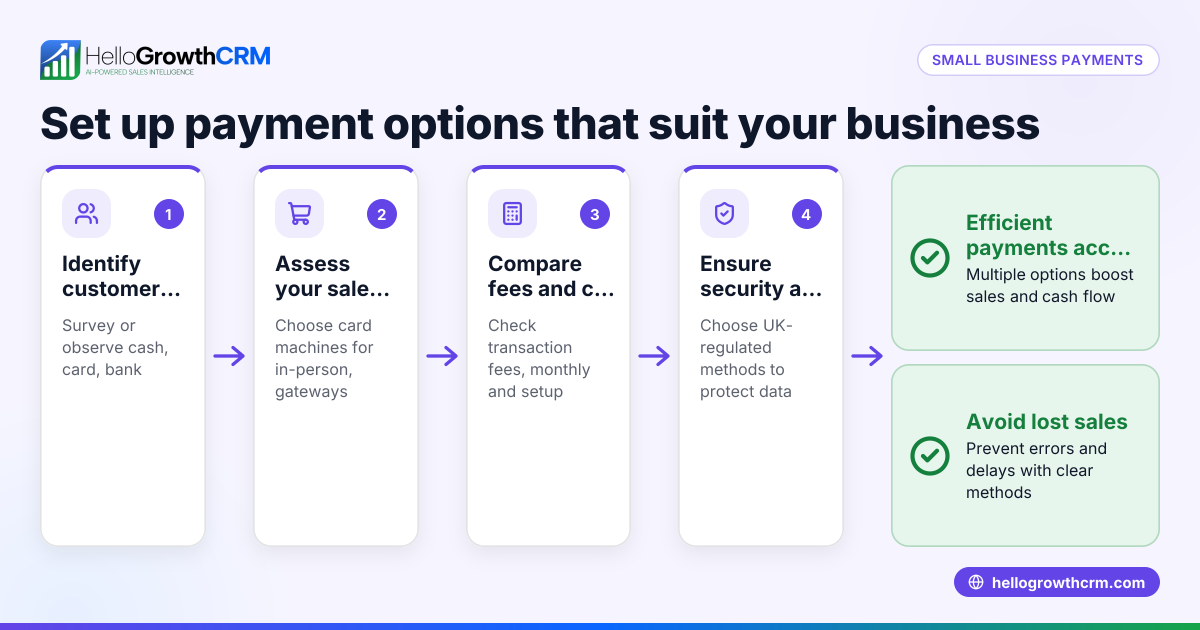
- Assess your customers’ preferred payment methods. Check if your customers prefer paying by card, bank transfer, mobile wallets (like Apple Pay or Google Pay), or invoicing later. This helps you prioritise options.
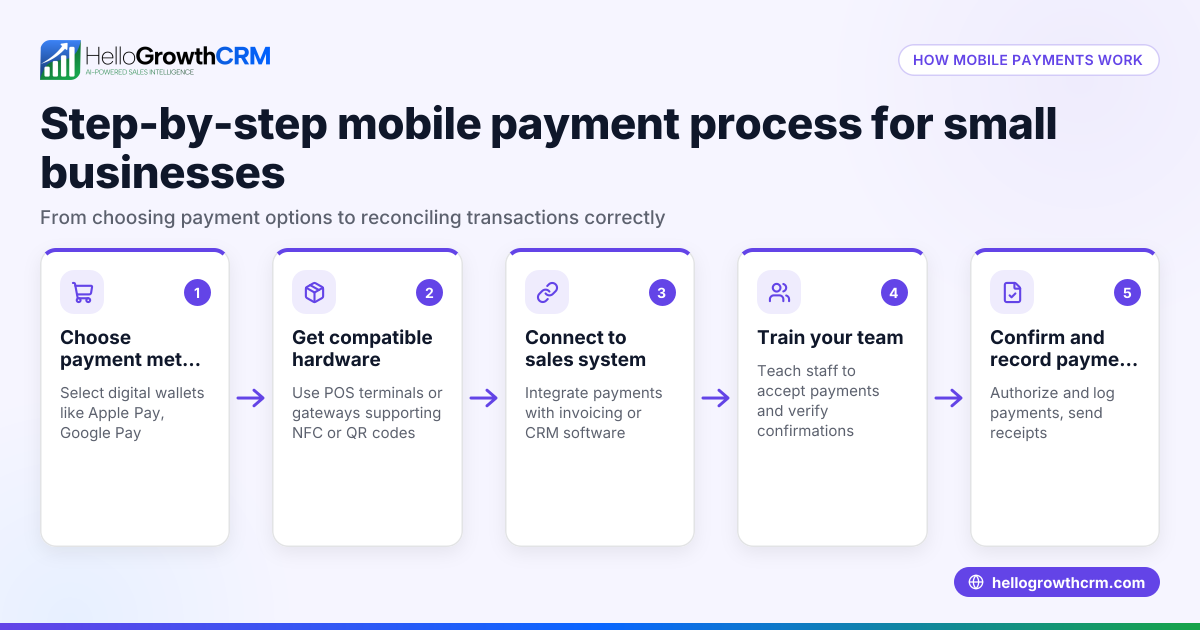
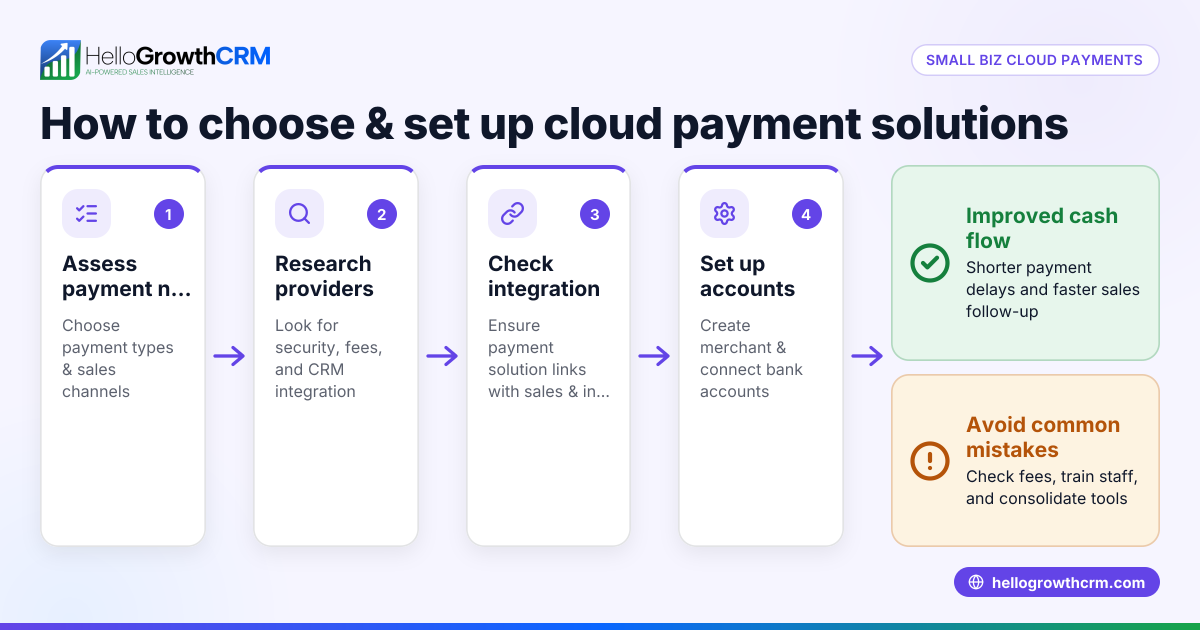
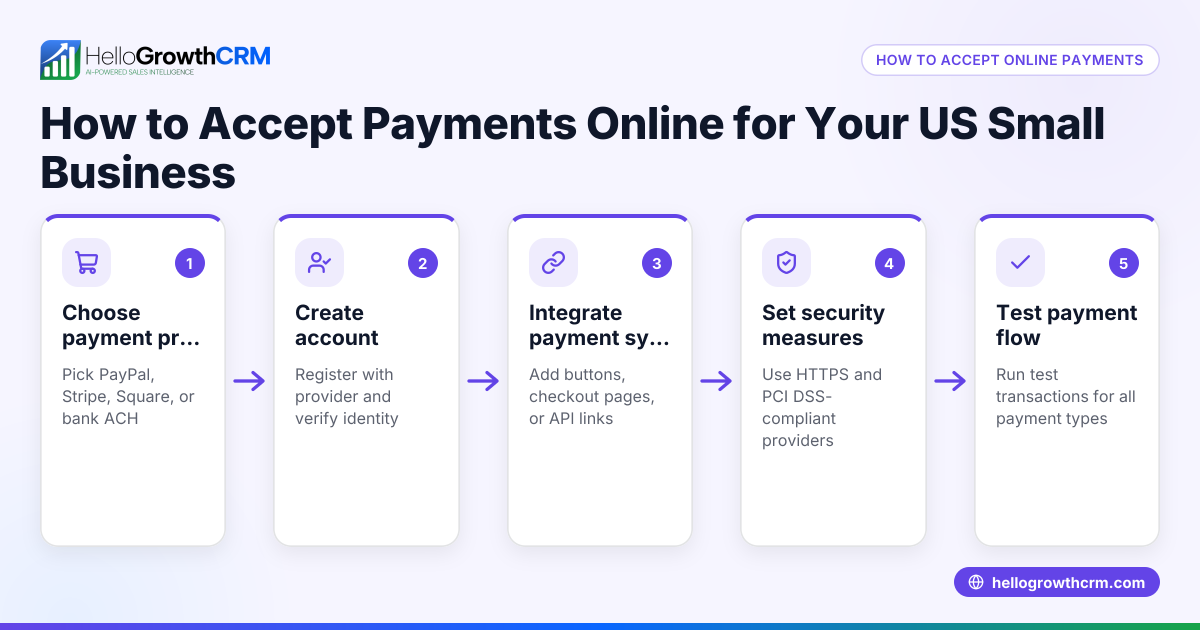
- Choose payment providers and set up accounts. For card payments, consider providers like Stripe or Square. For bank transfers, ensure your business bank account details are easy to share. Set up mobile wallet acceptance if relevant.
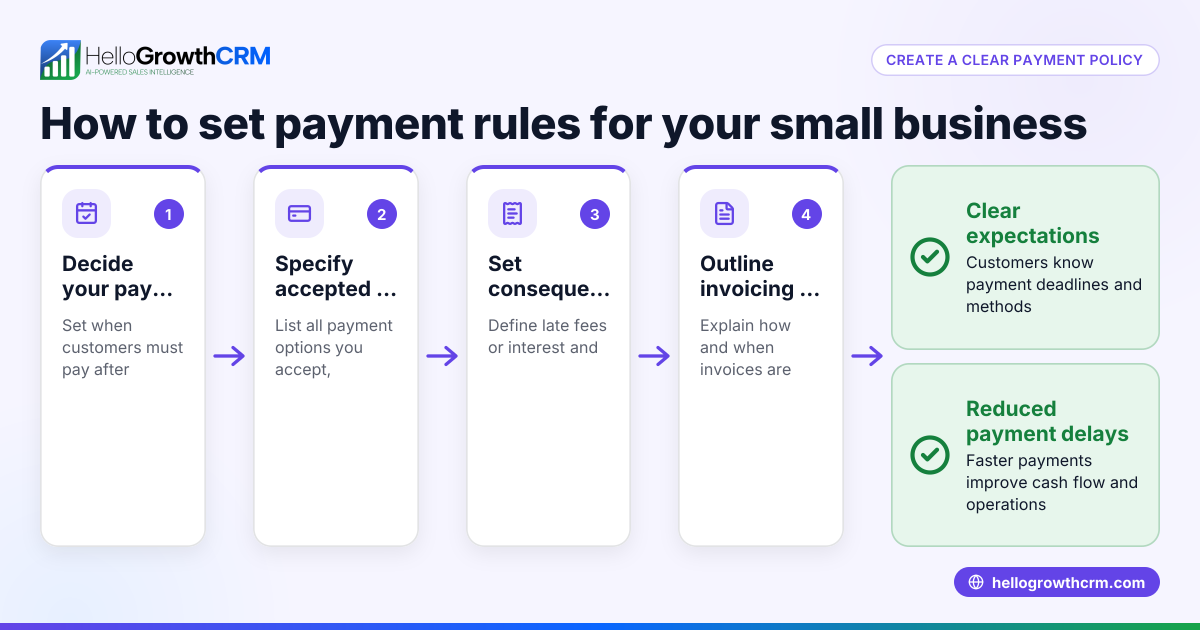
- Decide on invoicing terms and methods. If you invoice, decide how you will send invoices (email, WhatsApp, or post), payment due dates, and accepted payment methods.
- Integrate payment links or QR codes where possible. Use payment links or QR codes in invoices or messages to make it easier for customers to pay instantly.
- Track and reconcile payments regularly. Keep records of payments received and match them to invoices or sales to avoid errors and delays.
- Review fees and costs. Understand transaction fees for card payments or mobile wallets and factor these into your pricing or margins.
- Communicate payment methods clearly to customers. Make sure invoices, proposals, and your website clearly state how customers can pay.
Example (fictional figures)
A Glasgow-based solar panel installer invoiced a customer £12,000 on 15/04/2026 with payment due in 30 days. They accept bank transfers and card payments.
Invoice amount = £12,000
Bank transfer fee = £0 (usually free)
Card payment fee = 1.5% of amount = £12,000 × 1.5% = £180
If customer pays by card, installer receives = £12,000 - £180 = £11,820
If customer pays by bank transfer, installer receives full £12,000
The installer sends the invoice by email with payment instructions and a payment link for card payments. They track the invoice status and payments in their CRM.
Common mistakes
- Not offering multiple payment methods. Customers may abandon payment if their preferred method is not available. Prevent by asking customers and offering at least two options.
- Ignoring payment fees. Not accounting for transaction fees can reduce profits. Prevent by reviewing fees and adjusting pricing or payment methods.
- Sending invoices without clear payment instructions. This causes confusion and delays. Prevent by clearly stating payment methods, due dates, and including payment links or QR codes.
- Failing to track payments properly. Leads to cash flow issues and reconciliation problems. Prevent by using software or systems to match payments to invoices.
- Relying on manual follow-up only. Slow payment follow-up causes delays. Prevent by scheduling regular follow-ups and automating reminders if possible.
Doing this in HelloGrowthCRM
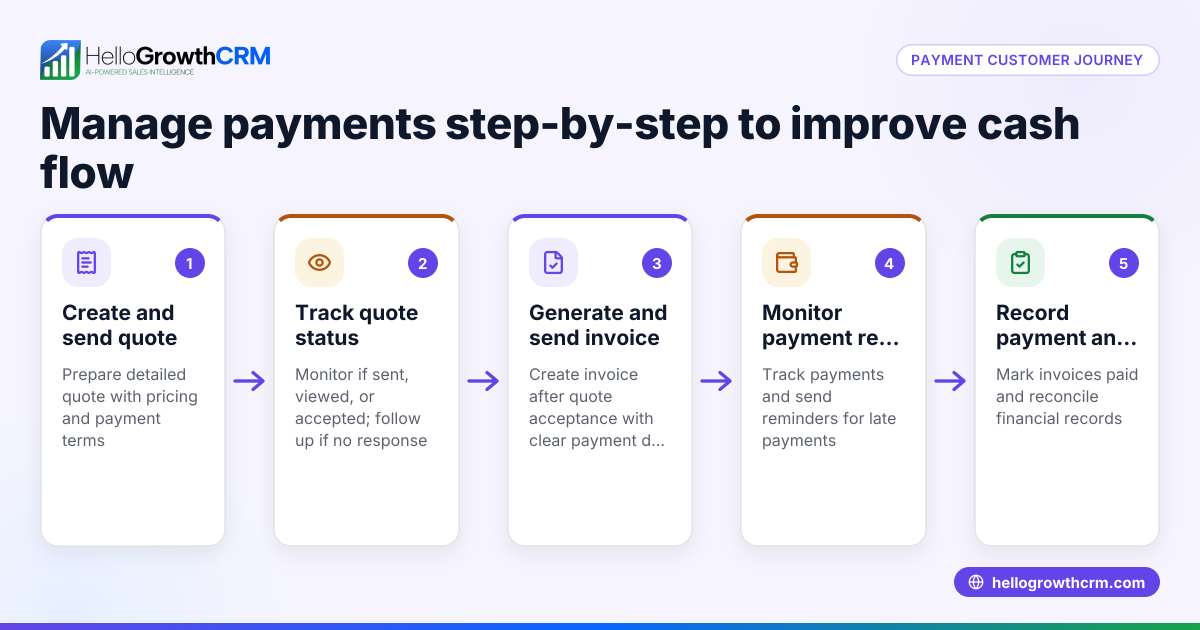
HelloGrowthCRM helps small businesses manage quotes, proposals, invoices, and payments received all from the deal record. You can build, send, and track commercial documents like quotes and invoices with their status (sent, viewed, accepted) shown alongside follow-up tasks. This keeps your sales and payment workflows organised. If you don’t have a sales manager, the Managed RevOps service can assign a revenue specialist to work your follow-up queue weekly, ensuring no payment opportunities slip through. Learn more about HelloGrowthCRM for the United Kingdom and its WhatsApp and SMS CRM features.
Frequently asked questions
What payment methods should small businesses accept? Small businesses should accept the payment methods their customers prefer, typically including bank transfers, card payments, mobile wallets, and invoicing. Offering multiple options improves customer convenience and speeds up payment.
How do I safely accept card payments? Use a reputable payment provider like Stripe or Square that complies with security standards. These providers handle card data securely and integrate with invoicing systems to simplify payment processing.
How can I encourage customers to pay invoices on time? Send invoices promptly with clear payment instructions and due dates. HelloGrowthCRM can help automate and track these steps.
Are mobile wallets widely used in the UK? Yes, mobile wallets such as Apple Pay and Google Pay are increasingly popular for quick, contactless payments. Offering these can attract tech-savvy customers.
Can I integrate payment tracking with my sales system? Yes, systems like HelloGrowthCRM allow you to link payments to deals and invoices, making it easier to track payment status and follow up efficiently.
Key takeaways
- Choose payment methods based on customer preference and cost.
- Offer at least two payment options, such as bank transfer and card payment.
- Send clear invoices with payment instructions and links.
- Track and reconcile payments regularly to avoid cash flow problems.
- Use software like HelloGrowthCRM to manage quotes, invoices, and payments in one place.
- Regular follow-up and automation improve payment speed and accuracy.
Start managing your payment methods and sales pipeline more efficiently with HelloGrowthCRM. Start on the Free Forever plan (200 leads, no credit card).
Ready to put this into practice?
Set up your pipeline, WhatsApp follow-ups, and AI lead scoring in minutes — free, no credit card.
Try HelloGrowthCRM freeGet CRM tips in your inbox
Join thousands of sales professionals who get weekly insights on CRM strategy, AI automation, and pipeline optimization.

The HelloGrowthCRM team publishes guides on CRM strategy, AI sales tools, and revenue operations for small business sales teams.