HelloGrowthCRM software
Built for real small-business sales teams
HelloGrowthCRM helps reps qualify faster, follow up on time, and close more deals—with practical automation in one place.
- AI lead scoring and pipeline visibility
- Built-in dialer, WhatsApp, and email automation
- Sales forecasting and RevOps-ready reporting
Small business payment options in the UK vary widely but commonly include cash, debit and credit card payments, bank transfers, and mobile wallets. Many small businesses also use online payment gateways or apps to accept payments swiftly. Selecting the right mix depends on your customers’ habits, your sales channels, and the fees involved. This article explains why payment options matter, guides you through choosing and setting them up, provides a realistic example, highlights common mistakes, and shows how HelloGrowthCRM helps manage quotes, invoices and payments efficiently.
Why this comes up / what goes wrong
Small business owners often face challenges accepting payments efficiently and securely. Without clear payment options, they risk losing sales or delaying cash flow. For example, a local retailer may only accept cash but miss out on card payments preferred by many customers. Others might rely on manual tracking of payments via spreadsheets or WhatsApp messages, which can cause errors and slow follow-up. Choosing payment options that suit your business size, sector and customer base is crucial to avoid lost leads and improve cash flow.
Step-by-step
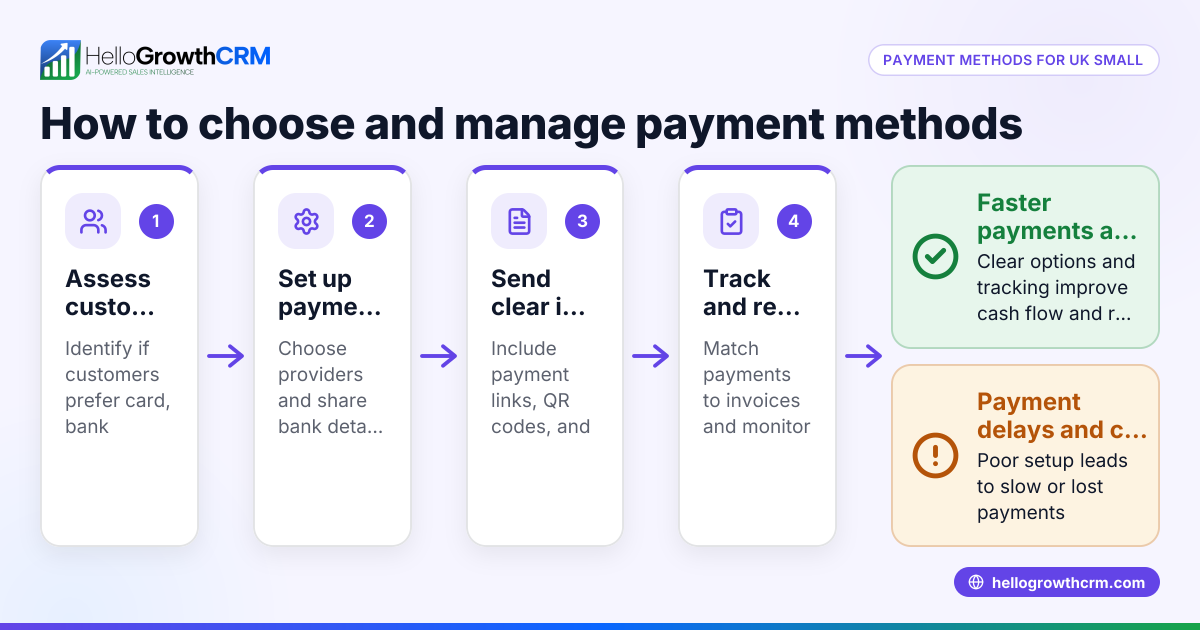
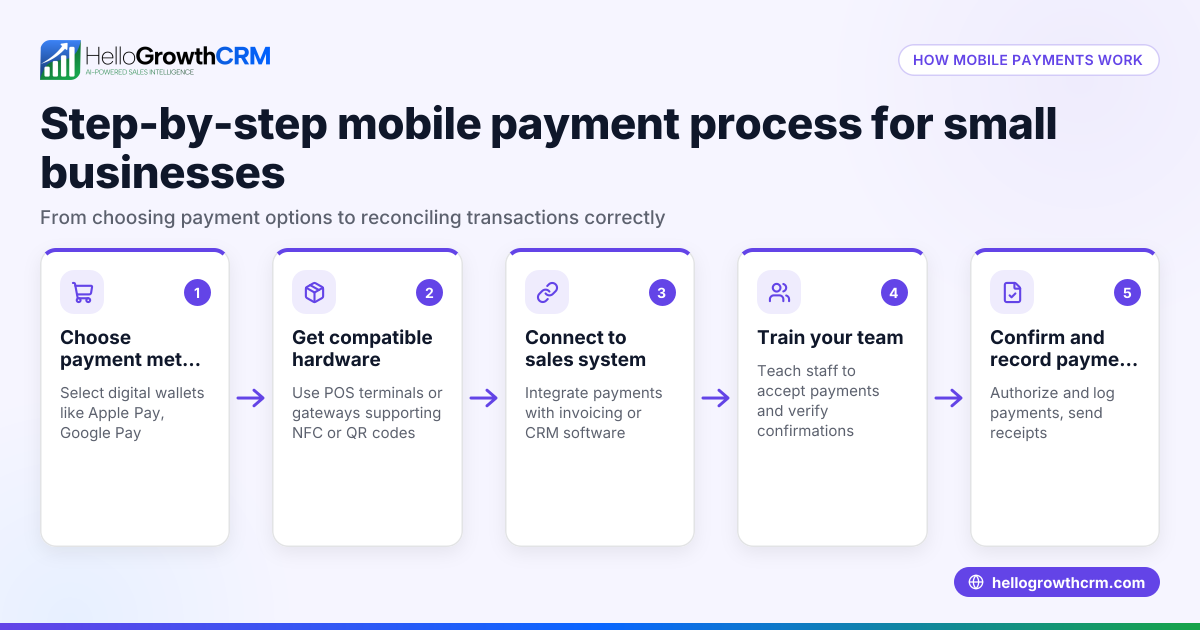
- Identify your customers’ preferred payment methods: Survey or observe how your customers want to pay—cash, card, bank transfer, or mobile pay.
- Assess your sales channels: If you sell in person, a card machine or contactless payment terminal may be essential. For online sales, consider payment gateways like Stripe or PayPal.
- Check costs and fees: Compare transaction fees, monthly charges, and setup costs for card machines, payment apps, or online gateways.
- Ensure compliance and security: Choose payment methods that comply with UK regulations and protect customer data.
- Set up payment infrastructure: Order card machines, integrate payment gateways into your website, or set up mobile payment apps.
- Train your team: Make sure your sales and accounts teams know how to process payments and handle receipts.
- Track payments and reconcile regularly: Use software or systems to monitor payments received and follow up on outstanding invoices.
- Review and adapt: Regularly check if your payment options meet customer needs and adjust as your business grows.
Example (fictional figures)
A letting agency in Manchester decides to expand its payment options in 2026. It currently accepts only bank transfers but wants to add card payments and mobile wallets.
- Monthly rent collected: £120,000
- Bank transfer fees: 0%
- Card payment fees: 1.5% per transaction (assumed illustrative rate)
- Mobile wallet fees: 1.7% per transaction (assumed illustrative rate)
They estimate 70% of tenants will pay by bank transfer, 20% by card, and 10% by mobile wallet.
Calculate monthly fees:
Bank transfer fees: £120,000 × 70% = £84,000 £84,000 × 0% = £0
Card payment fees: £120,000 × 20% = £24,000 £24,000 × 1.5% = £360
Mobile wallet fees: £120,000 × 10% = £12,000 £12,000 × 1.7% = £204
Total monthly fees: £0 + £360 + £204 = £564
The letting agency decides the added convenience and faster payments justify the £564 monthly fees.
Common mistakes
- Limiting payment options: Only accepting cash or one method can lose customers. Prevent this by offering multiple popular options.
- Ignoring fees and costs: High transaction fees can erode profits. Compare costs before choosing payment methods.
- Poor payment tracking: Manual tracking via spreadsheets or WhatsApp risks errors and slow follow-up. Use CRM or payment software.
- Not training staff: Mistakes in processing payments cause delays. Train your team on all payment methods.
- Neglecting security: Using unsecured or unregulated payment methods can expose you to fraud. Choose compliant providers.
- Failing to update options: Customer preferences change. Regularly review and update payment methods.
Doing this in HelloGrowthCRM
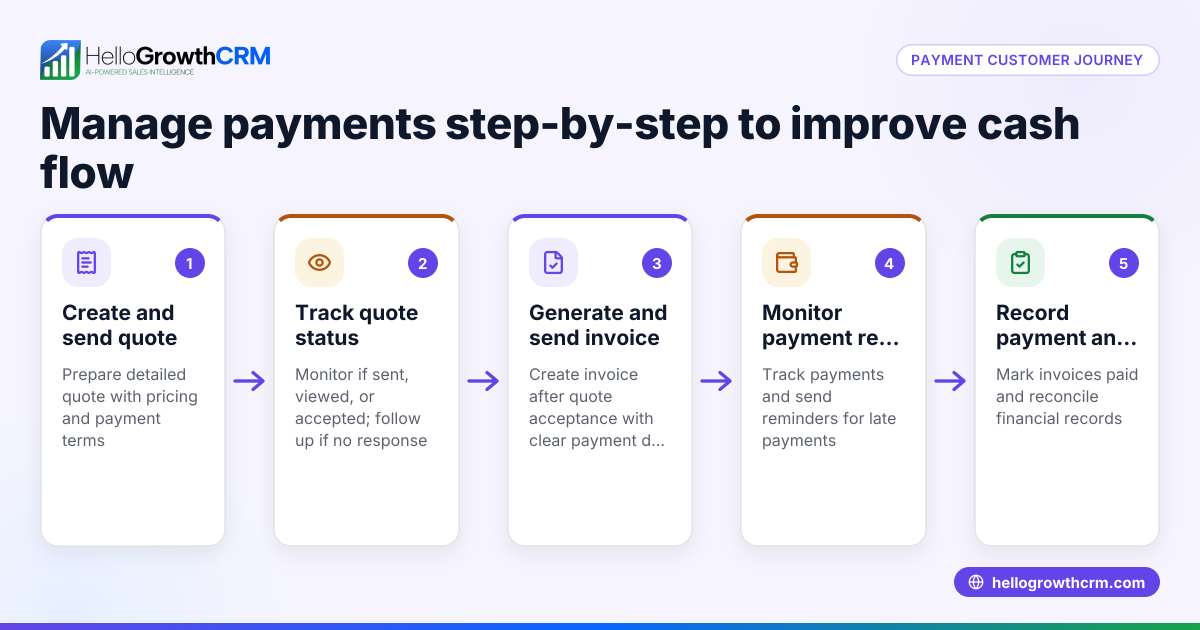
HelloGrowthCRM includes tools for managing quotes, proposals, invoices and payments received from a single deal record. You can build and send quotations, track their status (sent, viewed, accepted), and link invoices to payments received on the same screen as your follow-up tasks. This helps keep your sales pipeline and payment follow-up organised without juggling spreadsheets or WhatsApp messages. Learn more about using HelloGrowthCRM for payment and sales management at WhatsApp and SMS CRM.
Frequently asked questions
What payment methods should a small business accept? It depends on your customers and sales channels. Most small businesses benefit from accepting cash, card payments via machines or online gateways, bank transfers, and mobile wallets like Apple Pay. Offering several options increases convenience and sales. See also HelloGrowthCRM for the United Kingdom.
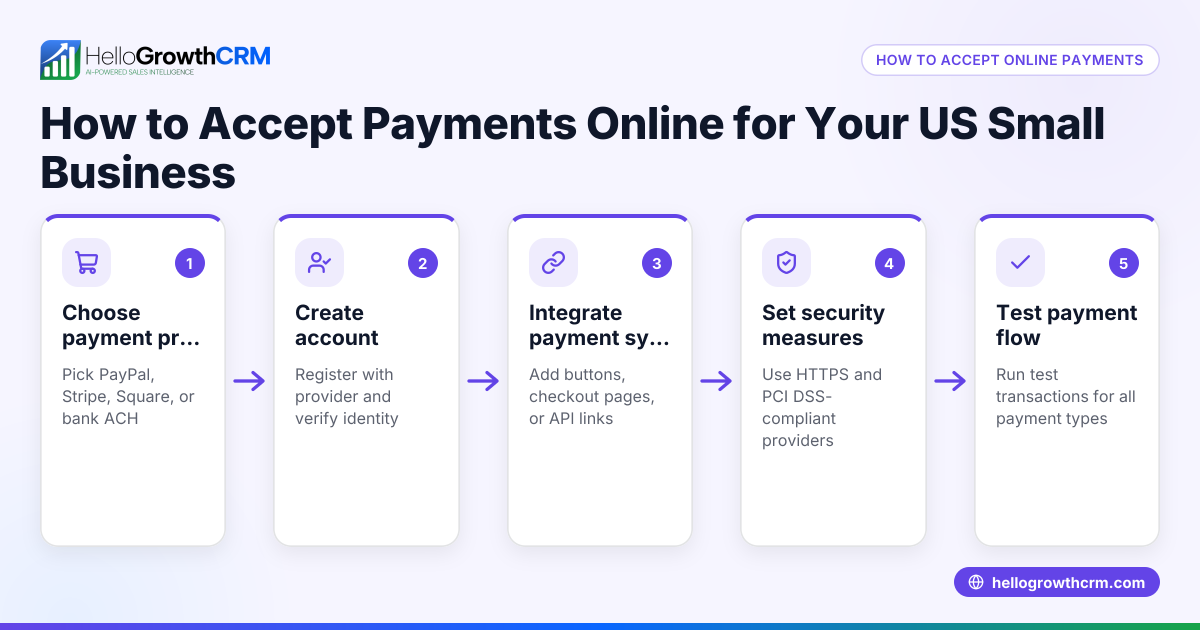
How can I accept card payments without a physical shop? You can use online payment gateways like Stripe or PayPal integrated into your website or invoices. Mobile card readers connected to smartphones also allow card payments on the go.
Are mobile payment apps secure for business use? Reputable mobile payment apps comply with UK security standards and regulations. Always use official apps and keep software updated to protect customer data.
How do I keep track of payments from different methods? Using CRM software helps centralise payment tracking, linking invoices and payments directly to deals. This avoids errors common with manual tracking. Consider a free CRM for small business to get started.
Can I send quotes and invoices from the same system where I manage payments? Yes, some CRM systems offer built-in quoting, proposal, and invoicing tools linked to payments received, streamlining your sales and payment processes.
How do I start with a CRM for managing payments and sales? Look for a CRM that integrates quoting, invoicing, and payment tracking with your sales pipeline. Many offer free plans suitable for small businesses to get started easily.
Key takeaways
- Offer multiple payment options to suit your customers and sales channels.
- Compare costs and fees before choosing payment methods.
- Use software to track and reconcile payments efficiently.
- Train your team on payment processing and security.
- Regularly review payment options to keep up with customer preferences.
- Use CRM tools to streamline quotes, invoices and payment tracking.
Start managing your payments and sales more effectively. Start on the Free Forever plan (200 leads, no credit card).
Ready to put this into practice?
Set up your pipeline, WhatsApp follow-ups, and AI lead scoring in minutes — free, no credit card.
Try HelloGrowthCRM freeGet CRM tips in your inbox
Join thousands of sales professionals who get weekly insights on CRM strategy, AI automation, and pipeline optimization.

The HelloGrowthCRM team publishes guides on CRM strategy, AI sales tools, and revenue operations for small business sales teams.