HelloGrowthCRM software
Built for real small-business sales teams
HelloGrowthCRM helps reps qualify faster, follow up on time, and close more deals—with practical automation in one place.
- AI lead scoring and pipeline visibility
- Built-in dialer, WhatsApp, and email automation
- Sales forecasting and RevOps-ready reporting
An inbound dialer is a tool that manages incoming phone calls by automatically distributing them to available agents or sales reps. This system ensures that customer calls are answered quickly and routed correctly, improving customer satisfaction and sales team efficiency. This article covers why small businesses seek inbound dialers, how to set one up step-by-step, a practical example with calculations, common mistakes to avoid, and how a built-in CRM dialer supports inbound call handling.
Why this comes up / what goes wrong
Small and mid-sized businesses often struggle with managing incoming customer calls efficiently. Without an inbound dialer, calls might ring unanswered or be routed incorrectly, causing lost leads and frustrated customers. Businesses relying on manual call handling or separate phone systems and spreadsheets find it hard to keep track of call outcomes and customer details. This leads to slow follow-up, missed opportunities, and poor sales performance.
Step-by-step
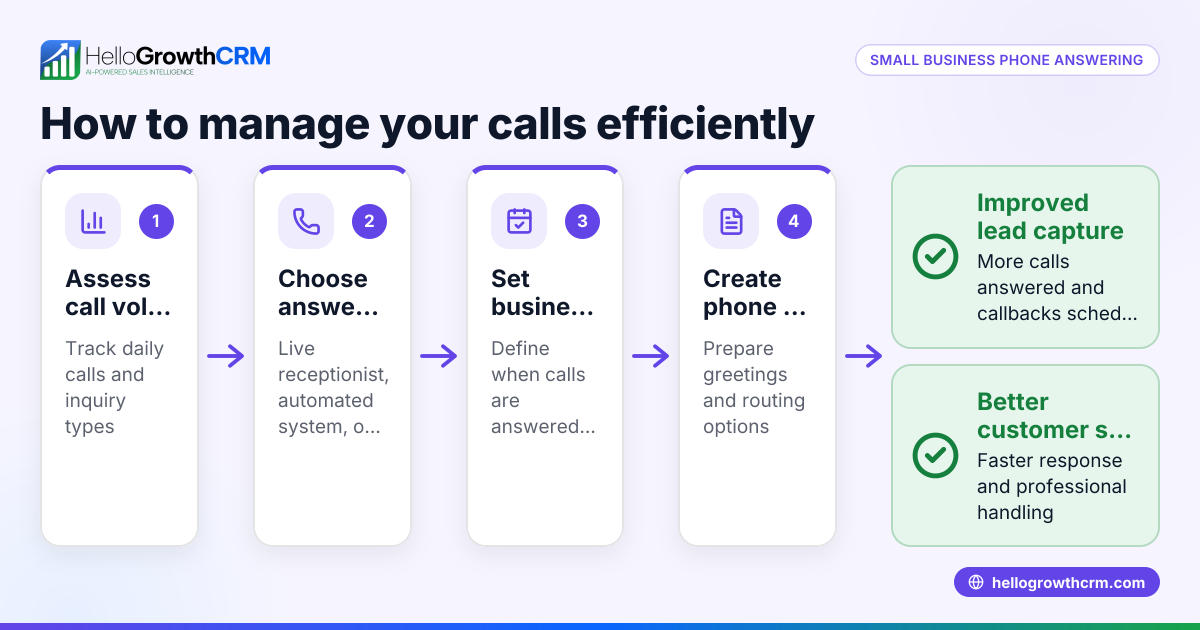
- Assess your call volume and team size. Understand how many incoming calls you receive daily and how many agents are available to answer them. This helps determine the capacity your inbound dialer needs.
- Choose an inbound dialer system. Select software that integrates well with your existing tools, ideally your CRM, so that call data and customer information stay connected.
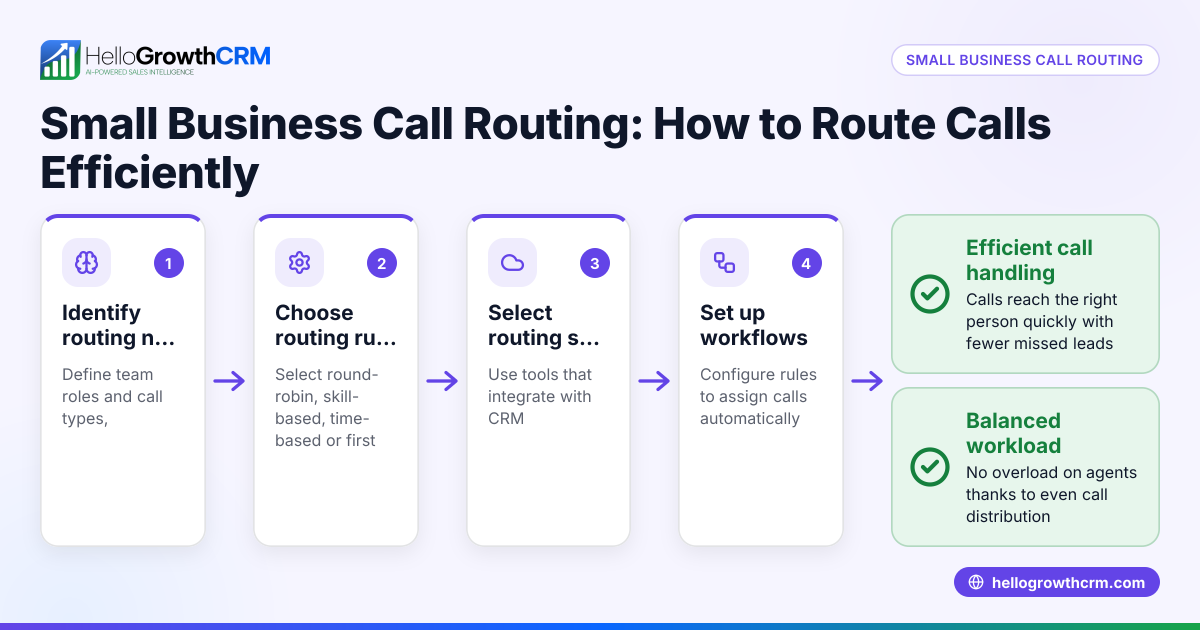
- Set up call routing rules. Define how incoming calls are distributed—for example, round-robin, skill-based routing, or first-available agent. Make sure calls reach the right person quickly.
- Train your team on the dialer interface. Ensure agents know how to answer calls, log outcomes, and update customer records.
- Monitor call metrics and outcomes. Track average wait times, call durations, and missed calls to identify bottlenecks and improve service.
- Adjust routing and staffing as needed. Use insights from your call data to optimize your inbound dialer settings and team schedules.
For managing calls inside your CRM, consider tools that offer a built-in CRM dialer to streamline call handling.
Example (fictional figures)
A residential real-estate team in Phoenix, Arizona, receives about 100 inbound calls a day. They have 5 agents to handle calls during business hours.
- Total daily calls: 100
- Agents available: 5
- Average call duration: 6 minutes
- Average revenue per closed lead: $2,500
They set up an inbound dialer with round-robin routing to distribute calls evenly.
Calculate total agent call time per day:
100 calls × 6 minutes = 600 minutes
600 minutes ÷ 5 agents = 120 minutes (2 hours) per agent daily
They track that 15 calls are missed daily due to peak hour overload.
Calculate potential lost revenue from missed calls:
15 calls × $2,500 average revenue = $37,500 potential lost revenue daily
They decide to add 1 more agent during peak times to reduce missed calls and improve customer response.
Common mistakes
- Not integrating the dialer with CRM: Leads to disconnected data and extra manual work. Prevent by choosing a dialer integrated with your CRM.
- Ignoring call routing rules: Calls may go unanswered or to the wrong agent. Prevent by setting clear routing policies.
- Lack of team training: Agents may misuse the dialer or fail to log call outcomes. Prevent by providing thorough training.
- Failing to monitor call metrics: Without data, problems go unnoticed. Prevent by regularly reviewing call reports.
- Overloading agents: Too many calls cause burnout and poor service. Prevent by balancing call volume and staffing.
Learn more about managing calls with HelloGrowthCRM for the United States and its WhatsApp and SMS CRM features.
Doing this in HelloGrowthCRM
HelloGrowthCRM includes a built-in dialer that lets reps work a list from inside the CRM. Each call’s outcome is logged directly on the lead record, keeping your call history and customer data connected. This simplifies follow-up and pipeline management. To learn more, see the built-in CRM dialer.
Frequently asked questions
What is the difference between an inbound and outbound dialer? An inbound dialer handles incoming calls from customers, routing them to agents. An outbound dialer automates calls made by agents to prospects or customers. Businesses often use both to manage different parts of sales and support.
Can an inbound dialer work with WhatsApp or SMS? Inbound dialers focus on phone calls. However, some CRM systems integrate WhatsApp and SMS communication to manage all customer contacts from one place. HelloGrowthCRM offers WhatsApp and SMS CRM features to complement call management.
Do I need special hardware for an inbound dialer? Most modern inbound dialers are software-based and work with standard computers and internet connections, eliminating the need for special phones.
How does call outcome logging help sales teams? Logging call outcomes directly in the CRM keeps all customer interactions in one place, making follow-up easier and improving sales tracking and forecasting.
Is an inbound dialer suitable for small businesses? Yes, inbound dialers can scale to any size and help small businesses improve customer response times and manage leads more effectively.
Key takeaways
- An inbound dialer routes incoming calls efficiently to your sales or support team.
- Proper setup includes assessing call volume, routing rules, and team training.
- Monitoring call metrics helps optimize performance and reduce missed calls.
- Avoid common mistakes like poor CRM integration and lack of training.
- A built-in dialer lets you handle calls and log outcomes inside your CRM.
Start improving your inbound call management today. Start on the Free Forever plan (200 leads, no credit card) and see how a built-in dialer can help your team handle calls better.
Ready to put this into practice?
Set up your pipeline, WhatsApp follow-ups, and AI lead scoring in minutes — free, no credit card.
Try HelloGrowthCRM freeGet CRM tips in your inbox
Join thousands of sales professionals who get weekly insights on CRM strategy, AI automation, and pipeline optimization.

The HelloGrowthCRM team publishes guides on CRM strategy, AI sales tools, and revenue operations for small business sales teams.