HelloGrowthCRM software
Built for real small-business sales teams
HelloGrowthCRM helps reps qualify faster, follow up on time, and close more deals—with practical automation in one place.
- AI lead scoring and pipeline visibility
- Built-in dialer, WhatsApp, and email automation
- Sales forecasting and RevOps-ready reporting
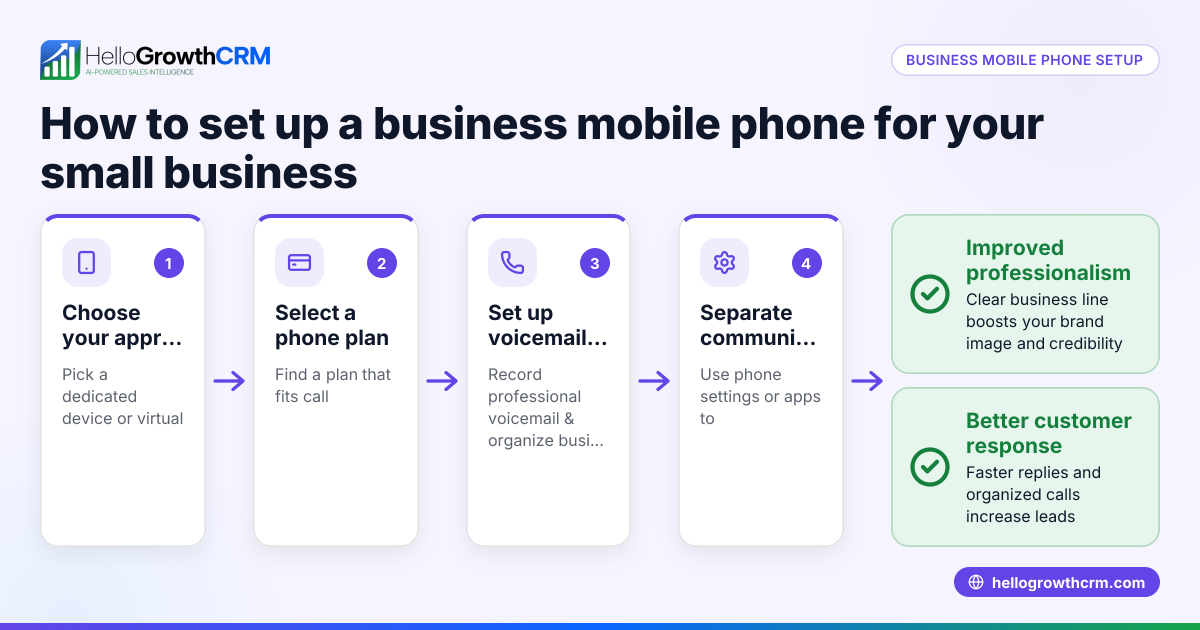
Small business phone answering is the way your business handles incoming phone calls to ensure customers and prospects get timely responses. It can be done by a live person, an automated system, or a combination of both. Good phone answering helps you capture leads, provide customer service, and maintain a professional image.
Why this comes up / what goes wrong
Many small business owners struggle with phone answering because they are busy running daily operations and can’t always pick up calls immediately. Some rely on personal phones or informal methods like texting and spreadsheets, which can lead to missed calls or slow follow-up. This causes lost sales opportunities and frustrated customers. Without a clear phone answering strategy, calls may go unanswered or be handled inconsistently, hurting your reputation and revenue.
Step-by-step
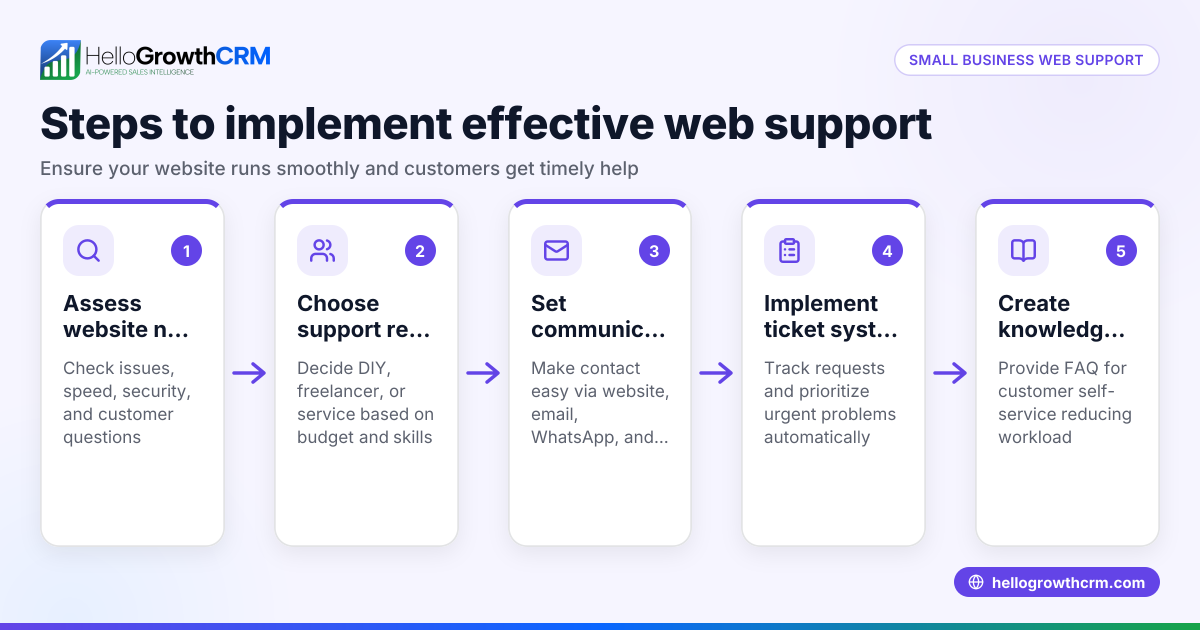
- Assess your call volume and needs. Track how many calls you receive daily and what types of inquiries come in. This helps decide if you need a live receptionist, automated answering system, or a mix.
- Choose your phone answering method. Options include hiring a receptionist, using an answering service, or setting up automated phone answering with menus and voicemail.
- Set business hours for answering. Specify when calls will be answered live or routed to voicemail. Outside these hours, ensure callers hear a professional message.
- Create a clear phone script or menu. Prepare greetings and call routing instructions so callers get the information they need quickly.
- Train your team or service provider. Make sure whoever answers calls knows how to handle common questions, take messages, and escalate issues.
- Implement call tracking and follow-up. Use a system to log calls, capture lead details, and schedule timely callbacks.
- Test your phone answering setup regularly. Call your business number from different phones and times to check the experience.
- Review and improve continuously. Collect feedback from customers and staff to refine scripts, hours, and processes.
You can also explore a free CRM for small business to help organize your contacts and follow-ups efficiently.
Example (fictional figures)
A residential real-estate team in Phoenix, Arizona receives about 50 calls per day related to property inquiries and appointments. They want to reduce missed calls and improve lead capture.
Step 1: They track calls for one week and confirm 50 calls daily.
Step 2: They decide to use an answering service during peak hours (9 AM to 6 PM) and voicemail after hours.
Step 3: Business hours are set as 9 AM to 6 PM, Monday to Friday.
Step 4: They create a phone menu: "Press 1 for sales, 2 for appointments, 3 for general inquiries."
Step 5: The answering service is trained on scripts and message-taking.
Step 6: Calls are logged in a spreadsheet daily, and leads are entered into a CRM for follow-up.
Step 7: They test calls from different phones and confirm the menu works.
Step 8: After one month, they review call logs and find a 20% increase in callback rates.
This setup helps the team capture more leads and respond faster, improving sales opportunities.
Common mistakes
- Not answering calls promptly: Leads hang up if calls go unanswered. Prevent by setting up live answering or quick voicemail.
- Using unclear phone menus: Confusing options frustrate callers. Prevent by keeping menus simple and intuitive.
- Failing to log calls: Without tracking, follow-ups are missed. Prevent by using call logs or CRM tools.
- Ignoring after-hours calls: Missed opportunities happen outside business hours. Prevent by setting professional voicemail or answering services.
- Inconsistent training: Call handlers may give wrong information. Prevent by regular training and script updates.
- Relying only on personal phones: Mixing personal and business calls causes confusion. Prevent by using dedicated business lines.
For more help organizing your sales and follow-ups, consider a WhatsApp and SMS CRM.
Frequently asked questions
What is an automated phone answering service for small business? An automated phone answering service uses technology to answer calls with prerecorded messages and menus. It can route calls, provide information, and record messages without a live person. This helps small businesses manage calls efficiently during busy times or outside business hours.
Can I use my personal phone for small business answering? You can, but it may cause missed calls, mix personal and business contacts, and appear less professional. A dedicated business phone line or answering service improves organization and customer experience.
How do I make sure I don’t miss any calls? Set up call forwarding, use voicemail, or hire an answering service. Track calls and follow up promptly. Using a CRM can help log leads and schedule callbacks.
Is it better to have a live person answer or use automation? Both have pros and cons. Live answering offers personal touch but costs more. Automation is cost-effective and available 24/7 but less personal. Many small businesses use a combination.
How can I track and follow up on calls effectively? Use call logs, spreadsheets, or a CRM system to capture caller details and schedule follow-ups. Consistent tracking prevents leads from slipping through.
Where can I find a free CRM for small business to help with phone leads? You can start with a free CRM for small business that supports lead capture and follow-up, helping your team stay organized.
Key takeaways
- Small business phone answering ensures no customer call is missed.
- Choose between live answering, automated systems, or a mix.
- Set clear business hours and phone menus.
- Track calls and follow up promptly to capture leads.
- Avoid common mistakes like unclear menus and no call logging.
- Use a CRM to organize contacts and callbacks efficiently.
Start managing your calls better today. Start on the Free Forever plan (200 leads, no credit card) to organize your leads and follow-ups efficiently.
Ready to put this into practice?
Set up your pipeline, WhatsApp follow-ups, and AI lead scoring in minutes — free, no credit card.
Try HelloGrowthCRM freeGet CRM tips in your inbox
Join thousands of sales professionals who get weekly insights on CRM strategy, AI automation, and pipeline optimization.

The HelloGrowthCRM team publishes guides on CRM strategy, AI sales tools, and revenue operations for small business sales teams.