HelloGrowthCRM software
Built for real small-business sales teams
HelloGrowthCRM helps reps qualify faster, follow up on time, and close more deals—with practical automation in one place.
- AI lead scoring and pipeline visibility
- Built-in dialer, WhatsApp, and email automation
- Sales forecasting and RevOps-ready reporting
Integrated calling means making phone calls directly from your CRM software, where call outcomes and histories are automatically logged with your contacts and deals. This article explains why integrated calling matters for small businesses, how to set it up step-by-step, common pitfalls to avoid, an example with figures, and how HelloGrowthCRM’s built-in dialer can simplify your sales calls.
Why this comes up / what goes wrong
Small businesses often lose leads or delay follow-up because they make sales calls outside their CRM — using phones or separate apps — and then manually enter call notes later. This leads to incomplete or inaccurate records, missed opportunities, and wasted time. For example, a sales rep might call a lead from their mobile phone, forget to note the call outcome, or lose track of which leads were contacted. Without integrated calling, the sales process becomes fragmented, making it hard to track progress or forecast sales accurately.
Step-by-step
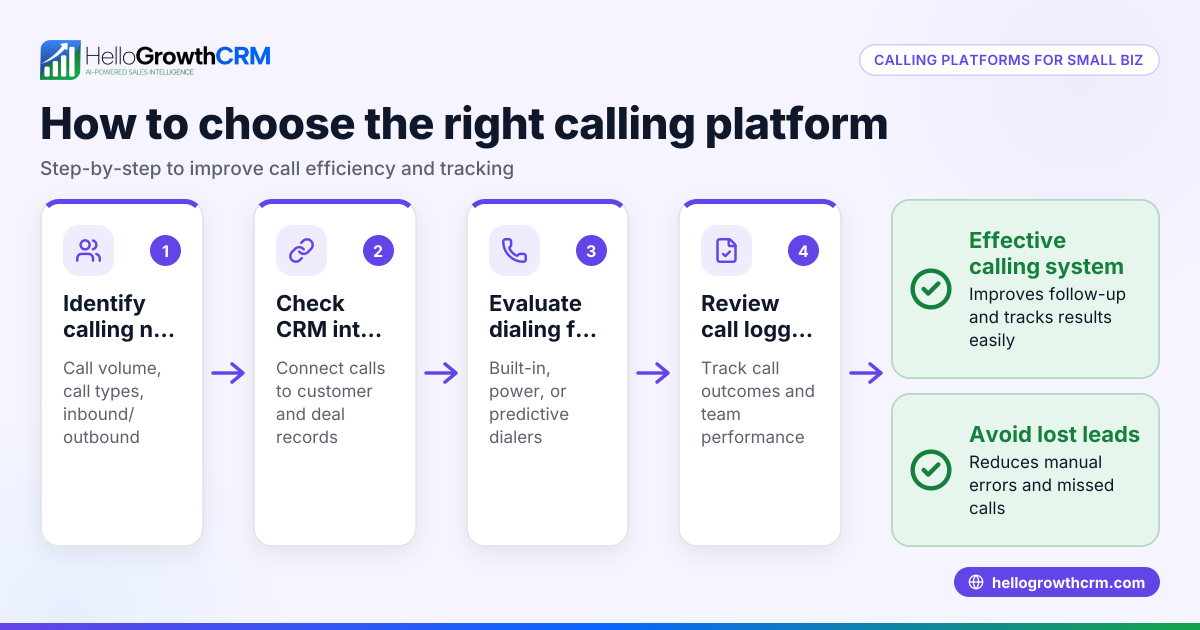
- Choose a CRM that supports integrated calling: Verify that your CRM has a built-in dialer or integrates with calling software. Check if it logs call outcomes and histories automatically.
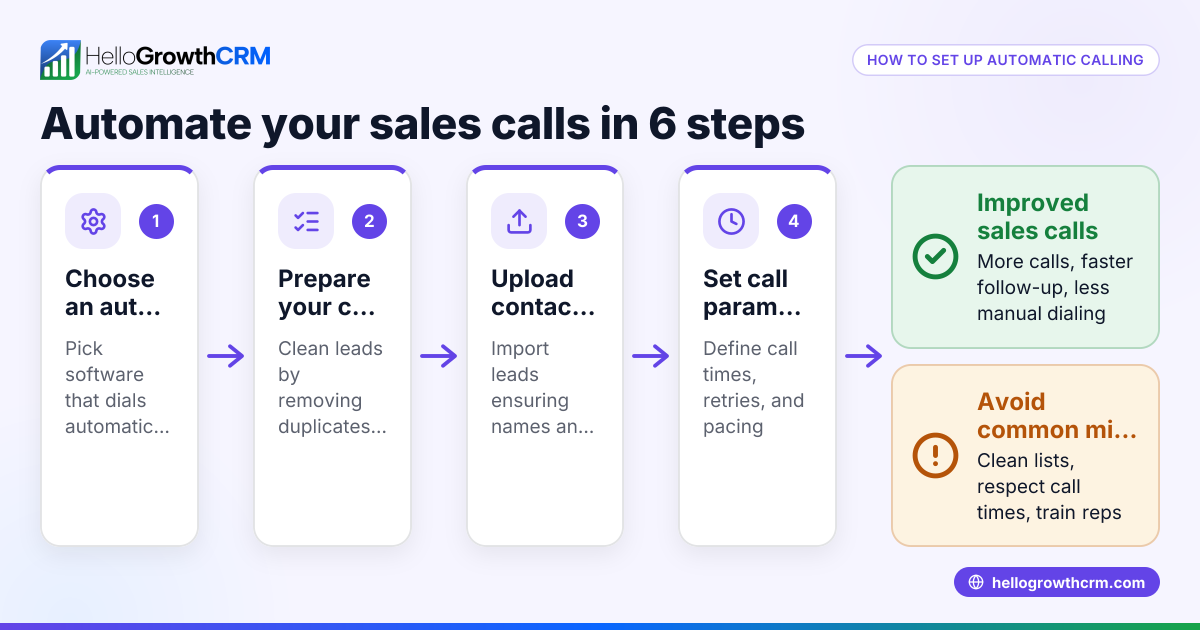
- Set up your calling system inside the CRM: Connect your phone number or VoIP service as required by the CRM. Test the dialer by making a few calls to your own number.
- Import or create your lead list in the CRM: Ensure all contacts have updated phone numbers and relevant details.
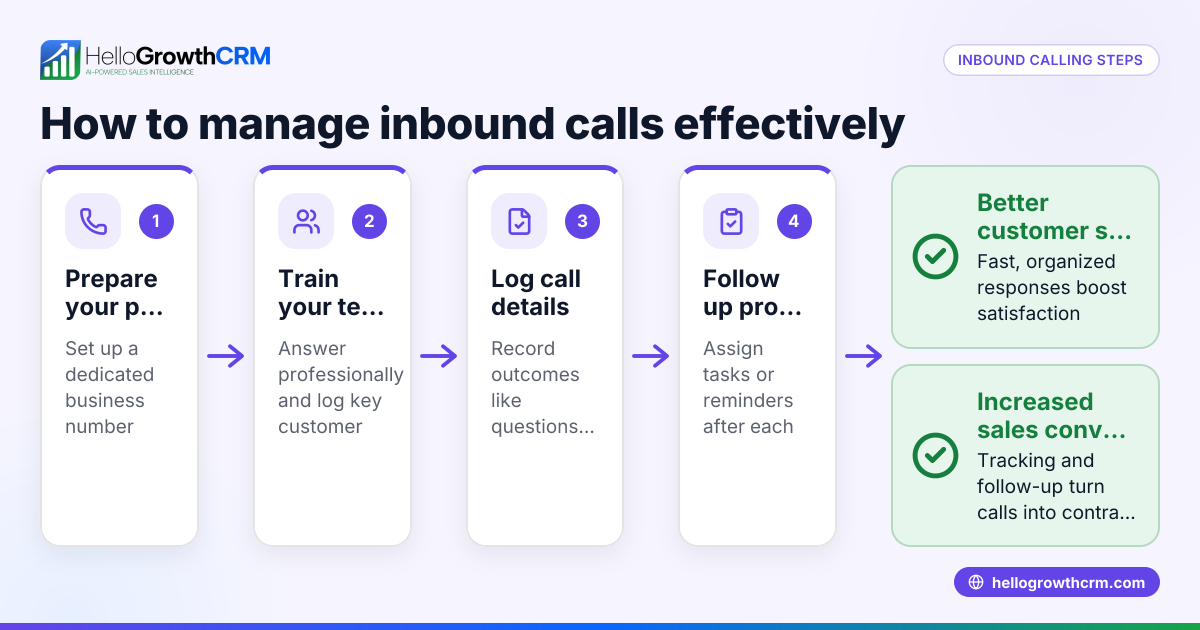
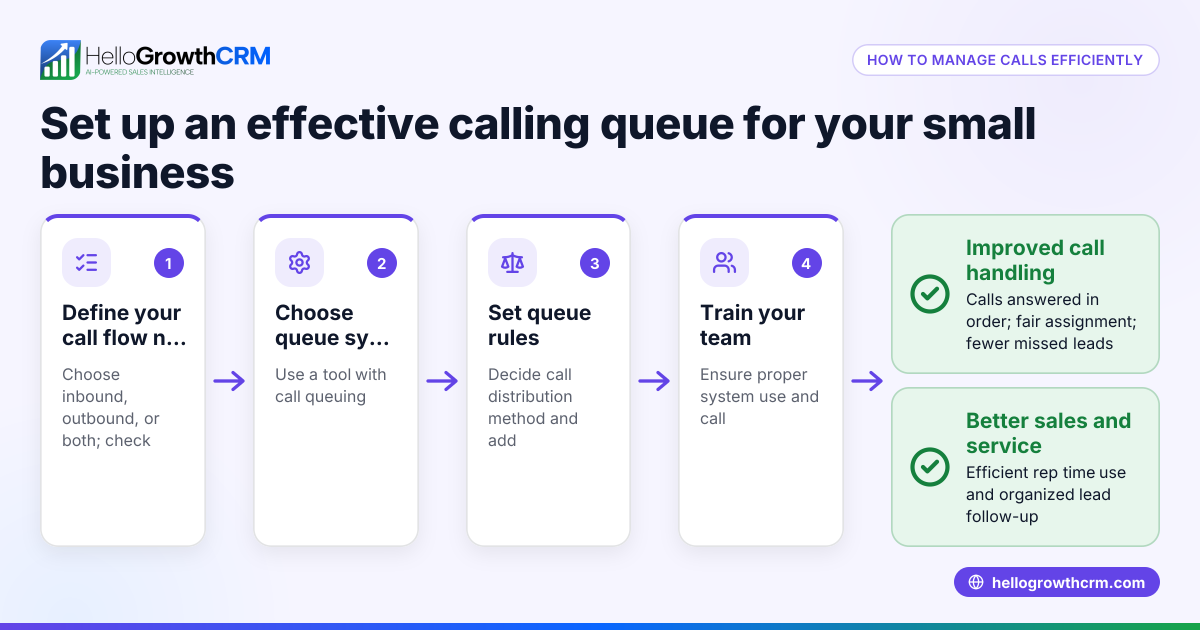
- Train your sales team to use the built-in dialer: Show them how to call directly from the CRM interface and log call results.
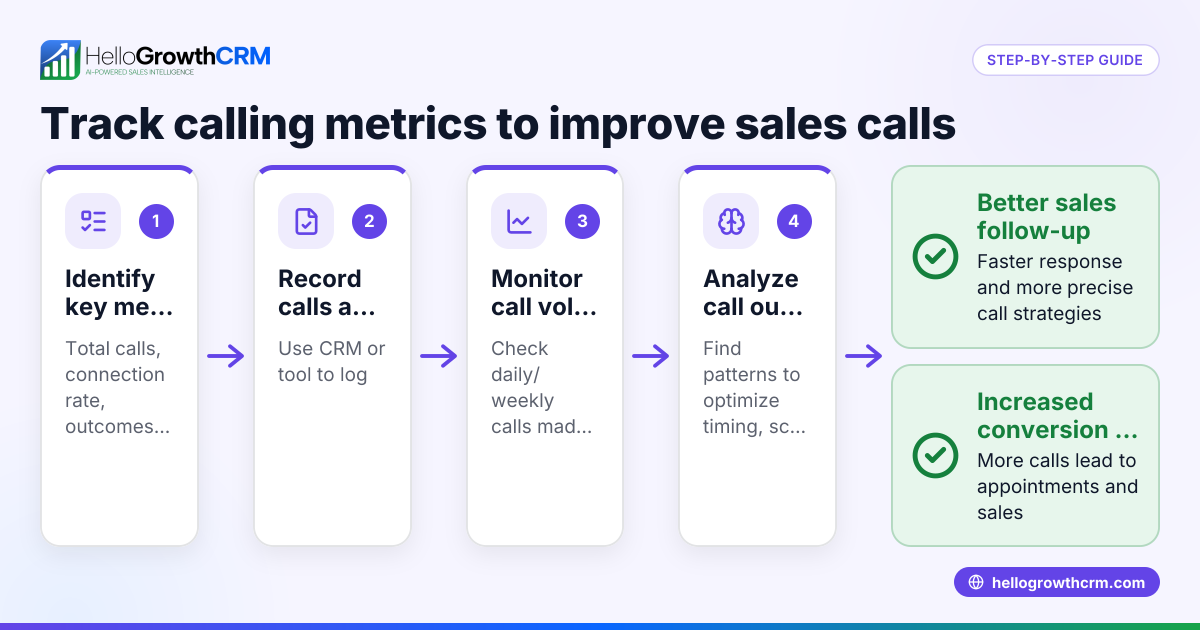
- Monitor call outcomes and follow-up tasks: Use CRM reports or dashboards to track calls made, results, and next steps.
- Adjust calling sequences and scripts based on data: Use insights from call logs to improve outreach.
- Maintain your CRM data regularly: Remove duplicates, update contact info, and review call histories to keep your sales pipeline accurate.
For more on using a built-in dialer, see built-in CRM dialer.
Example (fictional figures)
A two-location dental practice in Columbus, Ohio, wants to improve lead follow-up. They have 1,200 leads to call.
- Average call time per lead: 5 minutes
- Number of calling hours per day per rep: 6 hours
- Number of reps: 2
Calculate how many days it takes to call all leads:
Total call minutes = 1,200 leads × 5 minutes = 6,000 minutes
Daily call capacity per rep = 6 hours × 60 minutes = 360 minutes
Total daily call capacity = 2 reps × 360 minutes = 720 minutes
Days to call all leads = 6,000 minutes ÷ 720 minutes/day = 8.33 days (about 9 working days)
By using integrated calling, the practice logs each call outcome automatically, schedules follow-ups, and avoids calling the same lead twice. This improves efficiency and lead conversion.
Common mistakes
- Not using integrated calling at all: Leads to lost call data and follow-up confusion. Prevent by choosing a CRM with a built-in dialer.
- Calling outside the CRM and not logging results promptly: Causes inaccurate records. Prevent by training reps to call only inside the CRM.
- Ignoring call outcomes or follow-up tasks: Missed opportunities. Prevent by reviewing call reports regularly.
- Overloading reps without clear call lists: Leads to burnout and errors. Prevent by organizing calling lists and pacing calls.
- Failing to maintain contact data: Wastes calling time on wrong numbers. Prevent by updating CRM contacts frequently.
See more tips on efficient calling in the WhatsApp and SMS CRM section.
Doing this in HelloGrowthCRM
HelloGrowthCRM offers a built-in dialer that lets your reps work a call list directly inside the CRM. Each call’s outcome is logged automatically on the lead’s record, keeping a full call history tied to contacts and deals. This helps small businesses avoid manual data entry, track progress, and improve follow-up efficiency. Learn more about the built-in CRM dialer and how HelloGrowthCRM supports US businesses at HelloGrowthCRM for the United States.
Frequently asked questions
What is integrated calling in a CRM? Integrated calling means making phone calls directly from your CRM software, with call details automatically logged and linked to contacts and deals. It eliminates the need for separate phone apps and manual data entry.
How does integrated calling improve sales follow-up? It ensures every call and its outcome is recorded immediately, reducing missed follow-ups and duplicated efforts. Sales teams can see call histories and plan next steps efficiently.
Can I use integrated calling on mobile devices? Many CRMs with built-in dialers support mobile use, allowing reps to call leads on the go while logging calls automatically. Check your CRM’s mobile capabilities.
Is integrated calling expensive to set up? Costs vary by CRM and calling method. Some CRMs include local dialers in starter plans, while advanced features may cost more. Evaluate based on your team size and calling volume.
Does integrated calling work with WhatsApp or SMS? Some CRMs integrate calling with WhatsApp and SMS messaging for multi-channel outreach. HelloGrowthCRM offers WhatsApp and SMS CRM features alongside its dialer.
Key takeaways
- Integrated calling lets you make calls directly from your CRM with automatic call logging.
- It prevents lost leads and missed follow-ups caused by manual call tracking.
- Set up involves choosing the right CRM, connecting phone lines, importing leads, and training your team.
- Avoid common mistakes by calling only inside the CRM and maintaining clean contact data.
- HelloGrowthCRM’s built-in dialer helps small businesses streamline calling and track outcomes efficiently.
Start improving your sales calls today. Start on the Free Forever plan (200 leads, no credit card).
Ready to put this into practice?
Set up your pipeline, WhatsApp follow-ups, and AI lead scoring in minutes — free, no credit card.
Try HelloGrowthCRM freeGet CRM tips in your inbox
Join thousands of sales professionals who get weekly insights on CRM strategy, AI automation, and pipeline optimization.

The HelloGrowthCRM team publishes guides on CRM strategy, AI sales tools, and revenue operations for small business sales teams.