HelloGrowthCRM software
Built for real small-business sales teams
HelloGrowthCRM helps reps qualify faster, follow up on time, and close more deals—with practical automation in one place.
- AI lead scoring and pipeline visibility
- Built-in dialer, WhatsApp, and email automation
- Sales forecasting and RevOps-ready reporting
Intelligent contact routing is a method to automatically send incoming customer contacts to the most appropriate team member. This ensures faster responses, better customer experience, and higher chances of closing deals. Small businesses often struggle to manage leads and customer inquiries manually, which leads to slow follow-up and lost opportunities. This article covers why intelligent contact routing is important, how to implement it step-by-step, a detailed example with fictional figures, common mistakes to avoid, and how HelloGrowthCRM supports this with automated workflows.
Why this comes up / what goes wrong
Small-business owners in the US often face challenges when handling incoming leads and customer contacts. Without a clear system, contacts may be assigned randomly or manually, causing delays and confusion. For example, a plumbing company might receive calls and messages from different parts of Austin, Texas, but without routing by territory, the wrong technician gets assigned, causing longer response times. Similarly, sales teams using text messages, emails, and spreadsheets often lose track of leads or assign them unevenly, which frustrates customers and wastes team effort.
Intelligent contact routing solves these problems by automatically assigning contacts based on rules like geography, lead source, or sales rep availability. This helps small businesses respond faster, improve customer satisfaction, and increase sales efficiency.
Step-by-step
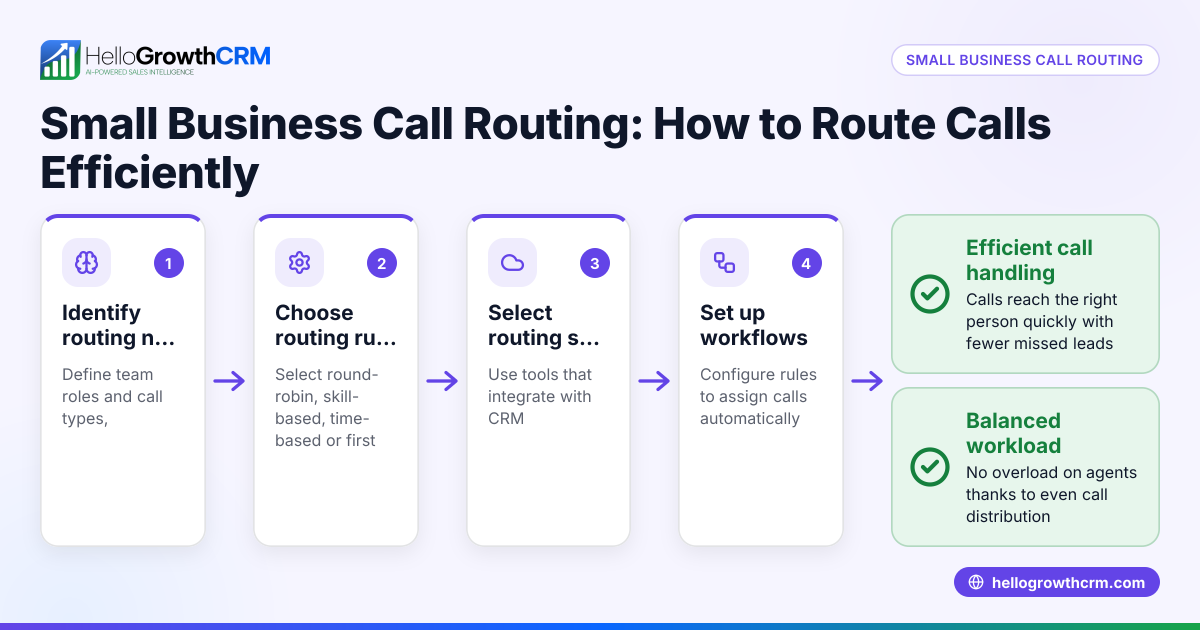
- Identify routing criteria: Decide the key factors to route contacts, such as territory, lead source, customer priority, or sales rep workload.
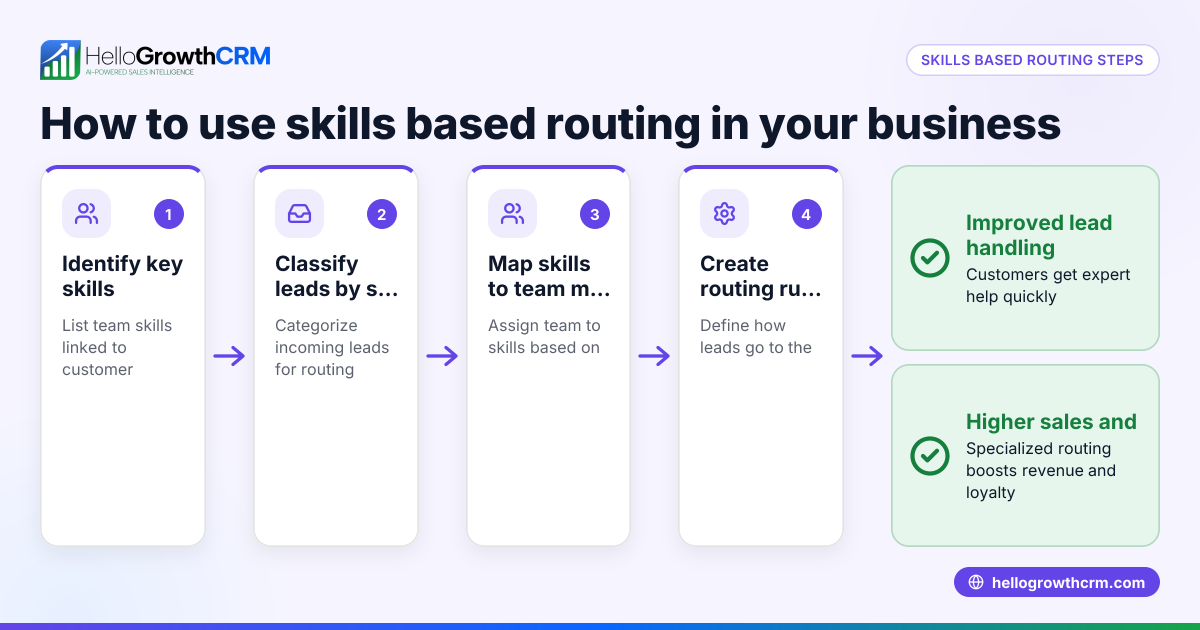
- Map your team and territories: List your sales or support team members and assign territories or specialties to each.
- Choose routing methods: Select how contacts will be assigned — round-robin (equal distribution), score-based (assign best leads to top reps), or territory-based.
- Set up validation rules: Define rules to check lead data quality before routing, like verifying phone numbers or email addresses.
- Implement automation tools: Use a CRM or workflow system to automate routing and task creation, so no contact is missed or delayed.
- Test the routing system: Run test leads through the system to ensure contacts go to the right person and tasks are created.
- Monitor and adjust: Track routing effectiveness and make changes as needed to improve balance and response times.
For small businesses using multiple communication channels, routing rules should cover WhatsApp, SMS, email, and calls to keep all leads organized. HelloGrowthCRM supports these steps with automated workflows and lead routing rules. See how it works with WhatsApp and SMS CRM and the built-in CRM dialer.
Example (fictional figures)
A plumbing company in Austin, Texas, receives 300 new service inquiries monthly. They have 3 technicians assigned by territory: North Austin, Central Austin, and South Austin.
- Total inquiries: 300
- North Austin territory: 40%
- Central Austin territory: 35%
- South Austin territory: 25%
Step 1: Calculate inquiries per territory
300 × 40% = 120 300 × 35% = 105 300 × 25% = 75
Step 2: Assign technicians accordingly
- Tech A (North): 120 leads
- Tech B (Central): 105 leads
- Tech C (South): 75 leads
Step 3: Use round-robin within each territory to distribute leads evenly among team members if there are multiple reps per territory.
Step 4: Create a first-call task automatically for each new lead to ensure follow-up.
This routing ensures each technician gets the right number of leads based on their area, reducing overlap and improving response time.
Common mistakes
- Not defining clear routing criteria: Leads get assigned randomly. Prevent by mapping territories, lead sources, and priorities clearly before setup.
- Ignoring data validation: Leads with incomplete or incorrect info get routed, wasting time. Use validation rules to check lead quality before assignment.
- Manual lead assignment: Leads fall through cracks or get delayed. Automate routing with workflows to avoid human error.
- Overloading top performers: Assigning all best leads to one person causes burnout. Use round-robin or score-based distribution to balance workload.
- Not monitoring routing results: Problems go unnoticed. Regularly review routing performance and adjust rules.
- Neglecting multi-channel contacts: Leads come from WhatsApp, SMS, email, and calls but are handled separately. Use a CRM that integrates all channels.
Doing this in HelloGrowthCRM
HelloGrowthCRM offers an automated workflow builder for lead routing and validation rules. For example, a new web-form inquiry is assigned round-robin among your sales team, and a first-call task is created automatically. This reduces manual work and speeds up follow-up. You can set routing by territory, lead source, or lead score. Learn more about these features on the HelloGrowthCRM for the United States page.
Frequently asked questions
What is the main benefit of intelligent contact routing? It ensures incoming customer contacts go directly to the right team member based on defined rules, speeding up response time and improving customer satisfaction.
Can intelligent contact routing handle multiple communication channels? Yes, modern systems route contacts from WhatsApp, SMS, email, and calls into a single platform, so your team can manage all leads efficiently. HelloGrowthCRM supports WhatsApp and SMS routing.
How do I start implementing intelligent contact routing in a small business? Begin by defining your routing criteria and team structure. Then use a CRM with workflow automation to set up routing rules and validation. Test and monitor regularly.
Is manual lead assignment better than automated routing? Manual assignment can work for very small teams but often leads to delays and errors. Automated routing saves time and ensures consistent lead handling.
What are validation rules in lead routing? Validation rules check that lead information meets certain criteria (like valid phone numbers) before routing, ensuring only quality leads reach your team.
Key takeaways
- Intelligent contact routing automatically directs leads to the right team member based on criteria like territory and lead score.
- Setting clear routing criteria and validation rules is essential for effective routing.
- Automating routing reduces delays, prevents lost leads, and balances workload.
- Testing and monitoring routing performance helps maintain efficiency.
- HelloGrowthCRM offers workflows for automated lead routing and task creation.
- Integrating all communication channels into one system improves lead management.
Start managing your leads smarter today. Start on the Free Forever plan (200 leads, no credit card) with HelloGrowthCRM.
Ready to put this into practice?
Set up your pipeline, WhatsApp follow-ups, and AI lead scoring in minutes — free, no credit card.
Try HelloGrowthCRM freeGet CRM tips in your inbox
Join thousands of sales professionals who get weekly insights on CRM strategy, AI automation, and pipeline optimization.

The HelloGrowthCRM team publishes guides on CRM strategy, AI sales tools, and revenue operations for small business sales teams.