HelloGrowthCRM software
Built for real small-business sales teams
HelloGrowthCRM helps reps qualify faster, follow up on time, and close more deals—with practical automation in one place.
- AI lead scoring and pipeline visibility
- Built-in dialer, WhatsApp, and email automation
- Sales forecasting and RevOps-ready reporting
An interactive sales demo is a presentation format where potential customers actively engage with your product or service, often through live software walkthroughs, clickable prototypes, or guided trial experiences. This hands-on approach helps prospects grasp your offering’s benefits more clearly and quickly than a static demo.
Why this comes up / what goes wrong
Small business owners often struggle to close sales because traditional demos are too passive or generic. They may show slides or videos but don’t let prospects explore features or ask tailored questions. This can lead to lost interest, misunderstandings, or slow decision-making. When evaluating software or services, owners want demos that let them see exactly how the tool fits their specific needs. They also want to avoid wasting time on demos that feel scripted or fail to address their unique challenges.
Step-by-step
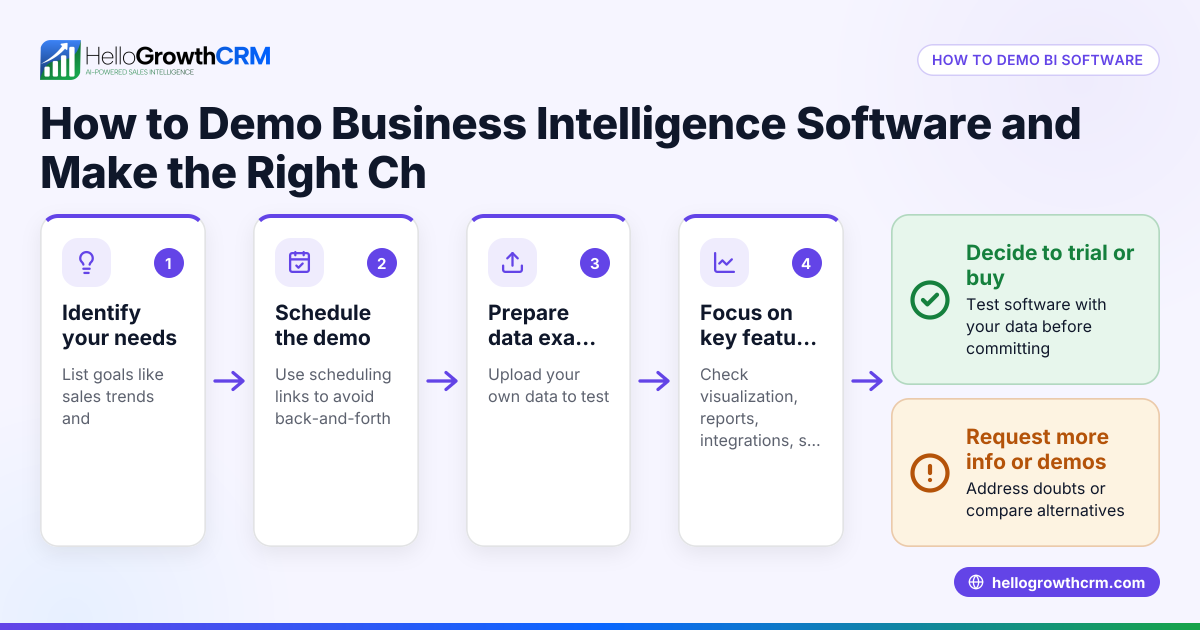
- Identify your sales goals and pain points: Write down what you want the demo to prove—ease of use, specific features, integration capabilities, or ROI. This keeps the demo focused.
- Request an interactive demo, not just a presentation: Ask the vendor if you can try the software live, click through features yourself, or have a guided session where you can ask questions.
- Check the demo’s relevance to your business: Ensure the demo uses examples or scenarios similar to your industry or sales process.
- Evaluate the demo technology and accessibility: Confirm it works on your devices without complex setup or delays.
- Observe the sales team’s responsiveness during the demo: They should answer questions clearly and adapt the demo flow based on your input.
- Test follow-up processes: After the demo, see if the vendor provides useful next steps, documentation, or trial access.
- Compare multiple vendors using the same criteria: This helps you shortlist based on consistent standards.
- Consider integration with your existing tools: For example, if you use WhatsApp or SMS for sales, check if the demo software connects smoothly.
Example (fictional figures)
A residential real-estate team in Phoenix, Arizona, evaluates a CRM demo on 07/10/2026. They want to confirm it handles lead follow-up efficiently and integrates scheduling.
- They ask for a live demo showing pipeline stages.
- The vendor shows a deal in the 'quote sent' stage with a follow-up date.
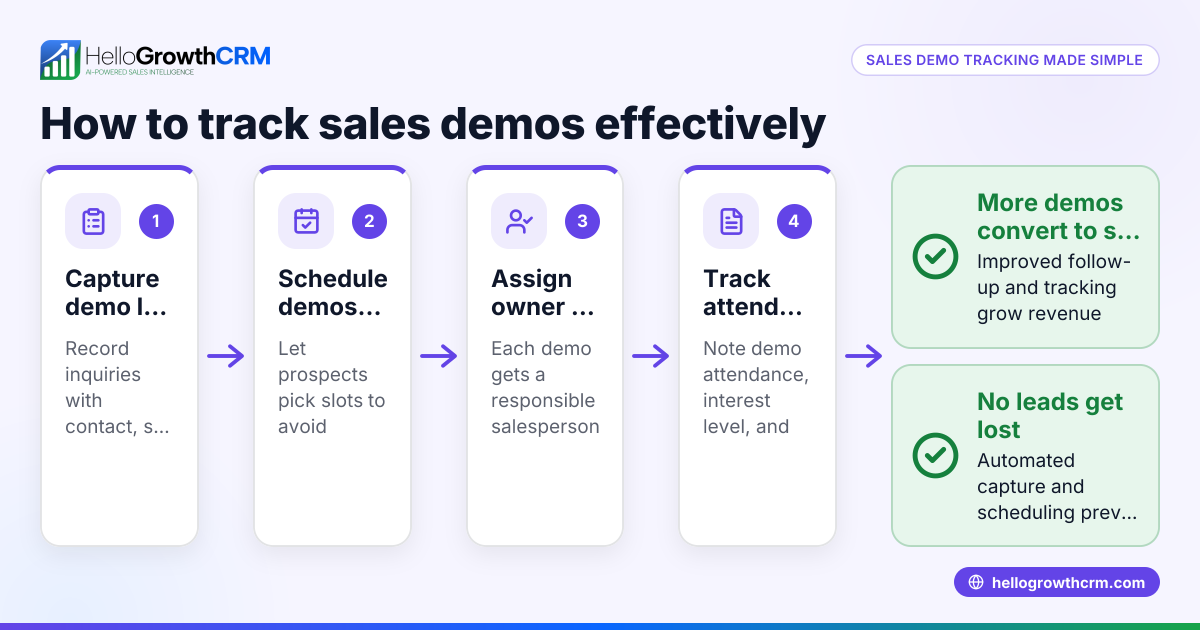
- The team tests scheduling by selecting a meeting slot via a booking link.
- They confirm the system logs field visits for their agents.
Costs and benefits calculation:
- Monthly CRM cost: $300
- Estimated time saved per week by better follow-up: 5 hours
- Hourly cost of salesperson: $50
Time saved per month = 5 hours × 4 weeks = 20 hours
Value of time saved = 20 hours × $50 = $1,000
Net benefit = $1,000 - $300 = $700 monthly
This shows the demo helped them verify features and see clear ROI.
Common mistakes
- Accepting a passive demo: Prevent by insisting on interactive sessions where you control the software or ask questions live.
- Ignoring your business context: Prevent by ensuring demo scenarios match your industry and sales process.
- Skipping technical checks: Prevent by testing demo access on your devices before the session.
- Not evaluating follow-up support: Prevent by asking about next steps and trial options after the demo.
- Overlooking integration needs: Prevent by verifying if the demo software connects with your communication channels like WhatsApp or SMS.
- Failing to compare multiple vendors: Prevent by using a checklist to score demos consistently.
Doing this in HelloGrowthCRM
HelloGrowthCRM supports interactive sales demos with several features. Its Deals (pipeline) tool lets you track open opportunities from first contact through close — for example, a quotation sent last week appears as a deal at the 'quote sent' stage with a follow-up date, so no lead is forgotten. Scheduling and booking pages allow prospects to pick meeting slots directly from a link, eliminating back-and-forth on WhatsApp. For businesses with field reps, territories and field operations tools let reps log visits from their phones, while managers see the day's activity. These features help sales teams demonstrate their process interactively and keep leads engaged. Learn more about HelloGrowthCRM for the United States, its WhatsApp and SMS CRM, and the built-in CRM dialer.
Frequently asked questions
What is the difference between an interactive sales demo and a regular sales demo? An interactive sales demo lets prospects engage directly with the product or software, often by clicking through features or asking questions live. A regular demo is usually a passive presentation, such as slides or videos.
How long should an interactive sales demo last? Typically, a reasonable amount of time is needed to cover key features and answer questions in an interactive sales demo. It depends on your business needs and complexity of the product.
Can I record an interactive sales demo for later review? Many vendors allow recording demos, but always ask permission first. Reviewing recordings helps your team evaluate the software thoroughly.
Are interactive demos more effective for small businesses? Yes, because small businesses often need to see practical use cases and ask tailored questions to ensure the product fits their specific workflows.
How do I prepare for an interactive sales demo? Prepare a list of your sales challenges, desired features, and questions. Have your team join to get multiple perspectives.
What questions should I ask during an interactive sales demo? Ask about customization, integration with your current tools, data security, support options, and pricing details.
Key takeaways
- Interactive sales demos engage prospects actively, improving understanding and decision speed.
- Evaluate demos based on relevance, interactivity, technical ease, and follow-up support.
- Avoid passive demos and insist on scenarios matching your business context.
- Test integration capabilities, especially with communication tools like WhatsApp and SMS.
- Use a consistent checklist to compare vendors fairly.
- HelloGrowthCRM offers pipeline tracking, scheduling, and field operations tools to support interactive sales demos effectively.
Start your interactive sales demo journey with HelloGrowthCRM. Start on the Free Forever plan (200 leads, no credit card) today and see how it can help your sales team stay organized and responsive.
Ready to put this into practice?
Set up your pipeline, WhatsApp follow-ups, and AI lead scoring in minutes — free, no credit card.
Try HelloGrowthCRM freeGet CRM tips in your inbox
Join thousands of sales professionals who get weekly insights on CRM strategy, AI automation, and pipeline optimization.

The HelloGrowthCRM team publishes guides on CRM strategy, AI sales tools, and revenue operations for small business sales teams.