HelloGrowthCRM software
Built for real small-business sales teams
HelloGrowthCRM helps reps qualify faster, follow up on time, and close more deals—with practical automation in one place.
- AI lead scoring and pipeline visibility
- Built-in dialer, WhatsApp, and email automation
- Sales forecasting and RevOps-ready reporting
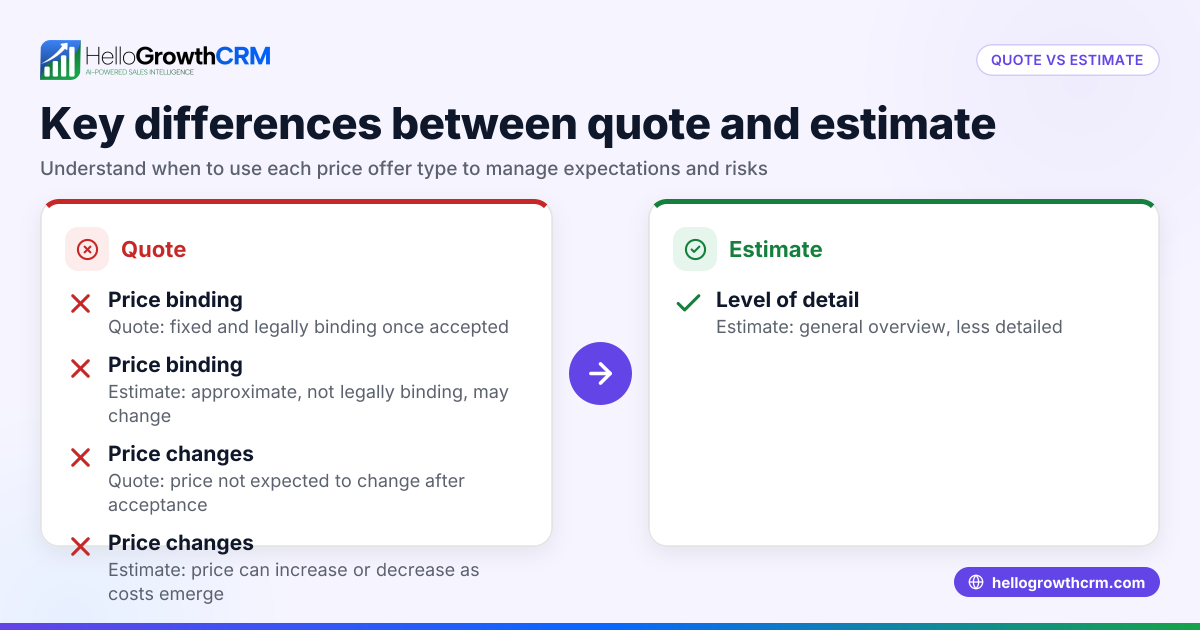
A quote and an estimate are two different types of pricing documents used in business transactions. A quote is a firm, fixed price offer that you agree to if the customer accepts it. An estimate is a rough calculation or approximation of the expected cost, which may change as the project or order progresses. Understanding this difference helps avoid misunderstandings and pricing disputes.
Why this comes up / what goes wrong
Small-business owners often face the challenge of providing pricing information to potential customers before the job or sale is complete. They may not be sure whether to give a quote or an estimate. This confusion can lead to problems such as undercharging, disputes over the final price, or losing customers because of unclear communication. For example, a contractor might give an estimate based on incomplete information, then face disagreements when the actual cost is higher. Knowing when to use a quote versus an estimate helps set clear expectations and protects your business from surprises.
Step-by-step
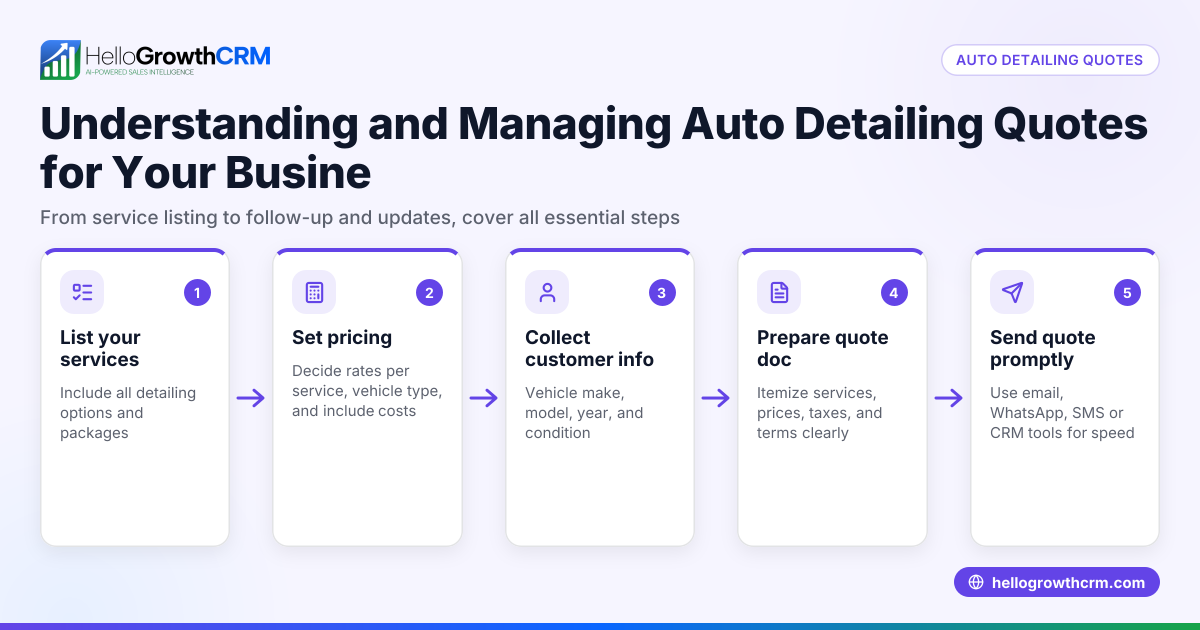
- Define the project or product scope clearly. Write down exactly what the job or sale includes, such as materials, labor, and any services. This clarity reduces misunderstandings.
- Decide if you can offer a fixed price. If all costs and details are known and stable, prepare a quote. If there are unknown variables or potential changes, prepare an estimate.
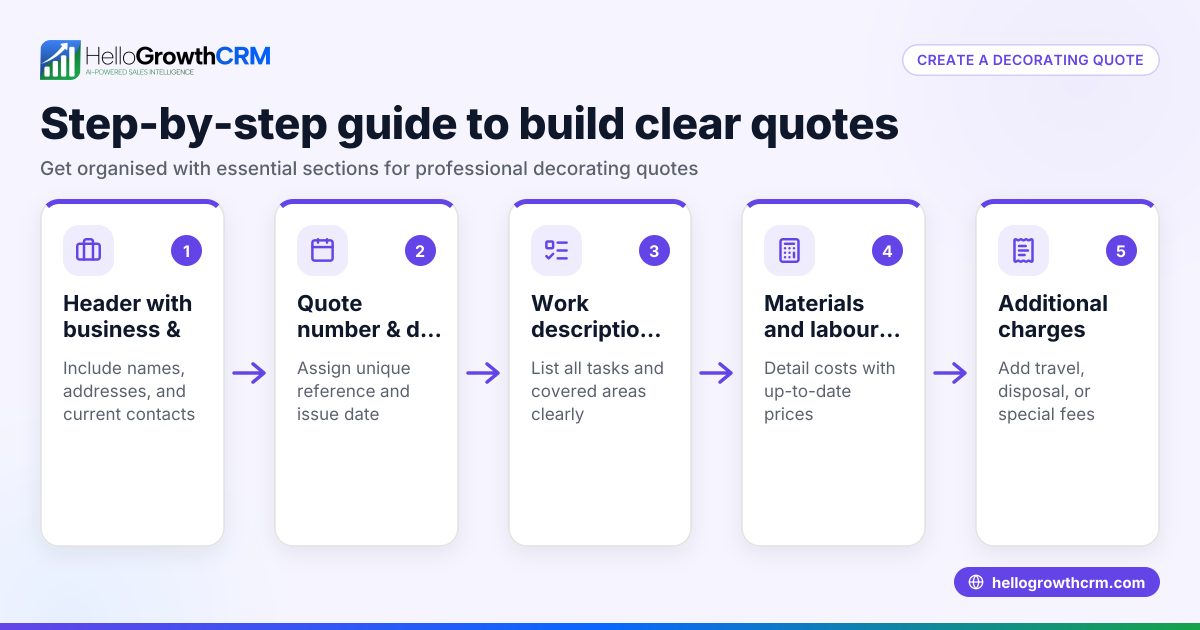
- Create the document accordingly. A quote should list a fixed price and include terms like how long the price is valid. An estimate should be clearly marked as an estimate and state that the price may change.
- Explain the difference to your customer. Tell them whether the document is a quote (fixed price) or an estimate (approximate price) and what that means for the final cost.
- Obtain customer agreement. For quotes, get a signed or written acceptance confirming the fixed price. For estimates, get acknowledgment that the price is approximate and may vary.
- Track and manage your quotes and estimates. Use a CRM or organized system to send, follow up, and keep records of these documents so nothing is missed.
Example (fictional figures)
A landscaping contractor in Charlotte, North Carolina, is preparing pricing for a garden redesign. The contractor estimates labor and materials but is unsure about plant prices.
- Estimated labor cost: $4,000
- Estimated materials cost: $3,000
- Unknown plant costs: approximately $2,000
Total estimate calculation: $4,000 + $3,000 + $2,000 = $9,000 (approximate)
After confirming plant costs, the contractor prepares a firm quote:
- Final labor cost: $4,000
- Confirmed materials cost: $3,000
- Actual plant costs: $2,500
Total quote calculation: $4,000 + $3,000 + $2,500 = $9,500 (fixed price)
The contractor sends this quote to the client, noting it is valid for 30 days and requires acceptance before work begins.
Common mistakes
- Using "quote" and "estimate" interchangeably without explanation. Prevent this by clearly labeling each document as "Quote" or "Estimate".
- Failing to update estimates as project details become clearer. Prevent by revising estimates and communicating changes promptly.
- Not obtaining formal acceptance on quotes. Prevent by requiring written or digital approval before proceeding.
- Overpromising on estimates without clarifying they may change. Prevent by stating estimates are approximate and subject to change.
- Losing track of quotes and estimates. Prevent by using a CRM tool to manage and follow up on these documents efficiently.
Doing this in HelloGrowthCRM
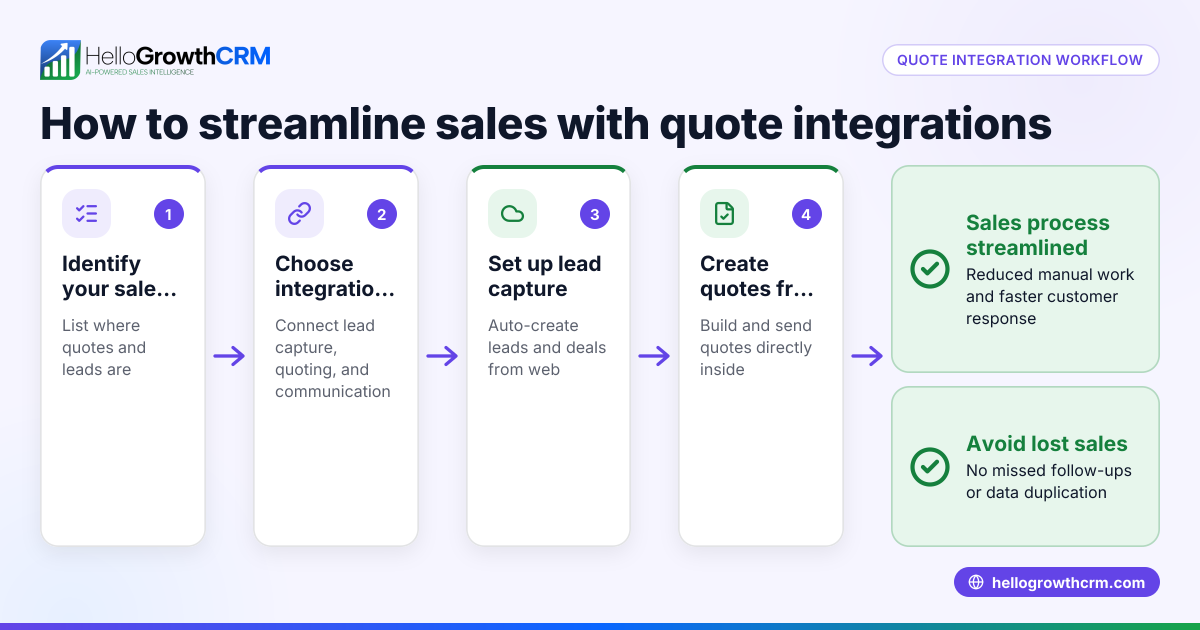
HelloGrowthCRM provides a built-in quoting and proposal tool that lets you create, send, and track quotes directly from a deal record. You can see the status of each quote—whether it is sent, viewed, or accepted—on the same screen as your follow-up tasks. This helps you keep pricing clear and organized throughout the sales process. Learn more about these features at built-in CRM dialer.
Frequently asked questions
What is the main difference between a quote and an estimate? A quote is a fixed price offer that you commit to if accepted, while an estimate is an approximate cost that may change. Quotes are binding once accepted; estimates are not.
Can an estimate become a quote? Yes. As project details become clearer, you can refine an estimate into a quote with a fixed price for customer approval.
Should I always provide a quote instead of an estimate? Not always. If costs are uncertain or variables exist, providing an estimate helps avoid undercharging or disputes.
How do I keep track of quotes and estimates? Using a CRM helps you organize, send, and monitor the status of your quotes and proposals, improving follow-up and conversion. For more, see HelloGrowthCRM for the United States and WhatsApp and SMS CRM.
Does HelloGrowthCRM support sending estimates? HelloGrowthCRM supports quotes and proposals with status tracking. You can label your documents and manage follow-ups from the same interface.
Key takeaways
- A quote is a fixed price offer; an estimate is an approximate cost.
- Clearly label and communicate whether a document is a quote or an estimate.
- Obtain customer acceptance for quotes and acknowledgment for estimates.
- Update estimates as project details become clearer.
- Use a CRM to track and manage quotes and estimates efficiently.
- HelloGrowthCRM lets you send, track, and follow up on quotes from one screen.
Start managing your quotes and proposals effectively by starting on the Free Forever plan (200 leads, no credit card).
Ready to put this into practice?
Set up your pipeline, WhatsApp follow-ups, and AI lead scoring in minutes — free, no credit card.
Try HelloGrowthCRM freeGet CRM tips in your inbox
Join thousands of sales professionals who get weekly insights on CRM strategy, AI automation, and pipeline optimization.

The HelloGrowthCRM team publishes guides on CRM strategy, AI sales tools, and revenue operations for small business sales teams.