HelloGrowthCRM software
Built for real small-business sales teams
HelloGrowthCRM helps reps qualify faster, follow up on time, and close more deals—with practical automation in one place.
- AI lead scoring and pipeline visibility
- Built-in dialer, WhatsApp, and email automation
- Sales forecasting and RevOps-ready reporting
A just sold email template is a clear, professional message sent to notify a customer or prospect that a sale has been completed. It confirms the transaction, shares key details such as product or service sold, price, and next steps, expresses thanks, and invites the recipient to ask questions or confirm details. This helps build trust, keeps communication open, and sets expectations for delivery or follow-up.
Why this comes up / what goes wrong
Small business owners often complete sales and want to quickly notify customers or prospects with a clear message. Searching for a "just sold email template" helps them avoid writing emails from scratch and ensures consistent communication across their team. Without a template, emails can be unclear, too long, or omit important details like next steps or contact information. Slow or poor follow-up can cause confusion, lost repeat business, or missed referrals.
Step-by-step
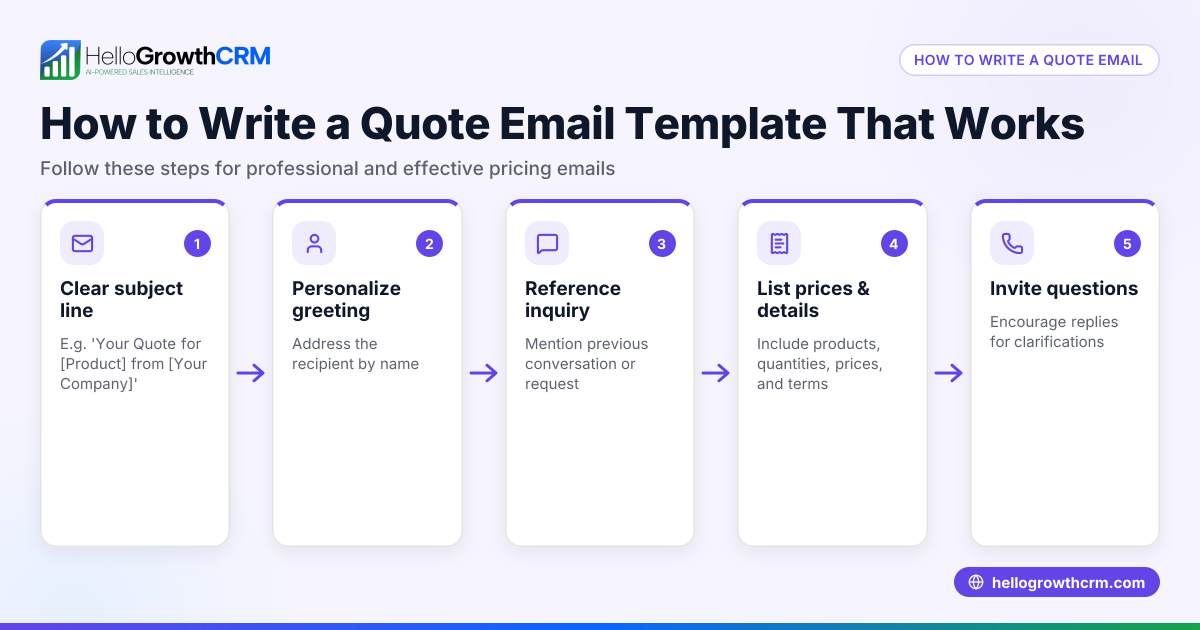
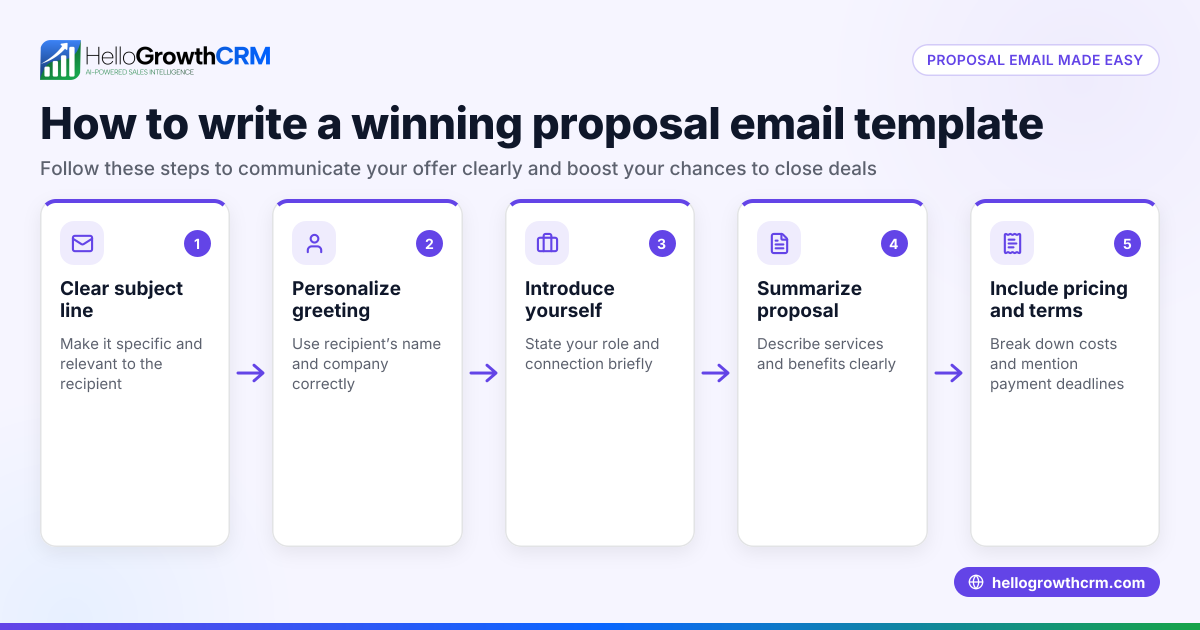
- Write a clear subject line: Use a direct subject like "Just Sold: [Product/Service]" or "Your [Product/Service] Purchase Confirmation" to grab attention.
- Personalize the greeting: Address the recipient by name to make the email feel personal and relevant.
- State the sale clearly: Specify what was sold, including product name, service details, or package.
- Include sale specifics: Add the sale date and price to confirm the transaction.
- Thank the customer: Express appreciation for their business or interest.
- Explain next steps: Provide information on delivery dates, installation schedules, or who to contact with questions.
- Invite replies: Encourage the recipient to ask questions or confirm details to keep communication open.
- Close professionally: Use a polite sign-off and include your contact details (phone, email).
Before sending, check your email for clarity, spelling, and easy reading. Avoid jargon and keep the tone friendly but professional.
For more ready-to-use email formats, see our sales templates.
Example (fictional figures)
Jane owns GreenScape Landscaping in Charlotte, North Carolina. On 05/10/2026, she sold a lawn care service package for $1,200. She also added a $150 fertilizer upgrade.
Here is the breakdown:
Base package price = $1,200 Fertilizer upgrade = $150 Total sale price = $1,200 + $150 = $1,350
Below is the just sold email she sent:
Subject: Just Sold: Lawn Care Package for Your Home
Hi John,
I’m happy to let you know that your lawn care package has been successfully sold and scheduled.
Service: Full lawn care including mowing, fertilizing, and weed control Sale Date: 05/10/2026 Price: $1,350
Thank you for choosing GreenScape Landscaping. Our team will start your service on 05/15/2026. If you have any questions or want to adjust the schedule, please reply to this email.
Best regards, Jane Smith GreenScape Landscaping (555) 123-4567
This email confirms the sale clearly, provides key details, and invites further communication.
Common mistakes
- Being too vague: Avoid emails without specific sale details. Always include what was sold, price, and dates to prevent confusion.
- No call to action: Don’t forget to invite replies or questions to keep the conversation going.
- Long, cluttered emails: Keep messages short and easy to scan. Use bullet points or short paragraphs.
- Ignoring team visibility: If your sales team handles follow-up, ensure emails are visible to them to avoid duplicated or missed responses.
- Forgetting contact info: Always include your phone number or email so the recipient can reach you easily.
Using a template and reviewing your email before sending helps prevent these errors. Our free sales tools and calculators include templates that guide you.
Doing this in HelloGrowthCRM
HelloGrowthCRM offers HelloMail, a shared inbox inside the CRM where your whole sales team can see replies to just sold or quotation emails. This prevents missed or duplicated follow-ups and keeps everyone informed about the deal. You can also use sequences and campaigns to automate follow-up emails: a five-step outreach over two weeks that stops as soon as the prospect replies. For ready-to-use email formats, download from our free sales templates. Learn more about managing emails and sequences with HelloGrowthCRM on our email automation and sequences page.
Frequently asked questions
What should I include in a just sold email? Include a clear statement of the sale, product or service details, sale date, price, next steps, a thank-you note, and your contact information.
How soon should I send a just sold email? Send it promptly after the sale is confirmed, ideally within 24 hours, to keep communication timely and professional.
Can I automate just sold emails? Yes, HelloGrowthCRM allows you to automate follow-up sequences that send just sold emails and subsequent messages automatically.
Should I personalize just sold emails? Yes, using the recipient’s name and specific sale details increases engagement and trust.
What is the best subject line for a just sold email? Use clear and direct subject lines like "Just Sold: [Product/Service]" or "Your Purchase Confirmation" to set clear expectations.
Key takeaways
- Use a clear subject line and personal greeting.
- Include specific sale details and next steps.
- Keep the email concise and professional.
- Invite replies to encourage ongoing communication.
- Avoid common mistakes like vague content or missing contact info.
- Use HelloGrowthCRM’s shared inbox and email sequences to manage and automate follow-up.
Start sending effective just sold emails today. You can start on the Free Forever plan (200 leads, no credit card) with HelloGrowthCRM to organize your sales emails and follow-ups efficiently.
Ready to put this into practice?
Set up your pipeline, WhatsApp follow-ups, and AI lead scoring in minutes — free, no credit card.
Try HelloGrowthCRM freeGet CRM tips in your inbox
Join thousands of sales professionals who get weekly insights on CRM strategy, AI automation, and pipeline optimization.

The HelloGrowthCRM team publishes guides on CRM strategy, AI sales tools, and revenue operations for small business sales teams.