HelloGrowthCRM software
Built for real small-business sales teams
HelloGrowthCRM helps reps qualify faster, follow up on time, and close more deals—with practical automation in one place.
- AI lead scoring and pipeline visibility
- Built-in dialer, WhatsApp, and email automation
- Sales forecasting and RevOps-ready reporting
A just a reminder email is a simple, courteous message sent to remind a customer, client, or colleague about something important they need to do or respond to. It’s often used by small businesses to follow up on unpaid invoices, upcoming meetings, or unanswered proposals. The goal is to nudge the recipient without causing annoyance or seeming aggressive.
Why this comes up / what goes wrong
Small-business owners often find themselves needing to remind clients or prospects about tasks like payments, appointments, or decisions. Without a reminder, deadlines can be missed, deals can stall, and cash flow can suffer. Many business owners rely on memory, spreadsheets, or text messages to track follow-ups, which leads to lost leads and delayed responses. Writing an effective just a reminder email helps maintain professionalism and keeps business moving forward.
Step-by-step
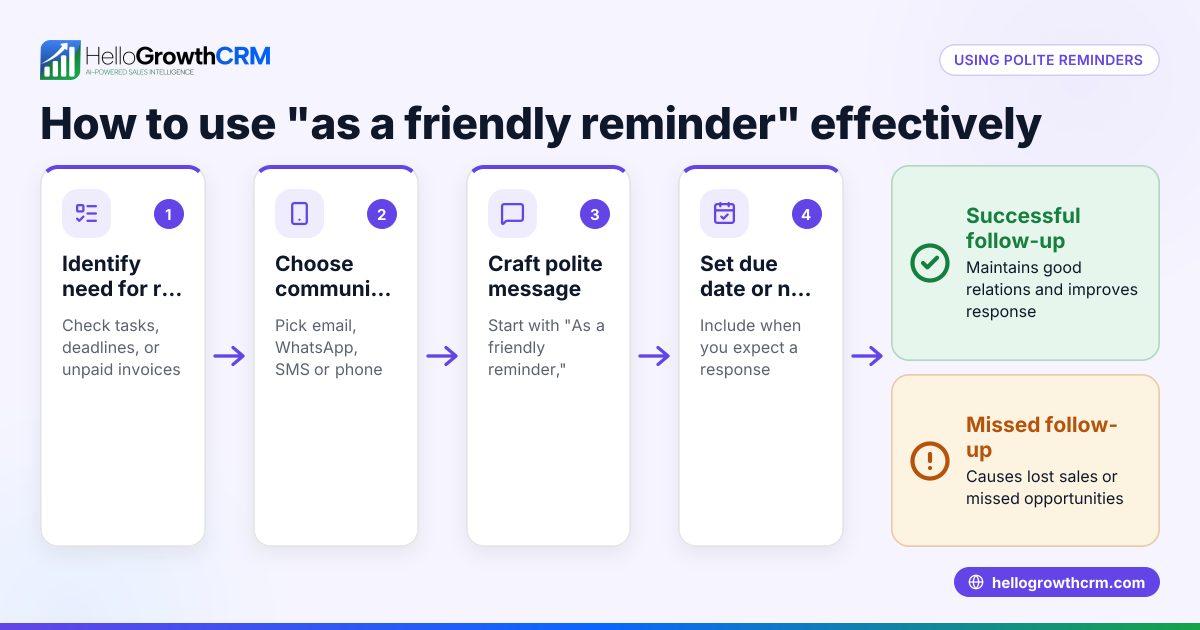
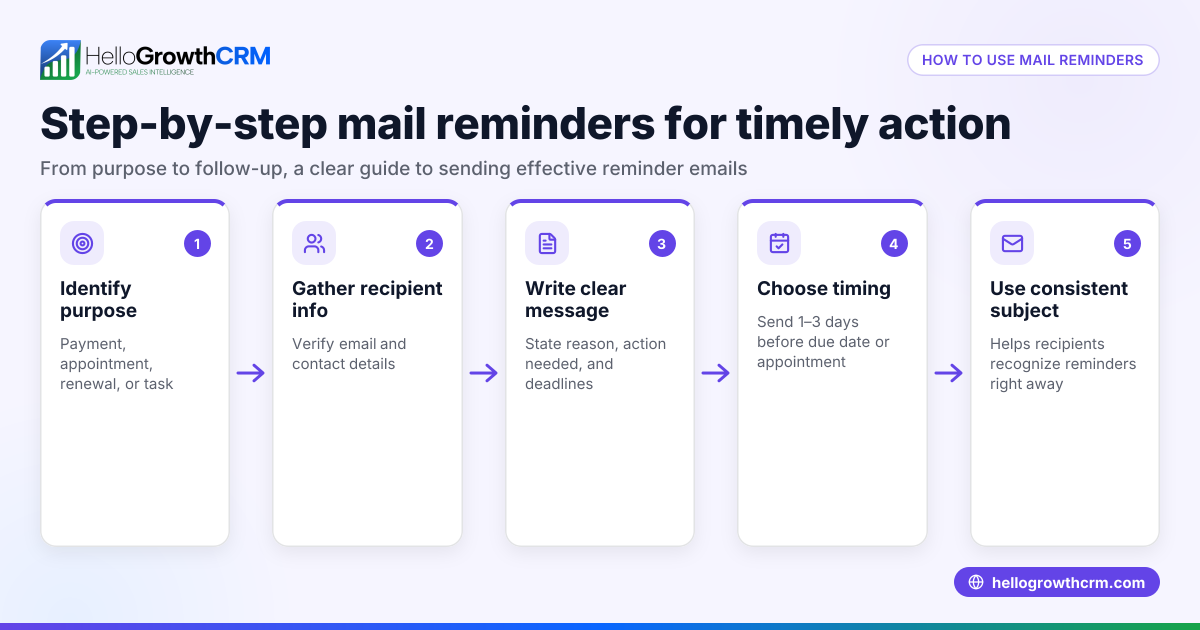
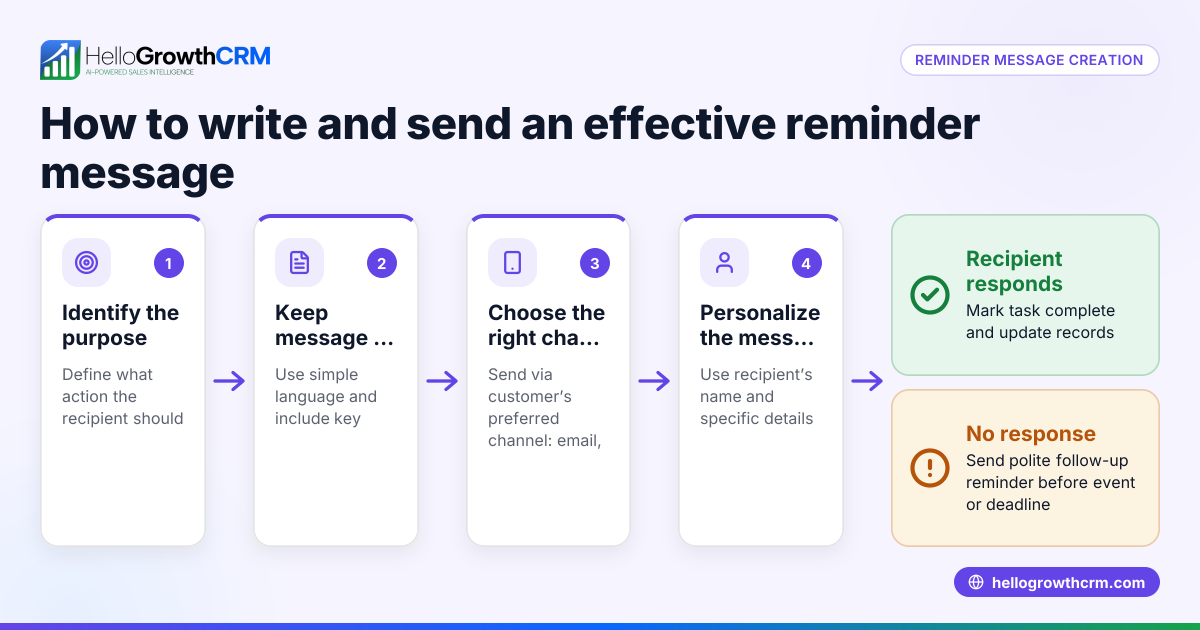
- Identify the purpose of your reminder. Is it about an unpaid invoice, a scheduled meeting, or a needed reply? Clearly define what you want the recipient to do.
- Use a clear subject line. Keep it straightforward, such as “Just a Reminder: Invoice #123 Due Soon” or “Reminder: Meeting Scheduled for 03/15/2026.”
- Open politely. Start with a friendly greeting and a phrase like “Just a quick reminder” or “I wanted to gently remind you.”
- State the reminder clearly and briefly. Mention the specific task or deadline and any relevant details like dates or amounts.
- Include a call to action. Tell the recipient what you’d like them to do next, for example, “Please let us know if you have any questions” or “Kindly confirm your attendance.”
- Close courteously. End with a thank you or an offer to assist, keeping the tone positive.
- Proofread before sending. Check for clarity, tone, and spelling errors to maintain professionalism.
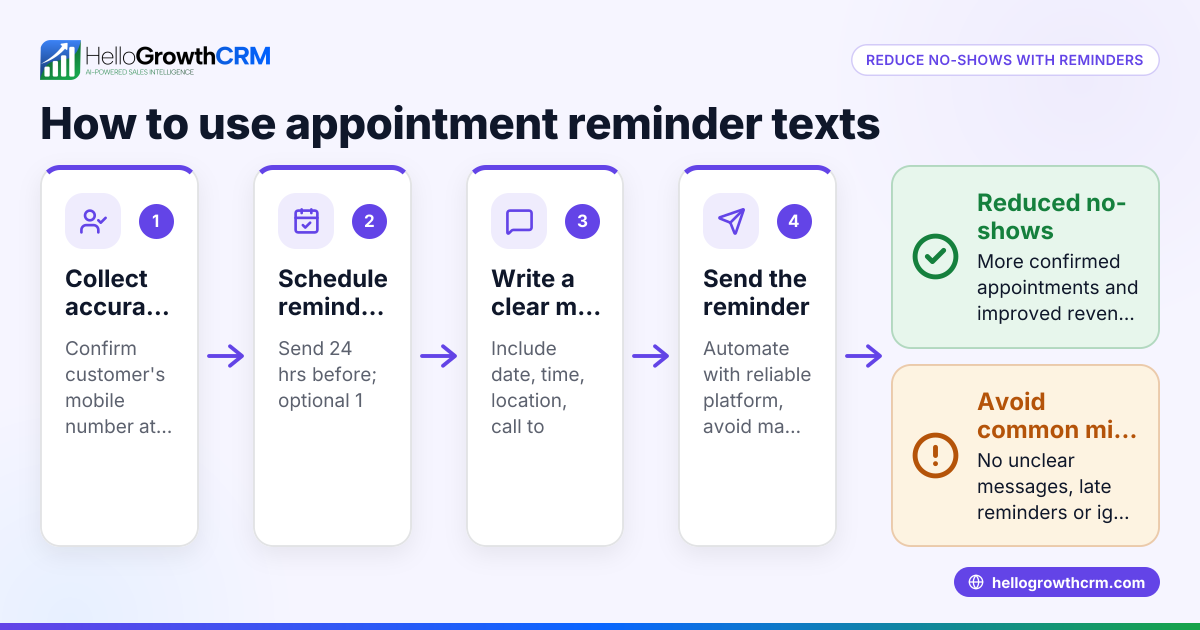
- Schedule or send the email timely. Don’t wait too long after the original deadline or event to send your reminder.
- Track follow-ups. Use tools like sales task boards to set reminders and keep follow-ups organized without relying on memory. See more about sales task boards.
Example (fictional figures)
A residential real-estate team in Phoenix, Arizona, sent a just a reminder email about an unpaid deposit.
- Deposit amount: $10,000
- Due date: 02/28/2026
- Reminder sent on: 03/05/2026
Email content:
"Subject: Just a Reminder: Deposit Payment Due for 123 Main St.
Dear Mr. Smith,
Just a quick reminder that the $10,000 deposit for the property at 123 Main St. was due on 02/28/2026. Please let us know if you need any assistance with the payment process.
Thank you, Phoenix Realty Team"
This reminder was sent 5 days after the due date to prompt payment without pressure.
Common mistakes
- Being too vague or unclear. Prevent this by specifying exactly what you’re reminding about and why.
- Using a demanding or harsh tone. Keep your language polite and friendly to avoid offending the recipient.
- Sending reminders too frequently or too early. Space reminders reasonably and send them after the original deadline or event.
- Failing to track reminders and follow-ups. Use a CRM or task board to avoid forgetting who you reminded and when. Learn about sales task boards.
- Not including a clear call to action. Always tell the recipient what you expect next.
Doing this in HelloGrowthCRM
HelloGrowthCRM helps small businesses automate and organize reminder emails effectively. With Activities and task boards, each follow-up becomes a task with a due date, so the day's calls and reminders are a list, not a memory test. The HelloMail shared inbox lets your team see all replies to quotation or reminder emails on the deal, preventing missed responses. Plus, Sequences and campaigns automate multi-step follow-ups over days or weeks, stopping automatically when the prospect replies. Learn more about email automation and sequences and HelloGrowthCRM for the United States.
Frequently asked questions
What is the best time to send a reminder email? Send a reminder shortly after the original deadline or event has passed, usually within a few days. Avoid sending reminders too early to prevent confusion or annoyance.
How many reminder emails should I send? Typically, one to two reminder emails are sufficient. More than that can irritate recipients. Use automated sequences to space reminders appropriately and stop when you get a reply.
Should I include attachments or links in a reminder email? Only include attachments or links if they help clarify the reminder, such as an invoice PDF or calendar invite. Keep the email concise and focused.
Can I use a template for reminder emails? Yes, templates save time and ensure consistent tone and information. Customize each email slightly to personalize it for the recipient.
How can I track if my reminder email was opened or replied to? Using a CRM with a shared inbox and task boards helps track email opens and replies, so no follow-up is missed. HelloGrowthCRM offers these features.
Key takeaways
- A just a reminder email is a polite prompt about a pending task or response.
- Clear subject lines and concise, friendly language work best.
- Avoid frequent or harsh reminders; space them reasonably.
- Use tools like sales task boards to organize and track follow-ups.
- Automate reminders with sequences to save time and improve consistency.
Start managing your follow-ups better by trying HelloGrowthCRM. Start on the Free Forever plan (200 leads, no credit card).
Ready to put this into practice?
Set up your pipeline, WhatsApp follow-ups, and AI lead scoring in minutes — free, no credit card.
Try HelloGrowthCRM freeGet CRM tips in your inbox
Join thousands of sales professionals who get weekly insights on CRM strategy, AI automation, and pipeline optimization.

The HelloGrowthCRM team publishes guides on CRM strategy, AI sales tools, and revenue operations for small business sales teams.