HelloGrowthCRM software
Built for real small-business sales teams
HelloGrowthCRM helps reps qualify faster, follow up on time, and close more deals—with practical automation in one place.
- AI lead scoring and pipeline visibility
- Built-in dialer, WhatsApp, and email automation
- Sales forecasting and RevOps-ready reporting
Lead to account matching means connecting a new lead—someone who has shown interest in your product or service—to an existing customer account in your sales records. This prevents duplicate entries, helps your sales team understand the full customer relationship, and improves follow-up efficiency. This article covers why lead to account matching matters for small businesses, a step-by-step guide to do it properly, a practical example with figures, common mistakes, and how HelloGrowthCRM can help.
Why this comes up / what goes wrong
Small businesses often receive leads from multiple sources, such as web forms, phone calls, or WhatsApp messages. Without matching leads to existing accounts, you risk creating duplicate records for the same customer. This causes confusion, wasted sales effort, inconsistent communication, and missed opportunities. For example, if a plumbing company in Austin gets a lead from a repeat customer but treats it as new, the sales team may not have the full history to offer personalized service or upsell effectively.
Step-by-step
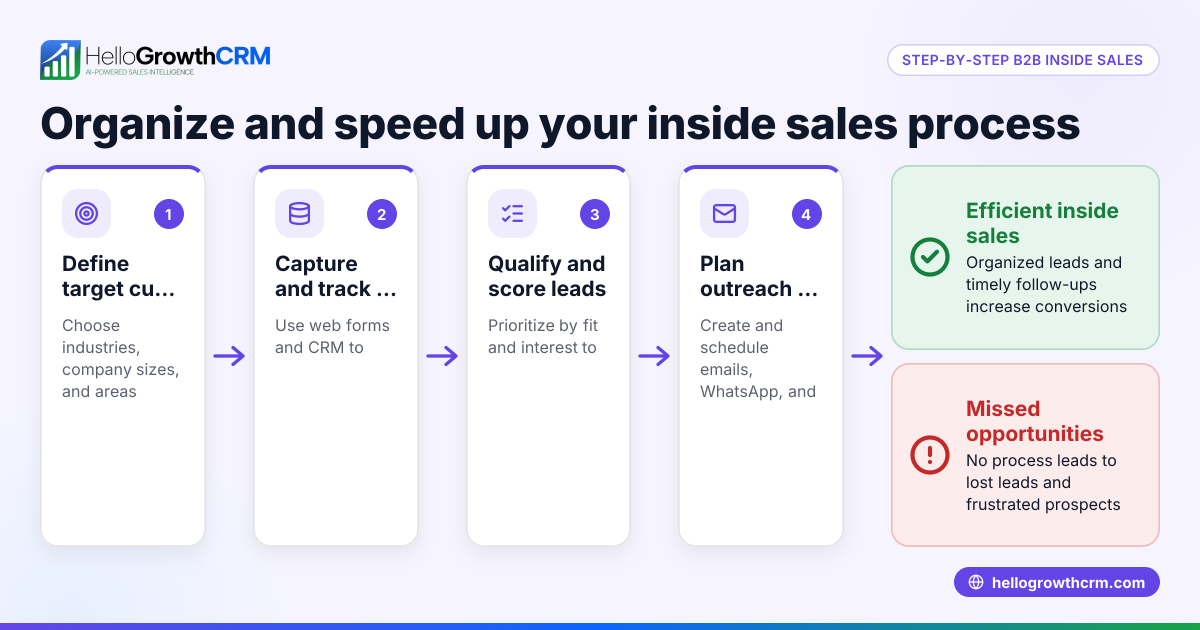
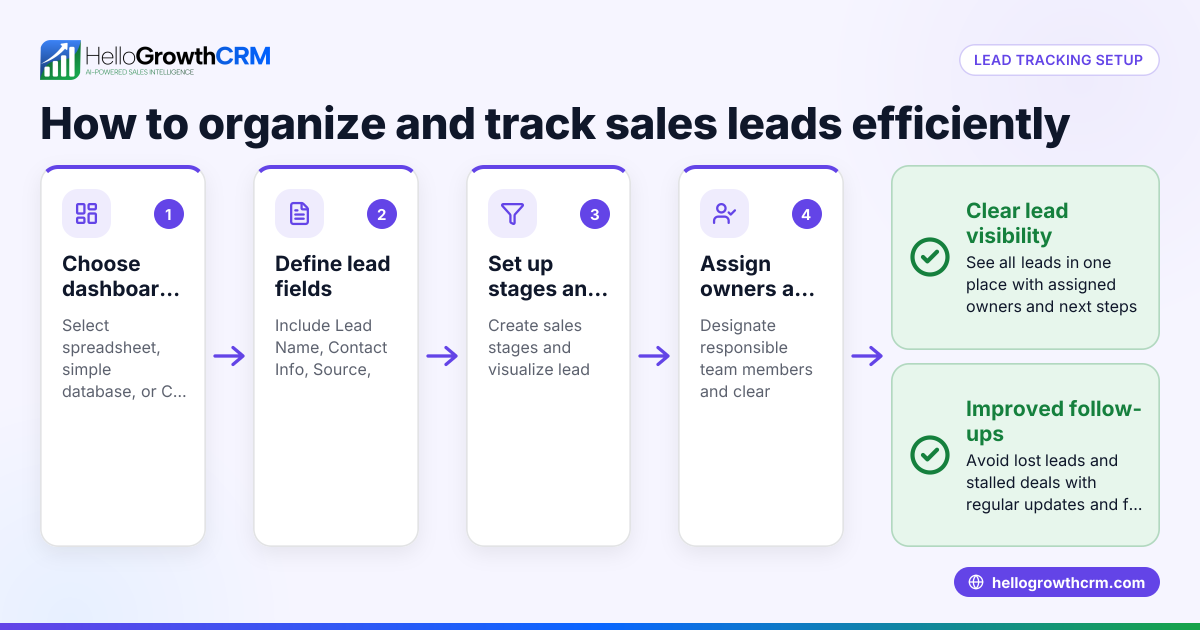
- Collect Lead Information: Gather all details from the lead, including full name, company name (if applicable), contact information like email and phone number, and inquiry specifics.
- Search Existing Accounts: Use your CRM or sales records to look for matching company names, email addresses, or phone numbers.
- Compare Details: Check if the lead matches an existing account by verifying contact details and previous interactions.
- Link or Create Account: If a match is found, link the lead to that account to keep the sales history unified. If no match exists, create a new account for the lead.
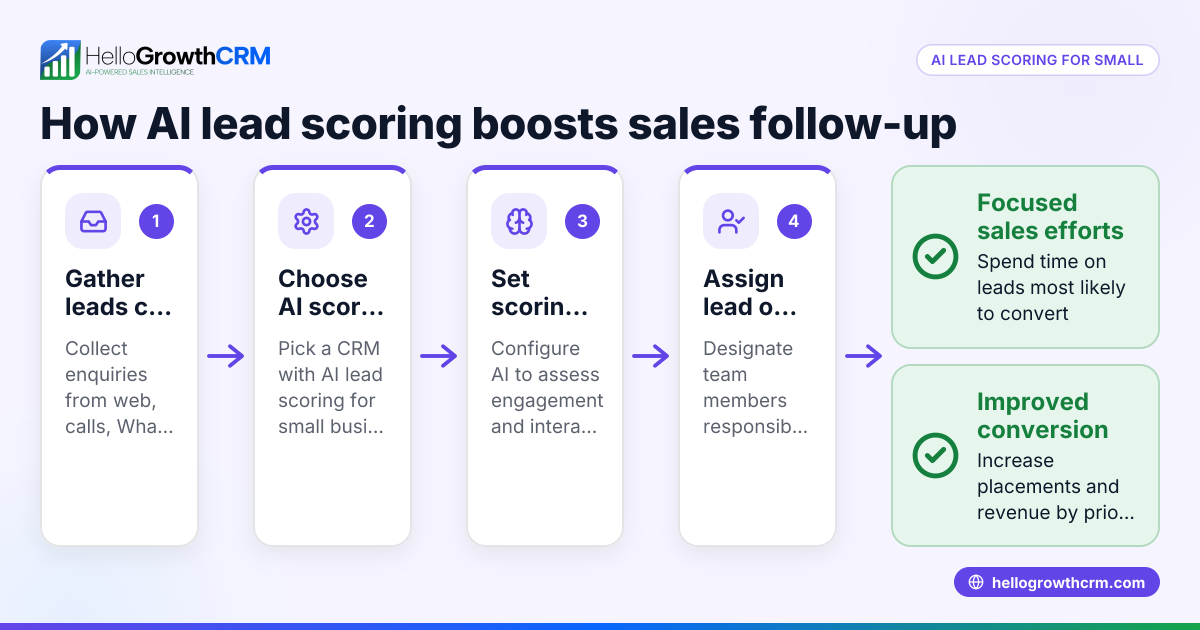
- Assign Lead Owner and Next Step: Assign the lead to a sales team member and set the next action, such as a call or follow-up email.
- Update Records Regularly: Keep account and lead information updated to maintain accuracy.
- Use Automation Where Possible: Employ workflows or lead routing rules to automate matching and assignment, reducing errors and delays, as described in AI lead scoring.
Example (fictional figures)
A plumbing company in Austin, Texas, receives a lead on 04/15/2026 from a customer named Sarah Jones, who previously used their services.
- Lead details: Sarah Jones, sarah.jones@email.com, 512-555-1234, inquiry about water heater repair.
- Existing account: Sarah Jones, same email and phone number.
Steps:
- Search accounts for “Sarah Jones” or matching contact info.
- Find existing account with Sarah’s email and phone.
- Confirm details match the lead.
- Link the new lead to Sarah’s account.
- Assign the lead to the sales rep who handled Sarah before.
- Schedule a follow-up call for 04/16/2026.
Financial example:
- Previous service invoice: $850
- New repair estimate: $1,200
- Total customer value = $850 + $1,200 = $2,050
By linking the lead to the existing account, the sales rep sees Sarah’s total value as $2,050, helping prioritize follow-up and upselling.
Common mistakes
- Not searching for existing accounts before creating new leads: Prevent this by always verifying existing records to avoid duplicates.
- Relying on inconsistent data entry (e.g., nicknames, typos): Use validation rules and standardized input formats to improve data quality.
- Failing to assign lead owners and next steps promptly: Automate assignments using workflows and lead routing, as outlined in AI lead scoring.
- Ignoring updates to account information after matching: Regularly review and update account details to keep records accurate.
- Overlooking leads from different communication channels: Consolidate leads from forms, calls, WhatsApp, and SMS into a single system like HelloGrowthCRM’s WhatsApp and SMS CRM to avoid missing or duplicating leads.
Doing this in HelloGrowthCRM
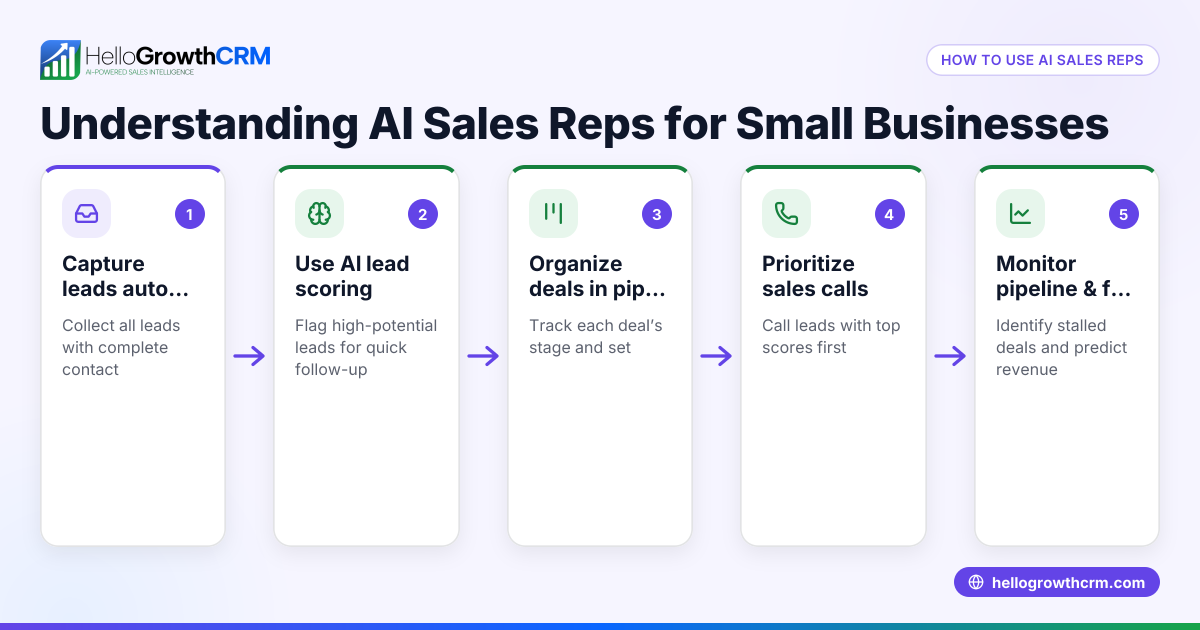
HelloGrowthCRM captures every enquiry from forms, calls, or WhatsApp as a lead with an owner and a next step, keeping leads organized instead of scattered in notebooks. Its AI lead scoring helps telecallers prioritize leads most likely to convert first. Automated workflows and lead routing assign enquiries round-robin and create first-call tasks automatically. These features help small businesses perform lead to account matching efficiently and keep sales pipelines moving. Learn more about HelloGrowthCRM for the United States here.
Frequently asked questions
What is the difference between a lead and an account? A lead is a potential customer inquiry or contact, often new or unqualified. An account represents an existing customer or company with a history of interactions. Lead to account matching links new leads to these existing accounts to maintain organized records.
Why is lead to account matching important? It prevents duplicate records, ensures sales teams have full customer context, improves communication, and increases the chances of closing deals by understanding past interactions.
How can I automate lead to account matching? Using CRM features like workflows, lead routing, and validation rules can automate assigning leads to accounts and sales reps. HelloGrowthCRM offers these tools to help small businesses manage leads efficiently.
Can lead to account matching improve sales follow-up? Yes. When leads are linked to accounts, sales reps know the customer's history and can tailor follow-ups, making communications more relevant and timely.
What if a lead matches multiple accounts? In such cases, review the details carefully to determine the correct account. Use additional data points like address or purchase history. Some CRMs allow merging duplicate accounts after verification.
Key takeaways
- Lead to account matching links new leads to existing customer accounts to avoid duplicates.
- It improves sales efficiency by providing full customer history and context.
- Follow a step-by-step process: collect info, search accounts, compare, link or create, assign owner and next step.
- Automate with workflows, lead routing, and validation rules to reduce errors.
- HelloGrowthCRM supports this with lead capture, AI lead scoring, and automated workflows.
Start organizing your leads and accounts today. Start on the Free Forever plan (200 leads, no credit card).
Ready to put this into practice?
Set up your pipeline, WhatsApp follow-ups, and AI lead scoring in minutes — free, no credit card.
Try HelloGrowthCRM freeGet CRM tips in your inbox
Join thousands of sales professionals who get weekly insights on CRM strategy, AI automation, and pipeline optimization.

The HelloGrowthCRM team publishes guides on CRM strategy, AI sales tools, and revenue operations for small business sales teams.