HelloGrowthCRM software
Built for real small-business sales teams
HelloGrowthCRM helps reps qualify faster, follow up on time, and close more deals—with practical automation in one place.
- AI lead scoring and pipeline visibility
- Built-in dialer, WhatsApp, and email automation
- Sales forecasting and RevOps-ready reporting
A mail reminder is an email message sent to notify or remind a recipient about an important upcoming or overdue task, appointment, payment, or deadline. Small business owners use mail reminders to keep customers, clients, or team members informed and ensure timely action. Without reminders, important tasks can be forgotten, leading to lost revenue, missed appointments, or delayed payments.
This article covers why mail reminders are important, how to create and send them effectively, a detailed example with realistic figures, common mistakes to avoid, and how HelloGrowthCRM can help you manage reminders and follow-ups.
Why this comes up / what goes wrong
Small business owners often rely on manual methods like spreadsheets, notes, or memory to track follow-ups and deadlines. This can lead to missed payments, no-shows, or overlooked tasks. For example, a customer might forget to pay an invoice on time or miss a scheduled appointment. Without a system to send timely reminders, businesses lose revenue and damage customer relationships.
Mail reminders solve this by prompting recipients to act before a deadline or appointment. They help keep communication consistent and professional, improving cash flow and customer satisfaction.
Step-by-step
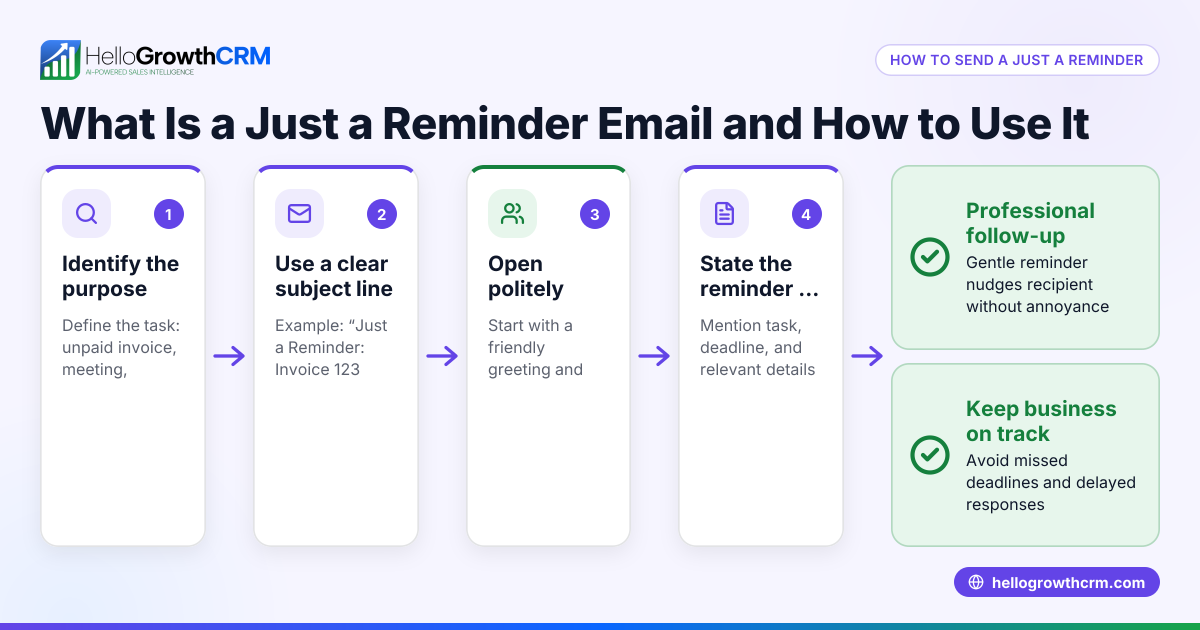
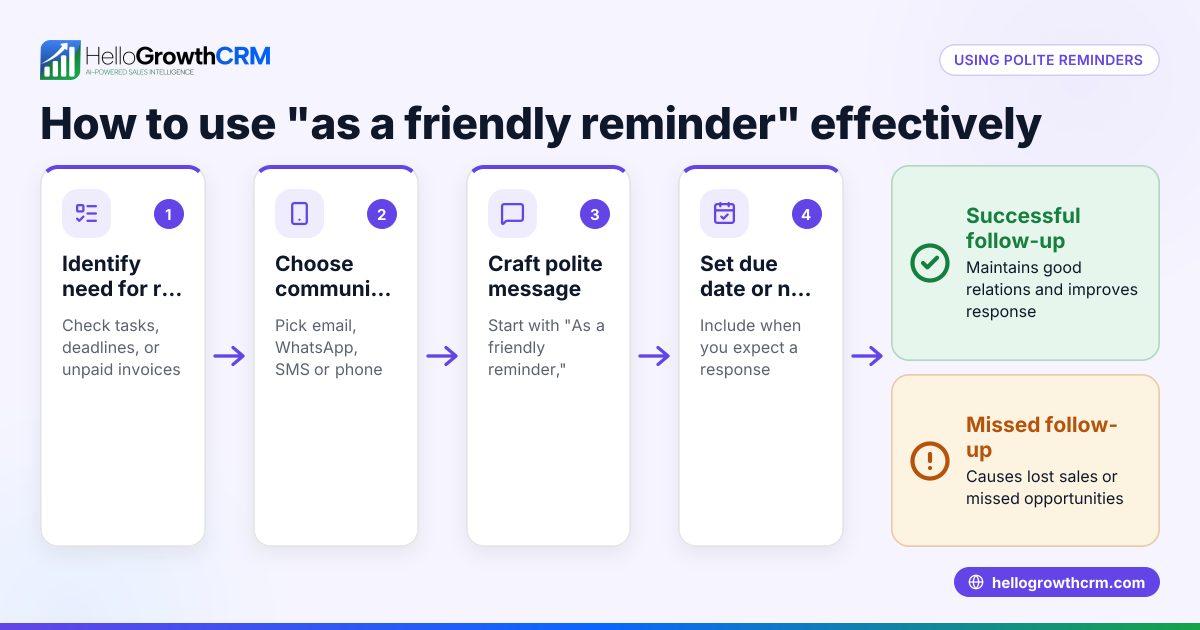
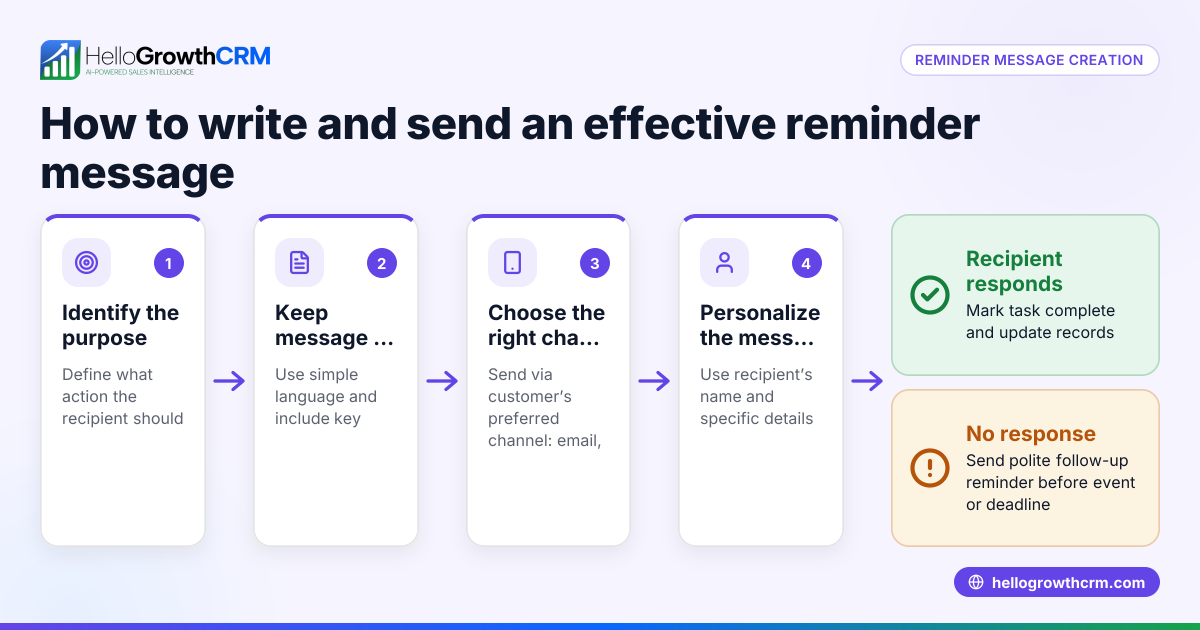
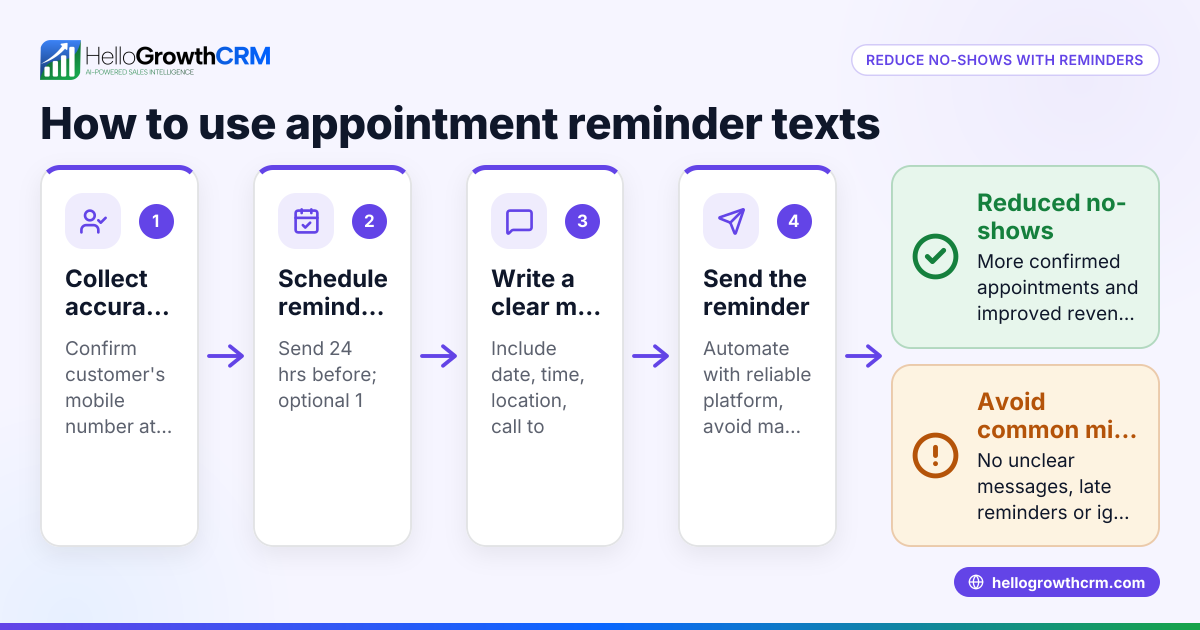
- Identify the purpose of your mail reminder: Decide if the reminder is for a payment due, appointment, contract renewal, or another task. Knowing the purpose helps craft the message.
- Gather accurate recipient information: Verify the email address and contact details to ensure delivery.
- Write a clear and concise message: State exactly what the reminder is for, what action is needed, and any deadlines or important details.
- Choose the right timing to send: Typically, send reminders 1 to 3 days before the due date or appointment. Adjust timing based on urgency and customer behavior.
- Use a consistent subject line: This helps recipients recognize the reminder quickly, such as "Payment Reminder: Invoice Due 05/10/2026."
- Include a clear call to action: For example, "Please confirm your appointment" or "Make your payment by 05/10/2026."
- Test the reminder email: Send a test to yourself or a colleague to check formatting, links, and clarity.
- Schedule or send the reminder: Use your email client or CRM to automate sending reminders on the chosen dates.
- Track responses and actions: Note who has responded, confirmed, or completed the task.
- Follow up if needed: If no response is received, send a second reminder or make a follow-up call.
Using a system like task boards can help you organize these steps and never miss sending a reminder. See sales task boards for ways to manage follow-ups.
Example (fictional figures)
A two-location dental practice in Columbus, Ohio, uses mail reminders to reduce no-shows and late payments.
- Invoice amount: $1,200
- Payment due date: 05/10/2026
- Reminder sent: 05/07/2026 (3 days before due date)
Calculation for reminder timing:
05/10/2026 - 3 days = 05/07/2026
The reminder email subject: "Payment Reminder: Invoice Due 05/10/2026"
The message states: "Dear Patient, this is a friendly reminder that your invoice of $1,200 is due on 05/10/2026. Please make your payment by this date to avoid late fees."
This timely reminder helps patients remember payment deadlines, improving cash flow for the practice.
Common mistakes
- Sending reminders too late or too early: Prevent this by scheduling reminders based on the urgency and typical response time of your recipients.
- Using vague or unclear language: Always clearly state the reason for the reminder and the action needed.
- Not verifying email addresses: Confirm contact info before sending to avoid bounce-backs.
- Failing to track responses: Keep records of who has responded or completed the task to know when follow-up is needed.
- Relying on memory instead of a system: Use task boards or CRM tools to automate reminders and organize follow-ups efficiently (see sales task boards).
Doing this in HelloGrowthCRM
HelloGrowthCRM helps you manage mail reminders by turning each follow-up into a task with a due date. This means you get a clear list of daily follow-ups instead of relying on memory. The task boards organize your calls and emails, so you know exactly who to contact and when. This keeps your team on track and improves lead and customer follow-up efficiency. Learn more about using HelloGrowthCRM for the United States and its WhatsApp and SMS CRM features.
Frequently asked questions
What is the best time to send a mail reminder? The best time varies but generally sending reminders 1 to 3 days before the deadline or appointment works well. This timing gives recipients enough notice to act without being too early to forget.
Can mail reminders be automated? Yes, many email platforms and CRMs allow scheduling and automating mail reminders. Automation ensures consistent follow-up without manual effort.
Should I send multiple reminders? It depends on the task importance and recipient responsiveness. For critical deadlines, sending two reminders spaced a few days apart can increase response rates.
How can I track if reminders are effective? Track responses like confirmations, payments, or completed tasks. Using a CRM with task boards helps you see which reminders led to action and which need follow-up.
What should I include in a mail reminder? Include the reason for the reminder, due date or appointment time, important details, and a clear call to action.
Key takeaways
- Mail reminders prompt timely action on payments, appointments, and tasks.
- Clear, concise messages and proper timing improve effectiveness.
- Avoid mistakes like vague language, wrong timing, and poor tracking.
- Use tools like HelloGrowthCRM’s task boards to organize and automate reminders.
- Tracking responses helps determine when to follow up again.
Start improving your follow-up with mail reminders. Start on the Free Forever plan (200 leads, no credit card) with HelloGrowthCRM today.
Ready to put this into practice?
Set up your pipeline, WhatsApp follow-ups, and AI lead scoring in minutes — free, no credit card.
Try HelloGrowthCRM freeGet CRM tips in your inbox
Join thousands of sales professionals who get weekly insights on CRM strategy, AI automation, and pipeline optimization.

The HelloGrowthCRM team publishes guides on CRM strategy, AI sales tools, and revenue operations for small business sales teams.