HelloGrowthCRM software
Built for real small-business sales teams
HelloGrowthCRM helps reps qualify faster, follow up on time, and close more deals—with practical automation in one place.
- AI lead scoring and pipeline visibility
- Built-in dialer, WhatsApp, and email automation
- Sales forecasting and RevOps-ready reporting
An online shopping assistant SMS is a tool that uses text messaging to engage online shoppers by answering their questions, suggesting products, and guiding them through purchases. Small and mid-sized businesses use these assistants to respond quickly and personally, improving customer experience and increasing sales. This article explains why business owners seek these tools, how to evaluate and implement them, common mistakes to avoid, and how HelloGrowthCRM supports SMS and WhatsApp messaging for sales teams.
Why this comes up / what goes wrong
Many small businesses selling products online rely on slow or manual methods like email, spreadsheets, or texting without a system to manage customer inquiries. Customers expect fast, personalized help during shopping, but owners often struggle to keep up. This leads to missed messages, lost sales, and frustrated customers. Without a dedicated assistant or software, follow-up delays and scattered conversations reduce conversion rates. An online shopping assistant SMS can automate or organize these interactions, but choosing the right one requires understanding your customers’ preferences, your team’s workflow, and integration needs.
Step-by-step
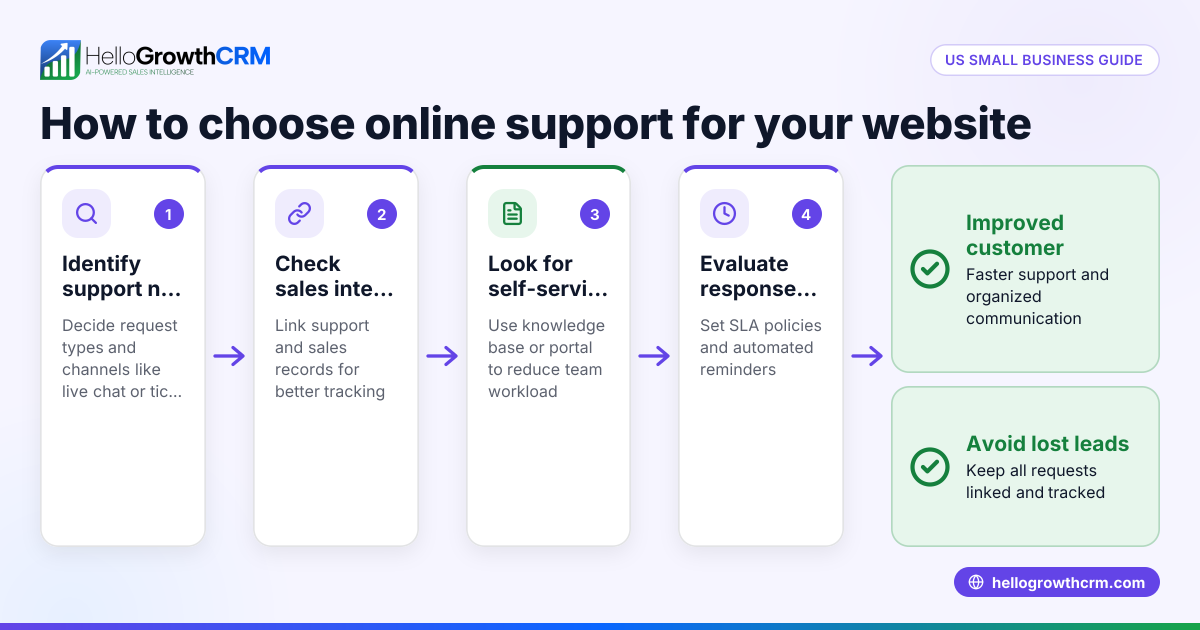
- Identify your customers’ preferred messaging channels: Find out if your customers mainly use SMS, WhatsApp, or other messaging apps. Choose an assistant that supports those channels to meet customers where they are.
- Define the assistant’s role and automation level: Decide if you want fully automated replies, live agent handoff, or a hybrid. Confirm the software supports your desired approach.
- Check integration with your existing tools: Ensure the SMS assistant connects with your CRM, web forms, or inventory systems to capture leads and update records automatically.
- Evaluate message logging and follow-up features: Verify that all conversations are logged on customer records for easy tracking. Look for options to automate or schedule follow-ups to speed response.
- Confirm compliance and opt-in management: Make sure the tool handles SMS marketing consent properly and complies with US regulations to avoid legal issues.
- Test the user interface and team collaboration: Check that your sales or support team can easily use the assistant without switching platforms or losing context.
- Review pricing, limits, and scalability: Compare plans and costs to find a solution that fits your budget and can grow with your business.
Example (fictional figures)
A two-location dental practice in Columbus, Ohio, wants to add an online shopping assistant SMS to promote dental care products and improve customer engagement. They receive about 500 inquiries monthly and aim to respond within 10 minutes to each.
- Monthly inquiries: 500
- Current average sale per product: $50
- Expected increase in conversion rate due to faster follow-up: 15%
Current monthly sales from inquiries: 500 × $50 = $25,000
Expected additional sales from improved response: $25,000 × 15% = $3,750
Projected total monthly sales: $25,000 + $3,750 = $28,750
They select an SMS assistant that logs conversations on customer records and automates follow-ups, helping their team respond quickly and track leads efficiently.
Common mistakes
- Ignoring customers’ channel preferences: Choosing an SMS assistant that doesn’t support your customers’ preferred messaging apps leads to poor engagement. Prevent this by surveying your customers before deciding.
- Selecting tools without integration capabilities: Using an assistant that can’t connect with your CRM or lead capture systems causes manual work and data loss. Check integration options early.
- Overlooking message logging: Not logging conversations on customer records results in lost context and repeated questions. Ensure your assistant logs all messages.
- Neglecting compliance with SMS marketing laws: Failing to manage opt-ins properly can lead to fines. Confirm the tool includes consent management features.
- Underestimating the need for team training: Without proper onboarding, your team may not use the assistant effectively. Schedule training sessions.
- Relying on manual follow-ups: Manually tracking and following up on leads causes delays and lost sales. Choose tools with automated or scheduled follow-ups.
Doing this in HelloGrowthCRM
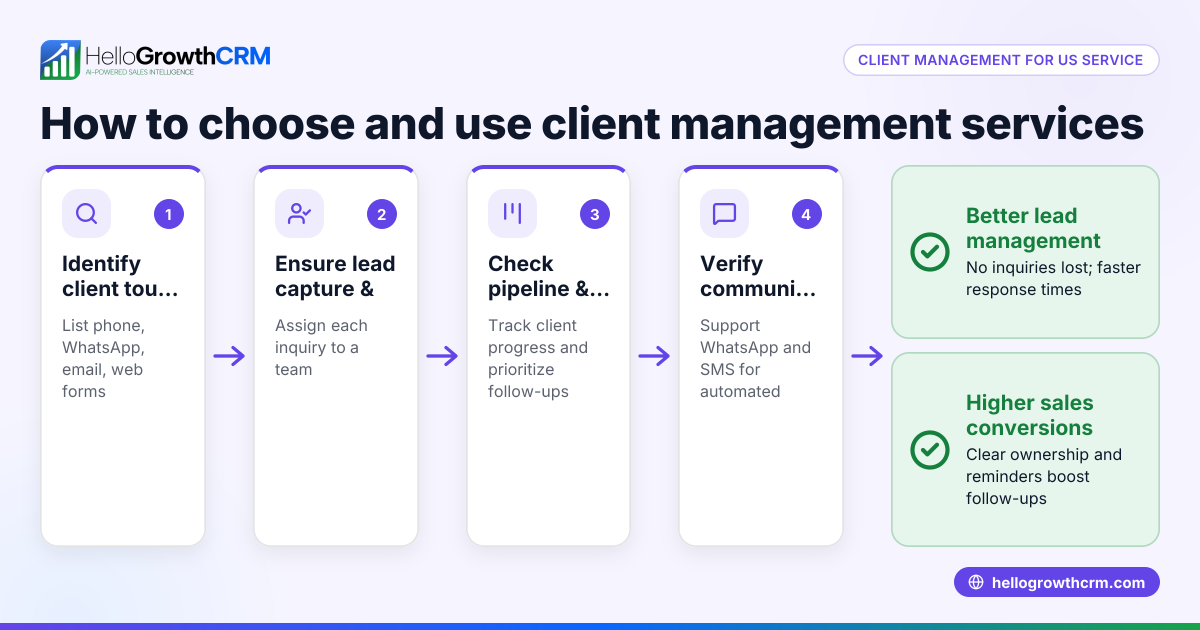
HelloGrowthCRM supports WhatsApp and SMS messaging where conversations with a lead are logged on the lead record. This allows your sales team to see all interactions in one place and send follow-ups as messages directly from the CRM. This centralizes communication and helps your team respond quickly without losing track of conversations. Learn more about these features in WhatsApp and SMS CRM.
Frequently asked questions
What is an online shopping assistant SMS? It is a service or software that uses SMS or messaging apps like WhatsApp to assist online shoppers by answering questions, providing product information, and guiding purchases.
How do I choose the right SMS assistant for my business? Assess your customers’ preferred messaging channels, whether you want automation or live agents, integration with your CRM, compliance with SMS marketing laws, and pricing to find the best fit.
Can I use WhatsApp as part of my online shopping assistant? Yes. WhatsApp is widely used and supported by many SMS assistant tools. HelloGrowthCRM logs WhatsApp conversations on lead records and allows follow-up messaging.
Why is message logging important? Logging messages on customer records ensures your team has full context for each interaction, preventing lost information and enabling effective follow-up.
How does HelloGrowthCRM help with SMS and WhatsApp sales? HelloGrowthCRM centralizes WhatsApp and SMS conversations on lead records and enables sending follow-up messages directly from the CRM. This streamlines communication and improves team coordination. You can also explore other sales tools like the built-in CRM dialer and see how HelloGrowthCRM fits your needs at HelloGrowthCRM for the United States.
Key takeaways
- Choose an SMS assistant that supports your customers’ preferred messaging channels, including WhatsApp if relevant.
- Ensure the assistant integrates with your CRM and lead capture systems to avoid manual data entry.
- Confirm it logs all conversations on customer records and offers automated or scheduled follow-ups.
- Check that the tool manages SMS marketing opt-ins and complies with US regulations.
- Provide team training to ensure effective use and adoption.
- HelloGrowthCRM offers WhatsApp and SMS messaging with conversation logging and follow-up messaging to support your sales process.
Start improving your customer engagement with SMS and WhatsApp messaging today. Start on the Free Forever plan (200 leads, no credit card).
Ready to put this into practice?
Set up your pipeline, WhatsApp follow-ups, and AI lead scoring in minutes — free, no credit card.
Try HelloGrowthCRM freeGet CRM tips in your inbox
Join thousands of sales professionals who get weekly insights on CRM strategy, AI automation, and pipeline optimization.

The HelloGrowthCRM team publishes guides on CRM strategy, AI sales tools, and revenue operations for small business sales teams.