HelloGrowthCRM software
Built for real small-business sales teams
HelloGrowthCRM helps reps qualify faster, follow up on time, and close more deals—with practical automation in one place.
- AI lead scoring and pipeline visibility
- Built-in dialer, WhatsApp, and email automation
- Sales forecasting and RevOps-ready reporting
Small business owners in Canada often face challenges managing payment follow-ups effectively. Many start with spreadsheets because they are familiar and low-cost, but as the business grows, this method can cause delays, errors, and lost revenue. Payment follow-up tools, especially those integrated with communication and task management, offer more control and automation.
Why this comes up / what goes wrong
A small business owner in Canada might track customer payments using spreadsheets, entering invoice details and payment dates manually. When payments are late, they rely on memory or ad hoc notes to remind themselves to follow up. This approach can lead to missed deadlines, inconsistent customer contact, and difficulty prioritizing urgent follow-ups. Slow payment follow-up affects cash flow and customer relationships. The choice between continuing with spreadsheets or switching to a dedicated payment follow-up system hinges on factors like business size, volume of transactions, and team coordination.
Step-by-step
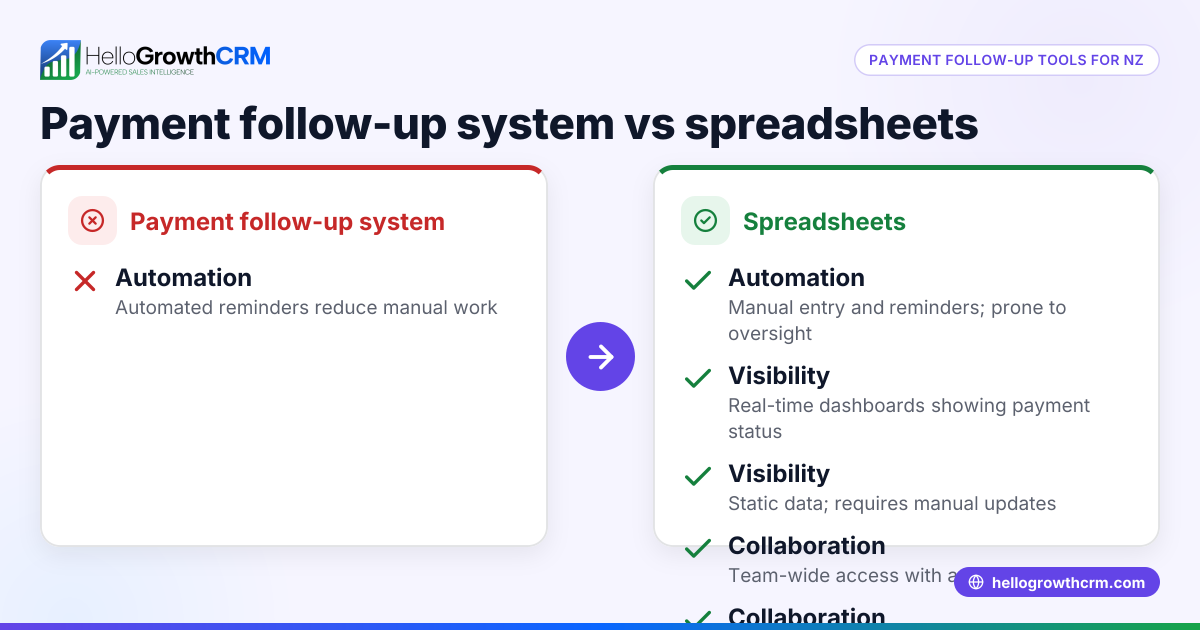
| Criteria | Payment Follow-Up Tools | Spreadsheets |
|---|---|---|
| Automation | Automated reminders, follow-up tasks, and alerts reduce manual work and errors. | Manual entry and reminders; no automation. |
| Integration | Connects with email, WhatsApp, SMS, and invoicing systems for seamless workflow. | Standalone; requires manual updates across platforms. |
| Collaboration | Task boards and shared follow-up lists keep the team aligned and accountable. | Limited collaboration; version control issues common. |
| Tracking & Reporting | Real-time status on quotes, invoices, payments, and follow-ups in one place. | Requires manual compilation and analysis; prone to mistakes. |
| Scalability | Easily handles growing transaction volume and team size. | Becomes cumbersome and error-prone as data grows. |
| User Experience | Designed for sales and payment workflows, reducing cognitive load. | Generic interface; not tailored to payment follow-up needs. |
| Cost | May involve subscription fees but saves time and reduces lost revenue. | Low upfront cost but higher hidden costs from inefficiency. |
Who should pick which?
- Use spreadsheets if your business is very small, with few invoices and payments, and you prefer a low-cost, simple tool.
- Choose payment follow-up tools if you handle multiple clients, want to automate reminders, improve team coordination, and reduce payment delays.
Learn more about how task management can help in our product sales task boards and see how integration with communication channels works in email automation and sequences.
Example (fictional figures)
A mortgage brokerage in Mississauga, Ontario, issues 50 invoices monthly averaging C$2,000 each. They want to compare costs and efficiency between spreadsheets and a payment follow-up tool.
Spreadsheet approach:
- Time spent per invoice on follow-up: 10 minutes
- Hourly wage of staff handling follow-up: C$25
- Monthly follow-up time = 50 invoices × 10 minutes = 500 minutes = 8.33 hours
- Monthly labour cost = 8.33 hours × C$25 = C$208.25
Payment follow-up tool approach:
- Time spent per invoice on follow-up: 3 minutes (due to automation)
- Monthly follow-up time = 50 invoices × 3 minutes = 150 minutes = 2.5 hours
- Monthly labour cost = 2.5 hours × C$25 = C$62.50
- Monthly subscription cost (assumed) = C$100 (NEEDS EXPERT REVIEW)
Total monthly cost with tool = C$62.50 + C$100 = C$162.50
Savings:
- Labour cost saved = C$208.25 - C$62.50 = C$145.75
- Net savings = Labour saved - subscription = C$145.75 - C$100 = C$45.75
This example shows that even with subscription fees, automation can reduce costs and improve cash flow by speeding up payment follow-up.
Common mistakes
- Relying solely on memory for follow-ups
- Prevent by using task boards or reminders to schedule follow-ups consistently.
- Using spreadsheets without version control
- Prevent by using cloud-based tools or dedicated CRMs that track changes and updates.
- Ignoring integration possibilities
- Prevent by choosing tools that connect with your email, WhatsApp, and invoicing systems to avoid manual data entry.
- Not prioritizing overdue payments
- Prevent by implementing lead scoring or priority flags to focus on high-risk accounts.
- Overcomplicating spreadsheets
- Prevent by simplifying tracking or switching to a tool designed for payment follow-up.
For more on collaboration and prioritization, see our customer health score.
Doing this in HelloGrowthCRM
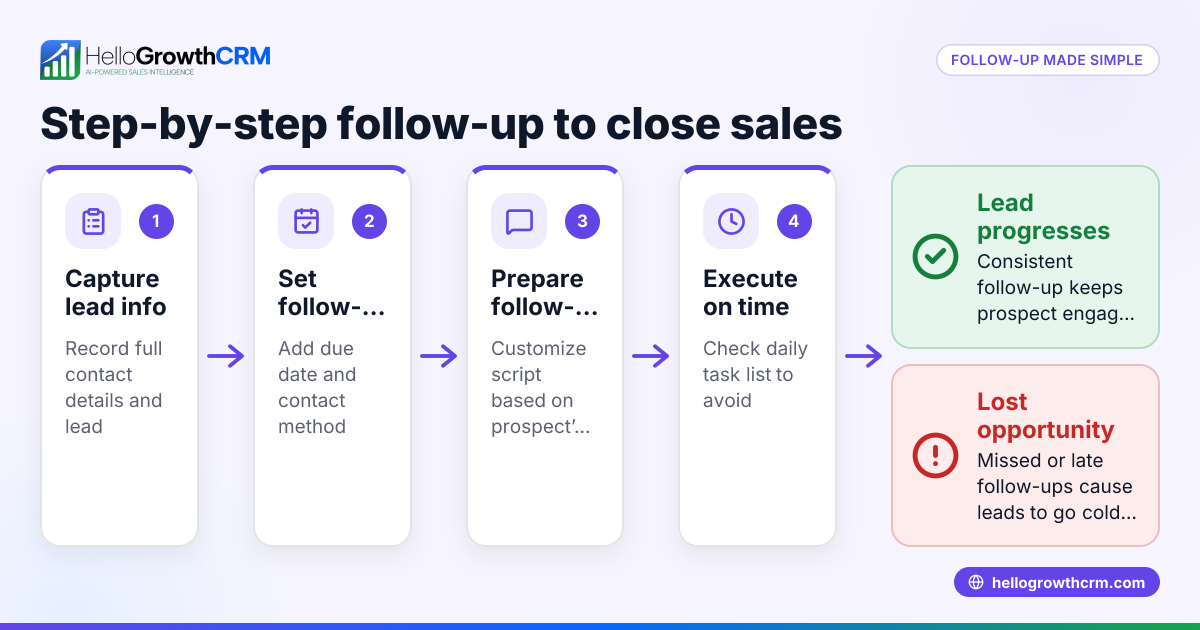
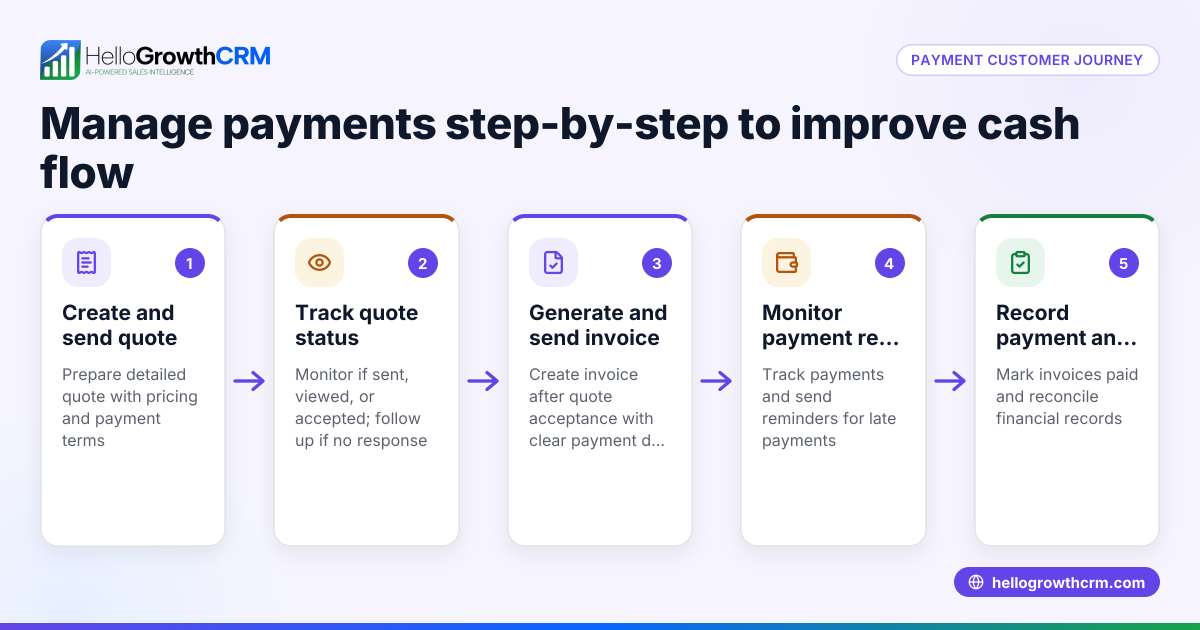
HelloGrowthCRM offers activities and task boards where each payment follow-up becomes a task with a due date, so the day's calls and reminders are a clear list, not a memory test. This helps sales teams stay on top of payment conversations. Additionally, quotes, proposals, invoices, and payments received are managed from the deal screen, showing the status (sent, viewed, accepted) alongside follow-up tasks. This integration streamlines tracking and follow-up in one platform. Learn more about its activities and task boards and quotes, proposals, invoices and payments.
Frequently asked questions
What are the main drawbacks of using spreadsheets for payment follow-up? Spreadsheets require manual data entry and lack automation. They do not send reminders or integrate with communication channels, which can lead to missed follow-ups and delayed payments. Collaboration is limited, and errors can occur with large or complex data.
Can payment follow-up tools integrate with email and messaging apps? Yes, many payment follow-up tools connect with email, WhatsApp, and SMS to automate communication sequences and reminders. This reduces manual work and improves response times.
Is it expensive to switch from spreadsheets to a payment follow-up tool? Costs vary by tool and plan, but many offer free tiers or affordable subscriptions. The time saved and improved cash flow often outweigh subscription costs. Consider starting with a free plan like HelloGrowthCRM's to test benefits.
How does task management improve payment follow-up? Task management organizes follow-ups as due tasks with priorities and deadlines. This helps teams avoid forgetting calls or emails and ensures timely contact with customers, improving collection rates.
Can small businesses with few invoices benefit from payment follow-up tools? If volume is very low, spreadsheets might suffice. However, even small businesses benefit from automation and reminders to reduce errors and improve cash flow, especially as they grow.
How does HelloGrowthCRM help with payment follow-up? HelloGrowthCRM turns follow-ups into tasks with due dates and integrates quotes, proposals, invoices, and payments in one screen. This helps teams manage payment workflows efficiently and stay organized.
Key takeaways
- Spreadsheets lack automation and integration, making payment follow-up slower and error-prone.
- Payment follow-up tools automate reminders, integrate communication, and improve team collaboration.
- Small businesses with growing transactions benefit most from dedicated payment follow-up systems.
- Task boards and status tracking help prioritize and manage payment collections effectively.
- HelloGrowthCRM offers task boards and integrated payment tracking to streamline payment follow-up.
Start managing your payment follow-ups more efficiently today. Start on the Free Forever plan (200 leads, no credit card).
Ready to put this into practice?
Set up your pipeline, WhatsApp follow-ups, and AI lead scoring in minutes — free, no credit card.
Try HelloGrowthCRM freeGet CRM tips in your inbox
Join thousands of sales professionals who get weekly insights on CRM strategy, AI automation, and pipeline optimization.

The HelloGrowthCRM team publishes guides on CRM strategy, AI sales tools, and revenue operations for small business sales teams.