HelloGrowthCRM software
Built for real small-business sales teams
HelloGrowthCRM helps reps qualify faster, follow up on time, and close more deals—with practical automation in one place.
- AI lead scoring and pipeline visibility
- Built-in dialer, WhatsApp, and email automation
- Sales forecasting and RevOps-ready reporting
A preceding email is the email message sent just before the one you are currently reading or replying to in an email thread. It gives you the context and background of the conversation, showing what was discussed, requested, or offered earlier. For small business owners, understanding the preceding email is essential to avoid confusion, miscommunication, and missed sales opportunities.
Why this comes up / what goes wrong
Small business owners and their sales teams often communicate with leads and customers using multiple channels like email, WhatsApp, and spreadsheets. Without a clear view of the preceding email, they risk replying without full context. For example, a lead might ask for a quotation and later follow up with questions about delivery or payment. If the business owner replies without checking the preceding email, they might repeat information, miss questions, or send outdated details.
This problem is common when teams do not have a unified system to track conversations and rely on separate apps. Losing track of the preceding email can cause delays, reduce customer trust, and ultimately lose deals.
Step-by-step
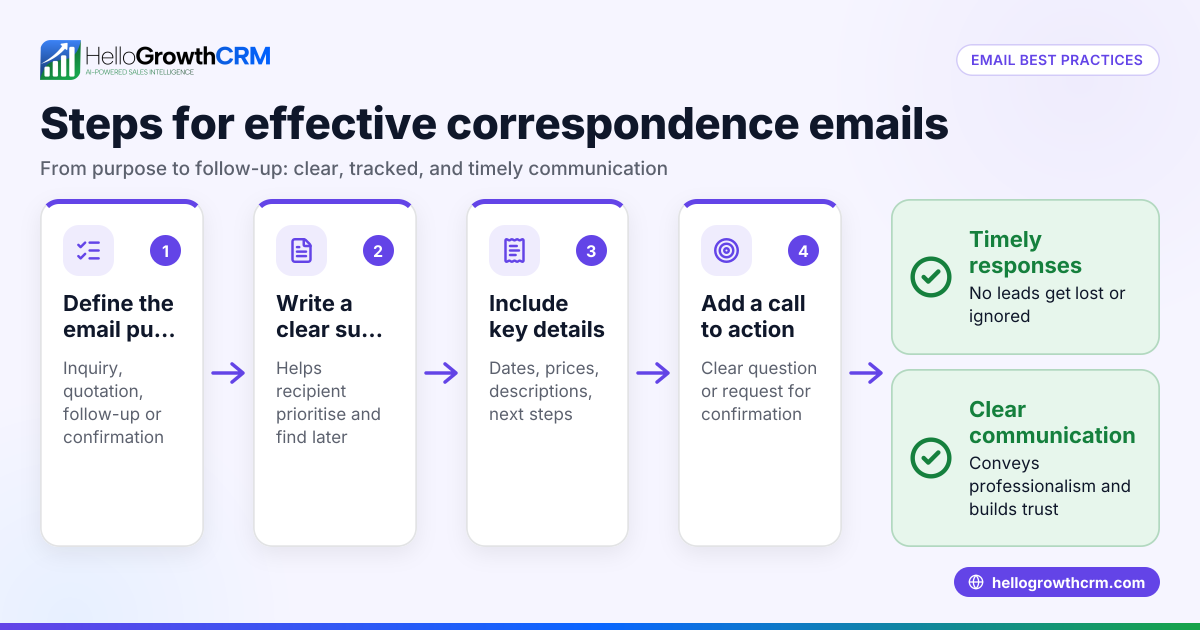
- Open the email thread: Find the conversation related to your lead or customer in your email client or CRM.
- Identify the preceding email: Look for the email message sent immediately before the one you are replying to. This is usually quoted below your reply or shown indented.
- Read the preceding email carefully: Understand the sender’s last request, question, or information shared.
- Check for attachments or links: Sometimes important files or references are in the preceding email that you need to address.
- Draft your reply: Use the information in the preceding email to answer all points clearly and avoid repeating previous messages.
- Ensure the reply chain is intact: Make sure your email includes the preceding email in the reply to keep the conversation context clear for everyone.
- Send and track the email: After sending, mark the lead or deal for follow-up or set a reminder to check for their response.
Following these steps helps avoid confusion and improves your communication quality. To automate follow-ups and ensure timely responses, consider using email automation and sequences.
Example (fictional figures)
An F&B supplier in Woodlands receives an inquiry on 01/04/2026 about organic vegetable prices.
- 01/04/2026: Lead emails asking for a quotation.
- Supplier replies on 02/04/2026 with prices:
- Organic carrots: S$15 per kg
- Organic lettuce: S$12 per kg
- 10/04/2026: Lead sends a follow-up email asking about delivery schedules.
The supplier reads the preceding email from 02/04/2026 before replying:
- Delivery is available on Mondays and Thursdays.
This ensures the reply on 11/04/2026 addresses the lead’s latest question without confusion.
Calculations for quotation:
Price per kg (carrots) = S$15 Price per kg (lettuce) = S$12 If lead orders 100 kg carrots and 50 kg lettuce:
100 kg × S$15 = S$1,500 50 kg × S$12 = S$600 Total = S$1,500 + S$600 = S$2,100
This example shows how checking the preceding email helps confirm details before replying.
Common mistakes
- Ignoring the preceding email: Leads to irrelevant or incomplete replies. Always read it before responding.
- Not including the preceding email in your reply: Can confuse recipients who lose track of the conversation. Use your email client’s reply function correctly.
- Mixing communication channels without syncing: Managing leads across WhatsApp, email, and spreadsheets can cause missed preceding emails. Use a unified CRM to keep track.
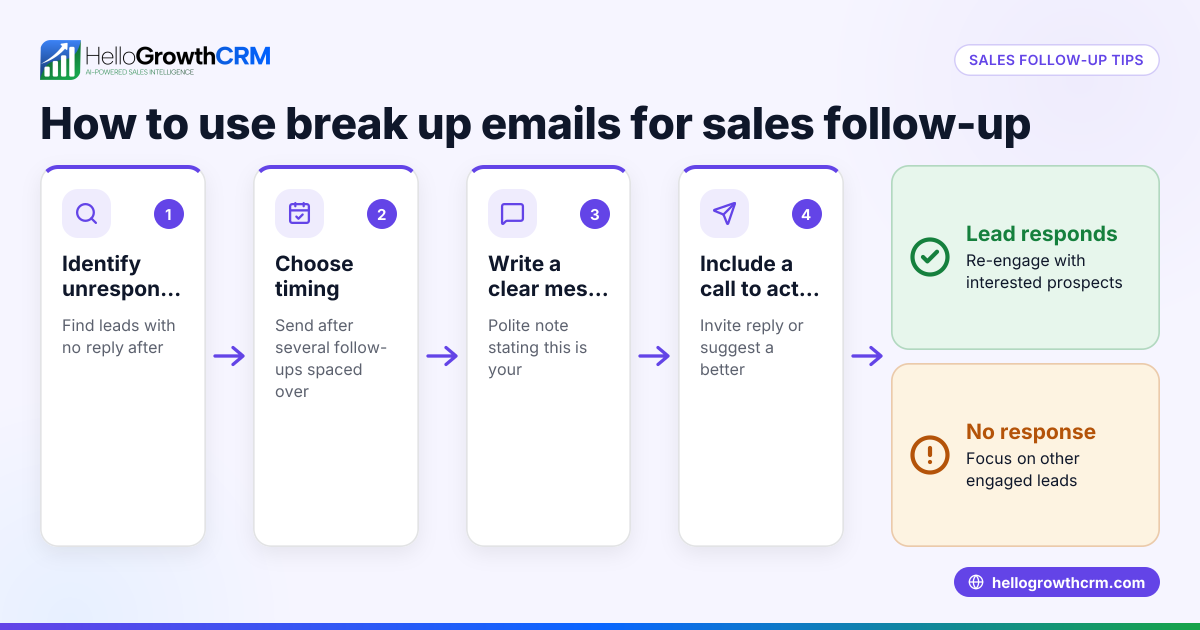
- Delaying follow-up: Waiting too long after the preceding email reduces chances of closing deals. Use email automation and sequences to schedule timely follow-ups.
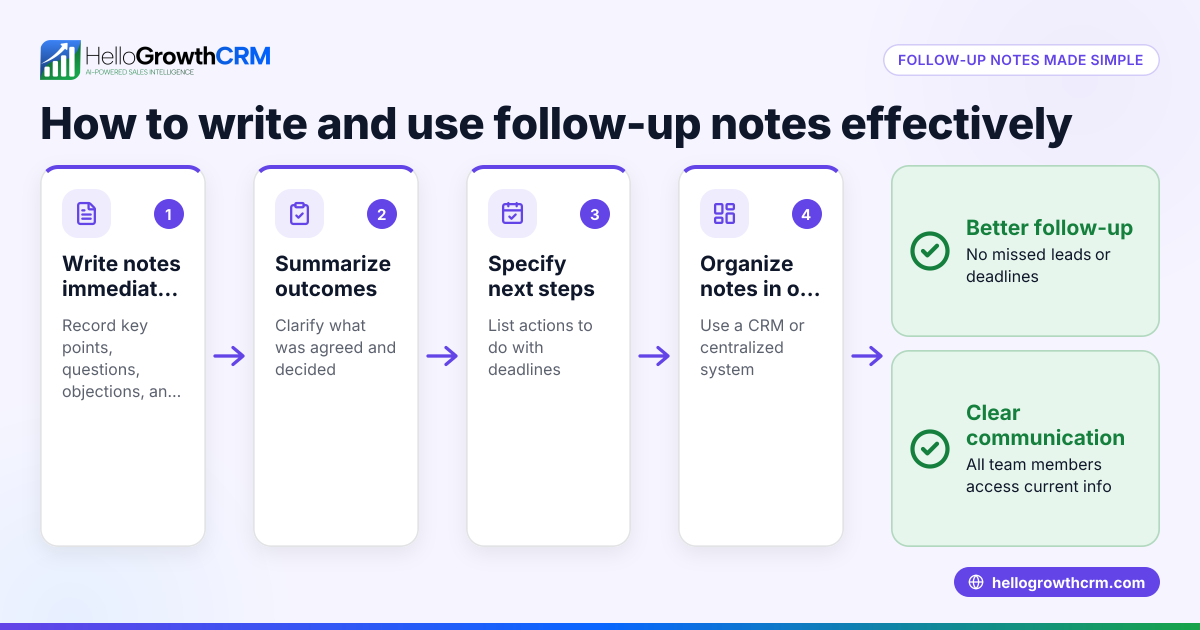
- Not sharing email replies within the team: Leads can be handled inconsistently if replies are not visible to the whole team. Use a shared inbox like HelloMail to keep everyone updated.
Doing this in HelloGrowthCRM
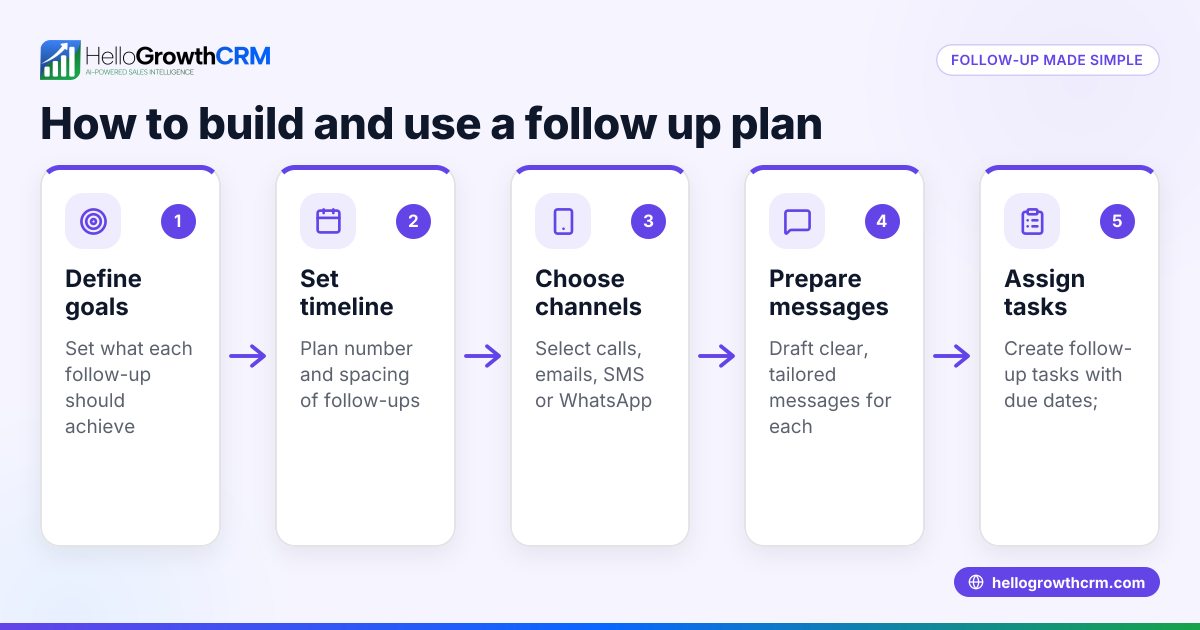
HelloGrowthCRM helps you manage preceding emails effectively with HelloMail shared inbox, where replies to quotation emails are visible to the entire team on the deal. This prevents missed context and duplicated efforts. Additionally, you can use sequences and campaigns to automate follow-up emails: a five-step follow-up over two weeks runs automatically and stops immediately when the prospect replies. This keeps your sales process organised and timely. Learn more about WhatsApp and SMS CRM and email automation and sequences.
Frequently asked questions
What does preceding email mean in a conversation? The preceding email is the last message sent before the current one in an email thread. It provides the context needed to understand the ongoing conversation.
Why is it important to check the preceding email? Checking the preceding email ensures your reply is relevant and complete. It helps avoid misunderstandings and repeated questions, improving communication with leads and customers.
How can I keep track of preceding emails in a busy sales process? Using a CRM with a shared inbox and automated sequences helps you track all email conversations and their context without switching apps or losing information.
Can I automate follow-ups based on preceding emails? Yes, tools like HelloGrowthCRM allow you to set up automated sequences that send follow-ups until the prospect replies, then stop automatically.
What if I miss reading the preceding email before replying? You risk confusing your lead or customer, which can hurt your chances of closing the deal. Always double-check the preceding email before sending your reply.
Key takeaways
- The preceding email is the immediate previous message in an email thread.
- Reviewing it prevents miscommunication and improves reply relevance.
- Use a shared inbox and automated sequences to manage follow-ups efficiently.
- Avoid mixing communication channels without syncing to reduce errors.
- Timely follow-up based on preceding emails increases sales success.
Start managing your leads better by using HelloGrowthCRM. Start on the Free Forever plan (200 leads, no credit card).
Ready to put this into practice?
Set up your pipeline, WhatsApp follow-ups, and AI lead scoring in minutes — free, no credit card.
Try HelloGrowthCRM freeGet CRM tips in your inbox
Join thousands of sales professionals who get weekly insights on CRM strategy, AI automation, and pipeline optimization.

The HelloGrowthCRM team publishes guides on CRM strategy, AI sales tools, and revenue operations for small business sales teams.