HelloGrowthCRM software
Built for real small-business sales teams
HelloGrowthCRM helps reps qualify faster, follow up on time, and close more deals—with practical automation in one place.
- AI lead scoring and pipeline visibility
- Built-in dialer, WhatsApp, and email automation
- Sales forecasting and RevOps-ready reporting
A sales call log template India helps small and mid-sized businesses track sales calls systematically. It records key details like date, client name, phone number, call purpose, call outcome, and follow-up actions. Using this template ensures no lead is forgotten and follow-ups happen on time.
Why this comes up / what goes wrong
Many Indian small business owners and telecalling teams start with WhatsApp and Excel to manage sales calls. Without a proper call log, leads get lost, follow-ups are missed, and sales opportunities drop. The lack of a structured format leads to confusion, forgotten calls, and inefficient sales processes. A ready-to-use sales call log template India solves this by providing a clear format to capture and review every call’s details.
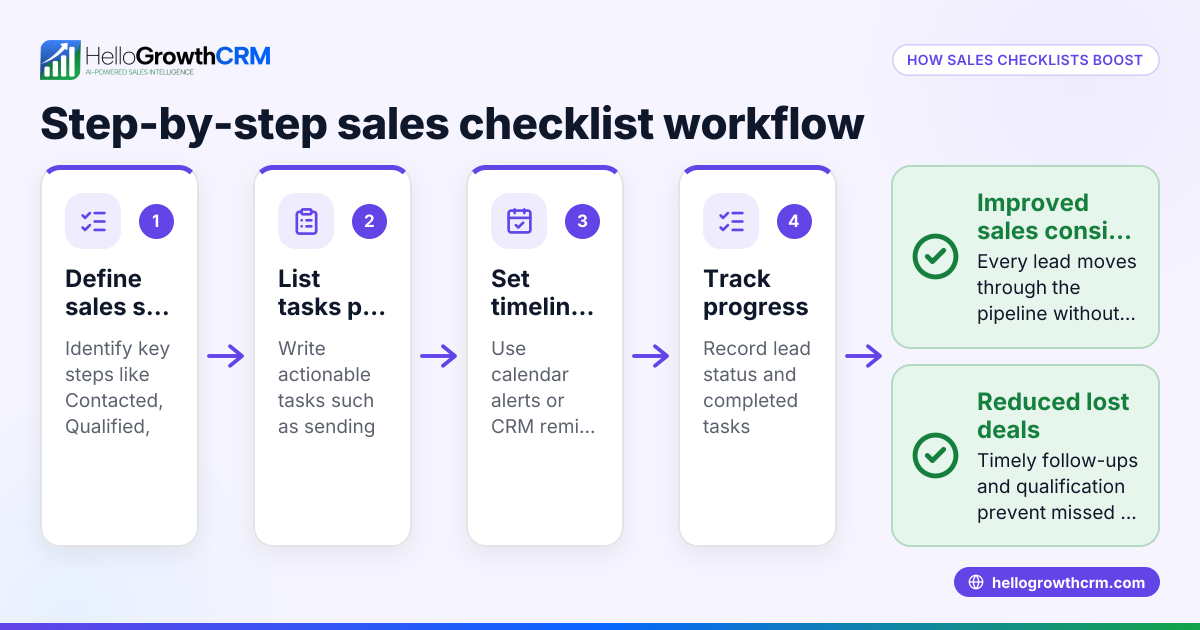
Step-by-step
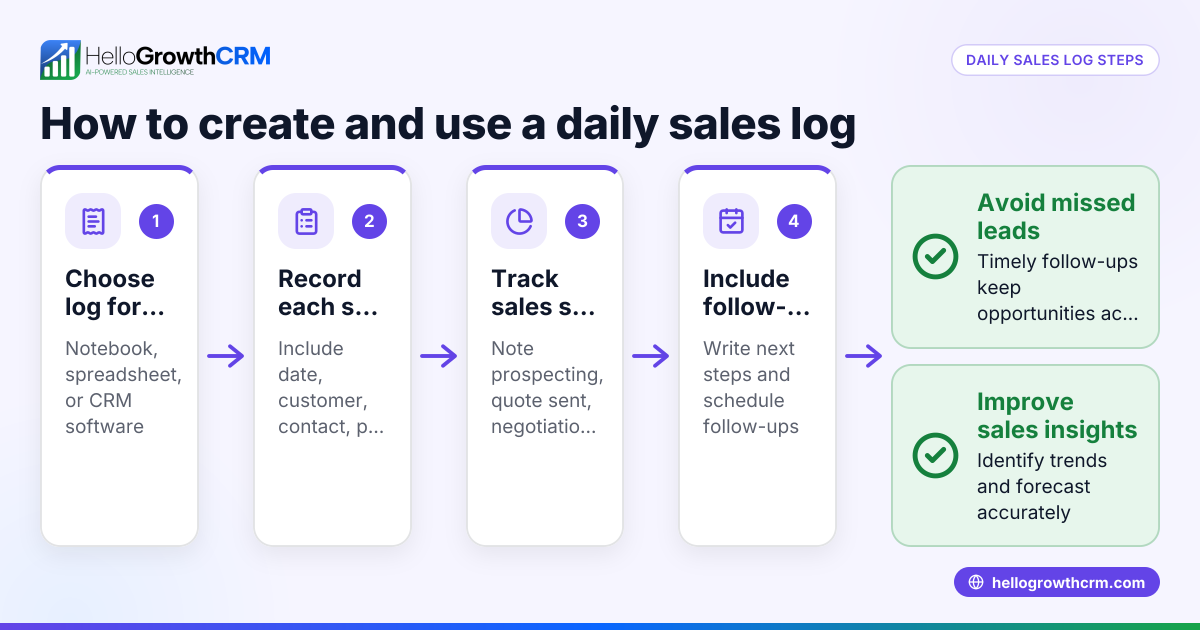
- Prepare the template: Download a sales call log template or create a spreadsheet with columns for Date, Client Name, Contact Number, Call Purpose, Call Outcome, Next Follow-up Date, and Remarks. Check that the columns cover all critical info.
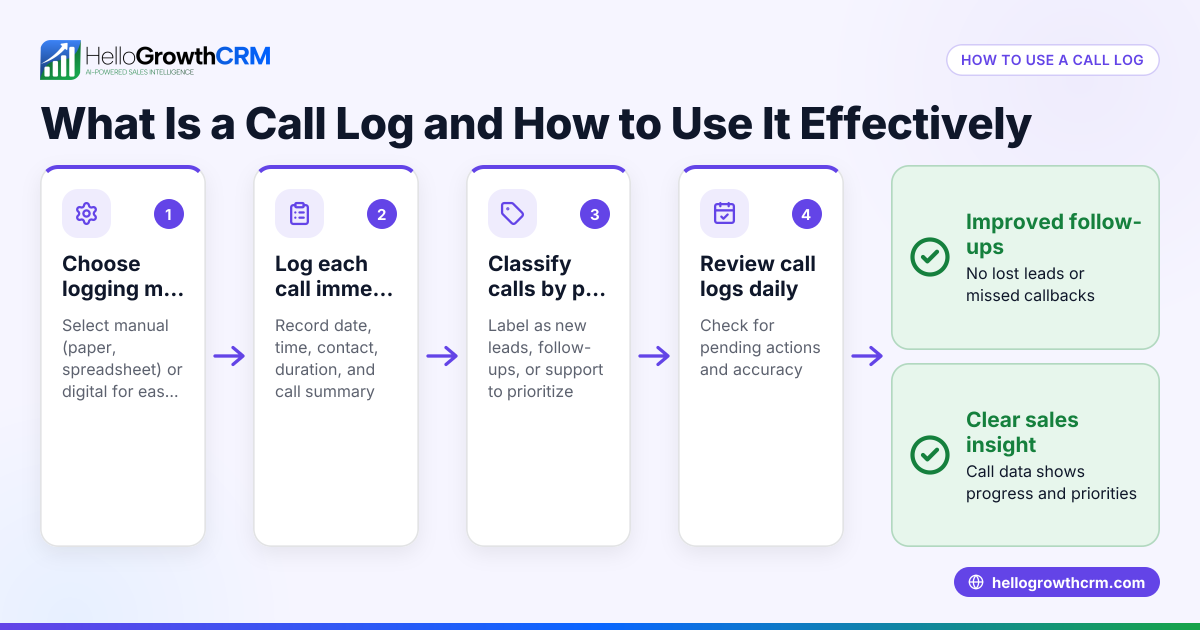
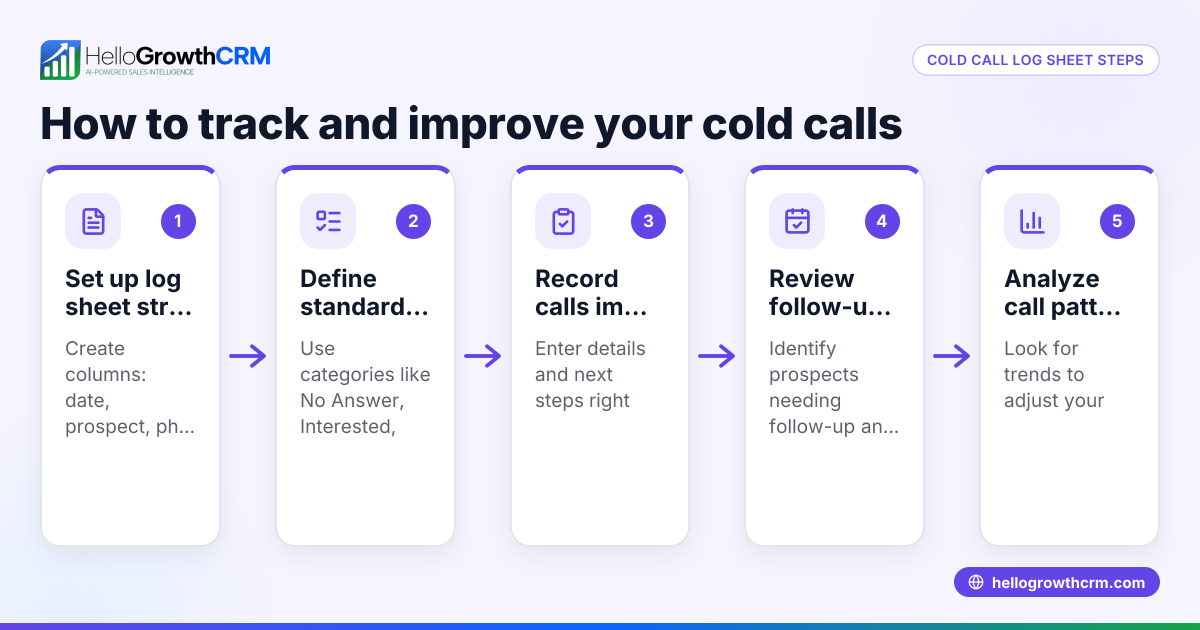
- Log each call immediately: After every sales call, enter the details in the log. Check the contact number is correct and the call outcome is clear (e.g., Interested, Not Interested, Callback Later).
- Set follow-up dates: If the call requires follow-up, enter the exact next follow-up date. Check this date is realistic and does not fall on a holiday.
- Review daily: At the start of each day, review the log to identify calls needing follow-up. Check no rows are blank or missing key info.
- Update after follow-ups: When follow-up calls happen, update the log with the outcome and next steps.
- Maintain version control: Save the log file with date stamps or use cloud storage to avoid losing or overwriting data.
- Use templates and tools: Download free sales templates like follow-up cadence or pipeline templates from HelloGrowthCRM’s free sales tools and calculators page for better organisation.
Example (fictional figures)
Date: 05/06/2024
| Date | Client Name | Contact Number | Call Purpose | Call Outcome | Next Follow-up Date | Remarks |
|---|---|---|---|---|---|---|
| 05/06/2024 | Rajesh Traders | 9876543210 | Product Inquiry | Interested | 10/06/2024 | Sent quotation |
Calculation of follow-up interval:
Next Follow-up Date = Date + 5 days
05/06/2024 + 5 days = 10/06/2024
Quotation value: ₹1,00,000
Tracking the deal value:
Quotation value = ₹1,00,000
This deal is tracked in the pipeline to ensure follow-up on 10/06/2024.
Common mistakes
- Delaying call logging: Entering call details hours or days later causes forgotten info. Prevent by logging immediately after each call.
- Incomplete records: Missing contact numbers or unclear call outcomes lead to confusion. Prevent by checking each field is filled before saving.
- Ignoring follow-up dates: Without setting or checking follow-up dates, leads go cold. Prevent by reviewing the log daily for due follow-ups.
- Using multiple unlinked files: Scattered call logs cause data loss. Prevent by maintaining a single master log or using cloud storage.
- No call outcome categories: Vague outcomes make pipeline tracking impossible. Prevent by defining clear outcome options (Interested, Not Interested, Callback Later).
- Not using templates: Reinventing the format wastes time. Prevent by downloading ready-made templates from sales templates.
Doing this in HelloGrowthCRM
HelloGrowthCRM offers free sales tools, templates, and calculators including follow-up cadence and pipeline templates available for download without an account at the free sales tools and calculators page. Its built-in dialer lets telecallers make calls directly inside the CRM, logging each call’s outcome automatically on the lead record. Deals created from quotations appear in the pipeline with follow-up dates, so no opportunity is forgotten. Learn more about the built-in CRM dialer and pipeline features at HelloGrowthCRM for India (/in).
Frequently asked questions
What is a sales call log template? A sales call log template is a structured format, usually a spreadsheet or form, to record details of each sales call such as date, client, contact info, call purpose, outcome, and next steps. It helps track calls and plan follow-ups.
Can I use Excel for a sales call log? Yes, Excel is commonly used for sales call logs. Make sure to include columns for all key data points and save the file regularly. Alternatively, use free templates from HelloGrowthCRM for easier management.
How often should I update the sales call log? Update it immediately after each call to avoid missing details. Also, review the log daily to track upcoming follow-ups and update outcomes.
Is there a digital tool better than Excel for call logging? Yes, CRM software like HelloGrowthCRM lets you log calls automatically with a built-in dialer, track deals in a pipeline, and schedule follow-ups, reducing manual errors.
Can I download a sales call log template India for free? Yes, HelloGrowthCRM offers free sales templates including call logs and follow-up cadences without account signup at free sales tools and calculators.
Key takeaways
- Use a structured sales call log template with key columns: Date, Client, Contact, Purpose, Outcome, Follow-up.
- Log calls immediately and set realistic follow-up dates.
- Review the log daily to avoid missed opportunities.
- Download free sales templates from HelloGrowthCRM to save time and improve accuracy.
- Avoid common mistakes like incomplete records and delayed updates.
- HelloGrowthCRM automates call logging and pipeline tracking with its built-in dialer and deals feature.
Start managing your sales calls efficiently today. You can Start on the Free Forever plan (200 leads, no credit card) and access free templates and tools to improve your sales workflow.
Ready to put this into practice?
Set up your pipeline, WhatsApp follow-ups, and AI lead scoring in minutes — free, no credit card.
Try HelloGrowthCRM freeGet CRM tips in your inbox
Join thousands of sales professionals who get weekly insights on CRM strategy, AI automation, and pipeline optimization.

The HelloGrowthCRM team publishes guides on CRM strategy, AI sales tools, and revenue operations for small business sales teams.