HelloGrowthCRM software
Built for real small-business sales teams
HelloGrowthCRM helps reps qualify faster, follow up on time, and close more deals—with practical automation in one place.
- AI lead scoring and pipeline visibility
- Built-in dialer, WhatsApp, and email automation
- Sales forecasting and RevOps-ready reporting
A sales lead tracker Excel template for UK businesses is a spreadsheet format designed to capture, organise and monitor sales leads efficiently. This article provides a free, ready-to-use template format, detailed steps to set it up correctly, a worked example with UK figures, and tips to avoid common tracking errors.
Why this comes up / what goes wrong
UK small-business owners often seek a sales lead tracker Excel template because they need a simple, structured way to manage enquiries and follow-ups. Many still rely on scattered notes, WhatsApp chats, or email threads that cause lost leads and slow responses. Without a clear format, leads can be missed, duplicated, or forgotten, costing valuable sales opportunities.
A spreadsheet template tailored for sales leads helps centralise information such as contact details, lead source, status, next steps and value estimates. However, without guidance, users risk incomplete data, inconsistent updates, or confusion over pipeline stages.
Step-by-step
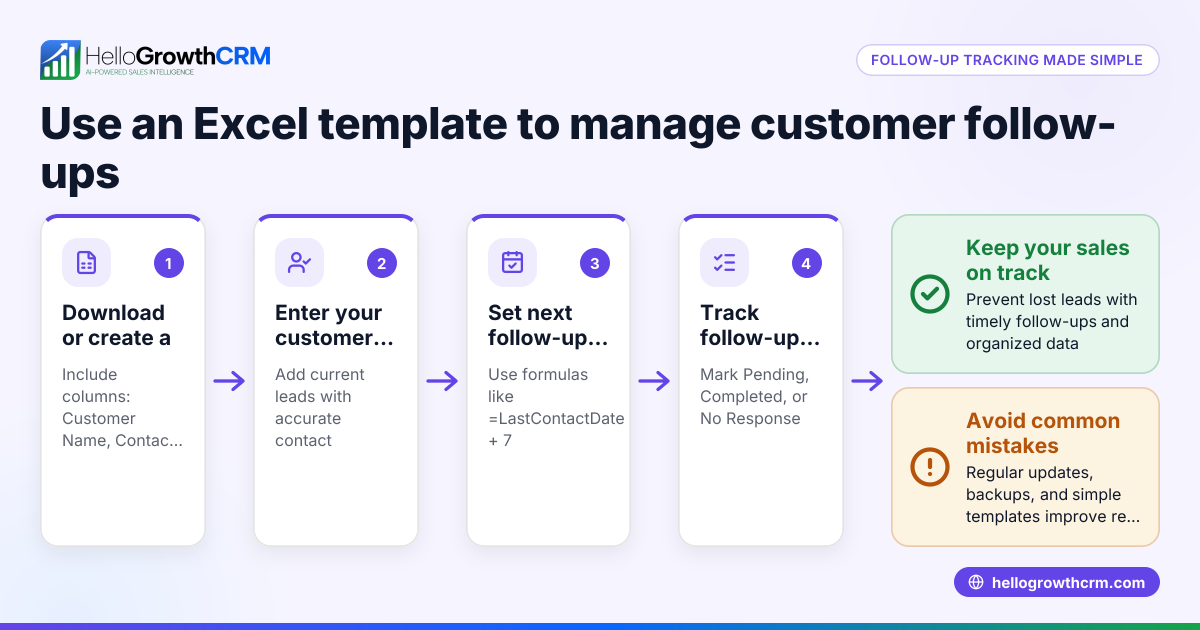
- Download a free sales lead tracker Excel template: Start by getting a UK-appropriate template from free sales tools and calculators on HelloGrowthCRM's sales templates page. Choose one that includes columns for lead contact, source, status, value, and next action.
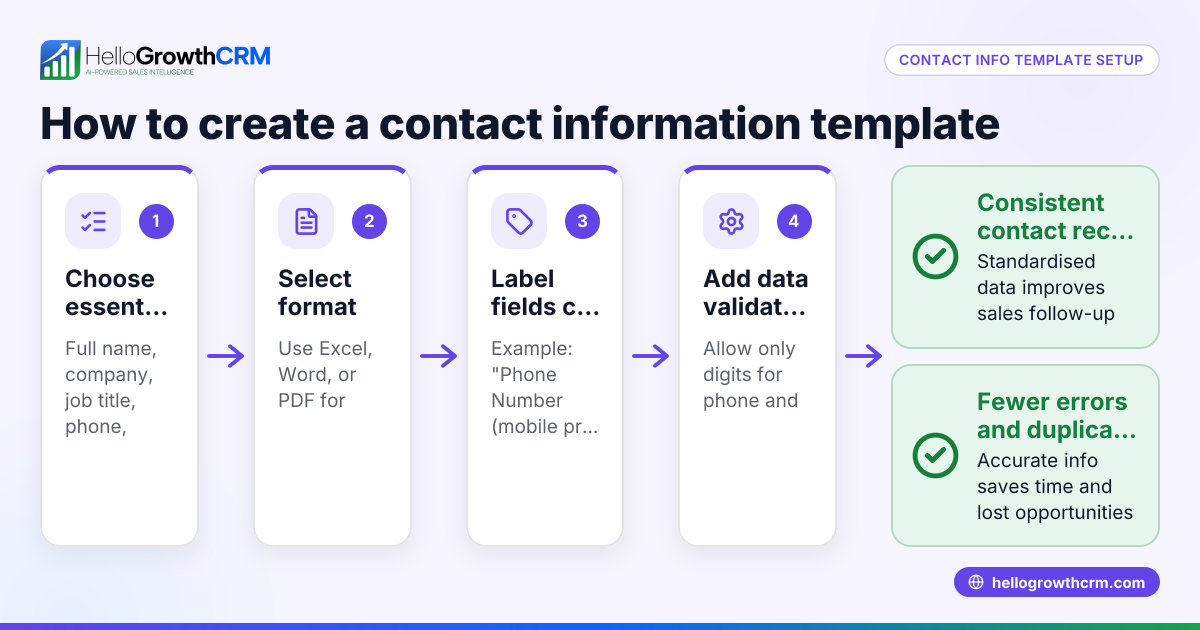
- Set up columns and data validation: Check that your spreadsheet has clear headers like Lead Name, Company, Contact Number, Email, Lead Source, Lead Status, Potential Value (£), Next Follow-Up Date, and Notes. Use Excel’s data validation to restrict status entries to defined stages (e.g., New, Contacted, Qualified, Lost).
- Input existing leads carefully: Enter all current leads with complete information. Verify that phone numbers and emails are accurate to avoid follow-up errors.
- Define a consistent follow-up cadence: Add a column for next follow-up date and update it after each contact. This helps track who needs calling or emailing next.
- Regularly update lead status and notes: After every interaction, record progress and adjust the status accordingly. This keeps your pipeline current and actionable.
- Review and prioritise leads weekly: Use filters or sorting to focus on leads with the highest potential value or those overdue for follow-up.
- Back up your tracker file: Save copies regularly to prevent data loss.
For more help with follow-up sequences, download a free template from HelloGrowthCRM's free sales tools and calculators.
Example (fictional figures)
A Manchester letting agency uses the sales lead tracker Excel template to monitor enquiries for rental properties.
- Lead Name: John Smith
- Company: Smith Enterprises
- Contact Number: 07123 456789
- Email: john.smith@example.com
- Lead Source: Website enquiry
- Lead Status: Contacted
- Potential Value: £12,000
- Next Follow-Up Date: 15/07/2024
- Notes: Interested in 3-bedroom flat
Calculation of potential monthly rental income:
£4,000 × 3 months = £12,000
The agency sorts leads by next follow-up date and filters to call John Smith on 15/07/2024.
Common mistakes
- Incomplete lead details: Missing phone numbers or emails cause follow-up failures. Prevent this by requiring these fields before adding a lead.
- Not updating lead status promptly: Leads marked as New long after contact cause confusion. Update status immediately after each interaction.
- Ignoring follow-up dates: Without tracking next contact dates, leads go cold. Use Excel reminders or conditional formatting to highlight due follow-ups.
- Duplicating leads: Entering the same lead multiple times wastes effort. Check existing entries before adding new ones.
- Overcomplicating the tracker: Too many columns or complex formulas discourage use. Keep the template simple and focused on essential fields.
- Failing to back up data: Losing the tracker file means lost information. Save backups regularly.
For a structured pipeline and task board to avoid these errors, consider HelloGrowthCRM’s Leads feature.
Doing this in HelloGrowthCRM
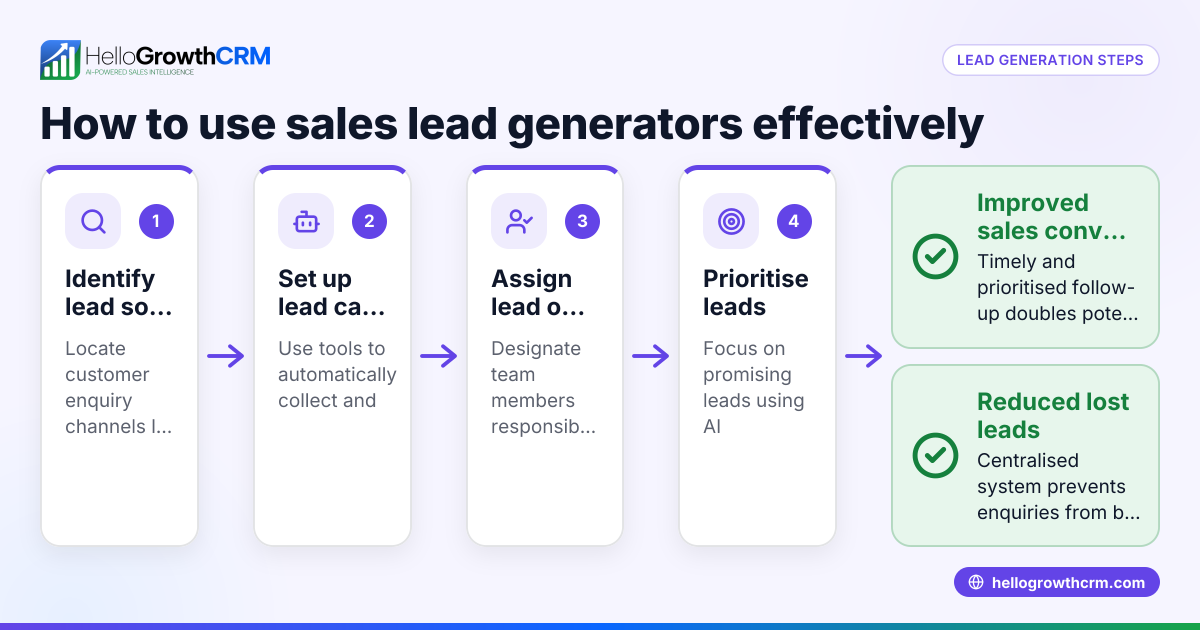
HelloGrowthCRM offers free sales tools, templates and calculators including follow-up cadence and pipeline templates that you can download without an account from the free sales tools and calculators page. When you move beyond spreadsheets, every enquiry from a form, call or WhatsApp automatically lands as a lead with an owner and a next step, instead of being lost in notebooks or chats. The AI lead scoring helps telecallers prioritise calls to those leads most likely to convert first, reducing wasted effort and speeding up follow-up. See more about AI lead scoring at AI lead scoring.
Frequently asked questions
Can I customise a sales lead tracker Excel template for my UK business? Yes, most templates are fully editable. You can add or remove columns to fit your sales process, such as adding a column for postcode or product interest. Just ensure you keep key fields like contact details and follow-up dates consistent.
How often should I update the sales lead tracker? Ideally, update it immediately after any contact or change in lead status. Regular weekly reviews help keep the pipeline accurate and priorities clear.
Is Excel the best tool for sales lead tracking? Excel is good for starting out due to its flexibility and no cost if you already have it. However, as your business grows, dedicated CRM software like HelloGrowthCRM can automate lead capture, scoring, and follow-ups.
Where can I find free sales lead tracker templates? HelloGrowthCRM offers free sales templates and calculators on the sales templates and free sales tools and calculators pages, ready to download without signup.
How can I avoid losing leads when using Excel? Keep your tracker backed up regularly, use data validation to prevent errors, and consider a CRM that captures leads automatically from web forms and WhatsApp.
Key takeaways
- Use a free, ready-to-use sales lead tracker Excel template designed for UK small businesses.
- Set up clear columns for contact info, lead status, potential value, and next follow-up date.
- Update lead details and status promptly after each interaction.
- Avoid common mistakes like incomplete data, duplicated leads, and ignoring follow-ups.
- Download free follow-up cadence and pipeline templates from HelloGrowthCRM’s free sales tools and calculators.
- Consider moving to HelloGrowthCRM for automatic lead capture and AI lead scoring to prioritise calls.
Start managing your sales leads more effectively today. Start on the Free Forever plan (200 leads, no credit card).
Ready to put this into practice?
Set up your pipeline, WhatsApp follow-ups, and AI lead scoring in minutes — free, no credit card.
Try HelloGrowthCRM freeGet CRM tips in your inbox
Join thousands of sales professionals who get weekly insights on CRM strategy, AI automation, and pipeline optimization.

The HelloGrowthCRM team publishes guides on CRM strategy, AI sales tools, and revenue operations for small business sales teams.