HelloGrowthCRM software
Built for real small-business sales teams
HelloGrowthCRM helps reps qualify faster, follow up on time, and close more deals—with practical automation in one place.
- AI lead scoring and pipeline visibility
- Built-in dialer, WhatsApp, and email automation
- Sales forecasting and RevOps-ready reporting
Sales pain points in CPQ (Configure, Price, Quote) processes arise when teams struggle to generate accurate quotes efficiently. These challenges can cause lost deals and delays. This article covers why these pain points occur, practical steps to address them, a detailed example, common mistakes, and how HelloGrowthCRM's quoting and pipeline tools support smoother CPQ workflows.
Why this comes up / what goes wrong
Small-business owners often face CPQ pain points because their sales processes rely on manual methods like spreadsheets, email, or text messages. Without centralized tools, quotes can be delayed or inaccurate, and follow-ups get missed. Complex product options or pricing tiers increase errors. Sales reps may lack visibility into pipeline stages, making it hard to prioritize which quotes to push. This leads to slow responses, lost leads, and revenue leakage.
Step-by-step
- Map your current CPQ process: Document how quotes are created, approved, and sent. Identify bottlenecks like manual pricing calculations or approval delays.
- Centralize product and pricing data: Ensure all sales reps have access to updated pricing, discounts, and product options to reduce errors.
- Automate quote creation: Use tools that generate quotes from configured options instantly to speed turnaround.
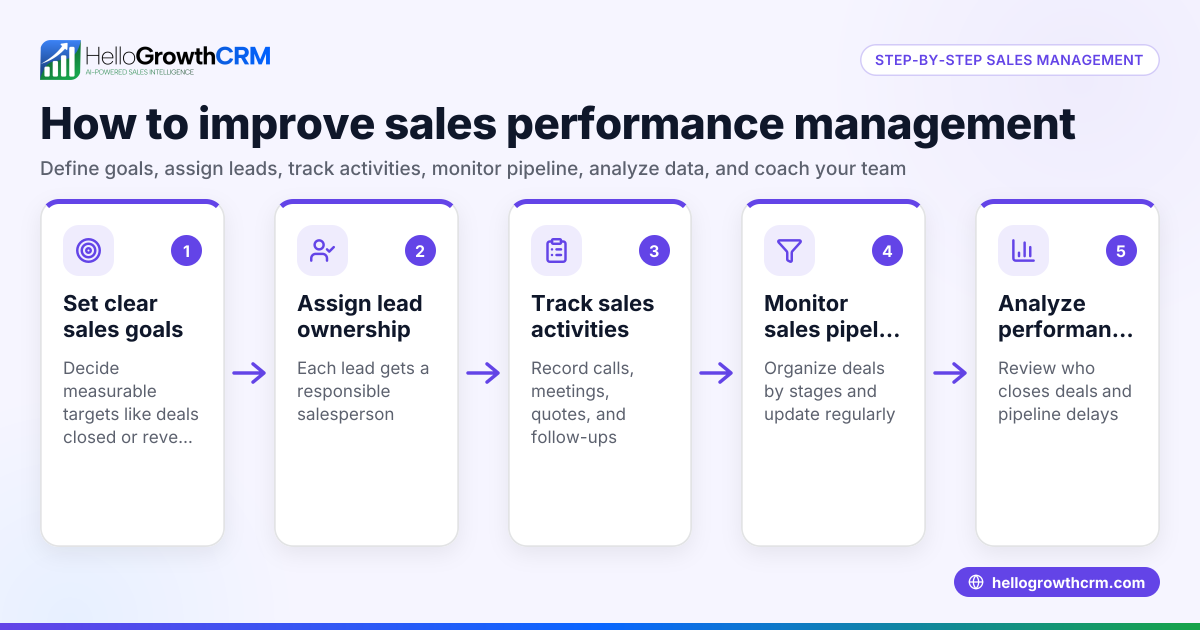
- Set clear follow-up tasks and reminders: Track quotes in a pipeline with follow-up dates so no opportunity is forgotten.
- Train sales reps on CPQ best practices: Make sure the team understands how to use the tools and follow the process.
- Review and optimize regularly: Analyze lost deals or delays to refine pricing rules and approval workflows.
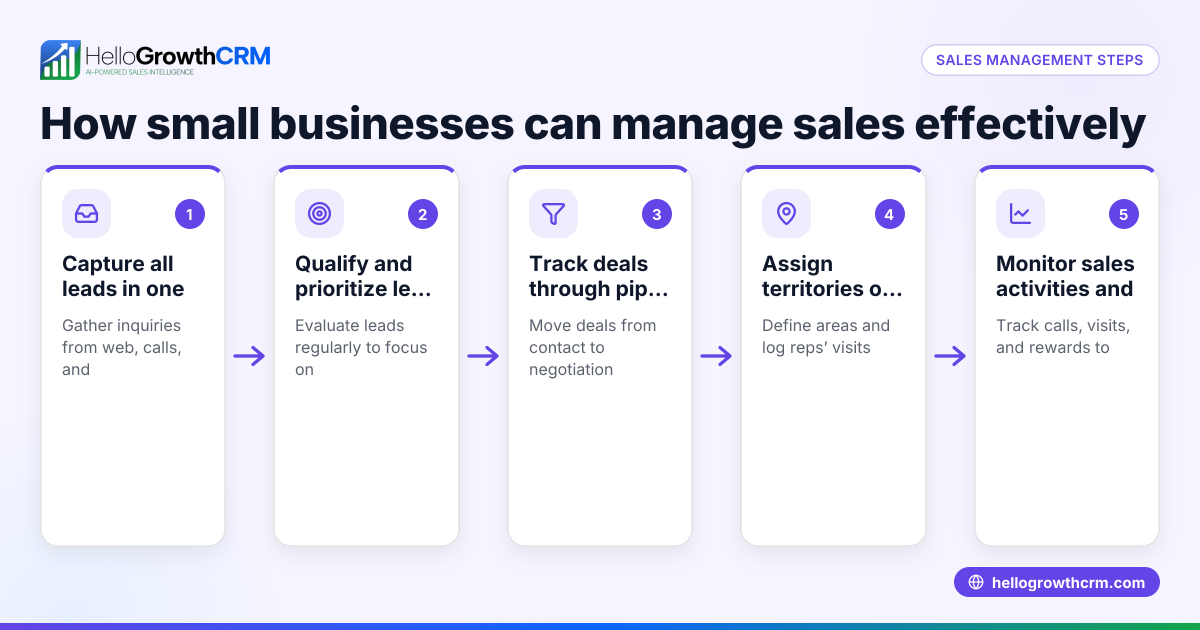
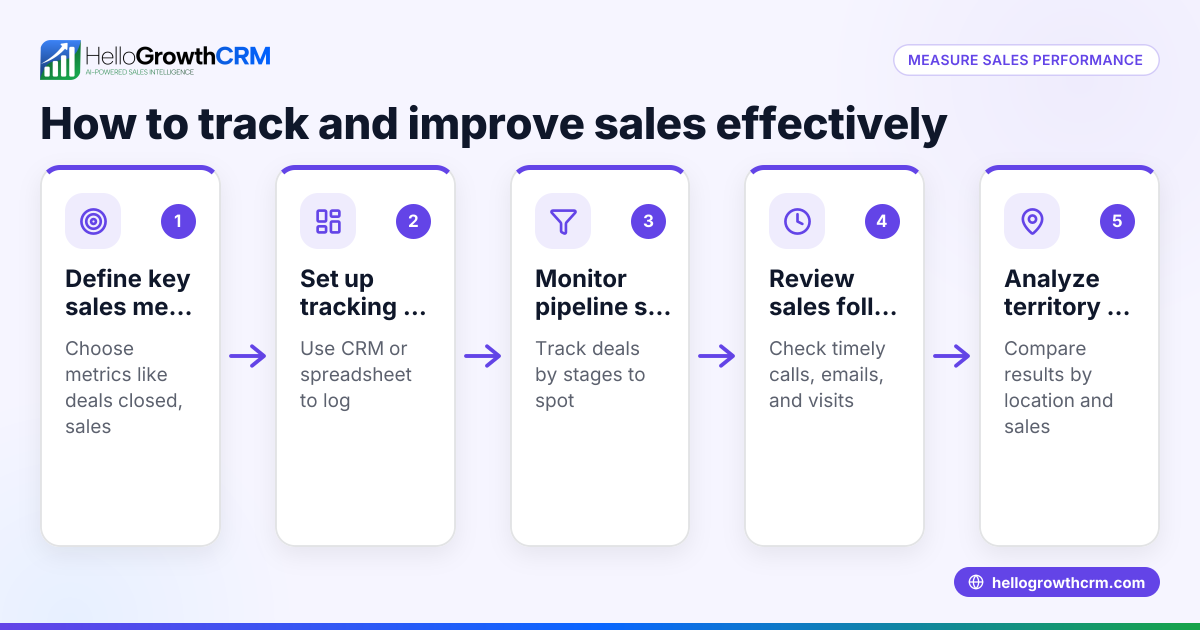
- Use pipeline and territory management: Assign leads and quotes to reps by territory and monitor their activity to improve coverage and accountability.
- Leverage managed revenue operations support if needed: Get expert help to maintain pipeline hygiene and consistent follow-up.
Example (fictional figures)
A plumbing company in Austin, Texas, struggles with slow quote turnaround, losing potential jobs. They decide to improve their CPQ process starting 07/01/2026.
- They currently send 50 quotes monthly, with a 20% close rate.
- Average job value: $3,000.
- Slow follow-up causes a 5% loss in potential revenue.
Calculations:
Potential monthly revenue = 50 quotes × $3,000 = $150,000
Current closed deals = 50 × 20% = 10 deals
Current revenue = 10 × $3,000 = $30,000
Revenue lost due to slow follow-up = $150,000 × 5% = $7,500
By automating quote follow-up and tracking in a pipeline, they reduce lost revenue by half:
Recovered revenue = $7,500 × 50% = $3,750
New revenue = $30,000 + $3,750 = $33,750
This shows that improving CPQ follow-up can significantly boost revenue.
Common mistakes
- Ignoring pipeline visibility: Not tracking quotes as deals causes missed follow-ups. Prevent this by using a pipeline tool with stage tracking and follow-up dates, such as the Deals (pipeline) feature in HelloGrowthCRM.
- Relying on manual pricing: Using spreadsheets for pricing leads to errors. Centralize pricing data and automate calculations.
- Skipping sales training: Without proper training, reps misuse CPQ tools. Schedule regular training sessions.
- Overcomplicating approvals: Excessive approval steps delay quotes. Streamline approval workflows.
- Not assigning territories: Leads and quotes scattered among reps cause coverage gaps. Use territory management to assign and monitor reps’ activities.
- Neglecting follow-up management: No one owns the follow-up queue, so quotes fall through cracks. Consider managed RevOps support to ensure consistent follow-up.
Doing this in HelloGrowthCRM
HelloGrowthCRM helps you manage CPQ pain points with these features:
- Deals (pipeline): A quotation sent last week appears as a deal at the 'quote sent' stage with a follow-up date, so it is not forgotten. This keeps your sales pipeline organized and timely.
- Territories, field operations and commissions: Assign territories to your reps, log their visits from mobile, and track commissions linked to deal outcomes. Managers can monitor daily activity and coverage.
- Managed RevOps: If you don’t have a dedicated sales manager, HelloGrowthCRM offers revenue operations support, with someone working the follow-up queue every week to maintain pipeline hygiene and improve conversion.
Learn more about HelloGrowthCRM for the United States, our WhatsApp and SMS CRM, and the built-in CRM dialer.
Frequently asked questions
What are the main sales pain points in CPQ? Common pain points include slow quote turnaround, pricing errors, complex product configurations, lack of pipeline visibility, and missed follow-ups. These issues reduce sales efficiency and customer satisfaction.
How can automation improve CPQ processes? Automation speeds up quote creation, ensures pricing accuracy, and triggers follow-up reminders. This reduces manual errors and frees sales reps to focus on closing deals.
Why is pipeline management important for CPQ? Pipeline management tracks each quote as a deal stage with follow-up tasks, preventing leads from being forgotten. It provides visibility into sales progress and prioritizes actions.
Can small businesses benefit from territory management? Yes, even small teams can improve coverage and accountability by assigning leads and quotes by territory. This helps balance workloads and monitor field sales activities.
What is managed RevOps and how does it help? Managed RevOps is expert revenue operations support that handles pipeline cleanup, follow-up execution, and reporting. It’s valuable for founders or small teams without dedicated sales managers.
Key takeaways
- Sales pain points in CPQ often stem from manual, unorganized quoting and follow-up.
- Centralizing pricing and automating quote creation reduce errors and speed turnaround.
- Pipeline tracking with follow-up dates prevents lost leads and missed opportunities.
- Territory management improves sales coverage and accountability.
- Managed RevOps support ensures consistent pipeline hygiene and follow-up.
- HelloGrowthCRM offers quoting, pipeline, and task tools to address these pain points effectively.
Start improving your sales quoting process today. Start on the Free Forever plan (200 leads, no credit card) to organize your deals, manage territories, and get follow-up help.
Ready to put this into practice?
Set up your pipeline, WhatsApp follow-ups, and AI lead scoring in minutes — free, no credit card.
Try HelloGrowthCRM freeGet CRM tips in your inbox
Join thousands of sales professionals who get weekly insights on CRM strategy, AI automation, and pipeline optimization.

The HelloGrowthCRM team publishes guides on CRM strategy, AI sales tools, and revenue operations for small business sales teams.