HelloGrowthCRM software
Built for real small-business sales teams
HelloGrowthCRM helps reps qualify faster, follow up on time, and close more deals—with practical automation in one place.
- AI lead scoring and pipeline visibility
- Built-in dialer, WhatsApp, and email automation
- Sales forecasting and RevOps-ready reporting
A sales trigger is an event or change that signals a good opportunity to reach out to a potential customer. These triggers help sales teams know when to follow up or start a conversation, increasing the chance of closing a deal. This article covers why sales triggers matter for small businesses, how to spot them, practical steps to act on them, a worked example, common mistakes to avoid, and how HelloGrowthCRM supports managing sales triggers.
Why this comes up / what goes wrong
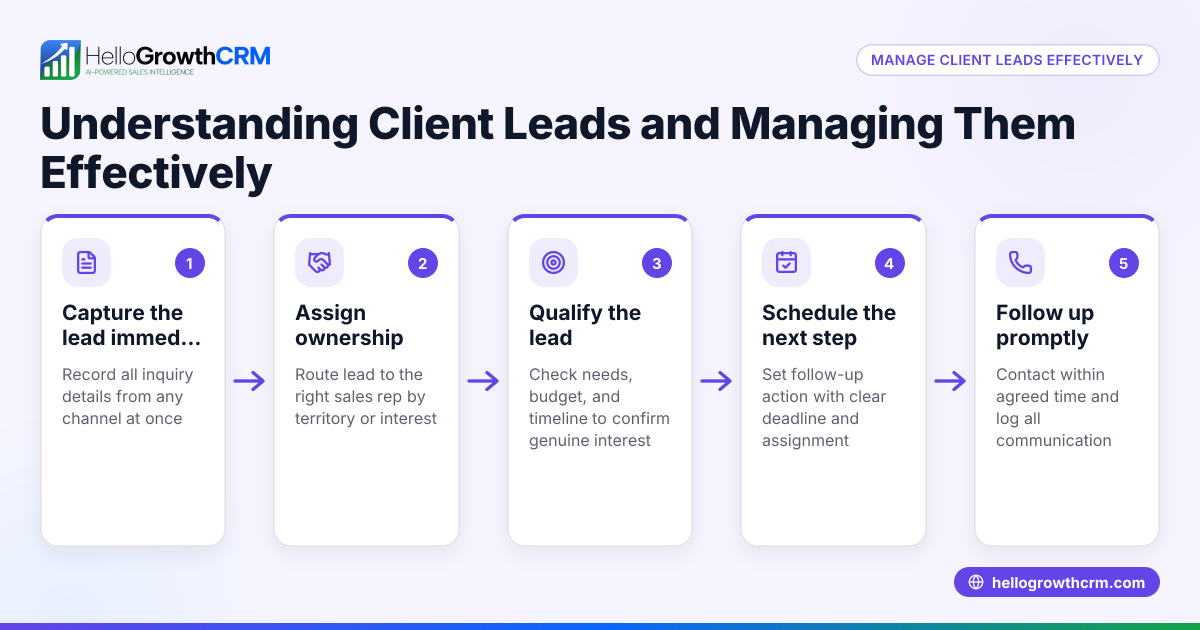
Small business owners often struggle to follow up on leads at the right time. Without clear signals, they may contact prospects too early, too late, or miss chances altogether. For example, a lead might download a product brochure or request a quote, but if the sales team does not track this event and act promptly, the lead can go cold. Sales triggers help by providing concrete moments to prioritize outreach and craft relevant messages. Without triggers, sales efforts can be random, inefficient, and less successful.
Step-by-step
- Identify relevant sales triggers for your business
- Look for customer actions like inquiry submissions, quote requests, or website behavior.
- Monitor external events such as competitor moves, market changes, or regulatory updates.
- Set up a system to capture these triggers
- Use tools or CRM features to log events automatically or manually.
- Ensure your sales team can access and see these triggers in real time.
- Prioritize triggers based on impact and timing
- Not all triggers are equal; focus on those that indicate strong buying intent or urgency.
- Assign follow-up deadlines or reminders for each trigger.
- Develop tailored follow-up actions for each trigger
- Prepare messaging or offers relevant to the trigger event.
- Decide the best communication channel (call, WhatsApp, SMS, or email).
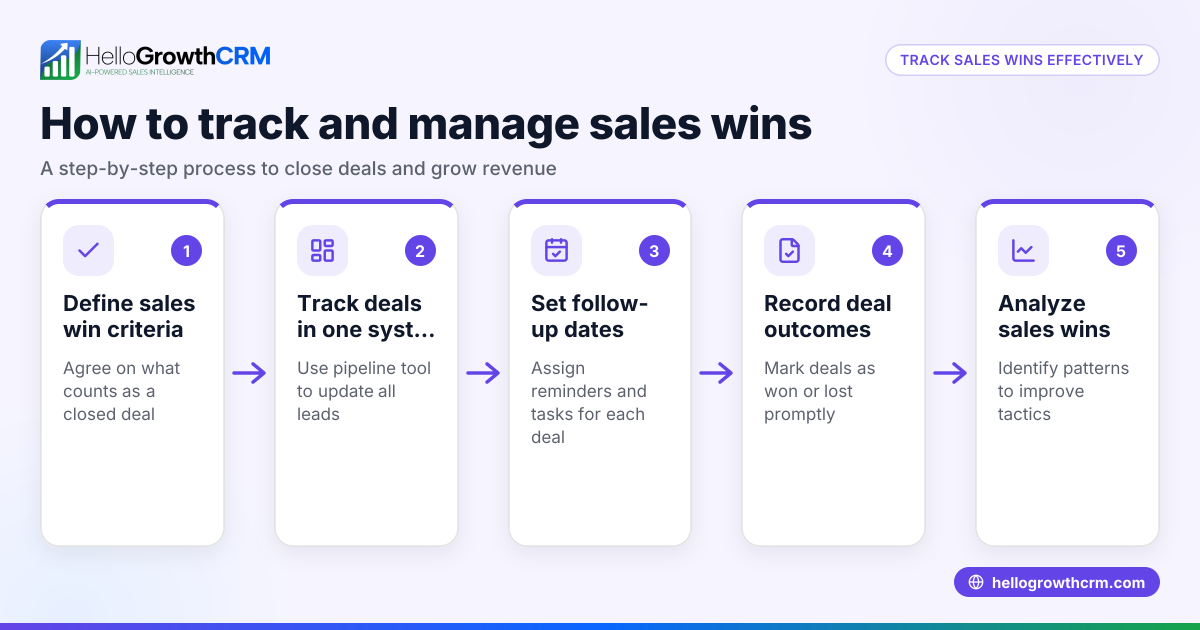
- Track and review outcomes to refine your triggers
- Measure how many triggers lead to sales or engagement.
- Adjust your criteria and processes based on results.
- Train your sales team to recognize and act on triggers
- Regularly review trigger definitions and follow-up protocols.
- Use CRM tools to assign tasks and monitor progress.
Example (fictional figures)
A residential real-estate team in Phoenix, Arizona, uses sales triggers to manage leads. On 04/15/2026, a prospect downloads a home-buying guide from their website.
- Step 1: The download triggers an automatic deal creation in their CRM at the 'new lead' stage.
- Step 2: The system sets a follow-up task for 04/17/2026.
- Step 3: The agent calls the prospect on 04/17/2026, discussing available properties.
- Step 4: The prospect requests a quote for a property priced at $350,000.
- Step 5: The quote is sent and logged as a deal at the 'quote sent' stage with a follow-up date of 04/20/2026.
- Step 6: On 04/20/2026, the agent follows up and closes the deal.
This sequence ensures no lead is forgotten and all triggers prompt timely action.
Common mistakes
- Ignoring or missing sales triggers
- Prevent by setting automated alerts and reminders in your CRM.
- Following up too late
- Prevent by assigning clear follow-up dates and monitoring them daily.
- Treating all triggers the same
- Prevent by prioritizing triggers based on urgency and sales potential.
- Not tailoring communication to the trigger
- Prevent by preparing customized messages or offers for each trigger type.
- Failing to track outcomes
- Prevent by regularly reviewing trigger effectiveness and adjusting your approach.
- Overloading the sales team with too many triggers
- Prevent by focusing on high-impact triggers and delegating follow-ups appropriately.
Doing this in HelloGrowthCRM
HelloGrowthCRM helps you manage sales triggers effectively. When a quotation is sent, it appears as a deal in the pipeline at the 'quote sent' stage with a follow-up date, so you never forget to check back. If you have field reps, they can log visits from their phones, and managers can see daily activity beats. For founders without a dedicated sales manager, Managed RevOps support ensures someone works your follow-up queue every week. Learn more about these features on HelloGrowthCRM for the United States and explore the built-in CRM dialer and WhatsApp and SMS CRM capabilities that help act on sales triggers promptly.
Frequently asked questions
What are examples of sales triggers? Sales triggers include actions like downloading a brochure, requesting a quote, visiting pricing pages, or external events like a competitor launching a new product. They signal a prospect's interest or a market change.
How do I prioritize sales triggers? Focus on triggers that show strong buying intent or urgency, such as a quote request or a contract renewal date. Use your CRM to assign priority levels and set follow-up deadlines.
Can sales triggers be automated? Yes, many CRMs can automatically detect triggers like form submissions or email opens and create tasks or deals accordingly, ensuring timely follow-up.
How often should I review my sales triggers? Regularly, at least quarterly. Review which triggers lead to sales and refine your approach to focus on the most effective ones.
What if I have no sales manager to handle follow-ups? HelloGrowthCRM offers Managed RevOps support, providing a specialist to manage your follow-up queue weekly, ensuring no lead is forgotten.
Key takeaways
- Sales triggers are specific events that signal good times to contact prospects.
- Identifying and prioritizing triggers improves sales efficiency and success.
- Use technology to capture, track, and act on triggers promptly.
- Avoid common mistakes like ignoring triggers or late follow-ups.
- HelloGrowthCRM supports managing triggers with pipeline deals, field visit logging, and Managed RevOps.
Start using sales triggers in your business today to improve your follow-up and close more deals. To get started easily, Start on the Free Forever plan (200 leads, no credit card).
Ready to put this into practice?
Set up your pipeline, WhatsApp follow-ups, and AI lead scoring in minutes — free, no credit card.
Try HelloGrowthCRM freeGet CRM tips in your inbox
Join thousands of sales professionals who get weekly insights on CRM strategy, AI automation, and pipeline optimization.

The HelloGrowthCRM team publishes guides on CRM strategy, AI sales tools, and revenue operations for small business sales teams.