HelloGrowthCRM software
Built for real small-business sales teams
HelloGrowthCRM helps reps qualify faster, follow up on time, and close more deals—with practical automation in one place.
- AI lead scoring and pipeline visibility
- Built-in dialer, WhatsApp, and email automation
- Sales forecasting and RevOps-ready reporting
Sales triggers are specific events or signals that indicate a potential buyer is ready to engage or move forward in the sales process. Recognizing these triggers helps you follow up at the right time and increase your chances of closing deals. This article explains what sales triggers are, why they matter for small businesses, how to identify them step-by-step, and common mistakes to avoid.
Why this comes up / what goes wrong
Small-business owners and sales teams often struggle with timing their outreach. They may lose leads because follow-up happens too late or is inconsistent. Without clear signals, salespeople waste time chasing cold leads or miss opportunities when prospects show buying interest. For example, a landscaping contractor might not know when a commercial client is ready to request a quote again or when a distributor's field rep should prioritize a visit. Sales triggers help by providing concrete reasons to reach out, keeping your sales process organized and focused.
Step-by-step
- Define your sales stages clearly. Understand the key points in your sales process, such as lead capture, qualification, quote sent, negotiation, and close. Check that each stage has criteria for moving forward.
- Identify common trigger events. These can include a prospect downloading a pricing guide, requesting a quote, revisiting your website, or a contract renewal date approaching. Check your past deals for patterns.
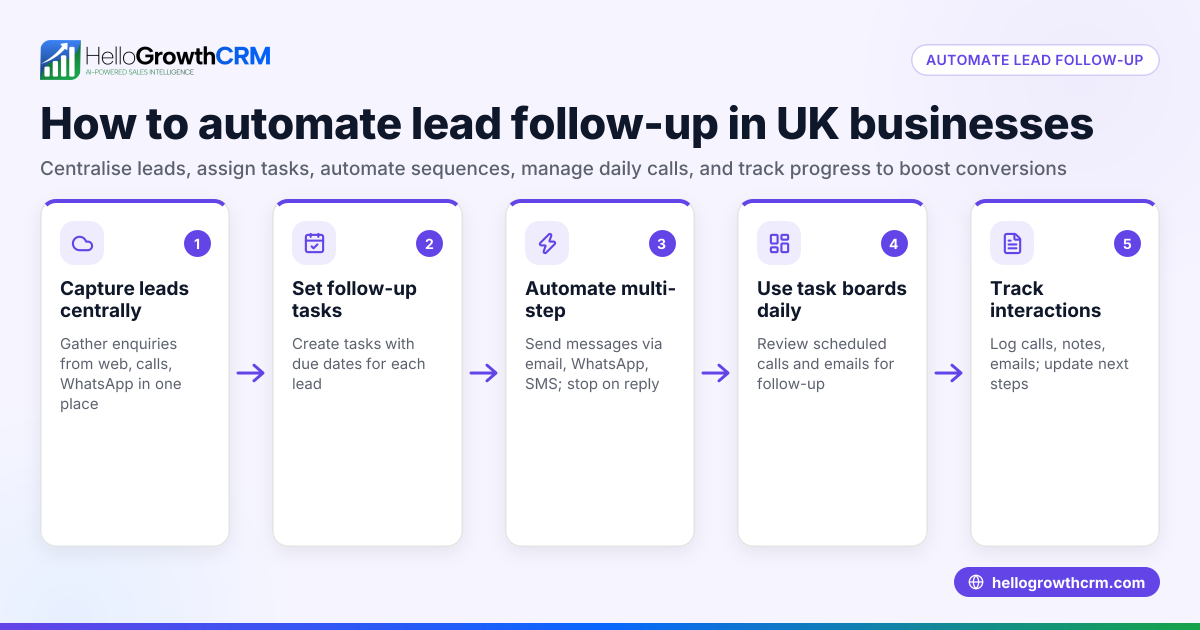
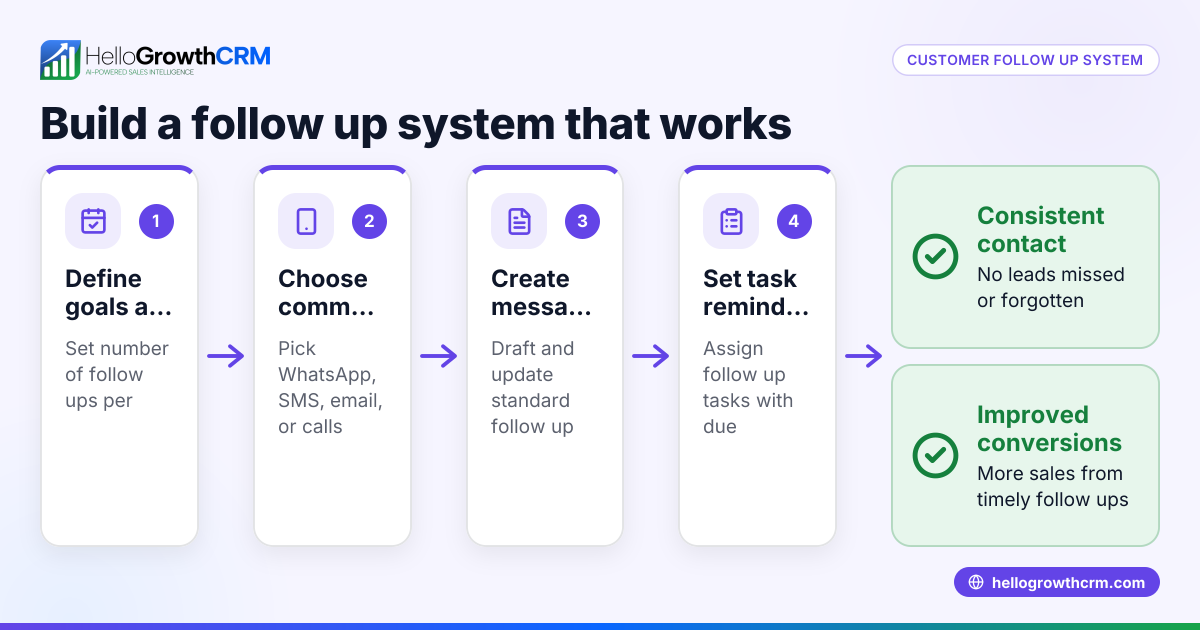
- Set up alerts or reminders for triggers. Use your CRM or calendar to flag these events. For example, when a quote is sent, set a follow-up date so the lead is not forgotten.
- Prioritize leads based on triggers. Focus your outreach on leads showing recent activity or trigger events. Check lead scoring or recent interactions to prioritize.
- Personalize your follow-up based on the trigger. Tailor your message to the event, such as offering a discount near a contract renewal or checking in after a product demo.
- Track and review trigger effectiveness. Regularly check which triggers lead to successful sales and adjust your strategy accordingly.
Example (fictional figures)
A landscaping contractor in Charlotte, North Carolina, sends a quote on 05/01/2026 for a $25,000 commercial lawn maintenance contract.
- Quote sent date: 05/01/2026
- Set follow-up reminder for: 05/08/2026 (one week later)
- On 05/08/2026, sales rep calls the prospect referencing the quote.
- Prospect agrees to a site visit on 05/10/2026.
The follow-up reminder ensures the rep contacts the lead promptly:
$25,000 × 1 (quote amount) = $25,000 (potential deal value)
This timely follow-up triggered by the quote sent event helps move the deal forward instead of letting it go cold.
Common mistakes
- Ignoring follow-up reminders. Leads go cold if you don't act on triggers. Prevent this by using a CRM that flags follow-ups clearly.
- Using generic outreach. Sending the same message regardless of the trigger wastes the opportunity. Prevent this by customizing your message to the trigger event.
- Missing trigger events. Without tracking key events like quote sent or website visits, you miss chances. Prevent this by integrating your CRM with your website and communication tools.
- Overloading on triggers. Too many triggers can overwhelm your team. Prevent this by prioritizing the most impactful triggers and focusing your efforts.
- Not reviewing trigger results. Without analyzing which triggers lead to sales, you can't improve. Prevent this by regularly reviewing CRM reports and adjusting triggers.
Doing this in HelloGrowthCRM
HelloGrowthCRM helps you track sales triggers with its Deals (pipeline) feature. For example, a quotation sent last week appears as a deal at the 'quote sent' stage with a follow-up date set, so it doesn't get forgotten. If you manage distributors, territories and field operations tools let reps log visits from their phones, giving managers visibility over daily activity. For founders without a sales manager, Managed RevOps provides weekly follow-up support to keep the sales pipeline moving. Learn more about HelloGrowthCRM for the United States, its WhatsApp and SMS CRM, and the built-in CRM dialer.
Frequently asked questions
What are some common sales triggers? Common sales triggers include sending a quote, a prospect visiting your pricing page, contract renewal dates, product demo requests, or a lead responding to an email. These events signal buying interest or readiness to engage.
How can I track sales triggers without a CRM? You can use spreadsheets, calendars, or reminders to note key events like quote sent dates or follow-up calls. However, this is manual and prone to errors or missed opportunities.
Why is timing important in sales follow-up? Following up promptly after a sales trigger increases the chance of engagement. Waiting too long can let competitors step in or cause leads to lose interest.
Can sales triggers help prioritize leads? Yes. Leads showing recent trigger events are more likely to convert. Prioritizing these helps sales teams focus efforts where they have the best chance of success.
How does HelloGrowthCRM support managing sales triggers? HelloGrowthCRM's pipeline tracks deals with stages and follow-up dates, ensuring triggers like quote sent are acted on. Field reps can log visits from mobile, and Managed RevOps helps founders keep up with follow-up tasks.
Key takeaways
- Sales triggers are specific events indicating a prospect is ready to engage.
- Identifying and acting on triggers improves follow-up timing and sales success.
- Use a clear sales process and track trigger events with reminders.
- Avoid generic outreach; tailor messages to each trigger.
- HelloGrowthCRM offers tools to track deals, field visits, and manage follow-up efficiently.
Start managing your sales triggers better today. Start on the Free Forever plan (200 leads, no credit card) to organize your follow-ups and never miss a sales opportunity again.
Ready to put this into practice?
Set up your pipeline, WhatsApp follow-ups, and AI lead scoring in minutes — free, no credit card.
Try HelloGrowthCRM freeGet CRM tips in your inbox
Join thousands of sales professionals who get weekly insights on CRM strategy, AI automation, and pipeline optimization.

The HelloGrowthCRM team publishes guides on CRM strategy, AI sales tools, and revenue operations for small business sales teams.