HelloGrowthCRM software
Built for real small-business sales teams
HelloGrowthCRM helps reps qualify faster, follow up on time, and close more deals—with practical automation in one place.
- AI lead scoring and pipeline visibility
- Built-in dialer, WhatsApp, and email automation
- Sales forecasting and RevOps-ready reporting
Scaling customer service involves growing your support operations to handle more customers without sacrificing quality or speed. As your business gains more clients, you need systems and processes that allow your team to manage inquiries, issues, and requests efficiently. This article explains why scaling customer service is important for small businesses, provides actionable steps, highlights common mistakes, includes a realistic example, and describes how HelloGrowthCRM supports customer service growth.
Why this comes up / what goes wrong
Small business owners often face a surge in customer inquiries as sales increase, but their support systems may not keep up. This leads to slow responses, inconsistent answers, and frustrated customers. Many rely on manual tracking with spreadsheets, text messages, or email chains, which become chaotic and inefficient at scale. Without proper tools and processes, service quality drops, hurting customer retention and referrals. Scaling customer service is essential to maintain satisfaction and grow sustainably.
Step-by-step
- Assess current customer service capacity and volume. Check how many requests your team handles daily and how long it takes to respond. Identify bottlenecks.
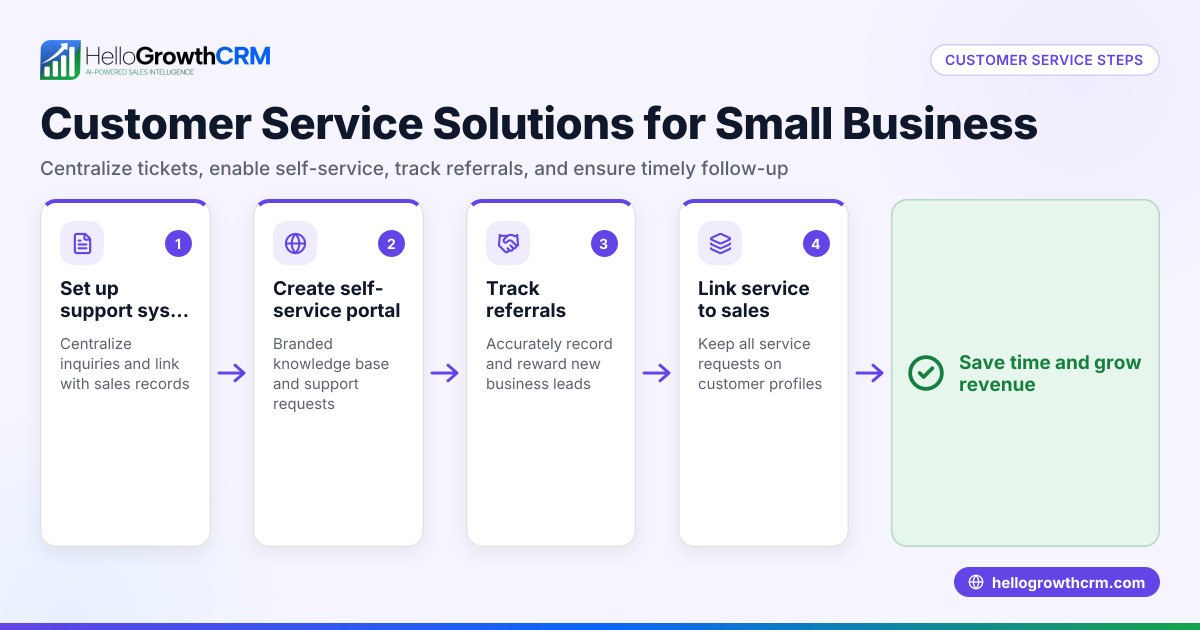
- Implement a centralized system for tracking requests. Use a platform that consolidates customer inquiries from email, WhatsApp, SMS, and web forms to avoid lost messages.
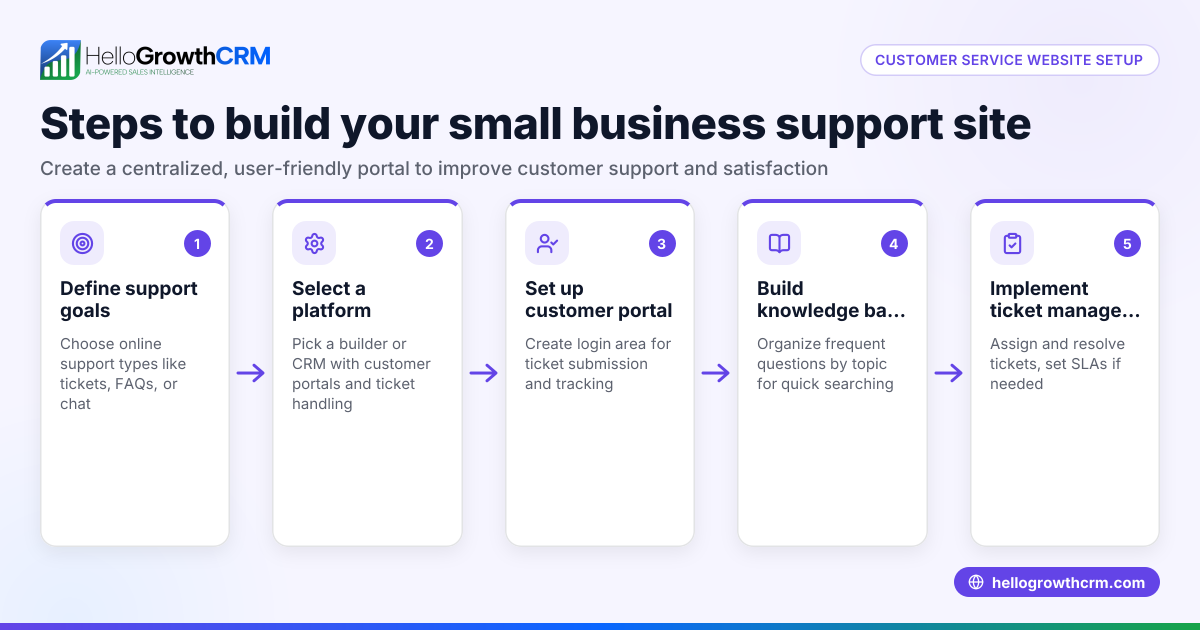
- Create a knowledge base for common questions. Document answers and procedures so customers and staff can find solutions quickly.
- Introduce self-service options like a customer portal. Allow customers to check order status, FAQs, and submit tickets online to reduce direct support load.
- Train your team on consistent communication and escalation paths. Ensure every team member knows how to handle common issues and when to escalate.
- Automate repetitive tasks with sequences or templates. Use email, WhatsApp, or SMS sequences to follow up or provide updates automatically.
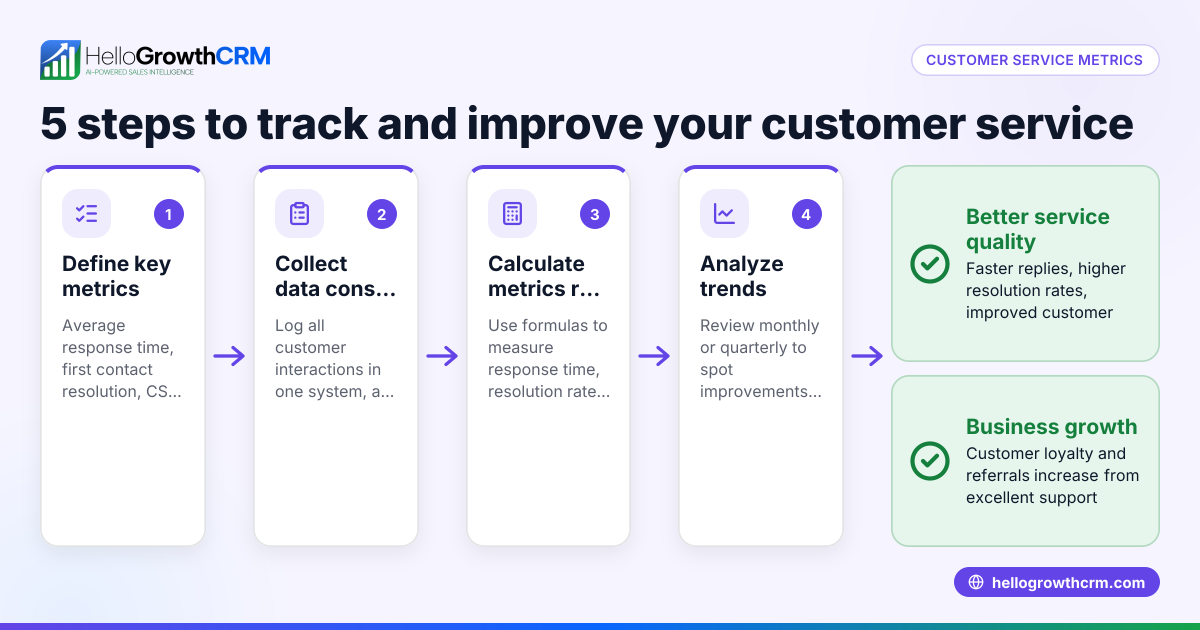
- Monitor customer satisfaction and response times regularly. Use metrics to identify areas for improvement and adjust staffing or processes.
- Encourage referrals and feedback through structured programs. Happy customers can bring new business and insights for service improvement.
Check your progress by reviewing customer health scores and support ticket resolution rates to confirm your scaling efforts are effective. For more on tracking customer health, see customer health score.
Example (fictional figures)
A B2B software reseller in Denver, Colorado, had 500 support tickets monthly in January 2025. Their small team of 3 agents took an average of 24 hours to respond.
They planned to scale for 1,000 tickets monthly by 07/01/2025.
Step 1: Calculate current workload per agent: 500 tickets ÷ 3 agents = 167 tickets per agent monthly
Step 2: Project workload after growth: 1,000 tickets ÷ 3 agents = 333 tickets per agent monthly (unmanageable)
Step 3: Add 2 more agents to maintain workload: 1,000 tickets ÷ 5 agents = 200 tickets per agent monthly
Step 4: Implement a customer portal to reduce tickets by 20%: 1,000 tickets × 80% = 800 tickets monthly after portal
Step 5: Recalculate workload: 800 tickets ÷ 5 agents = 160 tickets per agent monthly
By adding staff and self-service, they kept response times stable despite doubling ticket volume.
Common mistakes
- Ignoring data on current service capacity: Prevent by regularly measuring ticket volume and response times.
- Relying on scattered communication channels: Prevent by centralizing requests in one CRM system like HelloGrowthCRM.
- Not documenting common issues: Prevent by building a knowledge base accessible to customers and staff.
- Failing to automate repetitive tasks: Prevent by using sequences for follow-ups and updates.
- Overloading staff without adding resources or tools: Prevent by planning hires and technology upgrades based on data.
- Neglecting customer feedback: Prevent by actively soliciting feedback and tracking satisfaction metrics, such as through customer health score.
Doing this in HelloGrowthCRM
HelloGrowthCRM supports scaling customer service with a branded self-service customer portal where customers can submit and track support tickets. After the sale, service requests stay on the same customer record as the deal, keeping all information connected. The platform also includes a knowledge base and referral program tracking to encourage customer engagement and reduce direct support load. Learn more about these features in HelloGrowthCRM for the United States.
Frequently asked questions
What does it mean to scale customer service? Scaling customer service means increasing your ability to handle more customer support requests without losing quality or speed. It involves adding resources, automating processes, and using tools to manage growing demand efficiently.
How can I reduce the number of customer support tickets? You can reduce tickets by creating a knowledge base with answers to common questions and offering a self-service portal where customers can find solutions independently. Automating responses and providing clear product information also help.
What tools help small businesses scale customer service? Centralized CRM platforms that integrate communication channels like WhatsApp, SMS, and email are helpful. Features like support tickets, knowledge bases, and customer portals streamline service and improve tracking. HelloGrowthCRM offers these capabilities tailored for small and mid-sized businesses; see WhatsApp and SMS CRM.
How do I measure if my customer service is scaling well? Track metrics such as average response time, ticket volume per agent, resolution rates, and customer satisfaction scores. Monitoring customer health scores can give insights into ongoing service quality and retention risks.
Should I hire more staff or invest in technology first? Start by assessing your current capacity and automating repetitive tasks. Implementing technology like a CRM with self-service options can reduce the need for extra hires initially. As volume grows, plan hires based on workload data.
Key takeaways
- Scaling customer service means expanding support efficiently to match business growth.
- Centralizing communication and using a customer portal reduces manual work.
- Documenting common issues in a knowledge base empowers customers and staff.
- Automating follow-ups and tracking metrics prevent overload and quality drops.
- Use data to plan hires and technology investments.
- HelloGrowthCRM’s customer portal, tickets, and knowledge base help keep service requests organized and connected to sales.
Start scaling your customer service today with tools that grow with your business. Start on the Free Forever plan (200 leads, no credit card).
Ready to put this into practice?
Set up your pipeline, WhatsApp follow-ups, and AI lead scoring in minutes — free, no credit card.
Try HelloGrowthCRM freeGet CRM tips in your inbox
Join thousands of sales professionals who get weekly insights on CRM strategy, AI automation, and pipeline optimization.

The HelloGrowthCRM team publishes guides on CRM strategy, AI sales tools, and revenue operations for small business sales teams.