HelloGrowthCRM software
Built for real small-business sales teams
HelloGrowthCRM helps reps qualify faster, follow up on time, and close more deals—with practical automation in one place.
- AI lead scoring and pipeline visibility
- Built-in dialer, WhatsApp, and email automation
- Sales forecasting and RevOps-ready reporting
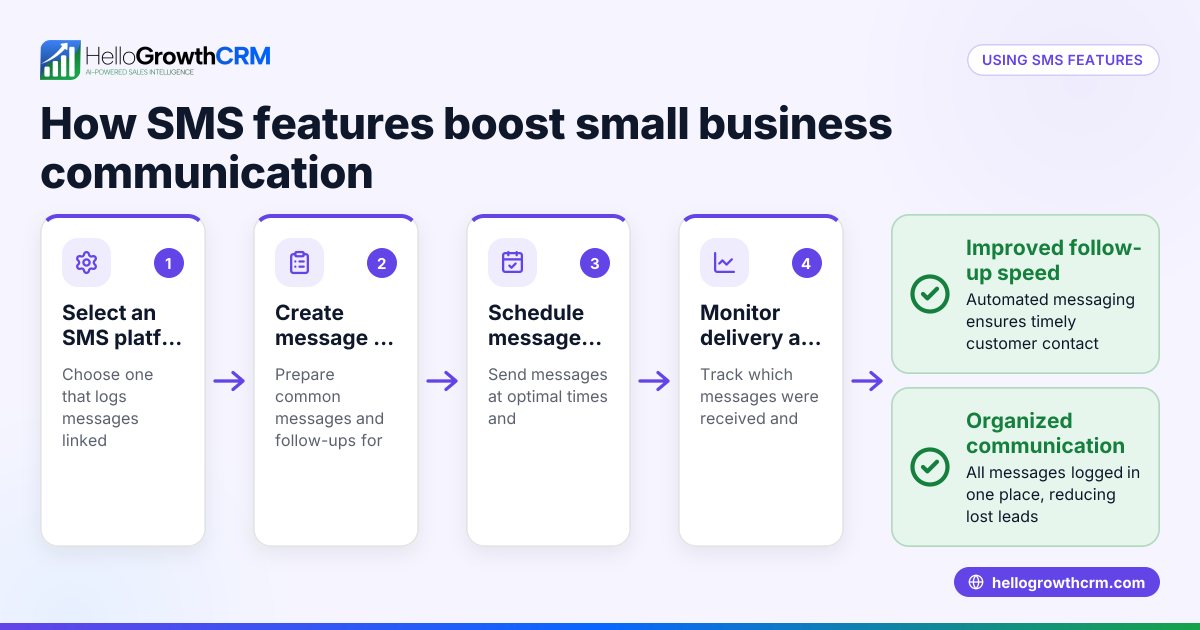
An SMS dialer is a software tool that combines phone calling and SMS texting into one platform. It allows sales teams to send text messages and make calls directly from a single system while automatically logging every interaction with each lead or customer. This integration helps small businesses improve follow-up speed, avoid lost leads, and keep all communication organized in one place.
Why this comes up / what goes wrong
Small business owners often juggle multiple communication channels like text messages, phone calls, emails, and spreadsheets to manage leads and customers. Without a unified system, follow-ups can be slow, inconsistent, or missed entirely, causing lost sales opportunities. For example, a sales rep might call a lead but forget to send a follow-up SMS, or reply to a text but fail to update the lead status. An SMS dialer solves this by consolidating calling and texting workflows, making it easier for sales teams to stay organized and responsive.
Step-by-step
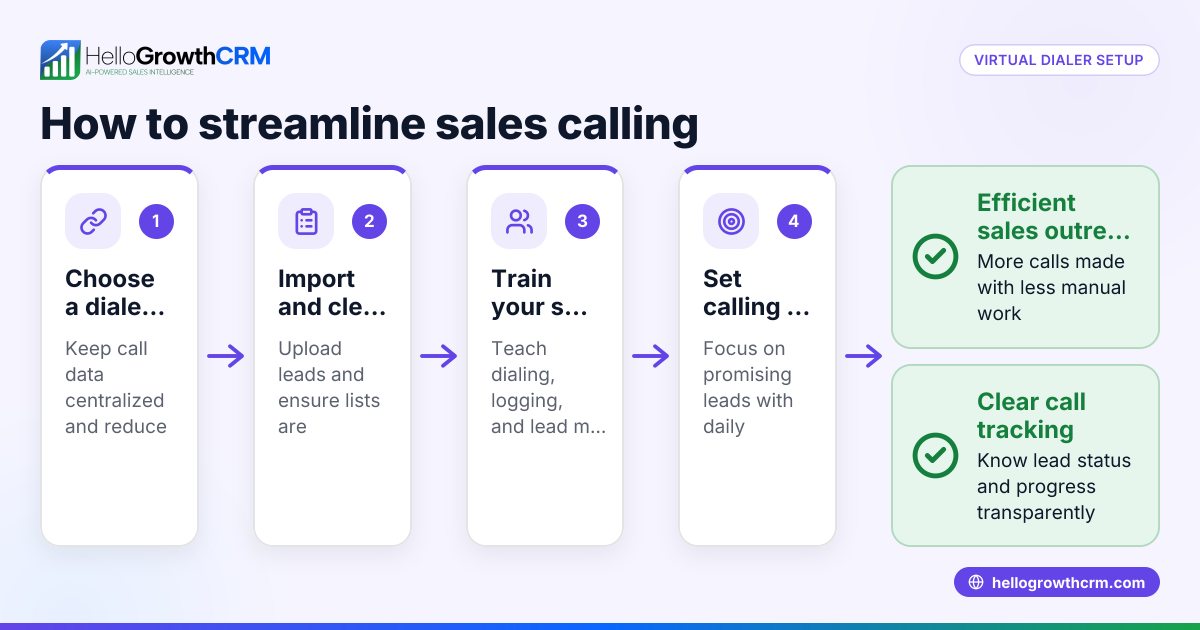
- Choose an SMS dialer platform: Pick a tool that lets you send SMS messages and make calls from the same interface. Ideally, it should integrate with your CRM to keep all lead data in one place.
- Import or capture leads: Bring your leads into the system from web forms, spreadsheets, or other sources so they are ready for outreach.
- Organize contact lists: Segment your leads into groups based on criteria like interest, location, or stage in the sales pipeline to tailor your messaging.
- Create SMS and call scripts: Prepare message templates and call scripts for consistent and clear communication.
- Start outreach: Use the dialer to call leads and send SMS messages, ensuring each interaction is logged automatically.
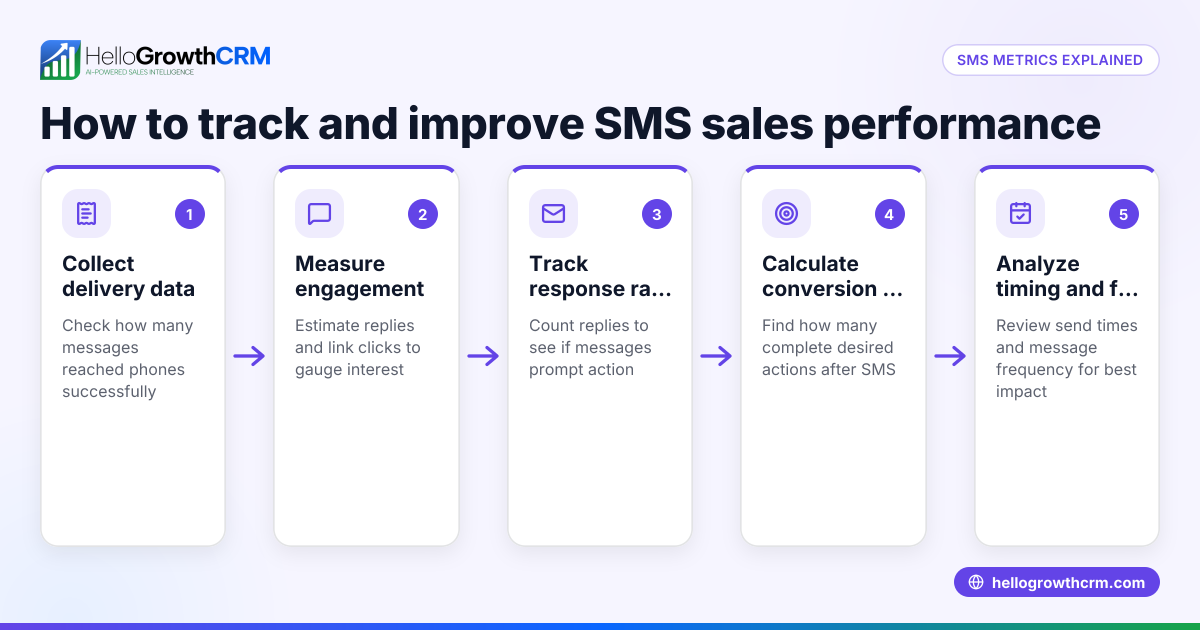
- Track responses and update lead status: Monitor replies and call outcomes to move leads through your sales pipeline efficiently.
- Schedule follow-ups: Set reminders or automatic message sequences to maintain contact without losing track.
For more on managing messages and calls, see WhatsApp and SMS CRM and built-in CRM dialer.
Example (fictional figures)
A landscaping contractor in Charlotte, North Carolina, wants to improve lead follow-up using an SMS dialer.
- They have 500 leads collected from their website and trade shows.
- They plan to send an initial SMS message offering a spring discount.
- They also want to call leads who respond or don’t reply after 3 days.
Steps:
- Import 500 leads into the SMS dialer system.
- Send SMS message to all 500 leads.
- Assume 20% reply positively = 500 × 20% = 100 leads.
- Call these 100 interested leads to book appointments.
- For the 400 who did not reply, send a follow-up SMS after 3 days.
This approach ensures no lead is forgotten and follow-ups happen promptly, increasing booked jobs.
Common mistakes
- Not integrating calls and SMS in one system: Leads to scattered data and missed follow-ups. Prevent this by choosing a combined SMS dialer and CRM.
- Using generic messages: Reduces response rates. Prevent this by customizing SMS and call scripts to your audience.
- Ignoring non-responders: Misses chances to engage. Prevent by scheduling follow-up messages and calls.
- Failing to log interactions: Causes confusion and duplicated efforts. Prevent by using a dialer that automatically logs calls and SMS.
- Overmessaging leads: Can annoy customers. Prevent by spacing messages appropriately and respecting opt-out requests.
Doing this in HelloGrowthCRM
HelloGrowthCRM offers a built-in dialer where reps can work through lead lists directly inside the CRM, logging the outcome of each call on the lead record. It also supports WhatsApp and SMS messaging workflows that keep conversations tied to the lead and allow follow-ups via messages. This helps small and mid-sized businesses manage calling and texting in one place efficiently. Learn more about HelloGrowthCRM for the United States.
Frequently asked questions
What is the difference between an SMS dialer and a regular phone dialer? An SMS dialer combines the ability to send text messages and make phone calls from one platform, while a regular phone dialer only handles calls. This integration improves efficiency by managing all outreach in one place.
Can I automate SMS messages with an SMS dialer? Many SMS dialers allow you to schedule sequences of messages to send automatically based on triggers or timing, helping maintain consistent follow-up without manual effort.
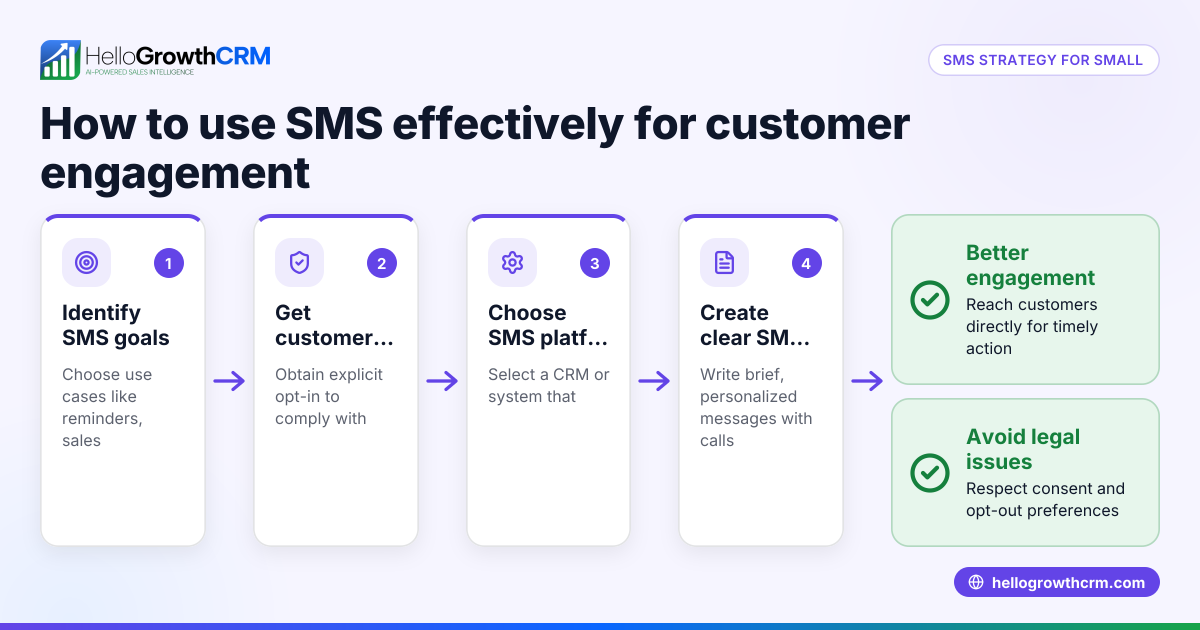
Is using an SMS dialer compliant with texting laws? You must follow regulations like obtaining consent before messaging and providing opt-out options. The dialer software may help manage compliance but you are responsible for following the law.
How does an SMS dialer help small sales teams? It centralizes communication, reduces manual data entry, and speeds up follow-up, which helps small teams handle more leads without losing track.
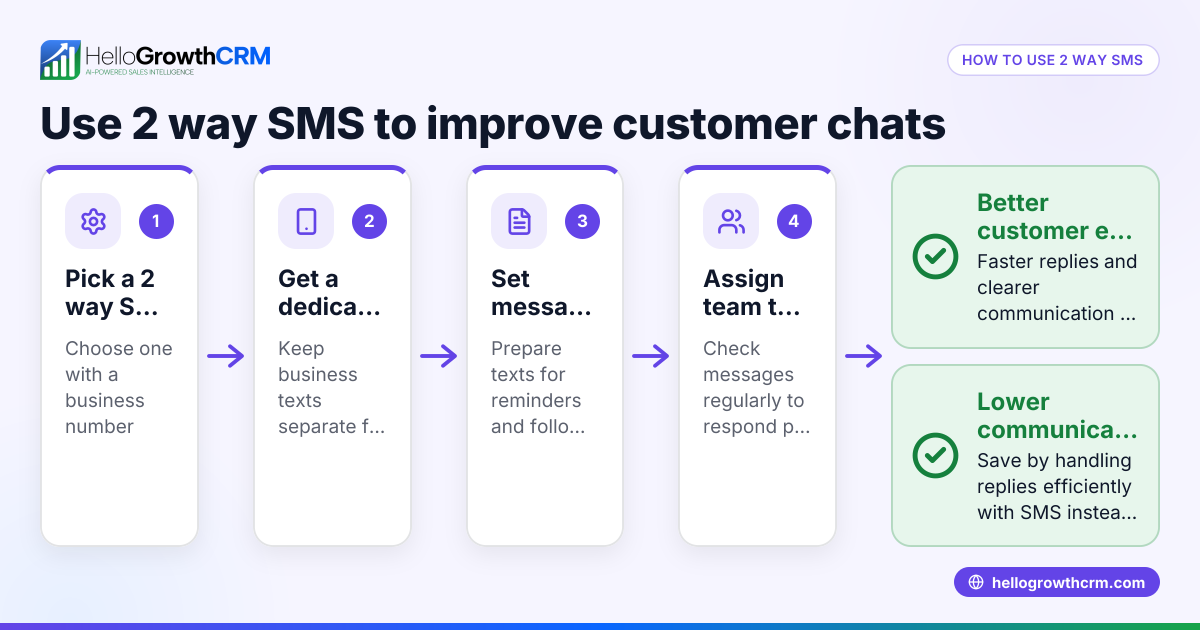
Can I use WhatsApp with an SMS dialer? HelloGrowthCRM supports WhatsApp and SMS messaging workflows that help teams engage leads on channels where they already respond, all tied to the lead record. See WhatsApp and SMS CRM.
Key takeaways
- An SMS dialer combines calling and texting in one tool to improve lead follow-up.
- Small businesses use SMS dialers to avoid lost leads and speed communication.
- Set up involves importing leads, organizing lists, preparing scripts, and tracking interactions.
- Avoid common mistakes like scattered data, generic messages, and ignoring non-responders.
- HelloGrowthCRM supports built-in calling and WhatsApp/SMS messaging tied to leads.
Start managing your calls and SMS messages efficiently today with HelloGrowthCRM. Start on the Free Forever plan (200 leads, no credit card).
Ready to put this into practice?
Set up your pipeline, WhatsApp follow-ups, and AI lead scoring in minutes — free, no credit card.
Try HelloGrowthCRM freeGet CRM tips in your inbox
Join thousands of sales professionals who get weekly insights on CRM strategy, AI automation, and pipeline optimization.

The HelloGrowthCRM team publishes guides on CRM strategy, AI sales tools, and revenue operations for small business sales teams.