HelloGrowthCRM software
Built for real small-business sales teams
HelloGrowthCRM helps reps qualify faster, follow up on time, and close more deals—with practical automation in one place.
- AI lead scoring and pipeline visibility
- Built-in dialer, WhatsApp, and email automation
- Sales forecasting and RevOps-ready reporting
SMS personalization means customizing your text messages to each recipient by adding personal details such as their name, purchase history, or preferences. Personalized messages feel more relevant and engaging, which improves response rates and customer loyalty.
Why this comes up / what goes wrong
Small-business owners often send the same generic SMS messages to all their contacts, such as "Check out our latest deals!" without addressing the recipient personally. This approach can cause low engagement because recipients may ignore messages that feel like mass marketing or spam. Sales teams that rely on text messaging but fail to personalize risk losing leads to competitors who communicate more thoughtfully. Additionally, managing contacts and messages across spreadsheets or simple apps makes personalization difficult, time-consuming, and prone to errors.
Step-by-step
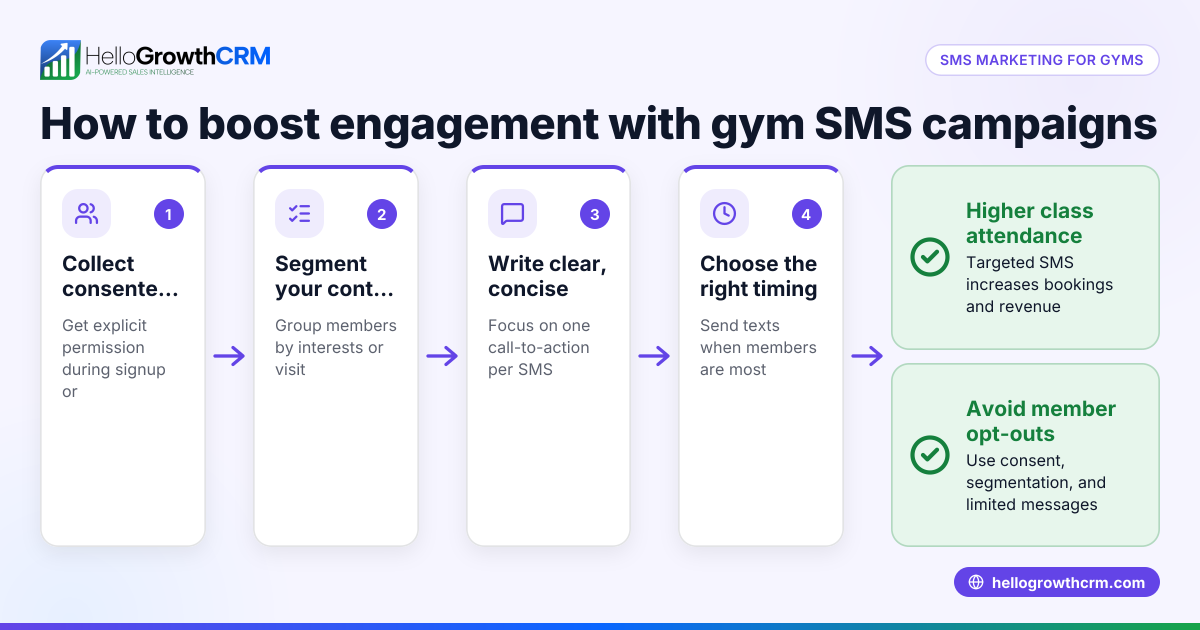
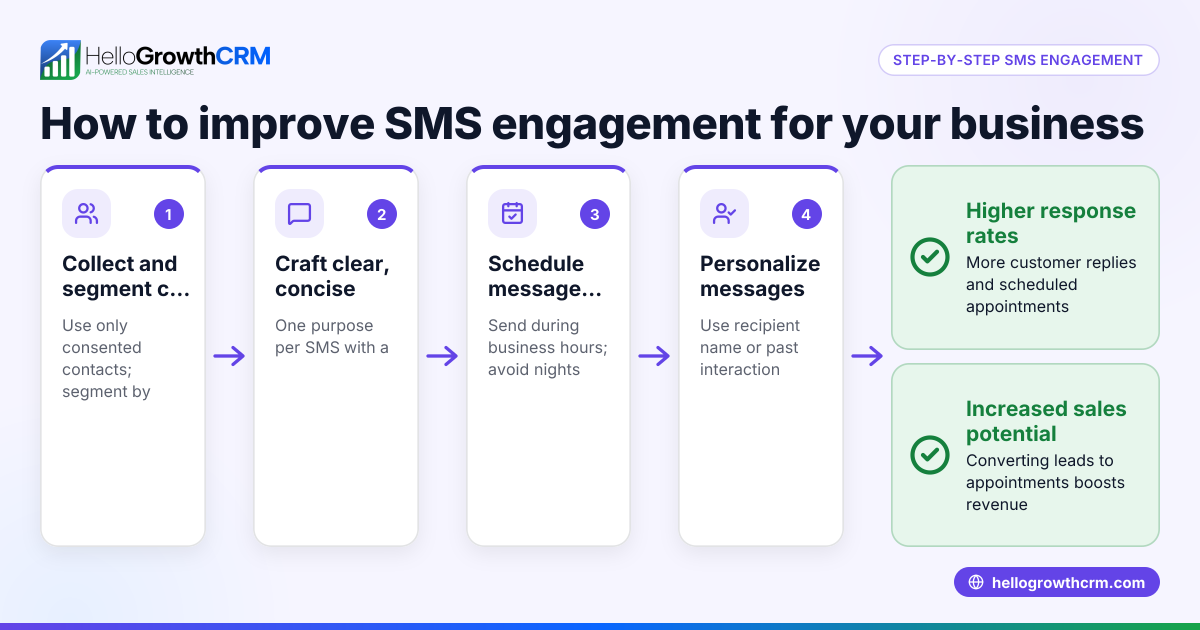
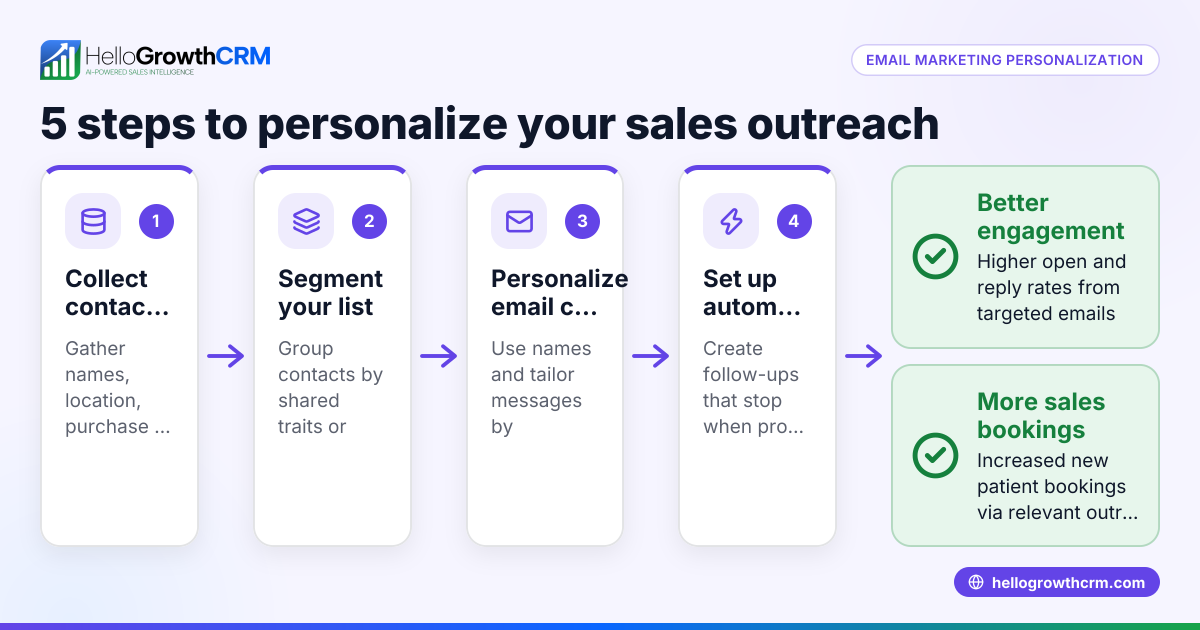
- Collect relevant customer data
- Gather names, contact numbers, purchase history, preferences, or any information useful for personalization.
- Check that the data is accurate and updated regularly to avoid mistakes.
- Segment your contacts
- Group your contacts into meaningful segments based on traits like buying frequency, location, or product interests.
- Confirm each segment is manageable and distinct enough to tailor messages effectively.
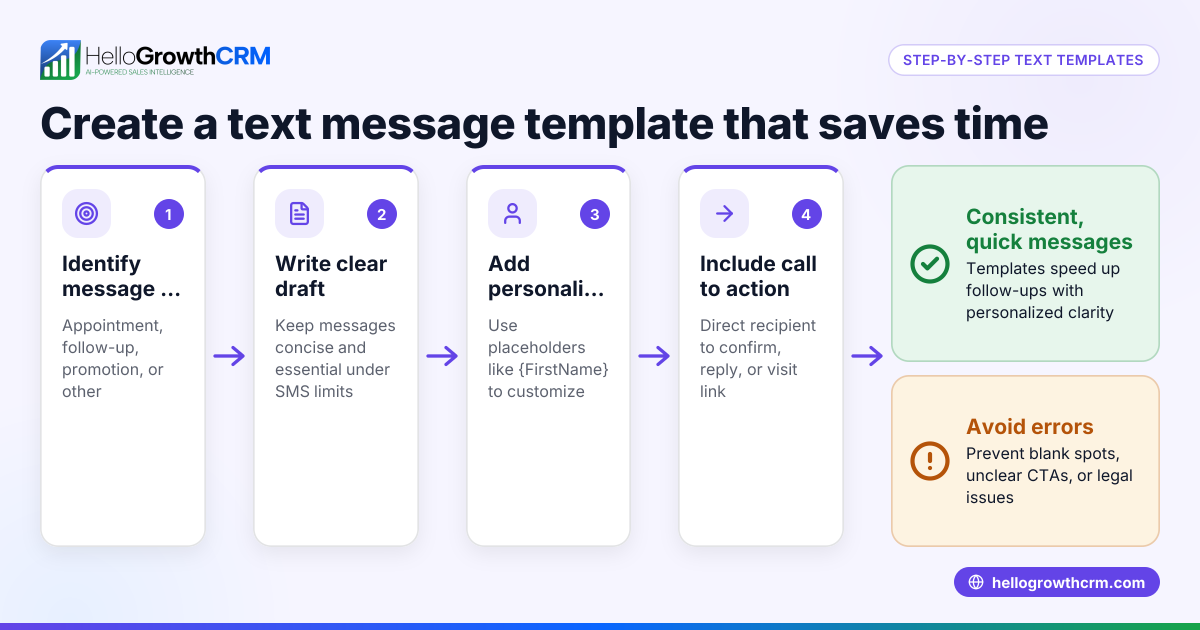
- Create personalized message templates
- Design SMS templates with placeholders such as {FirstName} to insert personal details automatically.
- Review the tone and clarity to ensure it fits your brand and audience.
- Automate sending personalized messages
- Use a tool that supports sending SMS with personalized fields filled dynamically.
- Test your messages on a small group to catch errors before full deployment.
- Track responses and update your data
- Monitor reply rates and engagement to learn what works.
- Update your contact records based on interactions to improve future personalization.
- Follow up personally when appropriate
- Send personalized follow-up messages referencing previous conversations or purchases to build rapport.
Example (fictional figures)
A two-location dental practice in Columbus, Ohio, wants to promote a new teeth whitening service via SMS.
- They have 1,200 patients with mobile numbers and names.
- They segment the list into 800 regular patients and 400 occasional visitors.
- They create two message templates:
- Regulars: "Hi {FirstName}, thanks for being a loyal patient! Try our new whitening service with 20% off. Book by 07/31/2026."
- Occasionals: "Hi {FirstName}, we miss you! Brighten your smile with 15% off our whitening service. Book by 07/31/2026."
Assumed SMS cost per message: $0.05
Calculations:
Total messages = 1,200
Cost = 1,200 × $0.05 = $60
If 10% of regulars book (800 × 10% = 80) at an average price of $300:
Revenue from regulars = 80 × $300 = $24,000
If 5% of occasionals book (400 × 5% = 20):
Revenue from occasionals = 20 × $300 = $6,000
Total revenue = $24,000 + $6,000 = $30,000
Net revenue after SMS cost = $30,000 - $60 = $29,940
This example shows how personalized SMS campaigns can efficiently drive bookings and revenue.
Common mistakes
- Using generic messages without personalization
- Prevent by always including at least the recipient’s first name.
- Sending messages too frequently or at inappropriate times
- Prevent by scheduling messages thoughtfully and respecting time zones.
- Failing to keep contact information current
- Prevent by regularly cleaning your contact list and verifying data accuracy.
- Ignoring opt-out requests or SMS compliance rules
- Prevent issues by including clear opt-out instructions and following SMS regulations.
- Not tracking message performance
- Prevent by monitoring replies and adjusting your approach accordingly.
- Overcomplicating messages with excessive personalization
- Prevent by keeping messages clear and relevant without too many details.
Doing this in HelloGrowthCRM
HelloGrowthCRM supports WhatsApp and SMS communication by logging all messages on the lead record. Follow-ups can be sent as SMS or WhatsApp messages directly from the CRM, helping your team maintain personalized communication and respond promptly. Learn more about how HelloGrowthCRM handles WhatsApp and SMS CRM.
Frequently asked questions
What is the best way to personalize SMS messages? Use basic personal details like the recipient’s first name and reference their previous interactions or preferences. Keep messages concise, relevant, and friendly.
How often should I send personalized SMS messages? Avoid overwhelming your contacts. Sending 1 to 4 personalized messages per month is common, but adjust frequency based on your audience’s response and preferences.
Can I automate SMS personalization without losing the personal touch? Yes, automation tools can dynamically insert personalized fields and schedule messages. Always review templates to maintain a natural, conversational tone.
Is SMS personalization effective for small businesses? Yes, personalized SMS messages tend to have higher open and response rates, helping small businesses engage leads and customers more effectively.
How does HelloGrowthCRM help with SMS personalization? HelloGrowthCRM logs WhatsApp conversations and allows follow-ups via SMS messages linked to the lead record, making it easier to maintain personalized communication. See HelloGrowthCRM for the United States for details.
What is the advantage of using a CRM with built-in messaging? A CRM with built-in messaging, like HelloGrowthCRM’s built-in CRM dialer, centralizes communications, logs conversations automatically, and helps your team maintain consistent, personalized follow-ups.
Key takeaways
- SMS personalization involves tailoring messages using recipient data to improve engagement.
- Accurately collect and segment your contacts for targeted messaging.
- Use templates with placeholders and automate sending after thorough testing.
- Avoid mistakes like generic messages, excessive frequency, and ignoring opt-outs.
- HelloGrowthCRM supports personalized SMS and WhatsApp messaging with conversation logging and follow-up features.
Start personalizing your SMS campaigns today to increase lead engagement and customer loyalty. You can Start on the Free Forever plan (200 leads, no credit card) with HelloGrowthCRM.
Ready to put this into practice?
Set up your pipeline, WhatsApp follow-ups, and AI lead scoring in minutes — free, no credit card.
Try HelloGrowthCRM freeGet CRM tips in your inbox
Join thousands of sales professionals who get weekly insights on CRM strategy, AI automation, and pipeline optimization.

The HelloGrowthCRM team publishes guides on CRM strategy, AI sales tools, and revenue operations for small business sales teams.