HelloGrowthCRM software
Built for real small-business sales teams
HelloGrowthCRM helps reps qualify faster, follow up on time, and close more deals—with practical automation in one place.
- AI lead scoring and pipeline visibility
- Built-in dialer, WhatsApp, and email automation
- Sales forecasting and RevOps-ready reporting
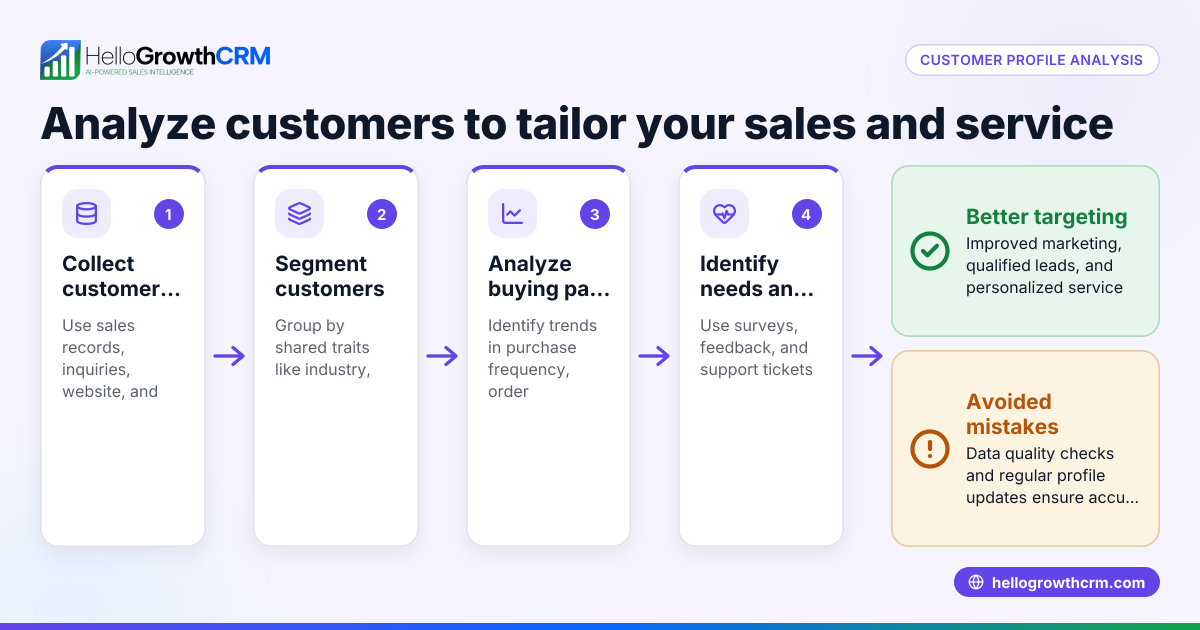
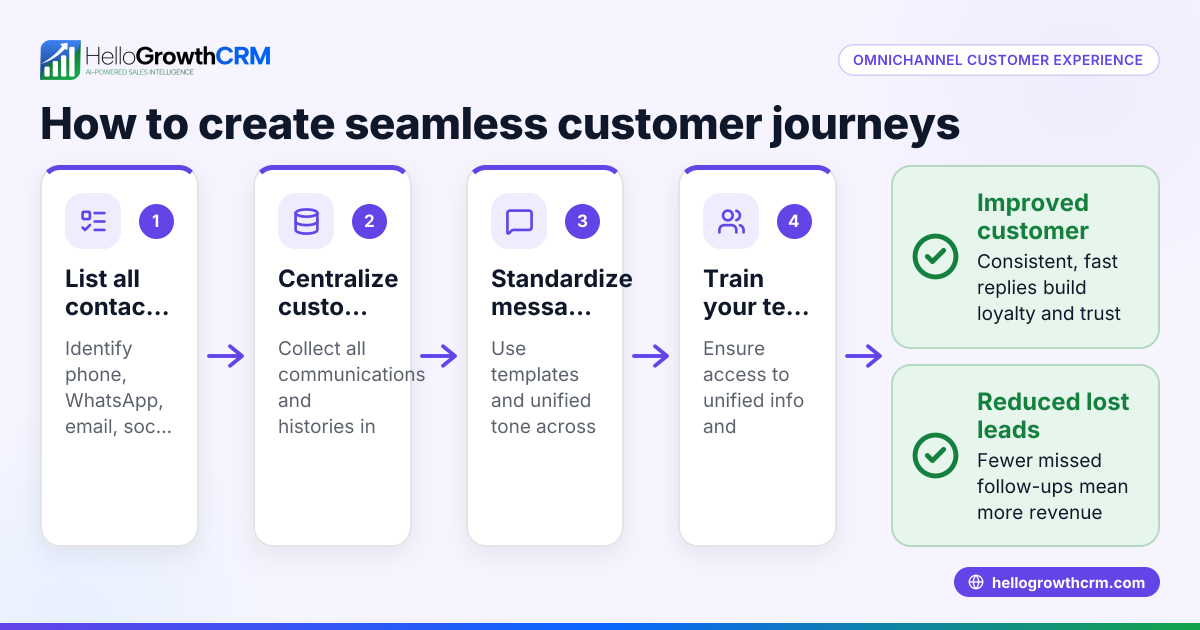
A unified customer profile is a complete, centralized record of a customer's interactions, purchases, preferences, and support history across your business. For small businesses, this means no more scattered data trapped in emails, spreadsheets, or separate apps. Instead, you get one clear, accessible view of each customer, enabling better follow-up, personalized service, and stronger relationships.
Why this comes up / what goes wrong
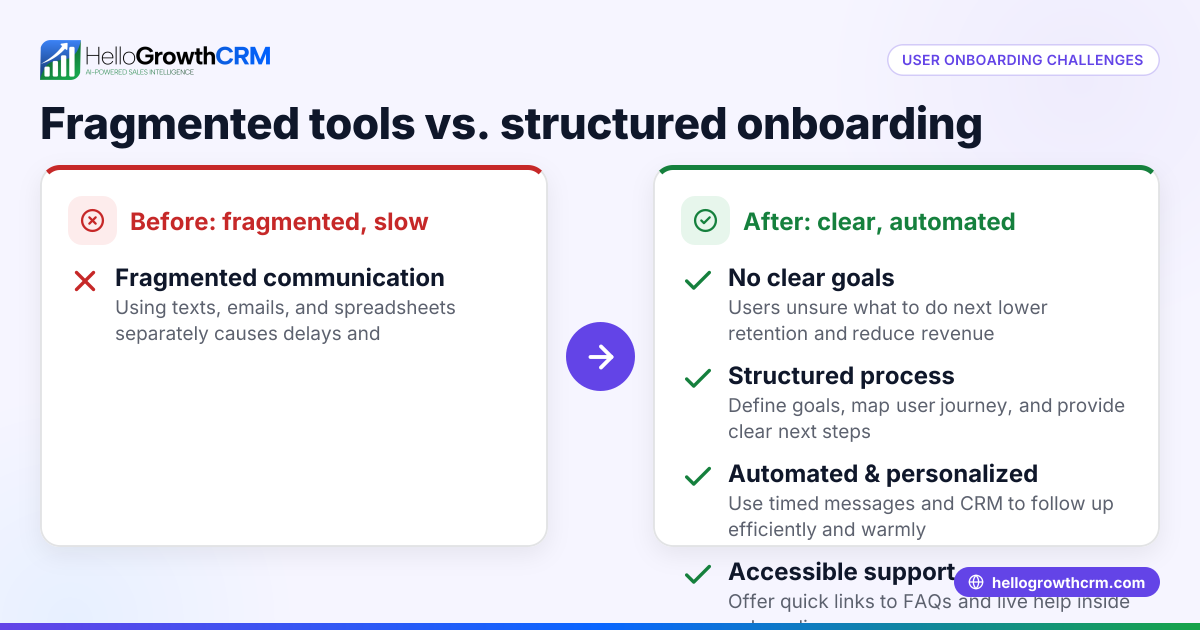
Small-business owners often face fragmented customer data. Sales leads might be tracked in spreadsheets, support requests handled through email threads, and marketing contacts stored in separate lists. This causes slow follow-up, missed opportunities, and poor customer experience. Without a unified customer profile, teams waste time searching for information and risk losing leads or frustrating customers.
For example, a sales rep might not know a customer’s recent support issue, or a support agent might not see the latest sales conversation. This disconnect slows down response times and causes inconsistent communication.
Step-by-step
- Gather all customer data sources: Identify every place customer information exists—sales records, email threads, support tickets, marketing lists, and communication logs. Check that you have key identifying details like name, email, phone number, and purchase history.
- Choose a system to centralize data: Select a CRM or database that can import and link data from these different sources. Confirm it supports merging contacts to avoid duplicates.
- Create a single customer record for each person: Merge all data points for each customer into one profile. Verify details for accuracy and completeness.
- Include communication history: Add notes, emails, calls, and messages so you can see the full interaction timeline.
- Add sales and support information: Link deals, invoices, support tickets, and service requests to the customer profile.
- Keep the profile updated regularly: Set processes for your team to add new interactions and data promptly.
- Use the profile to personalize outreach and service: Refer to purchase history and preferences when contacting customers to improve engagement.
Check that your system allows easy access to these profiles for your sales and support teams to avoid silos. For tracking customer engagement over time, see customer health score.
Example (fictional figures)
A B2B software reseller in Denver, Colorado, with $1,200,000 in annual revenue and 300 active customers, wants to build unified profiles.
- They gather data from their email marketing tool, sales spreadsheets, and support emails.
- They choose a CRM to centralize data.
- For customer "Acme Corp," they merge:
- Sales data: $40,000 annual spend
- Support tickets: 5 open and closed
- Email conversations: 12 threads
- They add notes about product preferences and contract renewal dates.
- They train the sales team to update profiles after each call or email.
- This gives a clear picture of Acme Corp’s history and needs, helping sales forecast and customer service respond faster.
Calculations for Acme Corp’s annual value:
$40,000 (sales spend) + $0 (support tickets have no direct revenue) = $40,000 total annual value
This total helps prioritize follow-up and resource allocation.
Common mistakes
- Not consolidating all data sources: Prevent by auditing where customer info is stored and importing all relevant data.
- Creating duplicate profiles: Prevent by using unique identifiers like email or phone and merging duplicates.
- Neglecting to update profiles: Prevent by assigning team responsibility and using reminders.
- Ignoring support and service data: Prevent by linking tickets and service requests to the customer record.
- Overcomplicating profiles with too much irrelevant data: Prevent by focusing on actionable information.
- Failing to give team easy access: Prevent by choosing a CRM with user-friendly interfaces.
For more on tracking customer engagement, see customer health score.
Doing this in HelloGrowthCRM
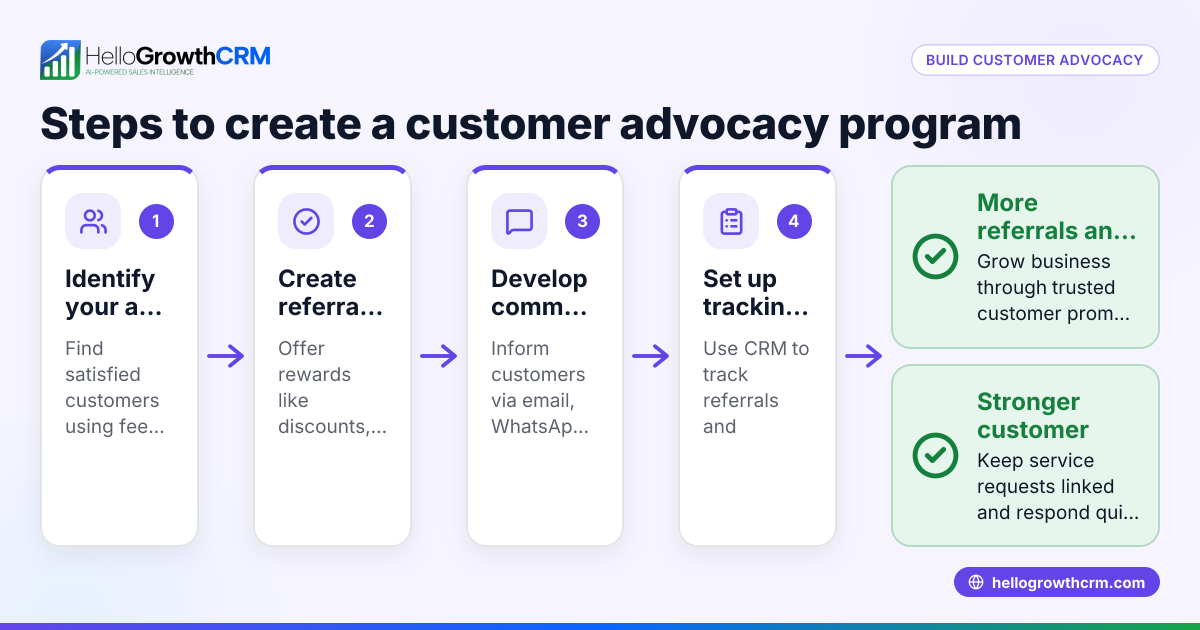
After the sale, HelloGrowthCRM keeps service requests, support tickets, and referral tracking on the same customer record as the deal. Its customer portal and knowledge base features help manage support and referrals without losing context. This ensures your customer profiles stay complete and up to date, improving team collaboration and customer satisfaction. Learn more about HelloGrowthCRM’s capabilities for US businesses at HelloGrowthCRM for the United States.
Frequently asked questions
What is the main benefit of a unified customer profile? A unified customer profile gives your team a single view of each customer’s history and interactions, reducing errors and improving communication. It helps sales and support teams work together and respond faster.
How do I start creating unified profiles if my data is scattered? Begin by listing all places where customer data exists, then choose a CRM that can import and merge this data. Focus on key identifiers like email and phone to avoid duplicates.
Can I include WhatsApp and SMS messages in a unified profile? While not all CRMs support direct WhatsApp or SMS integration, some specialized tools offer this. For small businesses using messaging channels, consider solutions that integrate WhatsApp and SMS to keep communication centralized. See WhatsApp and SMS CRM for more information.
How often should I update customer profiles? Profiles should be updated after every meaningful interaction—sales calls, emails, support tickets, or marketing outreach. Regular updates keep profiles accurate and useful.
Is a unified customer profile the same as a CRM? No, a CRM is the system that stores and manages unified customer profiles along with other sales and service tools. The profile is the consolidated data record within the CRM.
Key takeaways
- A unified customer profile centralizes all customer data into one accessible record.
- It improves follow-up speed, personalization, and team collaboration.
- Build profiles by gathering data, choosing a CRM, merging records, and keeping them updated.
- Avoid duplicates, outdated info, and ignoring support data.
- HelloGrowthCRM supports unified profiles by linking deals and service requests on one customer record.
Start organizing your customer data today with HelloGrowthCRM. Start on the Free Forever plan (200 leads, no credit card).
Ready to put this into practice?
Set up your pipeline, WhatsApp follow-ups, and AI lead scoring in minutes — free, no credit card.
Try HelloGrowthCRM freeGet CRM tips in your inbox
Join thousands of sales professionals who get weekly insights on CRM strategy, AI automation, and pipeline optimization.

The HelloGrowthCRM team publishes guides on CRM strategy, AI sales tools, and revenue operations for small business sales teams.