HelloGrowthCRM software
Built for real small-business sales teams
HelloGrowthCRM helps reps qualify faster, follow up on time, and close more deals—with practical automation in one place.
- AI lead scoring and pipeline visibility
- Built-in dialer, WhatsApp, and email automation
- Sales forecasting and RevOps-ready reporting
A video chat API is a software interface that developers use to add live video and audio communication into websites, mobile apps, or desktop applications. It allows businesses to offer real-time face-to-face interaction remotely, improving customer support, sales presentations, consultations, and team collaboration.
Why this comes up / what goes wrong
Small-business owners often search for "video chat API" because they want to add video calling features but lack the technical resources to build these from scratch. They may lose leads due to slow or impersonal communication or want a direct way to engage customers online. Without a video chat API, businesses often rely on external platforms disconnected from their apps or CRM, causing workflow inefficiencies and poor user experience.
Step-by-step
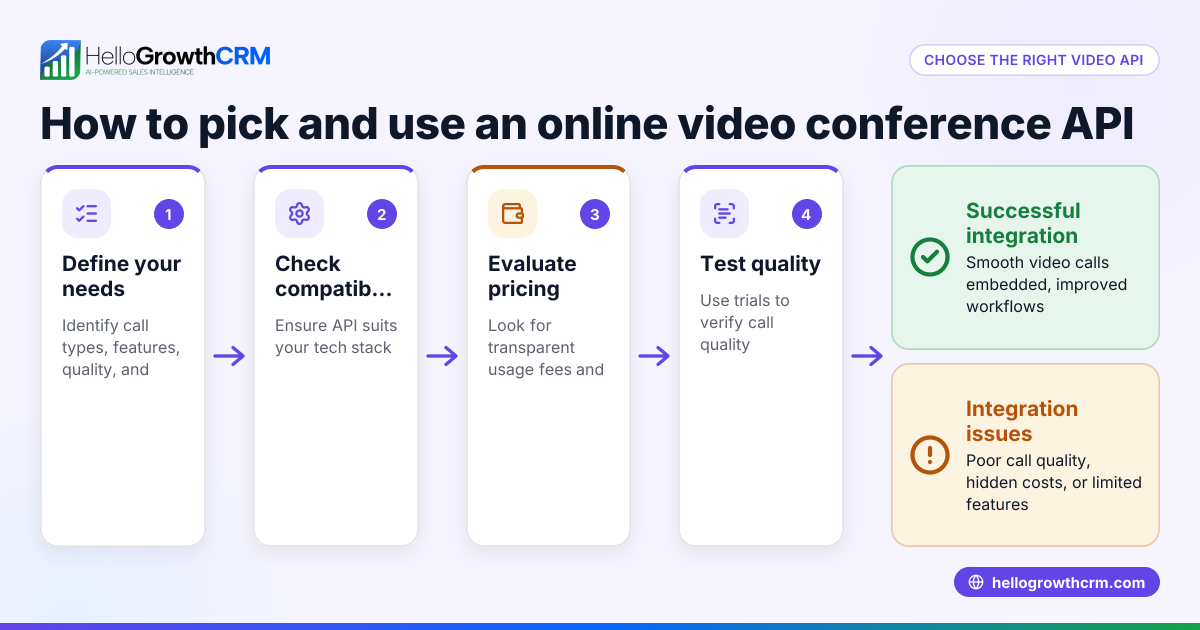
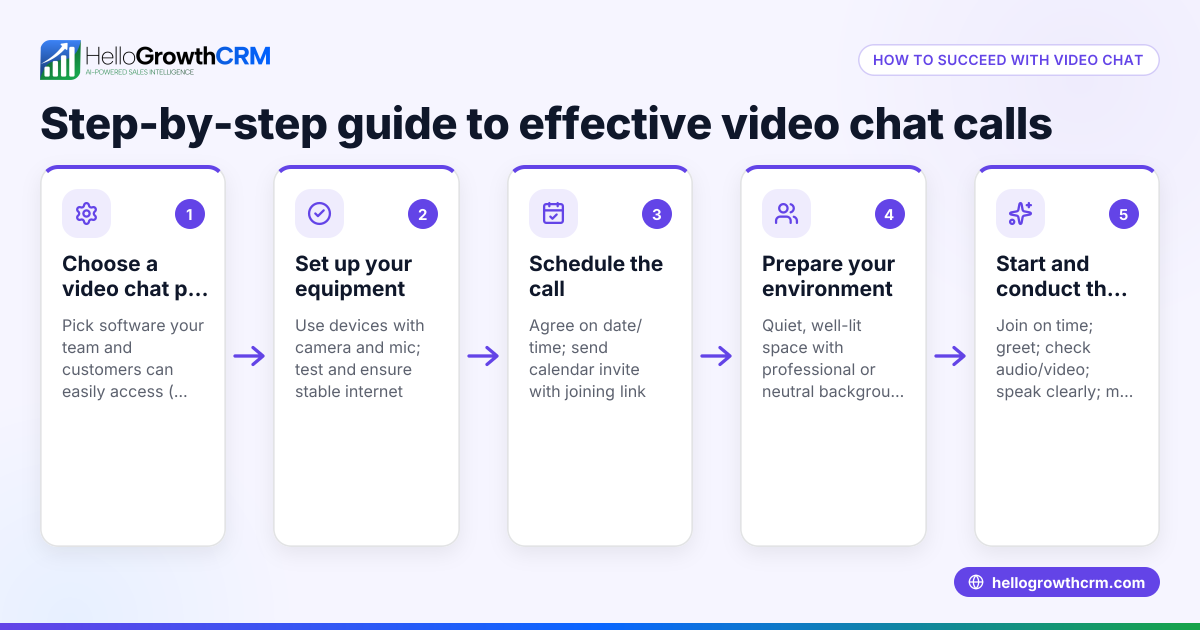
- Identify your business needs: Decide why you want video chat—whether for customer support, sales demos, consultations, or internal meetings. This focus narrows your API options.
- Research video chat APIs: Look for providers offering features like HD video, screen sharing, recording, and mobile compatibility. Compare pricing models and usage limits.
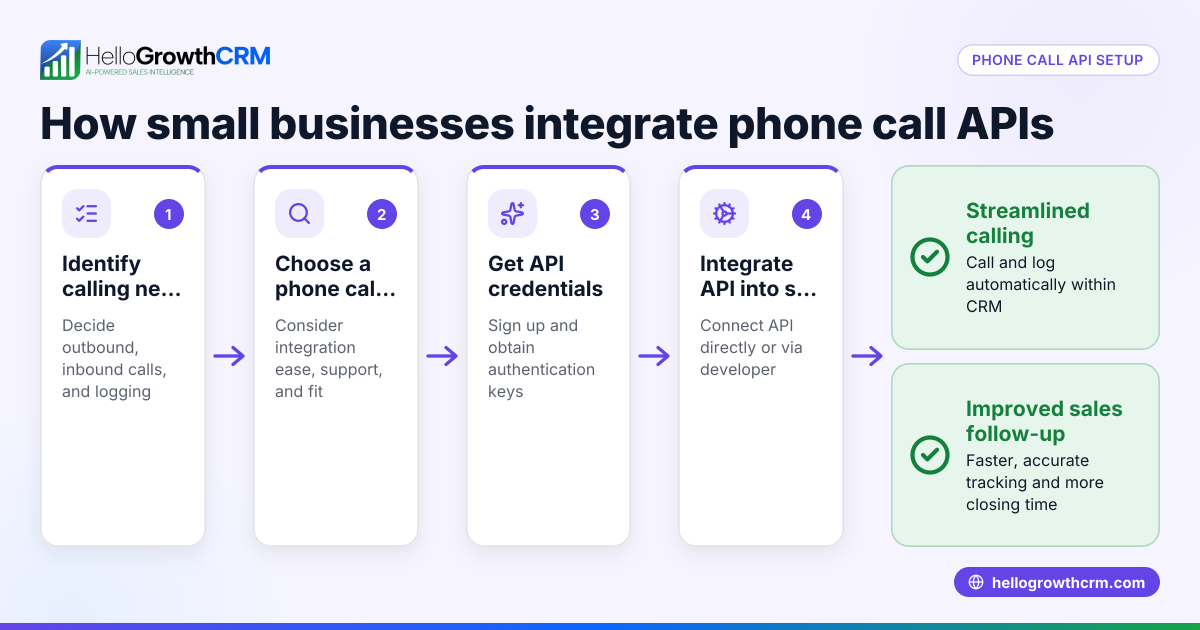
- Check integration capabilities: Confirm the API can connect with your existing systems such as your website backend or CRM. Easy-to-use SDKs and clear documentation are key.
- Test the API: Use trial or free tiers to build a simple prototype. Evaluate video quality, latency, and device compatibility.
- Plan for security and compliance: Ensure the API supports encryption and meets data privacy regulations relevant to your business.
- Develop and deploy: Collaborate with developers to integrate the API into your app or website. Conduct thorough testing before launch.
- Train your team: Provide training so staff can use video chat features effectively.
Example (fictional figures)
A residential real-estate team in Phoenix, Arizona wants to add video chat to their website to show homes remotely.
- They select a video chat API with a $100 monthly subscription fee.
- Each client video session averages 30 minutes.
- The API charges $0.01 per minute of video usage.
- They conduct 200 video sessions in one month.
Calculations: $0.01 × 30 minutes = $0.30 per session $0.30 × 200 sessions = $60 usage cost $100 (monthly fee) + $60 (usage cost) = $160 total monthly cost
This expense helps them avoid travel costs and speeds up sales by allowing remote home tours.
Common mistakes
- Skipping API testing: Always try a demo or free tier before committing to avoid surprises. Test on different devices and networks.
- Ignoring integration complexity: Verify compatibility with your CRM and website backend to prevent costly redevelopment later.
- Overlooking security: Confirm the API supports encryption and complies with data privacy laws to protect customer information.
- Underestimating bandwidth needs: Ensure your internet connection and servers can handle video traffic smoothly to prevent poor call quality.
- Neglecting user training: Provide clear instructions and practice sessions so your team can confidently use video chat features.
Doing this in HelloGrowthCRM
HelloGrowthCRM offers API and integrations that help sync data and trigger workflows, fitting your CRM into your business stack. For example, leads from web forms and other connected lead sources inquiries arrive in the CRM automatically, streamlining follow-up. While HelloGrowthCRM does not include a built-in video chat API, its integration capabilities make it easier to connect with external video chat services. Learn more about its API and integrations and how it fits with your sales process. You can also explore HelloGrowthCRM’s WhatsApp and SMS CRM and built-in CRM dialer for unified communication.
Frequently asked questions
What is a video chat API? A video chat API is a set of programming tools that lets developers add live video calling features into websites or apps. It enables real-time video communication without building the technology from scratch.
How is a video chat API different from a video conferencing app? A video chat API is a developer tool for embedding video calls into custom apps or websites, offering flexibility but requiring technical skills. A video conferencing app is a ready-to-use product with fixed features.
Can I use a video chat API without technical skills? Most video chat APIs require developer involvement for integration. Some providers offer easier setup with minimal coding, but hiring a developer or agency is usually recommended.
How much does a video chat API cost? Costs vary based on features, usage minutes, and users. Many providers charge a monthly fee plus usage charges. Testing your expected volume helps estimate expenses.
Is video chat secure for customer interactions? Reliable video chat APIs use encryption to protect calls. Check the provider’s security certifications and compliance with relevant regulations.
Can I integrate video chat with my CRM? Yes, many video chat APIs offer integrations or can connect via APIs to CRMs to log calls and manage leads. HelloGrowthCRM supports integrations that unify communication and sales processes.
How do I choose the right video chat API for my business? Focus on your business needs, required features, ease of integration with existing tools, security, and cost. Testing multiple options helps make an informed choice.
Key takeaways
- A video chat API lets you add live video calls directly into your app or website.
- Clearly define your goals to select an API that fits your business needs.
- Test APIs thoroughly for quality, compatibility, and security before full integration.
- Expect costs including monthly fees and usage charges.
- Avoid mistakes by verifying integration ease and training your team.
- HelloGrowthCRM supports integrations that connect your leads and sales with video chat tools.
Adding video communication can boost engagement and sales. Start on the Free Forever plan (200 leads, no credit card) to manage your leads and sales efficiently.
Ready to put this into practice?
Set up your pipeline, WhatsApp follow-ups, and AI lead scoring in minutes — free, no credit card.
Try HelloGrowthCRM freeGet CRM tips in your inbox
Join thousands of sales professionals who get weekly insights on CRM strategy, AI automation, and pipeline optimization.

The HelloGrowthCRM team publishes guides on CRM strategy, AI sales tools, and revenue operations for small business sales teams.