HelloGrowthCRM software
Built for real small-business sales teams
HelloGrowthCRM helps reps qualify faster, follow up on time, and close more deals—with practical automation in one place.
- AI lead scoring and pipeline visibility
- Built-in dialer, WhatsApp, and email automation
- Sales forecasting and RevOps-ready reporting
Adding a chatbot to your website involves selecting a chatbot platform, integrating it with your site, and customizing it to engage visitors automatically. This article covers why small businesses add chatbots, detailed steps for setup, a practical example with figures, common mistakes, and answers to frequent questions.
Why this comes up / what goes wrong
Small-business owners often look to add chatbots to their websites to improve customer engagement, handle common inquiries instantly, and capture leads without delays. Without a chatbot, many businesses lose potential customers because their website visitors have to wait for human responses or navigate complex contact forms. Owners who run sales on text messages, email, or spreadsheets realize they need an automated way to start conversations and qualify leads quickly. Adding a chatbot helps ensure visitors get immediate attention, which can increase conversions and reduce lost opportunities.
Step-by-step
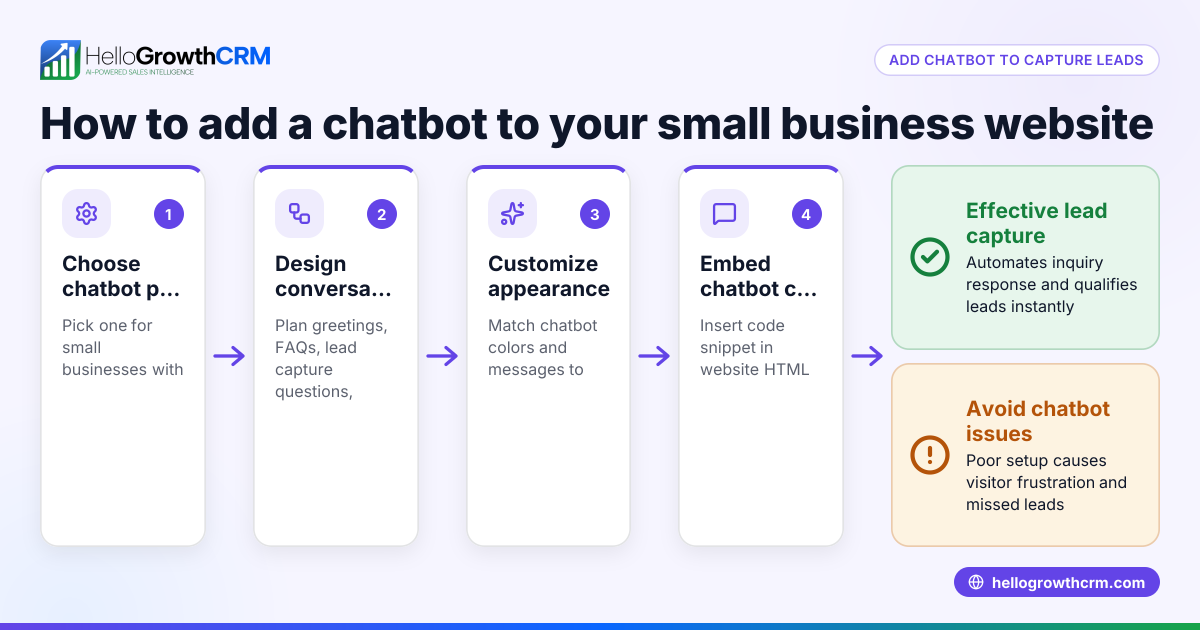
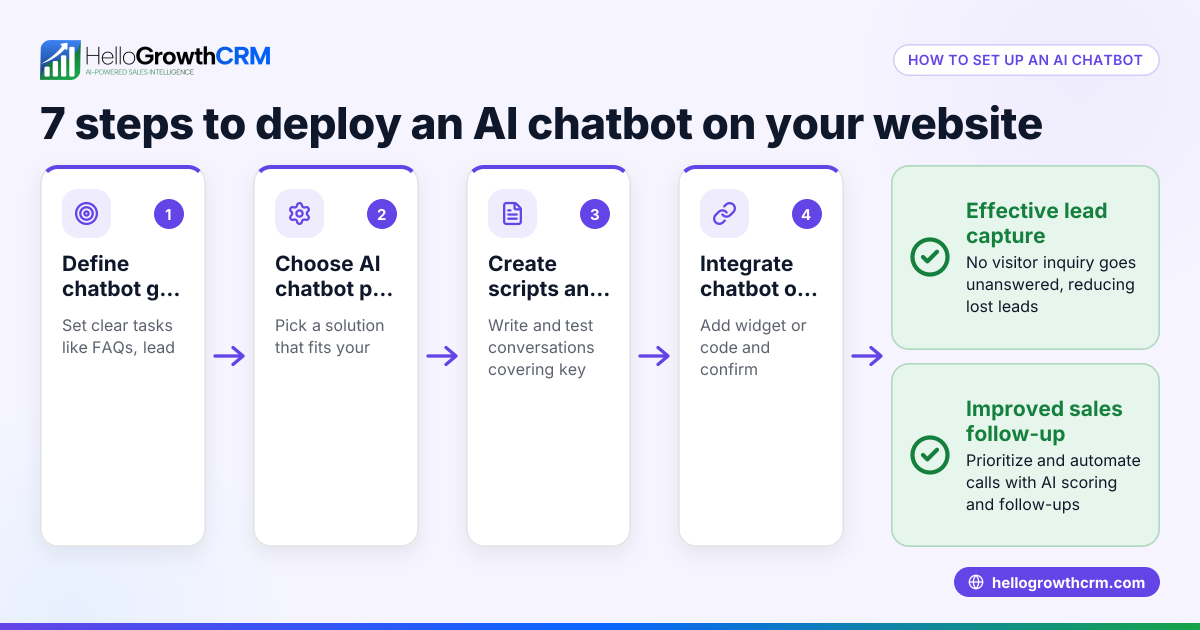
- Choose a chatbot platform: Research chatbot providers that fit your business size and technical comfort. Check if they offer easy integration with your website platform (e.g., WordPress, Shopify).
- Sign up and create your chatbot: Register on the chosen platform and use their builder to create your chatbot’s conversation flow. Define common questions and answers, lead capture forms, and call-to-action prompts.
- Customize the chatbot’s appearance: Adjust the chatbot’s colors, avatar, and welcome message to match your brand and website design.
- Integrate the chatbot with your website: Copy the provided code snippet or plugin and add it to your website’s HTML or CMS plugin area. Test to confirm the chatbot appears and functions correctly on desktop and mobile.
- Set up notifications and lead routing: Configure how chatbot leads are alerted to your sales or support team via email, SMS, or CRM integration. This ensures quick follow-up.
- Test the chatbot thoroughly: Simulate visitor interactions to check all flows, lead capture forms, and notifications work without errors.
- Launch and monitor: Publish the chatbot live on your site and regularly review chatbot reports or logs to improve conversations and fix issues.
- Consider integrating with your CRM: If you use a CRM like HelloGrowthCRM for WhatsApp and SMS CRM, connect chatbot leads directly to your sales pipeline to automate follow-up actions efficiently. See more about WhatsApp and SMS CRM and the built-in CRM dialer.
Example (fictional figures)
A two-location dental practice in Columbus, Ohio, wants to add a chatbot to their website to capture appointment requests faster. They choose a chatbot platform costing $50/month.
- Monthly chatbot subscription = $50
- Expected increase in booked appointments = 10 per month
- Average appointment value = $150
Calculation of additional revenue:
10 appointments × $150 = $1,500
Subtract chatbot cost:
$1,500 - $50 = $1,450 net gain per month
This example shows how a simple chatbot can pay for itself quickly by increasing lead capture and conversions.
Common mistakes
- Choosing a complicated chatbot platform: Prevent this by selecting a user-friendly tool suited for small businesses without coding skills.
- Not customizing the chatbot conversation: Avoid generic scripts; tailor responses to your products, services, and FAQs to keep visitors engaged.
- Ignoring mobile optimization: Ensure the chatbot works well on smartphones as many visitors use mobile devices.
- Failing to set up lead notifications: Without alerts, leads captured by chatbots may go unattended. Test notifications to your sales team.
- Overloading the chatbot with too many questions: Keep conversations short and focused to prevent visitor drop-off.
- Not integrating chatbot leads into a CRM: Leads scattered in emails or spreadsheets cause slow follow-up. Use CRM integration for faster sales actions, as explained in HelloGrowthCRM for the United States.
Frequently asked questions
What is a chatbot and why add one to my website? A chatbot is an automated messaging tool that interacts with website visitors in real time. Adding one helps answer questions instantly, capture leads, and guide visitors through your sales funnel without waiting for human response.
Do I need technical skills to add a chatbot to my website? Many chatbot platforms offer drag-and-drop builders and plugins that require no coding. However, basic familiarity with your website’s backend or CMS helps for integration.
Can chatbots handle complex customer questions? Most chatbots handle common FAQs and lead capture well but may need human backup for complex issues. You can set the bot to transfer the conversation to a live agent when needed.
How do chatbots help with sales follow-up? Chatbots collect visitor information and can trigger notifications or integrate with CRMs to assign leads to sales reps for timely follow-up, reducing lost leads from slow response.
Will adding a chatbot slow down my website? Properly implemented chatbots add minimal load. Choose lightweight chatbot scripts and test site speed after installation.
Can I integrate chatbot leads with HelloGrowthCRM? Yes, integrating your chatbot with HelloGrowthCRM lets you capture and manage leads directly in your WhatsApp-native CRM, improving sales efficiency. Learn more about WhatsApp and SMS CRM.
Key takeaways
- Adding a chatbot to your website automates visitor engagement and lead capture.
- Follow clear steps: choose a platform, customize, integrate, test, and launch.
- Avoid common mistakes like ignoring mobile users or failing to notify sales teams.
- Chatbots can boost sales by speeding up lead capture and follow-up.
- Integrate chatbot leads with CRMs like HelloGrowthCRM for better sales management.
Start adding a chatbot to your website today and improve your lead response time. To manage captured leads efficiently, consider starting on the Free Forever plan (200 leads, no credit card) at HelloGrowthCRM.
Ready to put this into practice?
Set up your pipeline, WhatsApp follow-ups, and AI lead scoring in minutes — free, no credit card.
Try HelloGrowthCRM freeGet CRM tips in your inbox
Join thousands of sales professionals who get weekly insights on CRM strategy, AI automation, and pipeline optimization.

The HelloGrowthCRM team publishes guides on CRM strategy, AI sales tools, and revenue operations for small business sales teams.