HelloGrowthCRM software
Built for real small-business sales teams
HelloGrowthCRM helps reps qualify faster, follow up on time, and close more deals—with practical automation in one place.
- AI lead scoring and pipeline visibility
- Built-in dialer, WhatsApp, and email automation
- Sales forecasting and RevOps-ready reporting
An agenda email template helps you communicate the purpose, structure, and expectations of a meeting clearly to all participants. It saves time by providing a consistent format and ensures that everyone arrives prepared, making meetings more productive.
Why this comes up / what goes wrong
Small-business owners often schedule meetings with clients, vendors, or internal teams but struggle to communicate the agenda clearly. Without a proper agenda email, participants may come unprepared, discussions can go off track, or important topics might be missed. Many owners send informal emails or text messages that omit key details like timing, topic owners, or preparation instructions. This leads to confusion, wasted time, and missed opportunities.
Step-by-step
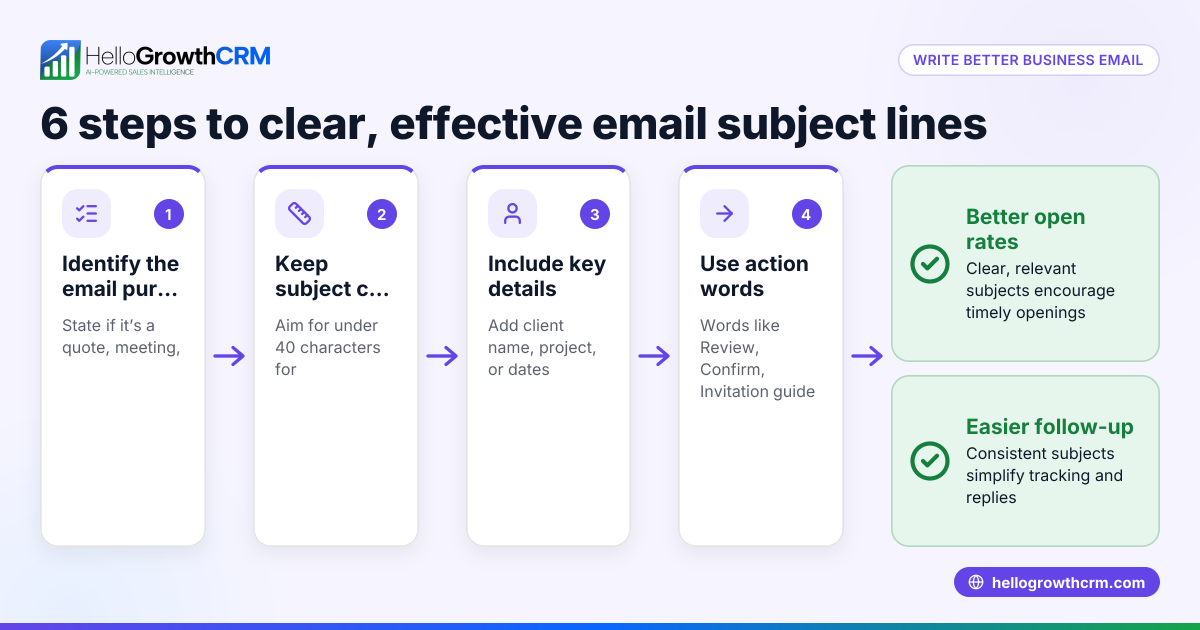
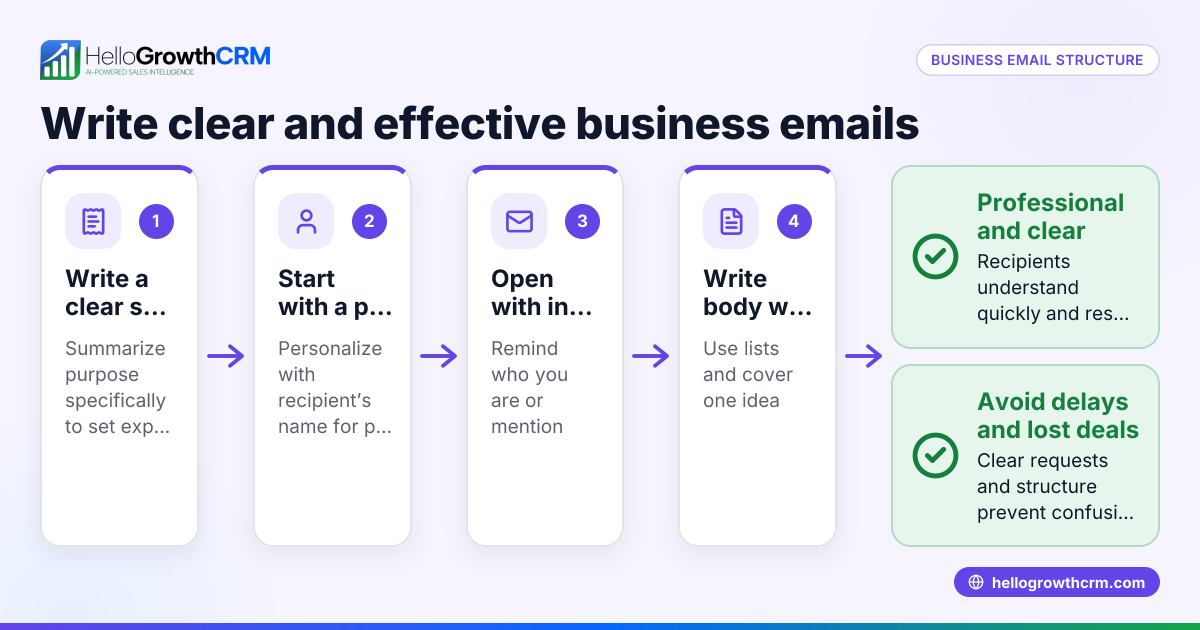
- Write a clear subject line. Example: "Agenda for [Meeting Name] on [Date] at [Time]". This sets expectations immediately.
- Start with a polite greeting and state the meeting purpose. For instance, "Dear Team, please find below the agenda for our upcoming project update meeting."
- Provide meeting details upfront. Include the date, time, location or call link, and expected duration.
- List agenda items clearly and concisely. Number each topic, assign a presenter or lead if applicable, and specify the time allotted for each item.
- Add preparation instructions or materials to review. This ensures attendees come ready.
- Close with a call to action or next steps. For example, "Please confirm your attendance" or "Let me know if you want to add any topics."
- Proofread for clarity and completeness. Verify names, times, links, and attachments.
- Send the email well in advance. At least 24-48 hours before the meeting to allow preparation.
For ready-to-use formats, see our sales templates and download free tools at free sales tools and calculators.
Example (fictional figures)
Subject: Agenda for Plumbing Team Meeting on 07/15/2026 at 10:00 AM
Dear Team,
Please find below the agenda for our weekly team meeting.
Date: 07/15/2026 Time: 10:00 AM - 11:00 AM Location: Conference Room B
Agenda:
- Review last week’s completed jobs (Lead: Sarah) — 15 minutes
- Discuss new client requests and scheduling (Lead: Mike) — 20 minutes
- Safety protocol refresher (Lead: John) — 15 minutes
- Inventory update and ordering supplies (Lead: Sarah) — 10 minutes
Preparation:
- Review attached job reports with revenue details.
Financial summary for last week’s jobs:
- Job A: $4,500
- Job B: $3,200
- Job C: $2,800
Total revenue = $4,500 + $3,200 + $2,800 = $10,500
Please confirm your attendance by 07/14/2026.
Thank you, Alex
Common mistakes
- Vague subject lines: Avoid generic subjects like "Meeting". Use specific titles to help recipients prioritize. Prevent this by always including the meeting name and date.
- Overloading the agenda: Limit topics to what can realistically be covered in the allotted time. Prevent this by estimating time per item and sticking to it.
- No assigned owners: Without clear responsibility, topics may be overlooked. Assign leads for accountability to ensure each item is addressed.
- Missing meeting details: Always include date, time, location or call link to avoid confusion. Double-check these details before sending.
- Sending last minute: Give attendees enough time to prepare by sending the agenda at least 1-2 days before the meeting.
- No preparation instructions: If attendees need to review documents or bring items, state this clearly to avoid wasted time.
Avoid these errors by following the step-by-step guide and using templates from our sales templates.
Doing this in HelloGrowthCRM
HelloGrowthCRM offers tools to streamline your email communications. Its HelloMail shared inbox lets your team view replies to quotation or agenda emails on the deal, preventing lost or duplicated follow-ups. You can download free sales templates including follow-up cadences and pipeline templates without needing an account. For automated outreach, sequences and campaigns run multi-step follow-ups that pause as soon as a prospect replies. Learn more about email automation and sequences.
Frequently asked questions
What should I include in an agenda email template? Include the meeting subject, date, time, location or call link, a numbered list of agenda topics with assigned owners and time estimates, any preparation instructions, and a polite closing with next steps.
How far in advance should I send an agenda email? Send the agenda at least 24-48 hours before the meeting to give attendees time to prepare and confirm their attendance.
Can I use the same agenda template for different types of meetings? Yes, you can customize a basic agenda template by changing the meeting details and agenda items. Templates save time and maintain consistency across meetings.
How do I handle last-minute changes to the agenda? Send a follow-up email clearly highlighting the updates and resend the revised agenda. Notify key attendees personally if possible.
Is it better to send agenda emails or use calendar invites? Both have advantages. Calendar invites manage timing and reminders, while agenda emails provide detailed context and preparation instructions. Using both together works best.
Key takeaways
- Use a clear subject line with meeting name and date.
- Include meeting details and a numbered agenda with topic owners.
- Send the agenda 1-2 days before the meeting to allow preparation.
- Avoid vague subjects, overloaded agendas, and missing details.
- Use templates to save time and maintain consistency.
Start organizing your meetings better with a ready-to-use agenda email template. To try tools that help automate your sales emails and follow-ups, start on the Free Forever plan (200 leads, no credit card).
Ready to put this into practice?
Set up your pipeline, WhatsApp follow-ups, and AI lead scoring in minutes — free, no credit card.
Try HelloGrowthCRM freeGet CRM tips in your inbox
Join thousands of sales professionals who get weekly insights on CRM strategy, AI automation, and pipeline optimization.

The HelloGrowthCRM team publishes guides on CRM strategy, AI sales tools, and revenue operations for small business sales teams.