HelloGrowthCRM software
Built for real small-business sales teams
HelloGrowthCRM helps reps qualify faster, follow up on time, and close more deals—with practical automation in one place.
- AI lead scoring and pipeline visibility
- Built-in dialer, WhatsApp, and email automation
- Sales forecasting and RevOps-ready reporting
Business email structure means organizing your email into clear parts that make your message professional and easy to read. The key components are the subject line, greeting, body, closing, and signature. Each part has a purpose to guide the reader and prompt a response. This article explains why this matters, how to structure your emails step-by-step, and common mistakes to avoid.
Why this comes up / what goes wrong
Small business owners often struggle with business email structure because they send emails quickly without a clear format. This can confuse recipients or cause important details to be missed. For example, a sales quote email without a clear subject or closing can delay responses or lose deals. Managing emails across text messages, spreadsheets, and personal inboxes makes it harder to keep communication consistent and professional. Without a clear structure, your emails may look unorganized or unclear, causing delays and lost opportunities.
Step-by-step
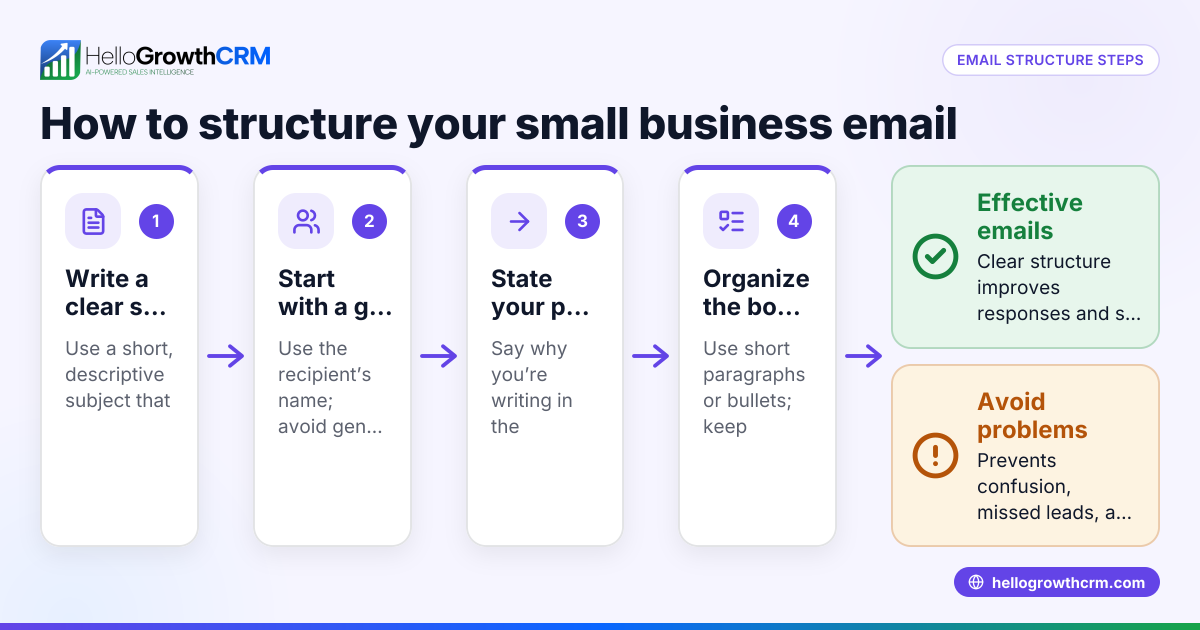
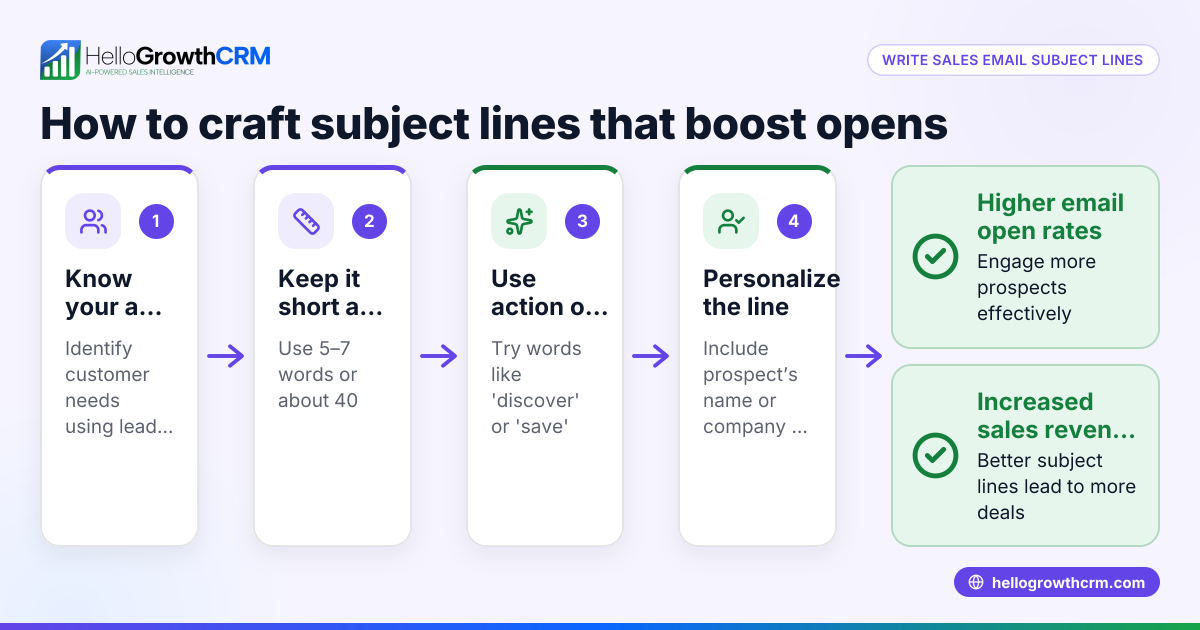
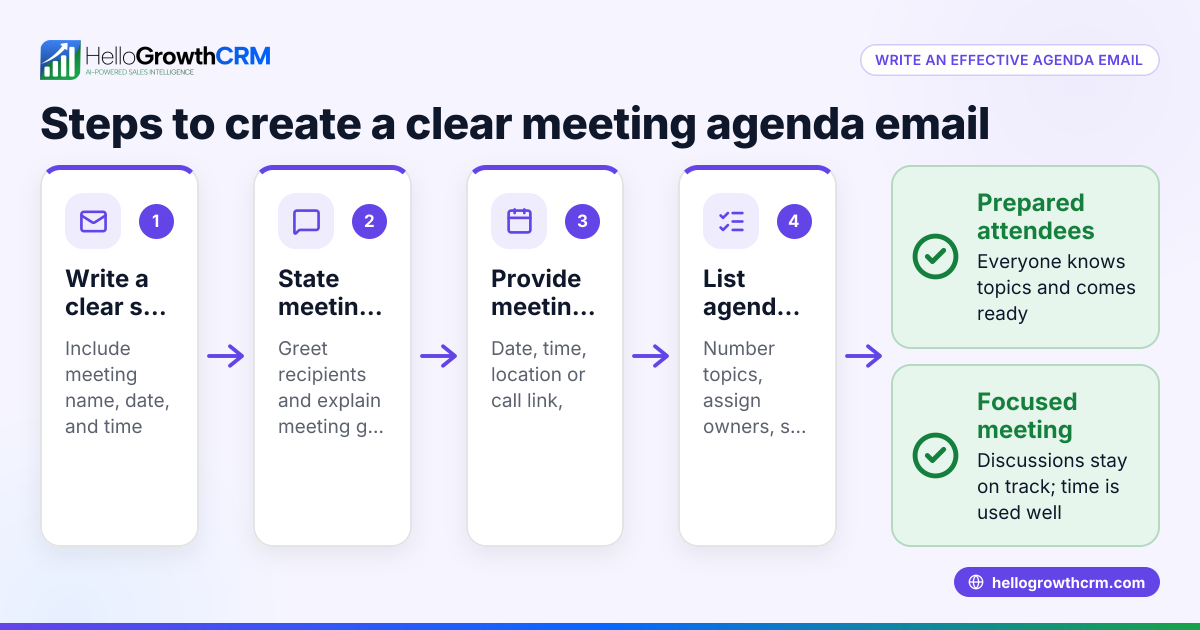
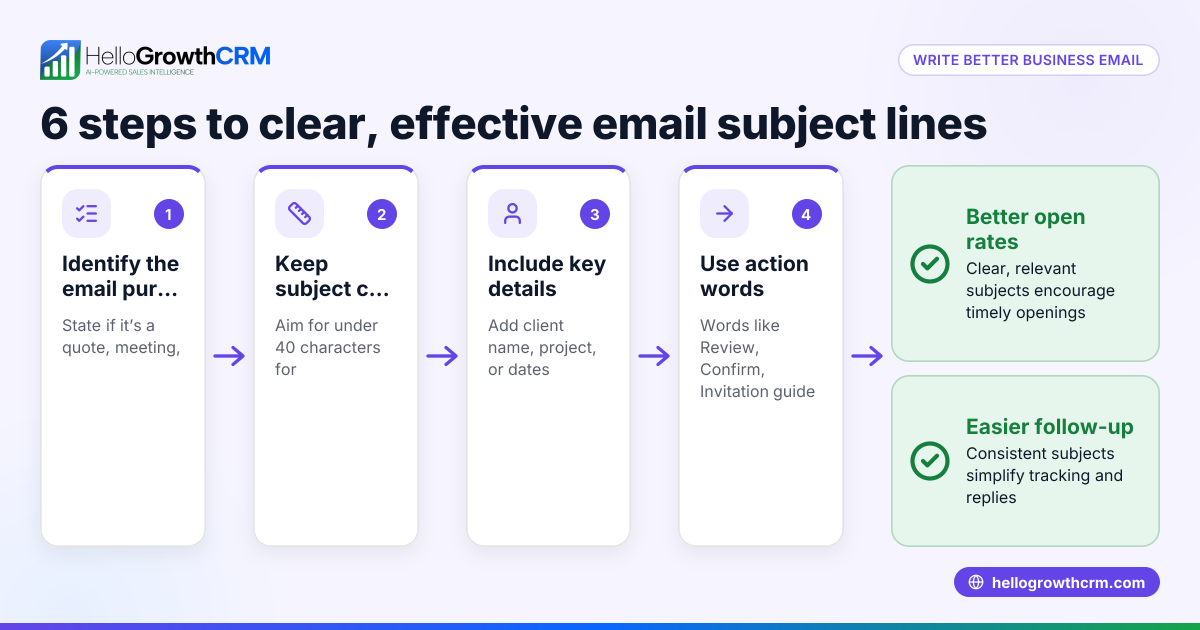
- Write a clear subject line: Summarize the email’s purpose in a few words. Check it is specific and relevant, like "Proposal for Denver Software Reseller – Due 07/15/2026." This helps recipients immediately know what to expect.
- Start with a proper greeting: Use the recipient’s name if possible. For example, "Hi Sarah," or "Dear Mr. Johnson,". This personalizes your message and sets a professional tone.
- Open with a brief introduction or reference: Mention who you are or the context, e.g., "Following up on our call last week...". This reminds the recipient of your previous interaction or the reason for your email.
- Write the body with clear paragraphs: Present your main points logically. Use bullet points or numbered lists if helpful. Check that each paragraph covers one idea to keep the message easy to follow.
- Include a clear call to action: State what you want the recipient to do next, like "Please review the attached quote and reply by 07/15/2026." This directs the recipient and encourages timely responses.
- Close politely: Use phrases like "Best regards," or "Thank you," before your signature. This adds professionalism and warmth.
- Add a professional signature: Include your full name, job title, company name, and contact info. This gives the recipient all the details they need to contact you back.
- Proofread before sending: Check spelling, grammar, and that all attachments or links are included. Poor spelling or missing information can harm your credibility.
For managing follow-up emails and sequences, consider using tools like email automation and sequences to keep your outreach consistent without manual effort.
Example (fictional figures)
A B2B software reseller in Denver, Colorado, sends a quote email on 06/30/2026 for a $48,000 software package.
Subject: Software Reseller Quote – Denver – Due 07/15/2026
Hi James,
Thank you for your interest in our software solutions. Attached is the quote for the package discussed.
Package price: $48,000 Tax (assumed illustrative rate 9%): $48,000 × 9% = $4,320 Total amount: $48,000 + $4,320 = $52,320
Please review and let us know if you have any questions. We look forward to your confirmation by 07/15/2026.
Best regards,
Alex Morgan Sales Manager Denver Software Solutions alex.morgan@denversoftware.com (303) 555-1234
This clear structure helps James quickly understand the offer, cost, and deadline, making it easier to respond promptly.
Common mistakes
- Vague subject lines: Prevent by summarizing the email’s main point clearly. A vague subject may cause your email to be ignored or lost.
- Skipping greetings or using informal language: Prevent by using proper salutations for professionalism. This helps build trust and respect.
- Long, unorganized body text: Prevent by breaking text into paragraphs and using lists. This makes your message easier to read and understand.
- No clear call to action: Prevent by explicitly stating what you want the recipient to do. Without this, your email may not lead to the desired outcome.
- Forgetting attachments or links: Always double-check before sending. Missing attachments cause confusion and delays.
- Using multiple tools for communication: Prevent confusion by consolidating emails and follow-ups in one place, such as a CRM. This keeps your team coordinated and your communication consistent.
Using WhatsApp and SMS CRM can also help keep your messaging organized across channels, especially if your sales run on multiple platforms.
Doing this in HelloGrowthCRM
HelloGrowthCRM offers a shared inbox called HelloMail where your team can see all replies to quotation emails on the deal, preventing missed messages. You can also set up sequences and campaigns to automate follow-ups: a five-step sequence over two weeks runs automatically and stops when the prospect replies. This keeps your email structure consistent and timely without extra manual work. Learn more about these features at email automation and sequences.
Frequently asked questions
What is the best length for a business email? Keep it concise but complete. Aim for 3-5 short paragraphs that clearly explain your message and next steps without overwhelming the reader. This balance helps maintain attention and clarity.
How formal should a business email be? Match the tone to your relationship and industry. Generally, use polite greetings and closings, avoid slang, and keep language professional but friendly. Adjust formality based on your audience.
Should I use templates for business emails? Templates help maintain a consistent structure and save time. Customize them for each recipient to keep your communication personal and relevant. This approach speeds up writing without losing professionalism.
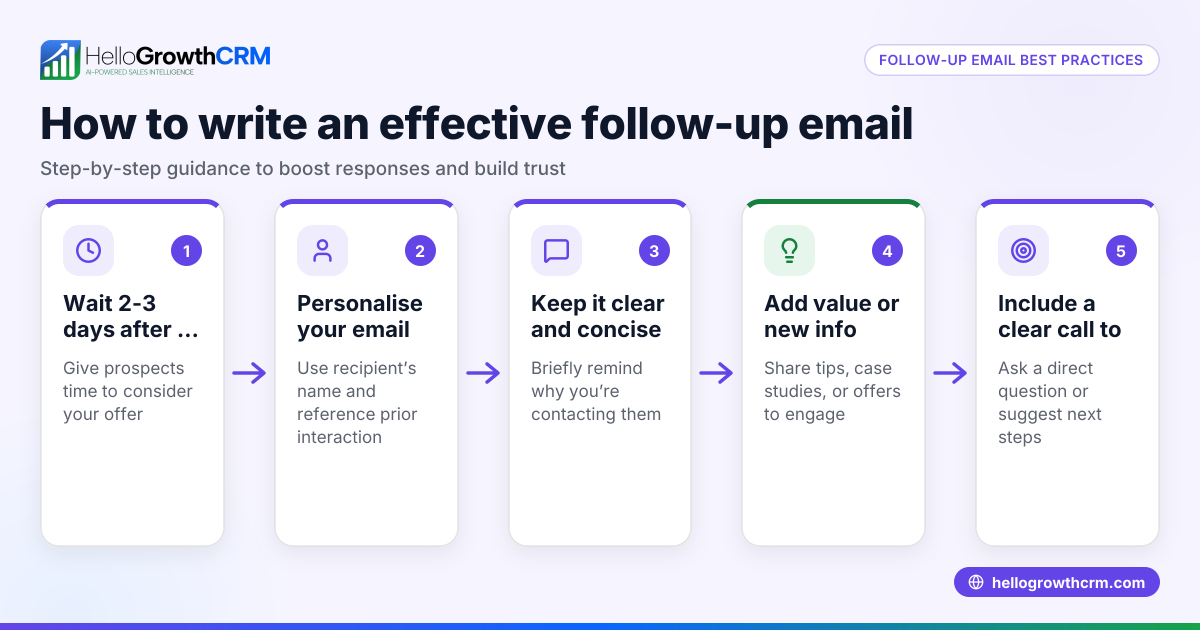
How do I follow up if I don’t get a reply? Send a polite follow-up email after a few days, restating your original message and call to action. Tools like HelloGrowthCRM’s sequences automate this process, ensuring timely and consistent follow-ups without manual tracking.
Can I manage all business emails in one system? Yes, using a CRM with a shared inbox like HelloMail helps your team track and respond to emails efficiently without switching apps. This centralizes communication and improves team collaboration.
Key takeaways
- A business email should have a clear subject, greeting, body, call to action, closing, and signature.
- Organize information logically with short paragraphs and bullet points to improve readability.
- Always proofread and double-check attachments before sending to avoid errors.
- Avoid vague subjects and unclear requests to improve response rates.
- Use tools like HelloGrowthCRM’s shared inbox and sequences to manage emails and follow-ups efficiently, keeping your sales communication organized.
Start writing your professional business emails today and keep your sales communication organized. To manage your emails and automate follow-ups, Start on the Free Forever plan (200 leads, no credit card).
Ready to put this into practice?
Set up your pipeline, WhatsApp follow-ups, and AI lead scoring in minutes — free, no credit card.
Try HelloGrowthCRM freeGet CRM tips in your inbox
Join thousands of sales professionals who get weekly insights on CRM strategy, AI automation, and pipeline optimization.

The HelloGrowthCRM team publishes guides on CRM strategy, AI sales tools, and revenue operations for small business sales teams.