HelloGrowthCRM software
Built for real small-business sales teams
HelloGrowthCRM helps reps qualify faster, follow up on time, and close more deals—with practical automation in one place.
- AI lead scoring and pipeline visibility
- Built-in dialer, WhatsApp, and email automation
- Sales forecasting and RevOps-ready reporting
Choosing the best field sales CRM software in Canada means selecting a solution that helps your team manage leads and deals on the go, track territories and commissions, and communicate effectively through integrated messaging. This article covers why small and mid-sized businesses look for field sales CRM software, step-by-step guidance to evaluate options, a worked example with Canadian figures, common mistakes to avoid, and how HelloGrowthCRM supports field sales teams.
Why this comes up / what goes wrong
Canadian small and mid-sized businesses with field sales teams often face challenges like slow lead follow-up, managing sales activities across territories without clear visibility, and juggling communication across text messages and email. These issues cause lost sales opportunities and inefficient territory management. Field sales managers need software that allows mobile visit logging, tracks commissions linked to deals, and provides real-time insights into daily field operations. Without these tools, teams miss timely follow-ups and lose coordination across sales territories.
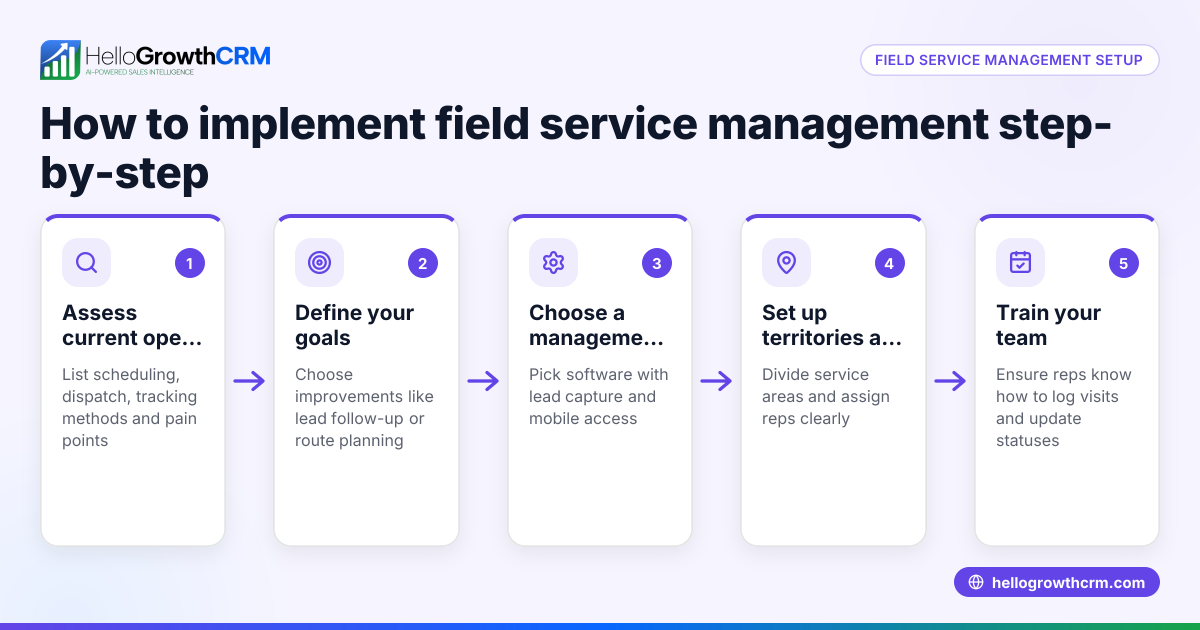
Step-by-step
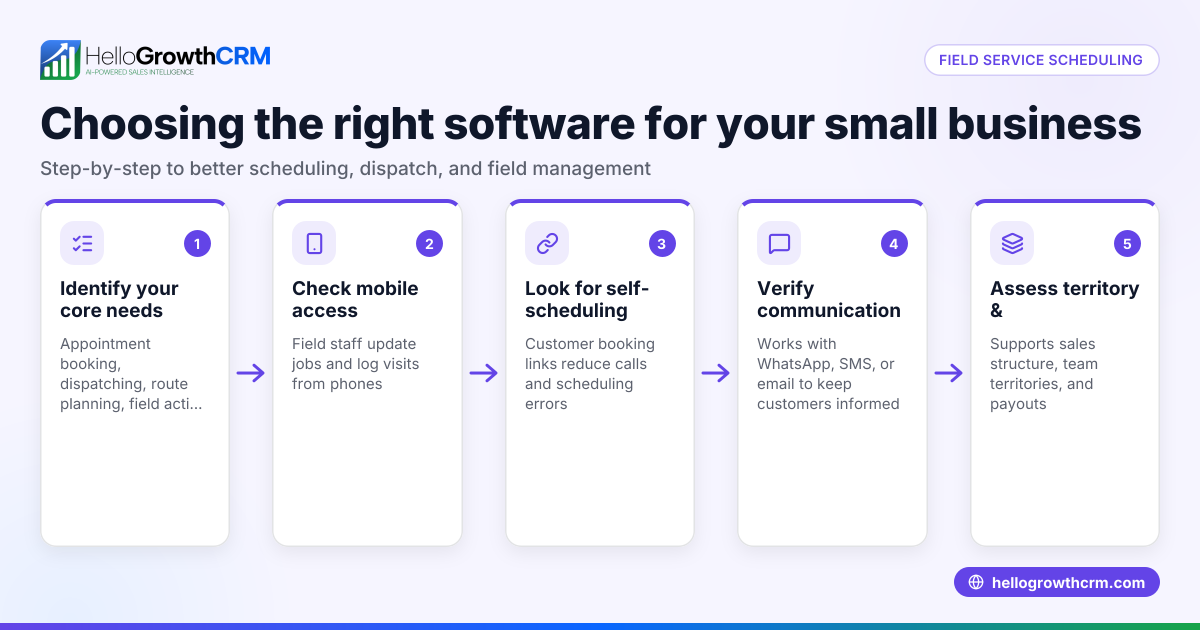
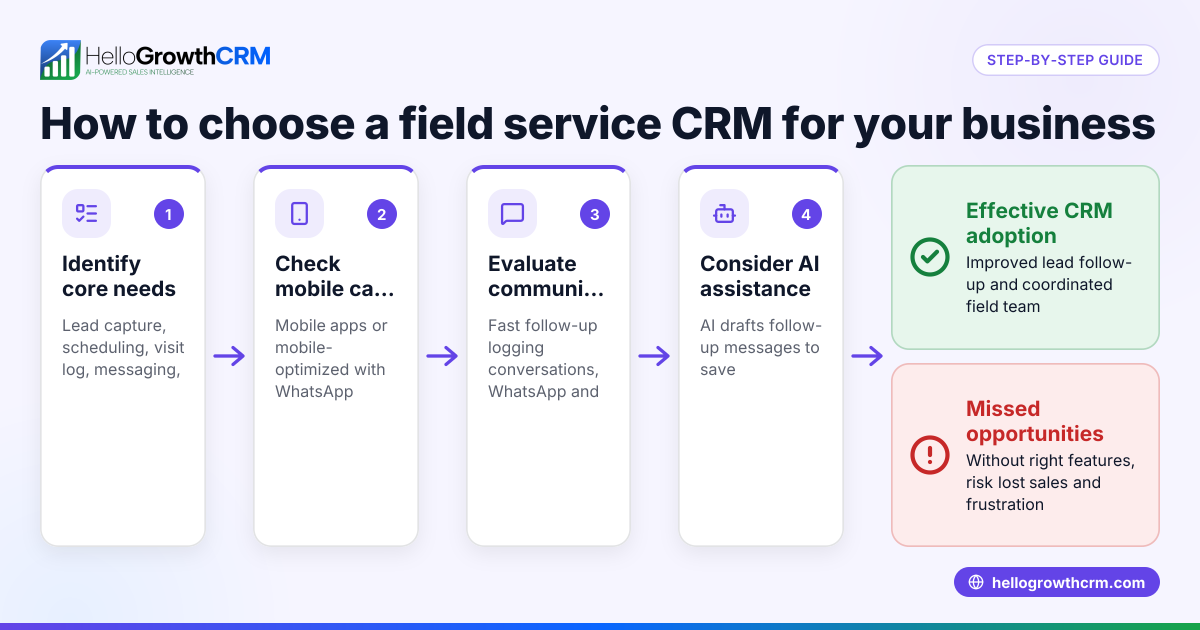
- Identify Your Team’s Field Sales Needs
- Determine if your reps need mobile check-ins, visit logging, or route planning.
- Confirm if commission tracking linked to sales outcomes is required.
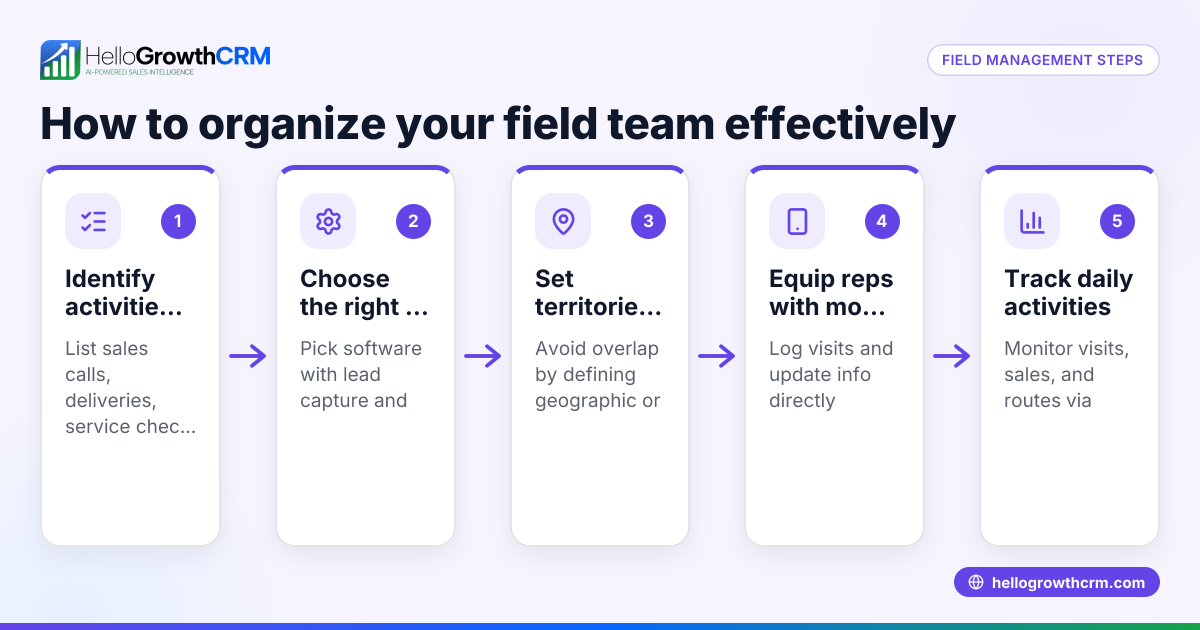
- Evaluate Territory Management Capabilities
- Look for software offering territory definition and ownership tools.
- Check if managers can view daily field activity and sales beats.
- See if map views or route optimization features are available.
- Assess Pipeline and Deal Tracking
- Verify the CRM tracks open opportunities with stages, probabilities, and expected values.
- Ensure it supports follow-up reminders for quotes or proposals.
- Check Communication Integration
- Confirm the CRM supports WhatsApp and SMS messaging natively.
- Make sure conversations are logged on lead records for context.
- Consider User Experience and Adoption
- Choose software that is easy to use on mobile devices.
- Select features that reduce switching between apps, such as integrated messaging and calling.
- Review Pricing and Plans
- Compare pricing structures relevant to Canadian businesses.
- Confirm essential features like territories, pipeline, and messaging are included.
- Ask About Support and Compliance
- Check customer support availability in Canada.
- Verify compliance with Canadian data privacy laws if applicable.
For more details on territory management, see territory management. To understand full CRM capabilities, visit CRM features.
Example (fictional figures)
A mortgage brokerage in Mississauga, Ontario, with 10 field sales agents sends about 50 quotes monthly. They estimate losing some leads due to slow follow-up, impacting revenue.
- Current monthly revenue: C$150,000
- Average deal size: C$5,000
- Estimated lost deals per month: 3
- Potential monthly revenue loss: 3 deals × C$5,000 = C$15,000
By adopting a CRM with pipeline tracking and follow-up reminders, they aim to reduce lost deals by half.
- Expected recovered deals: 3 deals × 50% = 1.5 deals
- Additional monthly revenue: 1.5 deals × C$5,000 = C$7,500
Calculation steps:
C$5,000 × 3 = C$15,000 C$15,000 × 50% = C$7,500
This example shows how a field sales CRM can improve revenue by enhancing lead follow-up and visibility.
Common mistakes
- Ignoring Mobile Usability: Choosing CRM software without mobile visit logging frustrates field reps. Prevent this by testing mobile features before purchase.
- Overlooking Territory Management: Without clear territory tools, managers cannot track field activity effectively. Select software with territory ownership and visit logs.
- Neglecting Communication Integration: Using separate apps for messaging leads to lost context. Pick a CRM that logs WhatsApp and SMS conversations on lead records.
- Underestimating User Adoption: Complex CRMs reduce team usage. Involve your sales team in demos to ensure ease of use.
- Focusing Only on Price: The cheapest option may lack critical features. Balance cost with capabilities needed for your team.
Explore how to avoid these pitfalls in the compare CRMs guide.
Doing this in HelloGrowthCRM
HelloGrowthCRM supports Canadian field sales teams with features tailored for mobile and territory-based work. Field reps log visits directly from their phones, and managers monitor the day's sales beat using territory tools. Deals move through a pipeline with stages and follow-up dates, ensuring quotations are not forgotten. WhatsApp and SMS conversations with leads are logged on the lead record, allowing seamless follow-ups via messages. Learn more about these capabilities on territory management, deals pipeline, and WhatsApp and SMS.
Frequently asked questions
What is the typical pricing for field sales CRM software in Canada? Pricing varies depending on features and user count. Many solutions offer tiered plans; essential features like territory management and messaging may require mid-level plans. Check detailed pricing on CRM pricing in Canada.
Are there alternatives to field sales CRM software for managing sales teams? Alternatives include spreadsheets and standalone communication apps, but these often cause lost leads and poor coordination. Integrated field sales CRM software improves efficiency and data accuracy. For comparisons, see compare CRMs.
What features should a field sales manager prioritize in CRM software? Key features include territory and route management, mobile visit logging, pipeline tracking with follow-ups, and integrated messaging like WhatsApp and SMS. These help managers monitor performance and support reps effectively.
Can HelloGrowthCRM handle commissions for field sales teams? Yes, HelloGrowthCRM tracks commissions linked to deal outcomes, helping managers and reps understand earnings tied to sales performance.
How does WhatsApp integration benefit field sales teams? WhatsApp integration allows teams to communicate on a preferred channel, logging conversations on lead records for full context. This reduces missed messages and speeds up follow-ups.
Key takeaways
- The best field sales CRM software in Canada supports mobile visit logging, territory management, and commission tracking.
- Integrated WhatsApp and SMS messaging keeps communication organized and timely.
- Evaluate software by matching features to your team’s needs, ease of use, and pricing.
- Avoid common mistakes like ignoring mobile usability and neglecting territory tools.
- HelloGrowthCRM offers tailored features for field sales teams including territories, deals pipeline, and messaging.
Choosing the right CRM can improve lead follow-up, sales coordination, and revenue. For detailed Canadian pricing and plans, see Canadian pricing.
Ready to put this into practice?
Set up your pipeline, WhatsApp follow-ups, and AI lead scoring in minutes — free, no credit card.
Try HelloGrowthCRM freeGet CRM tips in your inbox
Join thousands of sales professionals who get weekly insights on CRM strategy, AI automation, and pipeline optimization.

The HelloGrowthCRM team publishes guides on CRM strategy, AI sales tools, and revenue operations for small business sales teams.