HelloGrowthCRM software
Built for real small-business sales teams
HelloGrowthCRM helps reps qualify faster, follow up on time, and close more deals—with practical automation in one place.
- AI lead scoring and pipeline visibility
- Built-in dialer, WhatsApp, and email automation
- Sales forecasting and RevOps-ready reporting
Chatbot SMS is an automated text messaging system that uses programmed responses to interact with customers via SMS. It helps small businesses quickly answer common questions, capture leads, and follow up without manual effort. This article explains why chatbot SMS matters for small businesses, how to set it up step-by-step, common mistakes to avoid, and how HelloGrowthCRM supports SMS conversations.
Why this comes up / what goes wrong
Small business owners often rely on manual texting or email to communicate with customers. This can lead to slow replies, lost leads, and inconsistent follow-up. For example, a local landscaping company might miss new customer inquiries because the owner is busy on-site and can’t respond quickly. Customers expect fast replies and 24/7 availability, which is hard to provide without automation. Chatbot SMS systems solve this by sending instant, automated replies to common questions, booking requests, or lead captures. Without a chatbot, businesses risk losing leads to competitors who respond faster.
Step-by-step
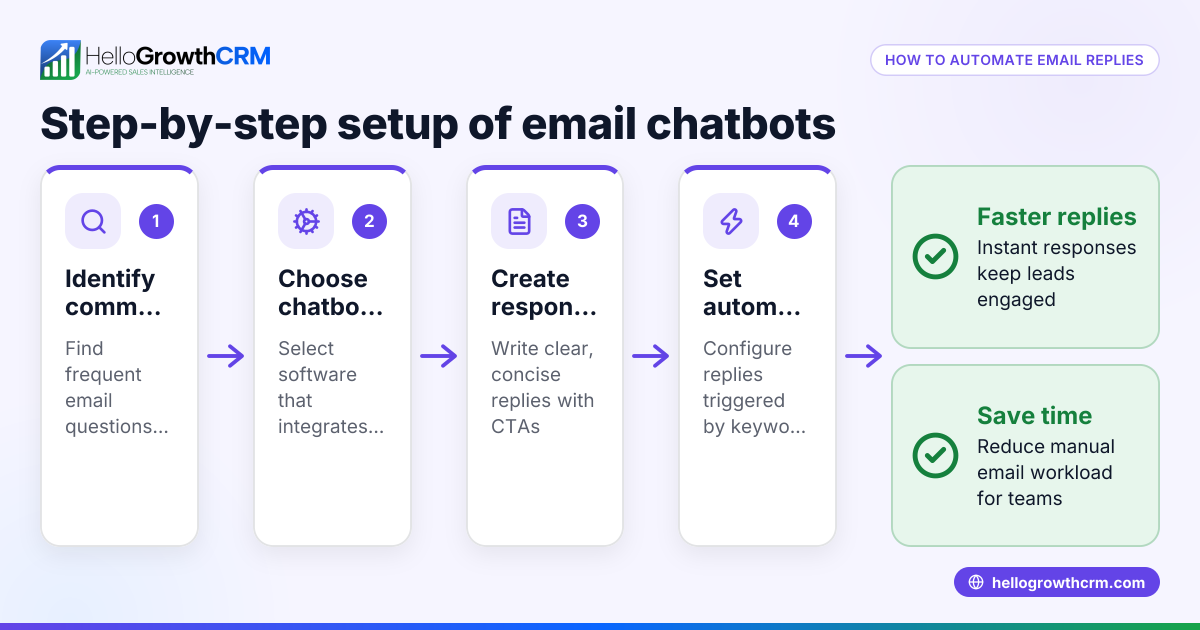
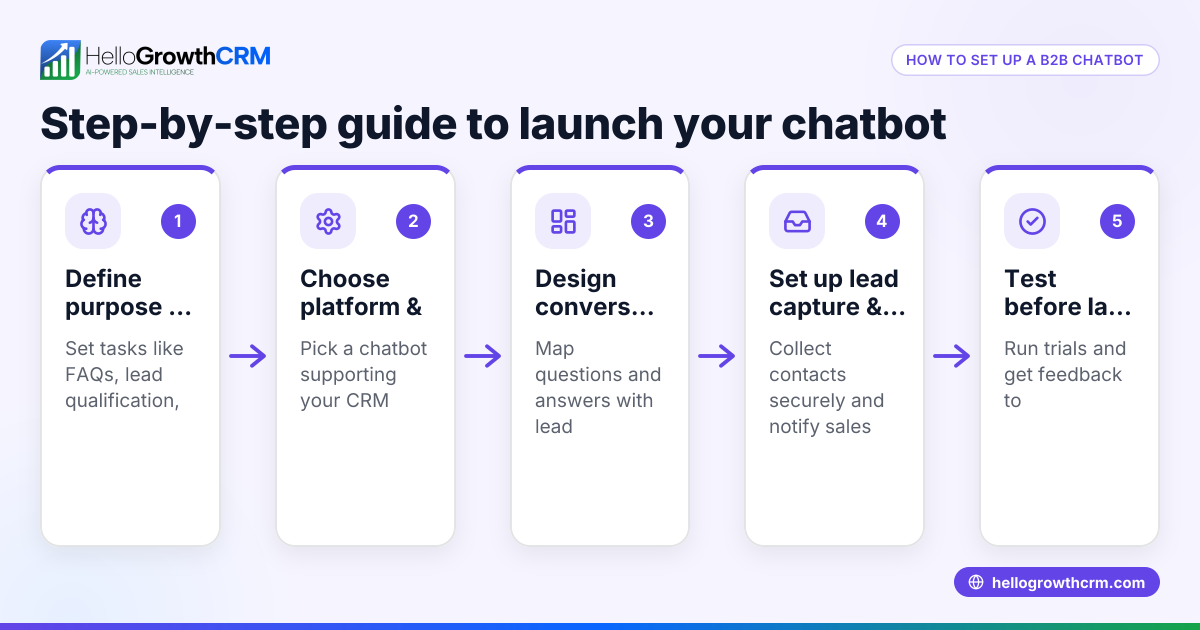
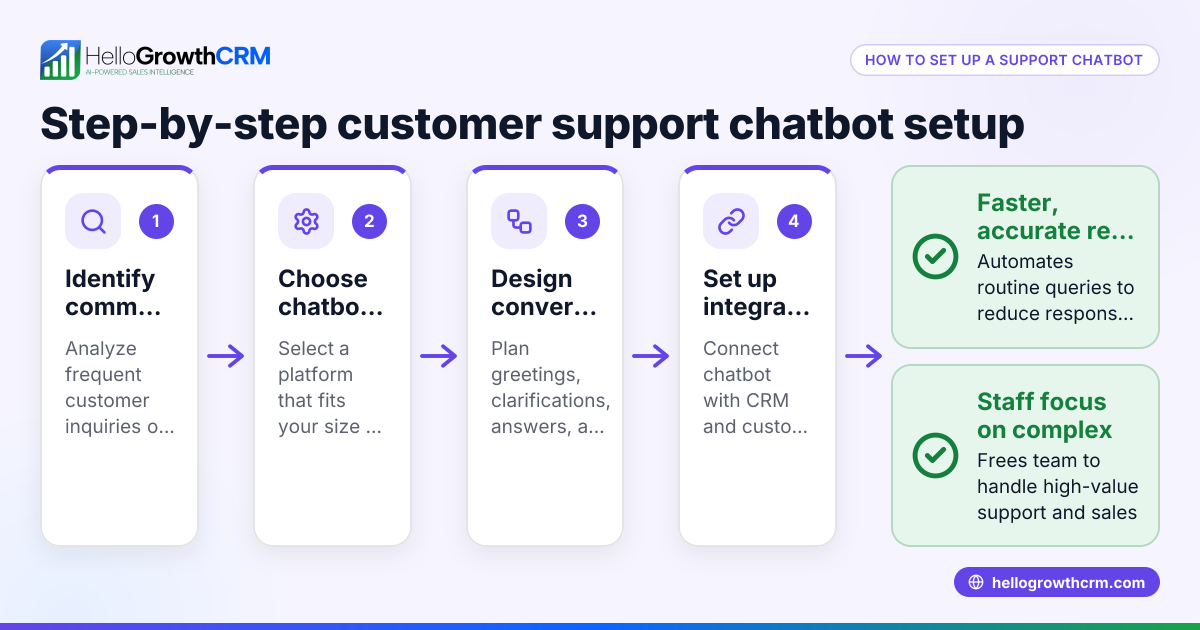
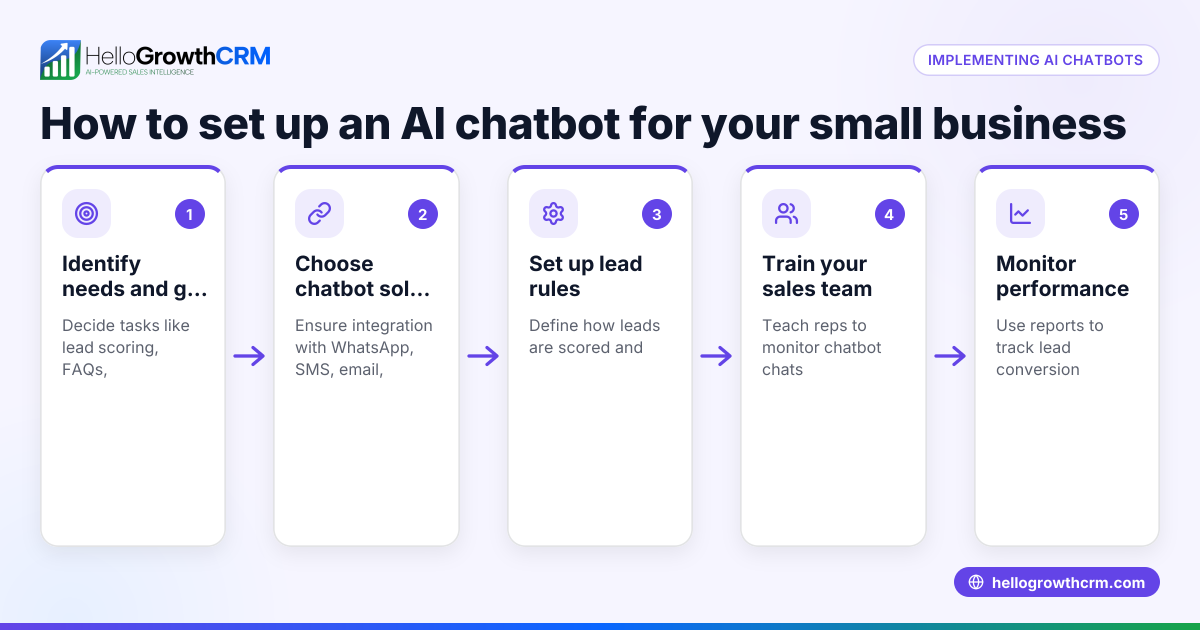
- Identify common customer questions and tasks. List the top inquiries your business receives via SMS, such as pricing, hours, or appointment booking. This defines the chatbot’s script.
- Choose a chatbot SMS platform or software. Look for tools that integrate with your existing CRM or messaging channels. Check if they support automated replies, keyword triggers, and lead capture.
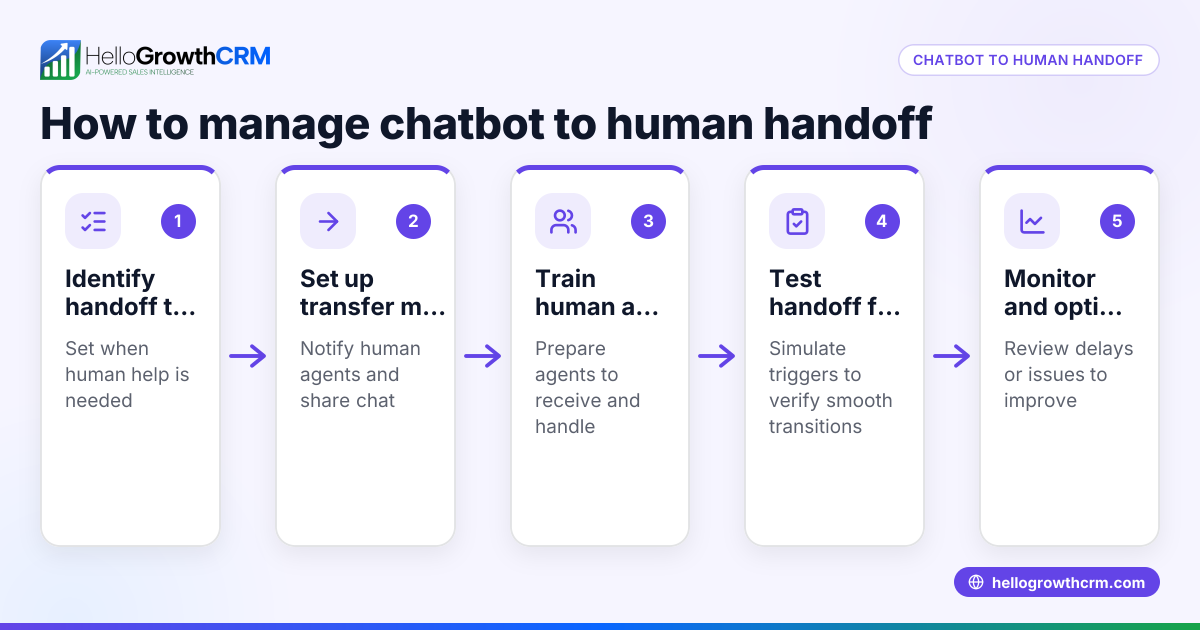
- Design your chatbot conversation flow. Map out how the chatbot responds to different keywords or phrases. Include options for customers to request human help if needed.
- Set up lead capture and notifications. Ensure the chatbot collects customer contact details and sends alerts to your sales or service team for follow-up.
- Test the chatbot thoroughly. Simulate customer interactions to check for errors, dead ends, or confusing replies.
- Launch the chatbot and monitor performance. Track response rates, lead captures, and customer feedback to improve the bot over time.
- Train your team on chatbot usage. Make sure staff know how to access chatbot conversations and take over when needed.
Check platforms that support WhatsApp and SMS CRM integration to keep all messages logged and accessible on lead records. For example, HelloGrowthCRM offers WhatsApp-native CRM with SMS workflows that help teams engage leads and customers where they already respond. See WhatsApp and SMS CRM for details.
Example (fictional figures)
A two-location dental practice in Columbus, Ohio, wants to implement chatbot SMS to handle appointment requests and basic inquiries.
- Average daily SMS inquiries: 20
- Time saved per inquiry by chatbot: 5 minutes
- Staff hourly wage: $20
Time saved daily = 20 inquiries × 5 minutes = 100 minutes = 1.67 hours
Daily labor cost saved = 1.67 hours × $20 = $33.40
Monthly labor cost saved (22 workdays) = $33.40 × 22 = $734.80
The chatbot also increases booked appointments by 10%, adding revenue:
- Average appointment value: $150
- Additional appointments per month: 20 inquiries × 10% = 2
Additional monthly revenue = 2 × $150 = $300
Total monthly benefit = $734.80 + $300 = $1,034.80
This example shows how chatbot SMS can save time and increase revenue by automating customer interactions.
Common mistakes
- Overcomplicating the chatbot script. Keep messages clear and focused on common questions. Prevent this by starting simple and expanding gradually.
- Not providing a human fallback option. Customers get frustrated if the chatbot can’t solve their issue. Always include an option to connect with a live person.
- Ignoring testing before launch. Bugs or confusing flows cause lost leads. Test with real users and fix issues before going live.
- Failing to monitor chatbot performance. Without tracking, you won’t know if it’s effective. Set up metrics and review them regularly.
- Not integrating chatbot SMS with your CRM. This leads to scattered data and missed follow-ups. Use platforms like HelloGrowthCRM that log WhatsApp and SMS conversations on lead records. Learn more at WhatsApp and SMS CRM.
- Neglecting team training. Your team must know how to manage chatbot conversations and take over when needed. Provide clear instructions and support.
Doing this in HelloGrowthCRM
HelloGrowthCRM supports WhatsApp and SMS messaging workflows that help teams engage leads and customers on the channels where they already respond. WhatsApp conversations with a lead are logged on the lead record, and follow-ups can go out as messages. This keeps all customer communication organized and accessible to your sales team. For more details, visit WhatsApp and SMS CRM.
Frequently asked questions
What is chatbot SMS used for? Chatbot SMS automates text message conversations to answer common questions, capture leads, and schedule appointments. It helps businesses respond quickly without manual effort.
Can chatbot SMS handle complex customer requests? Most chatbot SMS systems handle simple, repetitive tasks well. For complex issues, they usually offer an option to connect customers to a human agent.
How do I integrate chatbot SMS with my CRM? Look for CRM solutions that support SMS messaging and automatically log conversations on lead records. HelloGrowthCRM offers this feature with WhatsApp and SMS integration.
Is chatbot SMS expensive to set up? Costs vary by platform and features. Many solutions offer affordable plans for small businesses. Consider the time saved and potential revenue gains when evaluating cost.
Does chatbot SMS work on WhatsApp? Some chatbot SMS platforms support WhatsApp messaging as well. HelloGrowthCRM is WhatsApp-native and includes SMS workflows, making it easier to engage customers on both channels. See WhatsApp and SMS CRM.
How do I measure chatbot SMS success? Track metrics like response times, lead capture rates, appointment bookings, and customer satisfaction to evaluate chatbot effectiveness.
Key takeaways
- Chatbot SMS automates customer messaging via text to save time and capture leads.
- Start by identifying common questions and designing a simple conversation flow.
- Test thoroughly and provide a human fallback option.
- Integrate chatbot SMS with your CRM to keep all communications organized.
- Monitor performance and train your team to manage chatbot conversations.
- HelloGrowthCRM supports WhatsApp and SMS messaging workflows that log conversations and enable follow-ups.
Start automating your customer messaging today with HelloGrowthCRM. You can Start on the Free Forever plan (200 leads, no credit card) and see how chatbot SMS can improve your sales follow-up and customer engagement.
Ready to put this into practice?
Set up your pipeline, WhatsApp follow-ups, and AI lead scoring in minutes — free, no credit card.
Try HelloGrowthCRM freeGet CRM tips in your inbox
Join thousands of sales professionals who get weekly insights on CRM strategy, AI automation, and pipeline optimization.

The HelloGrowthCRM team publishes guides on CRM strategy, AI sales tools, and revenue operations for small business sales teams.