HelloGrowthCRM software
Built for real small-business sales teams
HelloGrowthCRM helps reps qualify faster, follow up on time, and close more deals—with practical automation in one place.
- AI lead scoring and pipeline visibility
- Built-in dialer, WhatsApp, and email automation
- Sales forecasting and RevOps-ready reporting
A conference call is a telephone call where several people can join the same conversation at once. Businesses use conference calls to hold meetings, coordinate projects, or discuss sales without requiring everyone to be physically present. This article explains why small businesses rely on conference calls, how to run them step-by-step, a practical example with calculations, common mistakes to avoid, and how HelloGrowthCRM helps manage these calls efficiently.
Why this comes up / what goes wrong
Small business owners often need to communicate quickly with multiple team members, clients, or suppliers. Scheduling in-person meetings can be slow, costly, and difficult when participants are in different locations. Conference calls solve this by connecting everyone on one call, saving time and travel expenses.
However, many small businesses face challenges managing conference calls. They may use different phone lines or apps without a unified process, leading to missed calls, poor audio quality, or confusion about who should join and when. Without recording call outcomes and follow-up tasks properly, businesses risk losing sales opportunities or miscommunication.
Step-by-step
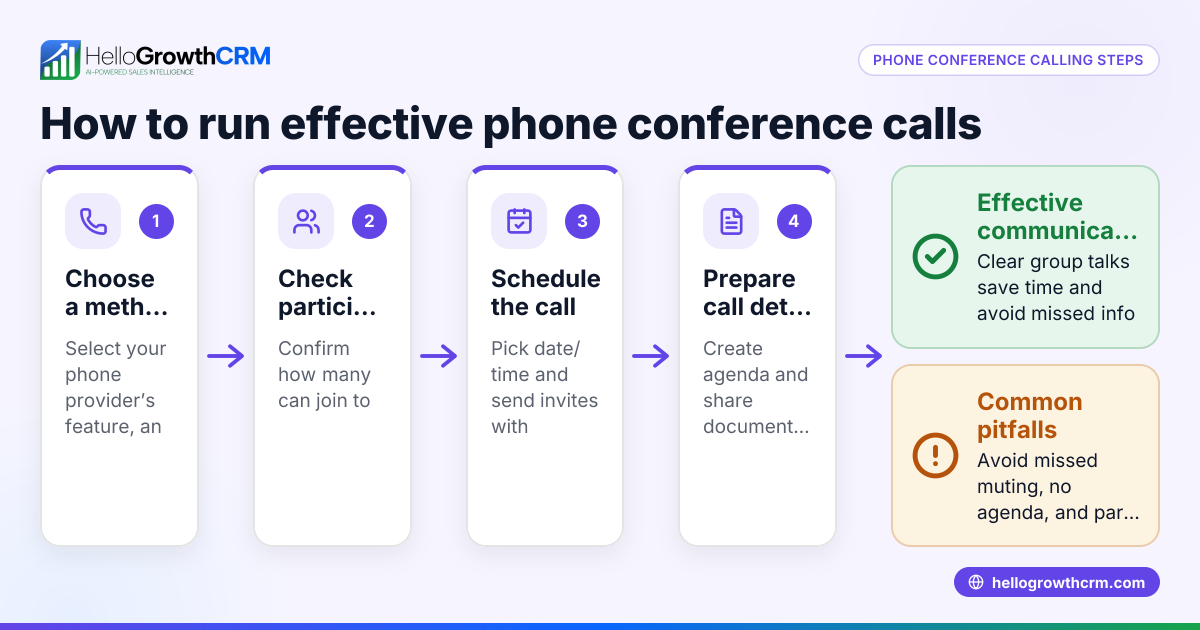
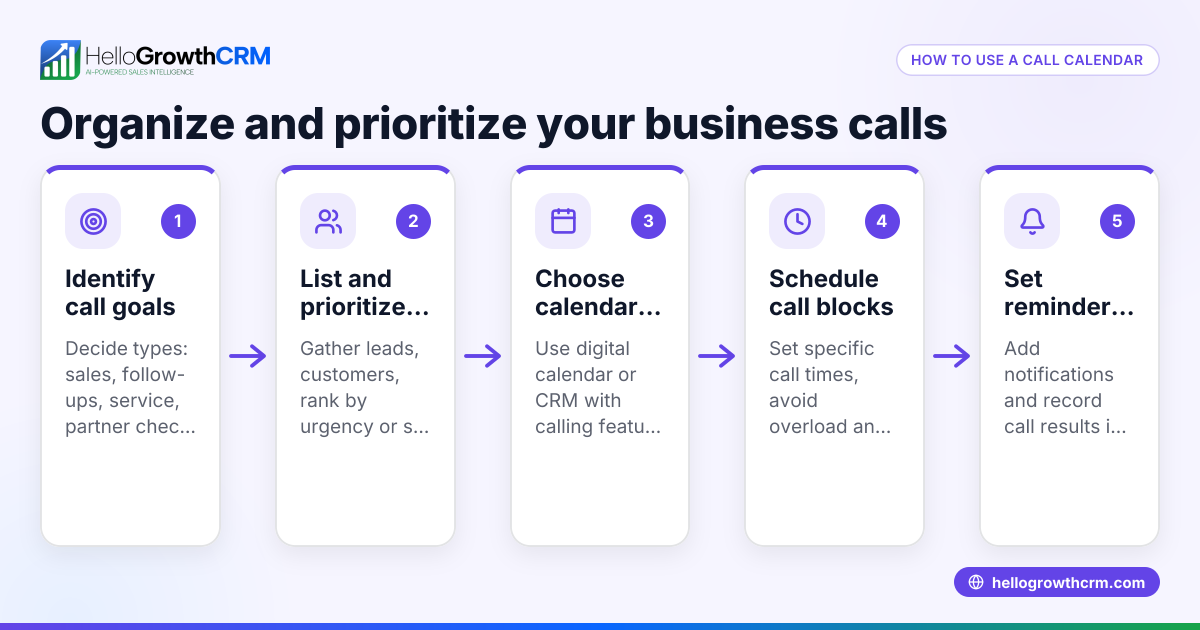
- Choose a conference call method: Decide whether to use a traditional phone bridge, a VoIP service, or a CRM with built-in calling features. Confirm all participants can access the chosen method.
- Schedule the call: Pick a date and time that works for everyone. Send calendar invites that include dial-in numbers, access codes, or links.
- Prepare an agenda: List the topics to discuss and share this agenda with participants beforehand to keep the meeting focused.
- Start the call on time: Join early to test audio and connection. Welcome participants as they arrive.
- Manage the conversation: Use mute functions to reduce background noise. Let participants speak one at a time and keep track of action items.
- Log the call outcome: After the call, record key decisions, next steps, and who is responsible for each task.
- Follow up: Send meeting notes or summaries to all participants and schedule any necessary follow-up calls.
Make sure your chosen platform supports these steps smoothly and provides clear audio for everyone.
Example (fictional figures)
GreenLeaf Landscaping, a small business in Charlotte, North Carolina, schedules a conference call with three clients on 07/15/2026 to discuss upcoming landscaping projects.
- The owner books the call for 10:00 AM EDT and sends calendar invites with a dial-in number.
- The call lasts 45 minutes.
- During the call, they agree on a $12,000 landscaping project.
- The owner logs the call outcome and sets a follow-up task to send the contract by 07/17/2026.
This helps GreenLeaf manage multiple clients efficiently without in-person meetings.
Common mistakes
- Not confirming participant availability: Prevent this by sending calendar invites and reminders well in advance.
- Poor audio quality or technical problems: Test equipment and internet connections before the call.
- No clear agenda: Prepare and share an agenda to keep discussions focused and productive.
- Failing to log call outcomes: Use a CRM or note-taking system to record decisions and action items immediately after the call.
- Ignoring follow-up: Schedule and complete follow-ups to keep projects and sales moving forward.
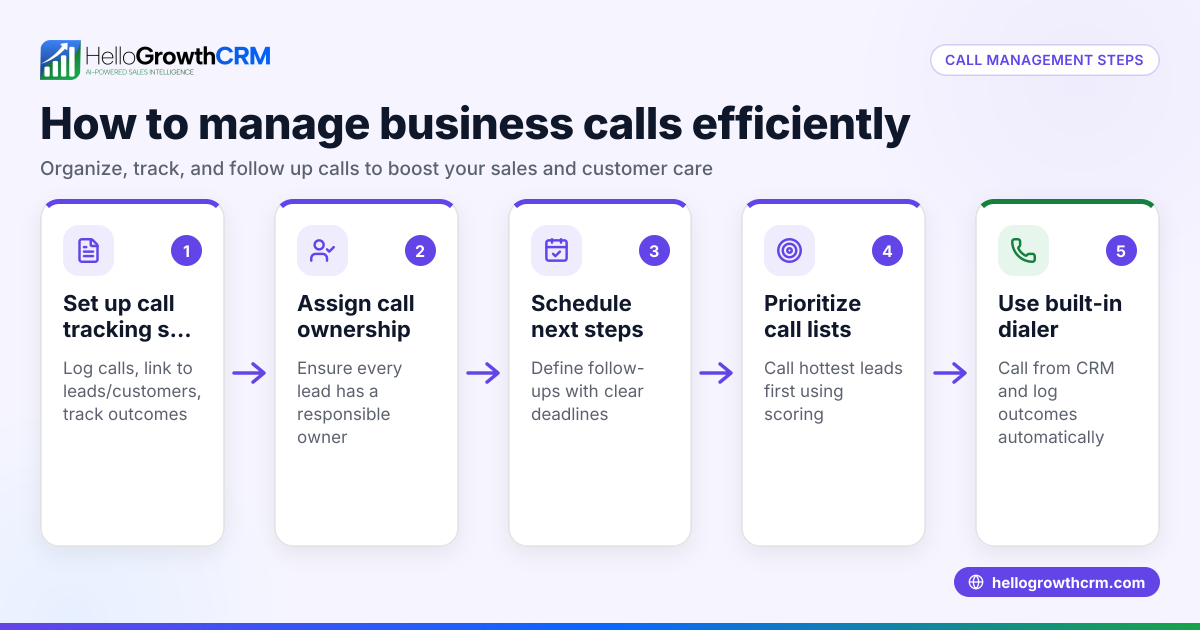
Using a CRM with a built-in dialer helps prevent many of these mistakes by logging calls and outcomes automatically. Learn more about the built-in CRM dialer.
Doing this in HelloGrowthCRM
HelloGrowthCRM offers a built-in dialer that allows your sales or calling team to make calls directly from inside the CRM. When working through a lead list, reps can place calls, log the outcome of each call, and keep the full call history linked to contact and deal records. This helps ensure you never lose track of conference call results or follow-up tasks. For more details, see HelloGrowthCRM for the United States.
Frequently asked questions
What is an audio conference call? An audio conference call is a conference call where participants connect by voice only, without video. It is commonly used for business meetings when participants are remote. Audio calls require less bandwidth and can be joined from any phone.
How do I set up a business conference call? To set up a business conference call, choose a calling platform, schedule the call with all participants, share dial-in details, prepare an agenda, and manage the call with clear communication. After the call, log outcomes and follow up.
Can I run conference calls from a CRM? Yes. Some CRMs, like HelloGrowthCRM, include a built-in dialer that lets you make calls directly from the system. This allows you to log call outcomes, track conversations, and manage follow-ups without switching apps. See WhatsApp and SMS CRM for related messaging features.
What are common issues with conference calls? Common issues include poor audio quality, participants joining late or not at all, lack of clear agenda, and failure to document decisions. Preparing in advance and using a reliable platform helps avoid these problems.
Key takeaways
- A conference call connects multiple participants on one call to communicate in real time.
- Scheduling, agenda preparation, and clear communication are essential for effective calls.
- Logging call outcomes and following up prevent lost opportunities.
- HelloGrowthCRM’s built-in dialer helps manage calls and record results efficiently.
- Avoid common mistakes by testing equipment and confirming participant availability.
Start managing your calls better today. Start on the Free Forever plan (200 leads, no credit card) and see how HelloGrowthCRM can help.
Ready to put this into practice?
Set up your pipeline, WhatsApp follow-ups, and AI lead scoring in minutes — free, no credit card.
Try HelloGrowthCRM freeGet CRM tips in your inbox
Join thousands of sales professionals who get weekly insights on CRM strategy, AI automation, and pipeline optimization.

The HelloGrowthCRM team publishes guides on CRM strategy, AI sales tools, and revenue operations for small business sales teams.