HelloGrowthCRM software
Built for real small-business sales teams
HelloGrowthCRM helps reps qualify faster, follow up on time, and close more deals—with practical automation in one place.
- AI lead scoring and pipeline visibility
- Built-in dialer, WhatsApp, and email automation
- Sales forecasting and RevOps-ready reporting
A CRM (Customer Relationship Management) system designed for construction businesses helps track leads, client communications, and project progress in an organized way. Construction involves multiple phases and stakeholders, so a CRM that supports mobile messaging, task management, and prompt follow-up prevents leads from being lost. This article covers why construction businesses seek a CRM, step-by-step selection guidance, a Canadian example, common mistakes to avoid, and how HelloGrowthCRM fits construction needs.
Why this comes up / what goes wrong
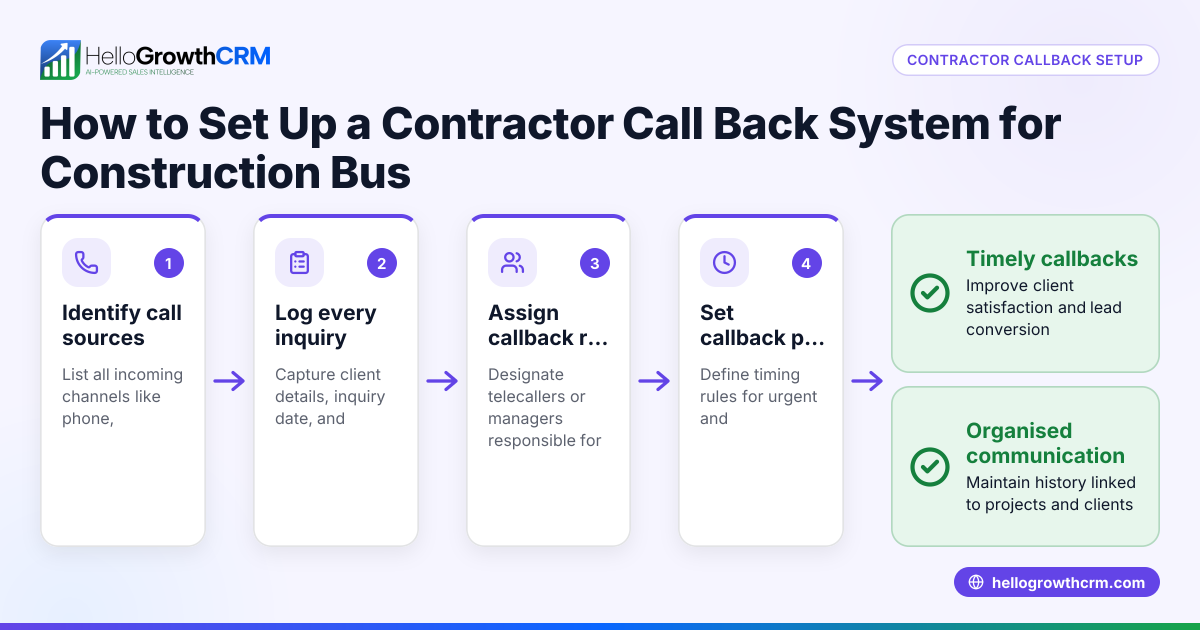
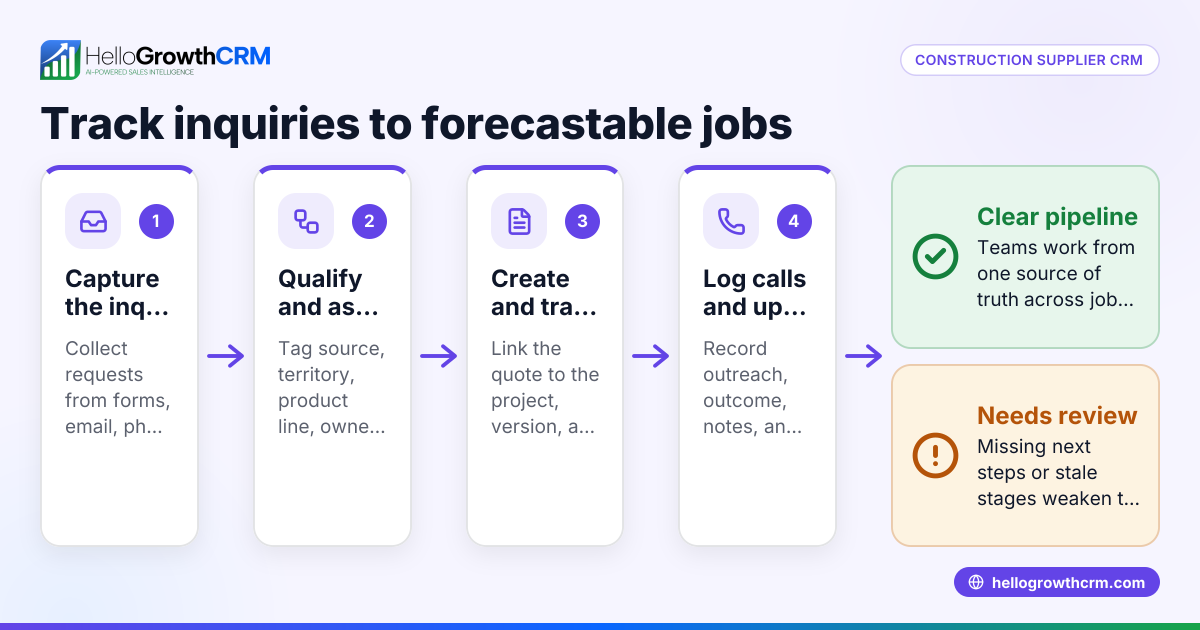
Construction business owners and accountants in Canada face challenges managing leads and client communication effectively. Leads often come from referrals, web forms, or phone calls and require quick follow-up to secure contracts. Many construction teams rely on text messages, emails, and spreadsheets, which can cause delays, lost information, or missed follow-ups. Without a centralized system, tracking project stages, conversations, and payment reminders becomes difficult. This leads to missed contracts, poor customer experience, and inefficient sales processes. Choosing a CRM that supports mobile messaging and follow-ups can help improve lead conversion and project management.
Step-by-step
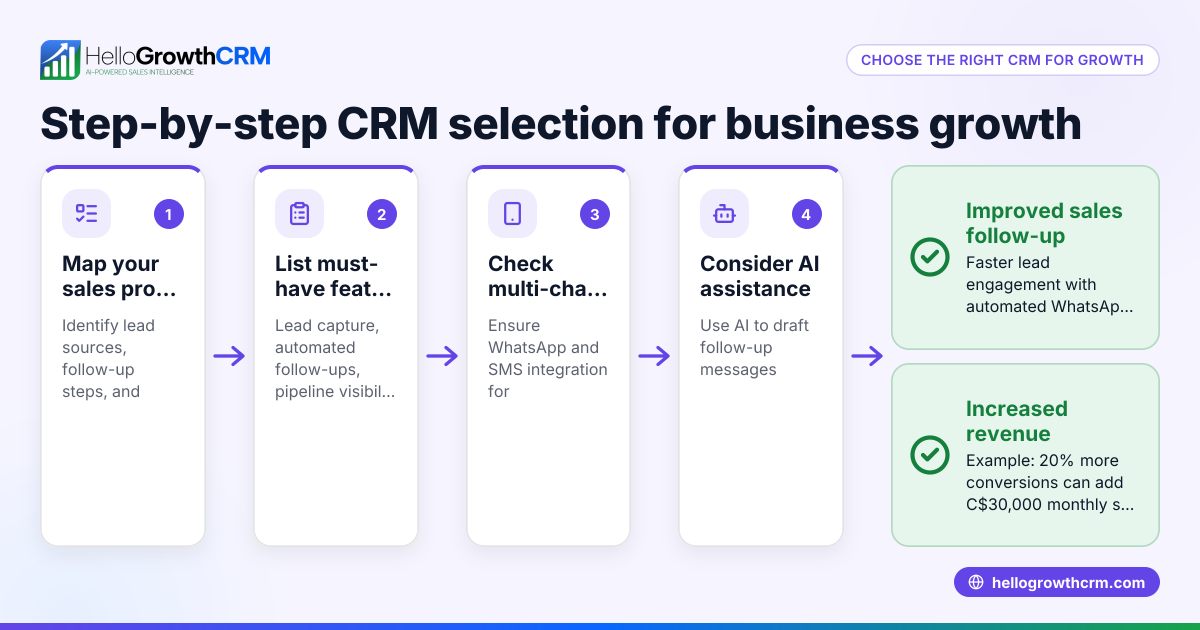
- Identify your construction business needs: List your team’s requirements such as mobile messaging (WhatsApp, SMS), lead capture from web forms, task boards, and pipeline tracking.
- Look for industry-specific features: Choose CRMs that log conversations on lead records and enable follow-up messaging via WhatsApp or SMS.
- Evaluate ease of use for your team: Construction teams often work on-site using mobile devices, so a WhatsApp-native CRM helps with adoption.
- Consider AI assistance: Some CRMs offer AI agents that draft follow-up messages after calls, saving time for sales reps.
- Check for managed support options: If you lack a sales manager, consider CRMs with managed revenue operations to keep follow-ups consistent.
- Test integrations: Ensure the CRM integrates with your web forms or other tools to capture leads automatically.
- Review reporting and forecasting: Choose a CRM that provides sales forecasting and pipeline health monitoring.
- Try a free plan or demo: Test the CRM with your team to confirm it fits your workflow before committing.
For more on construction business needs, see Contractors and construction.
Example (fictional figures)
A construction company in Mississauga, Ontario, called MapleBuild Ltd., uses a CRM to manage leads and projects.
- MapleBuild receives 100 new leads monthly via web forms and referrals.
- They convert 15 leads into contracts monthly.
- Average contract value is C$50,000.
Calculations:
Leads converted = 15 contracts (given)
Monthly revenue from new contracts = 15 × C$50,000 = C$750,000
MapleBuild uses the CRM’s WhatsApp and SMS features to follow up within 24 hours, helping ensure no lead is forgotten.
They also use AI agents (in beta) to draft follow-up messages after calls, reducing sales reps’ workload.
Weekly managed RevOps support keeps the sales pipeline clean and follow-ups timely, even without a full-time sales manager.
This approach helps MapleBuild maintain steady monthly revenue and improve client communication.
Common mistakes
- Relying only on email and spreadsheets: Leads can get lost or delayed. Use a CRM with mobile messaging to keep conversations in one place.
- Choosing a CRM without mobile support: Construction teams often work on-site and need mobile access. Select a WhatsApp-native CRM for easy messaging.
- Ignoring follow-up workflows: Leads require timely follow-up. Use AI agents or managed RevOps to keep follow-ups consistent.
- Overcomplicating setup: Avoid CRMs with unnecessary features that confuse your team. Focus on features that meet your construction sales needs.
- Not testing with your team: Adoption fails if the CRM is not user-friendly. Trial before committing.
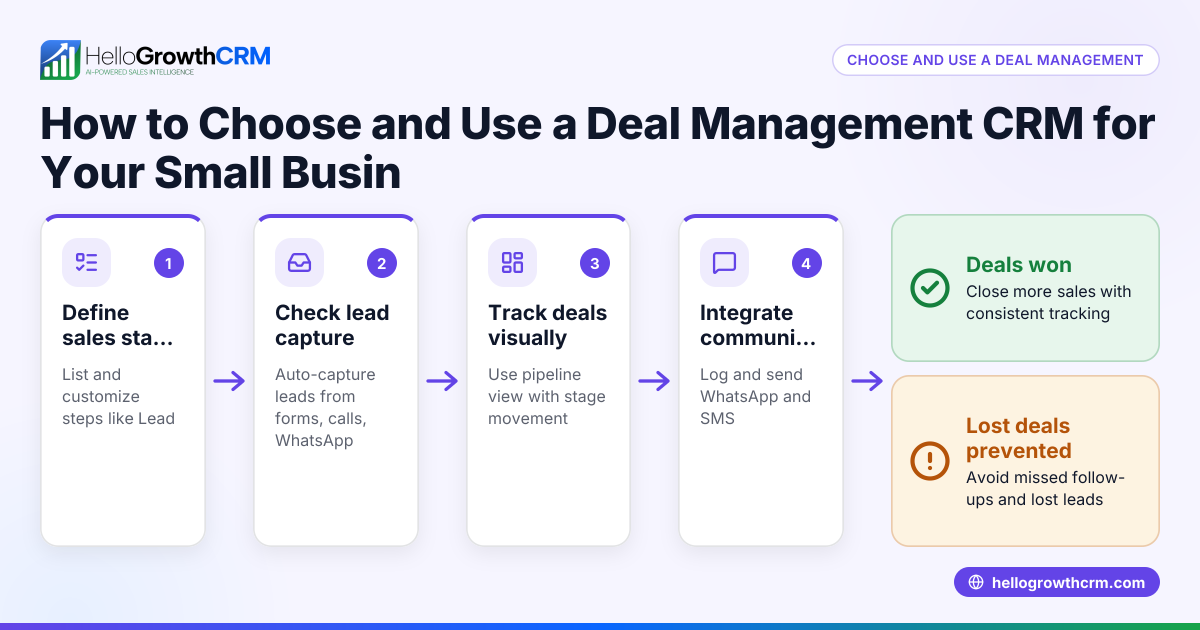
- Neglecting pipeline visibility: Without clear pipeline boards, forecasting sales is difficult. Choose a CRM with visual task and pipeline boards.
Learn more about WhatsApp and SMS communication in CRM at WhatsApp and SMS CRM.
Doing this in HelloGrowthCRM
HelloGrowthCRM supports construction businesses with WhatsApp and SMS messaging workflows where conversations with leads are logged on their records and follow-ups can be sent as messages. Its AI agents (currently in beta) draft follow-up messages after calls, so reps only need to review and send them. For founders without a sales manager, HelloGrowthCRM offers Managed RevOps: a specialist works the follow-up queue weekly to ensure timely engagement and pipeline hygiene. This helps construction teams stay organized and responsive.
Frequently asked questions
What features should a construction CRM have? A construction CRM should support mobile messaging (WhatsApp, SMS), lead capture from web forms, task and pipeline boards, and follow-up automation. Integration with your communication channels and easy mobile access are key.
Can a CRM improve lead follow-up for construction? Yes. A CRM centralizes lead data and logs conversations, enabling timely follow-ups via WhatsApp or SMS, which are popular for quick client communication in construction.
Is AI useful in construction CRM? AI can help by drafting follow-up messages after calls, reducing manual work for sales reps and ensuring consistent engagement.
What are common challenges in adopting a CRM for construction? Challenges include mobile access, team adoption, and managing follow-ups. Choosing a CRM with a WhatsApp-native interface and managed support can help.
How do I know if a CRM fits my Canadian construction business? Test the CRM with your team, check if it supports the communication channels you use, and review its pipeline and task management features. Local support and compliance with Canadian business practices are also important.
Learn more about HelloGrowthCRM’s fit for Canadian businesses at HelloGrowthCRM for Canada.
Key takeaways
- Construction businesses need a CRM that supports mobile messaging and easy follow-up.
- WhatsApp-native CRMs improve team adoption and client communication.
- AI agents can save time by drafting follow-ups for reps.
- Managed RevOps support helps founders without sales managers keep pipelines active.
- Testing CRM features with your team before buying prevents adoption issues.
- Pipeline visibility and task boards are essential for forecasting and organisation.
Start managing your construction leads more efficiently with HelloGrowthCRM. Start on the Free Forever plan (200 leads, no credit card).
Ready to put this into practice?
Set up your pipeline, WhatsApp follow-ups, and AI lead scoring in minutes — free, no credit card.
Try HelloGrowthCRM freeGet CRM tips in your inbox
Join thousands of sales professionals who get weekly insights on CRM strategy, AI automation, and pipeline optimization.

The HelloGrowthCRM team publishes guides on CRM strategy, AI sales tools, and revenue operations for small business sales teams.