HelloGrowthCRM software
Built for real small-business sales teams
HelloGrowthCRM helps reps qualify faster, follow up on time, and close more deals—with practical automation in one place.
- AI lead scoring and pipeline visibility
- Built-in dialer, WhatsApp, and email automation
- Sales forecasting and RevOps-ready reporting
A CRM for rehabilitation services helps manage client contacts, track treatment progress, and streamline follow-ups efficiently. This article explains why specialized CRMs are needed in rehabilitation, how to select the right one step-by-step, common mistakes to avoid, and a realistic US-based example to guide your decision.
Why this comes up / what goes wrong
Rehabilitation service providers in the US often juggle multiple client communications, appointment scheduling, and progress tracking. Without a dedicated CRM, they may lose leads due to slow follow-up or miss critical client updates. Many run their sales and client management on text messages, emails, and spreadsheets, which are inefficient and prone to errors. This leads to lost revenue and reduced client satisfaction. A CRM tailored to rehabilitation services can centralize communication, automate follow-ups, and improve team coordination, but choosing the right one requires understanding your specific needs.
Step-by-step
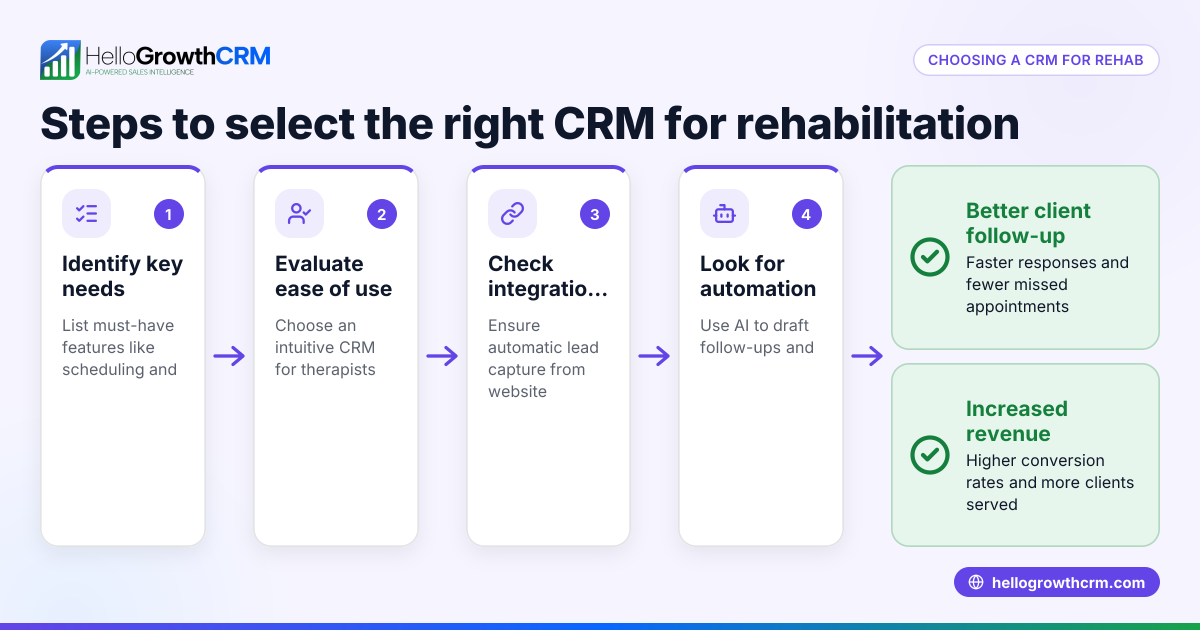
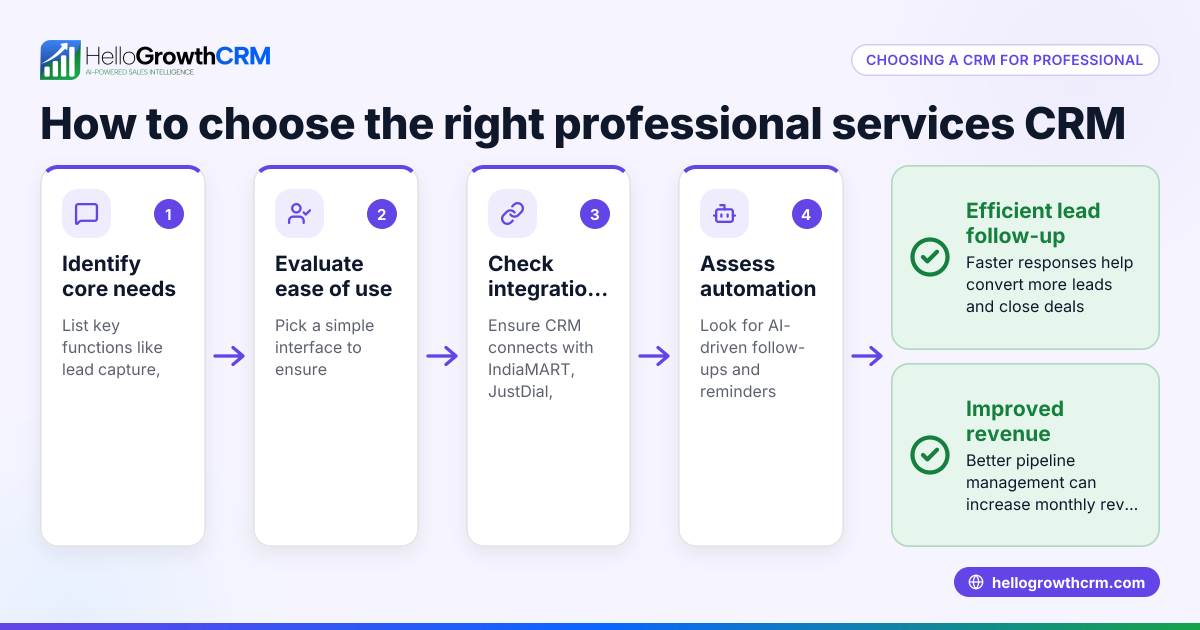
- Identify your core needs: List what your rehabilitation service requires from a CRM, such as appointment tracking, client progress notes, messaging, and lead management.
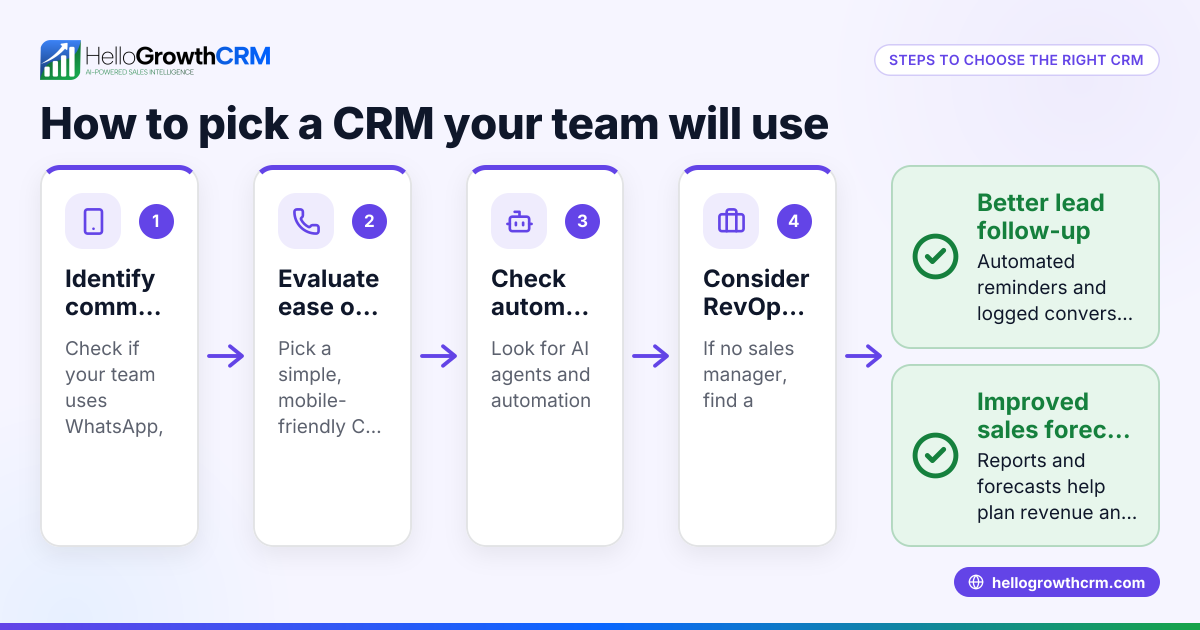
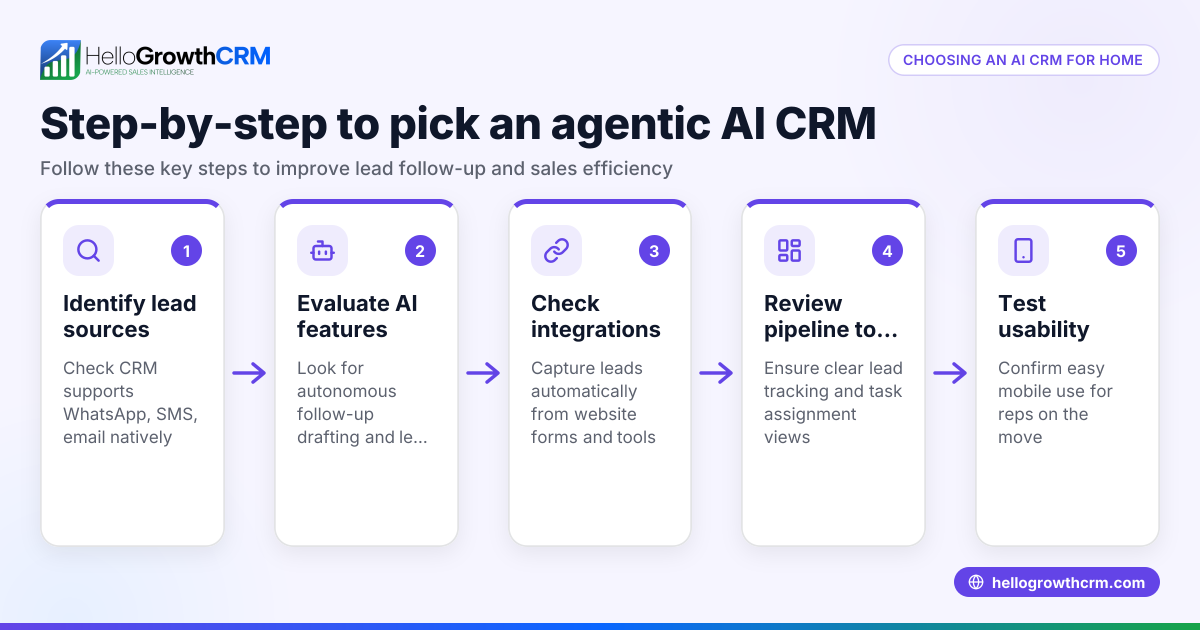
- Check communication channels: Ensure the CRM supports channels your team uses, like WhatsApp and SMS, to keep conversations logged and accessible.
- Evaluate automation features: Look for AI tools that help draft follow-up messages or update records to reduce manual work.
- Consider team size and roles: If you lack a dedicated sales manager, check if the CRM offers managed revenue operations support to handle follow-ups and pipeline hygiene.
- Assess integration capabilities: Confirm the CRM can integrate with your existing web forms or other software you use.
- Test usability: Choose a CRM that your team can easily adopt without extensive training.
- Review pricing and plans: Compare plans but note that some advanced features like managed RevOps may be available only on higher tiers.
- Request demos or trials: Use free plans or demos to test the CRM in your daily operations before committing.
- Ask about support: Ensure the vendor provides reliable support, especially for onboarding and troubleshooting.
- Check compliance and security: Verify the CRM meets any relevant data privacy regulations for client information.
For more on choosing CRM for local service businesses, see Local service businesses.
Example (fictional figures)
A Denver, Colorado rehabilitation clinic, "Renew Wellness," manages 500 active clients annually. They want to improve lead follow-up and appointment reminders.
- Current lead inquiries per month: 50
- Average revenue per client: $2,000
Assuming they lose some leads due to slow follow-up, improving their follow-up process could recover several leads monthly, increasing revenue.
For illustration, if 10 leads are recovered monthly:
Recovered revenue per month = 10 × $2,000 = $20,000
Recovered revenue annually = $20,000 × 12 = $240,000
This example shows how a CRM can directly impact revenue by improving follow-up efficiency.
Common mistakes
- Choosing a CRM without mobile messaging support: Prevent this by confirming the CRM logs WhatsApp and SMS conversations on lead records.
- Ignoring automation capabilities: Avoid manual overload by selecting a CRM with AI agents that draft follow-ups after calls, saving time.
- Overlooking managed support: If you don’t have a sales manager, use a CRM offering managed RevOps to keep follow-up queues active.
- Picking a CRM too complex for the team: Ensure usability with trials and demos to prevent low adoption.
- Neglecting integration needs: Check that the CRM connects with your web forms and other tools to avoid double data entry.
- Not verifying compliance: Confirm the CRM handles client data securely and meets privacy standards.
For more on avoiding CRM pitfalls in service businesses, visit HelloGrowthCRM for the United States.
Doing this in HelloGrowthCRM
HelloGrowthCRM supports WhatsApp and SMS messaging, logging all conversations on the lead record so your rehabilitation team can track client communication easily. AI agents (available in Beta on the Growth plan) draft follow-up messages after calls for quick review and sending, reducing manual workload. For founders without a sales manager, Managed RevOps provides a dedicated specialist who works the follow-up queue weekly, cleans pipelines, and delivers KPI reports, ensuring no lead is forgotten. Learn more about these features at WhatsApp and SMS CRM.
Frequently asked questions
What features should a CRM for rehabilitation services have? A CRM should support client communication logging, appointment reminders, lead follow-up automation, and progress tracking. Messaging via WhatsApp and SMS is critical for timely contact.
Can a CRM help if I don’t have a sales manager? Yes, some CRMs offer managed RevOps services where an expert manages your sales follow-ups and pipeline hygiene, ensuring consistent lead engagement.
Is AI useful in rehabilitation service CRMs? AI can draft follow-up messages and update records, saving time and reducing errors. This is especially helpful for small teams.
How do I ensure my team uses the CRM consistently? Choose a CRM with an intuitive interface, offer training, and select one that integrates with tools your team already uses, like WhatsApp.
Can I try HelloGrowthCRM before buying? Yes, HelloGrowthCRM offers a Free Forever plan with 200 leads and no credit card required, ideal for testing its features.
Key takeaways
- A CRM tailored for rehabilitation services centralizes client communication and follow-ups.
- Support for WhatsApp and SMS messaging keeps conversations logged and accessible.
- AI agents can draft follow-ups to reduce manual work and speed response times.
- Managed RevOps helps founders without sales managers maintain pipeline hygiene.
- Testing usability and integrations is crucial before committing to a CRM.
- HelloGrowthCRM offers these features with plans suited to small and mid-sized US businesses.
Start improving your rehabilitation service sales and client management today. Start on the Free Forever plan (200 leads, no credit card).
Ready to put this into practice?
Set up your pipeline, WhatsApp follow-ups, and AI lead scoring in minutes — free, no credit card.
Try HelloGrowthCRM freeGet CRM tips in your inbox
Join thousands of sales professionals who get weekly insights on CRM strategy, AI automation, and pipeline optimization.

The HelloGrowthCRM team publishes guides on CRM strategy, AI sales tools, and revenue operations for small business sales teams.