HelloGrowthCRM software
Built for real small-business sales teams
HelloGrowthCRM helps reps qualify faster, follow up on time, and close more deals—with practical automation in one place.
- AI lead scoring and pipeline visibility
- Built-in dialer, WhatsApp, and email automation
- Sales forecasting and RevOps-ready reporting
A customer contact database template for NZ businesses is a pre-designed format that helps you store and organise customer information consistently. It typically includes fields for names, phone numbers, email addresses, physical addresses, notes, and purchase history. Using a template saves time, reduces errors, and ensures your team can find and update customer details easily.
Why this comes up / what goes wrong
Many small business owners in New Zealand start by keeping customer details scattered across text messages, emails and spreadsheets. This makes it hard to follow up leads quickly or track customer history. Without a standard format, data can get duplicated, lost or out of date. When multiple team members handle sales or service, inconsistent records cause confusion and lost sales.
A ready-to-use customer contact database template NZ helps by providing a clear structure everyone can use. It also reduces the risk of missing important details or losing contact information.
Step-by-step
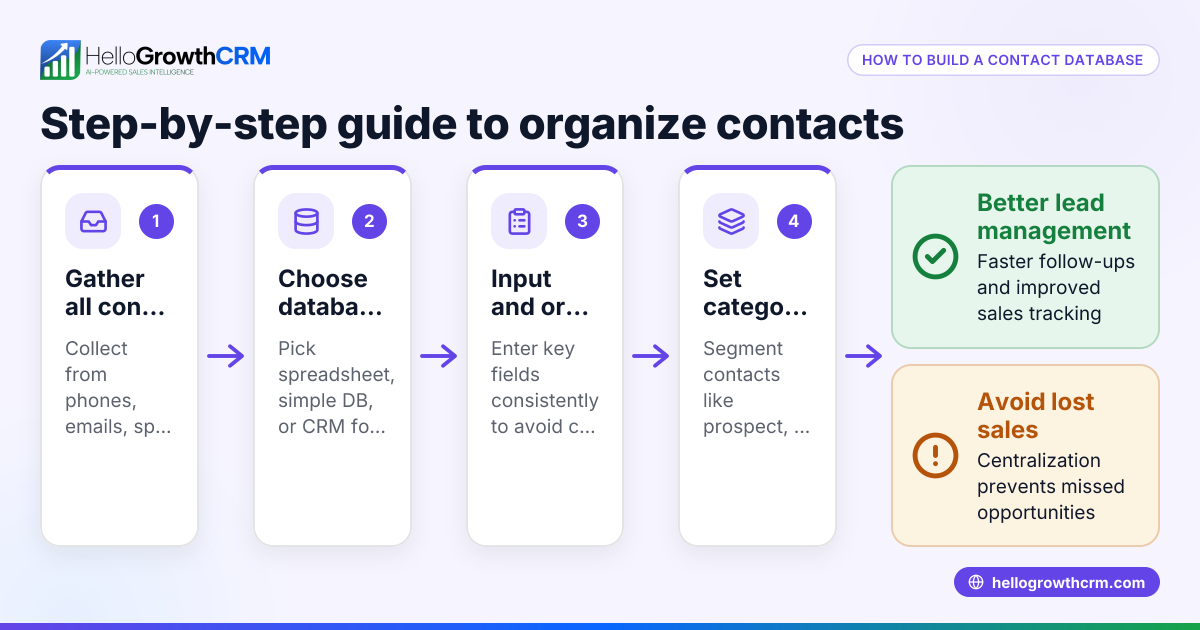
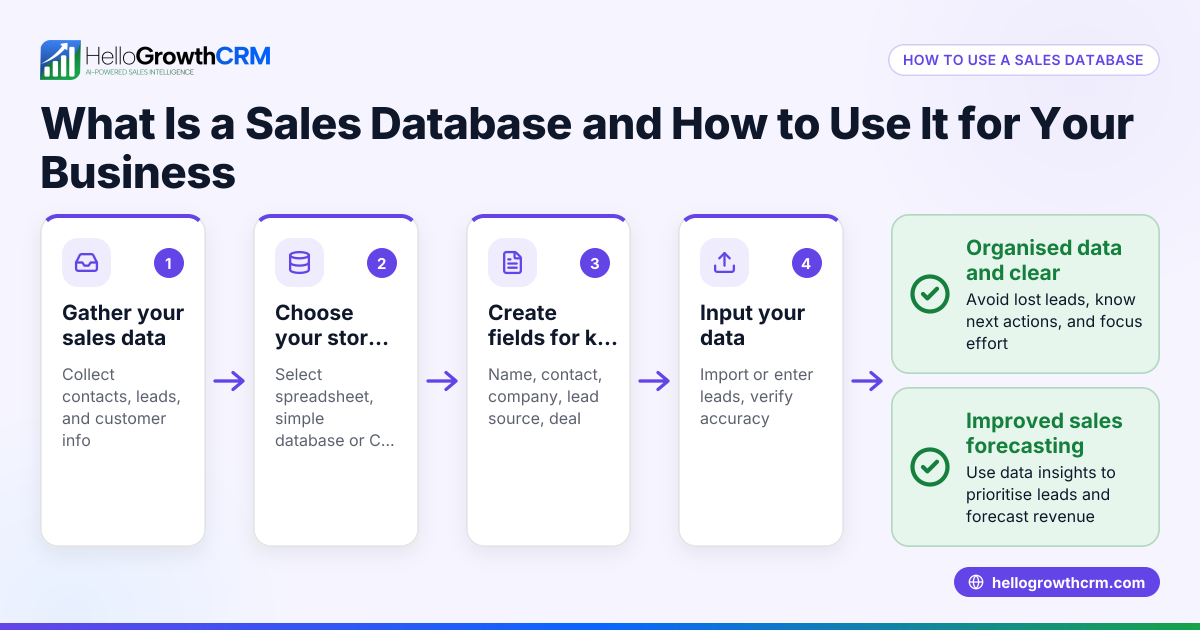
- Choose your format: Decide whether you want a spreadsheet (Excel or Google Sheets) or a simple CRM tool. Spreadsheets are easy to start with; CRM tools add automation and better tracking.
- Set up key fields: Include columns for customer name, phone number, email, physical address, date of first contact, last contact date, notes, and status (e.g., lead, active, inactive).
- Add validation rules: For example, restrict phone numbers to digits only, or use dropdown lists for status to keep data consistent.
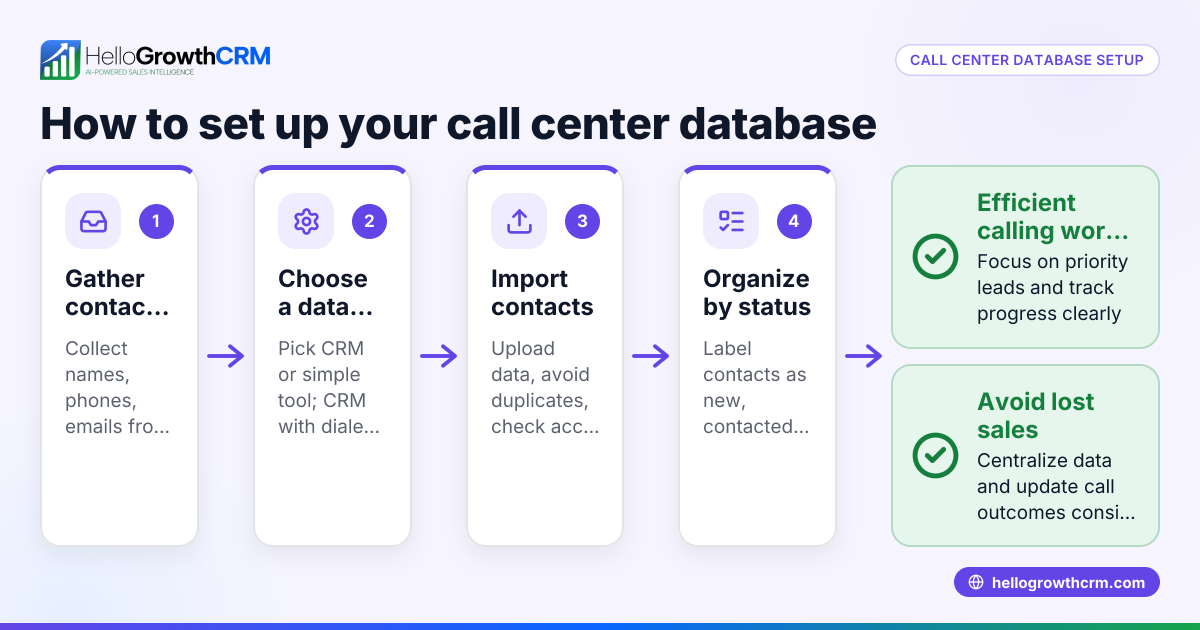
- Import existing contacts carefully: Clean your current customer data to remove duplicates and errors before importing into your template.
- Train your team: Make sure everyone knows how to enter and update information correctly.
- Regularly update and back up: Set a schedule to review and clean the database monthly to keep it accurate.
- Use free sales templates: Download follow-up cadence or pipeline templates from HelloGrowthCRM’s free sales tools and calculators to enhance customer tracking.
Example (fictional figures)
A Christchurch-based building company wants to organise its customer contacts to improve follow-ups.
- They create a spreadsheet with these columns: Name, Phone, Email, Address, First Contact, Last Contact, Notes, Status.
- They add 50 existing customers with details.
- They set "Status" as a dropdown with options: Lead, Active, Completed.
- They schedule a monthly review.
Example entry: Name = John Smith Phone = 021 123 4567 Email = john.smith@example.nz Address = 45 Riccarton Rd, Christchurch First Contact = 15/03/2024 Last Contact = 01/05/2024 Notes = Interested in kitchen renovation Status = Lead
This structure helps the team quickly identify who to follow up and track progress.
Common mistakes
- Not standardising data entry: Prevent by using dropdowns and validation rules.
- Ignoring data cleaning: Remove duplicates before importing to avoid confusion.
- Not training staff: Hold a short session to ensure everyone understands how to use the template.
- Failing to update regularly: Set reminders for monthly reviews.
- Mixing personal and business contacts: Keep separate databases to maintain professionalism.
- Relying only on spreadsheets as business grows: Consider upgrading to a CRM for automation and better tracking.
Using sales templates can help avoid these mistakes by providing tested formats.
Doing this in HelloGrowthCRM
HelloGrowthCRM offers free sales tools, templates and calculators, including follow-up cadence and pipeline templates that you can download without creating an account at HelloGrowthCRM tools. After the sale, customer service requests stay linked to the same customer record, helping your team manage referrals, tickets and knowledge base entries efficiently. This keeps all customer interactions in one place and improves service continuity.
Frequently asked questions
What is the best format for a customer contact database? A spreadsheet is simple and flexible for small teams, but a CRM tool offers automation, better tracking and integration options. Start with a spreadsheet if you are new, and consider a CRM as your business grows.
How often should I update my customer contact database? Regular updates are essential. Aim to review and clean your database at least once a month to remove duplicates, update contact details and track customer status.
Can I integrate a customer contact database with other sales tools? Yes. Many CRMs and some advanced spreadsheets can integrate with email platforms, WhatsApp, and SMS tools, helping you automate follow-ups and communication.
What fields should a customer contact database template include? At minimum: customer name, phone number, email, physical address, date of first and last contact, notes, and status. You can add fields specific to your business needs.
Where can I get a free customer contact database template for NZ? HelloGrowthCRM provides free sales tools and templates tailored for NZ businesses. You can download these without signing up at free sales tools and calculators.
How can I ensure my team uses the customer contact database consistently? Provide training, set clear data entry rules, use validation in your template, and regularly check for errors. Using customer health score tools can also help monitor data quality.
Key takeaways
- Use a structured template with key fields to organise customer contacts.
- Clean and validate data before importing to avoid duplicates.
- Train your team on consistent data entry.
- Review and update the database regularly.
- Start with spreadsheets and consider CRM tools as you grow.
- Download free sales templates from HelloGrowthCRM to improve your process.
Start organising your customer contacts today with a free template from HelloGrowthCRM. Start on the Free Forever plan (200 leads, no credit card) and get access to tools that help your NZ business grow efficiently.
Ready to put this into practice?
Set up your pipeline, WhatsApp follow-ups, and AI lead scoring in minutes — free, no credit card.
Try HelloGrowthCRM freeGet CRM tips in your inbox
Join thousands of sales professionals who get weekly insights on CRM strategy, AI automation, and pipeline optimization.

The HelloGrowthCRM team publishes guides on CRM strategy, AI sales tools, and revenue operations for small business sales teams.