HelloGrowthCRM software
Built for real small-business sales teams
HelloGrowthCRM helps reps qualify faster, follow up on time, and close more deals—with practical automation in one place.
- AI lead scoring and pipeline visibility
- Built-in dialer, WhatsApp, and email automation
- Sales forecasting and RevOps-ready reporting
A customer contact database template UK business owners use is a structured tool—often a spreadsheet or CRM format—that stores customer information like names, phone numbers, emails, and notes about communications. It helps manage leads, track follow-ups, and keep sales organised. This article explains why you need a template, how to set one up step-by-step, common mistakes to avoid, a detailed example with GBP figures, and how HelloGrowthCRM’s free tools can help.
Why this comes up / what goes wrong
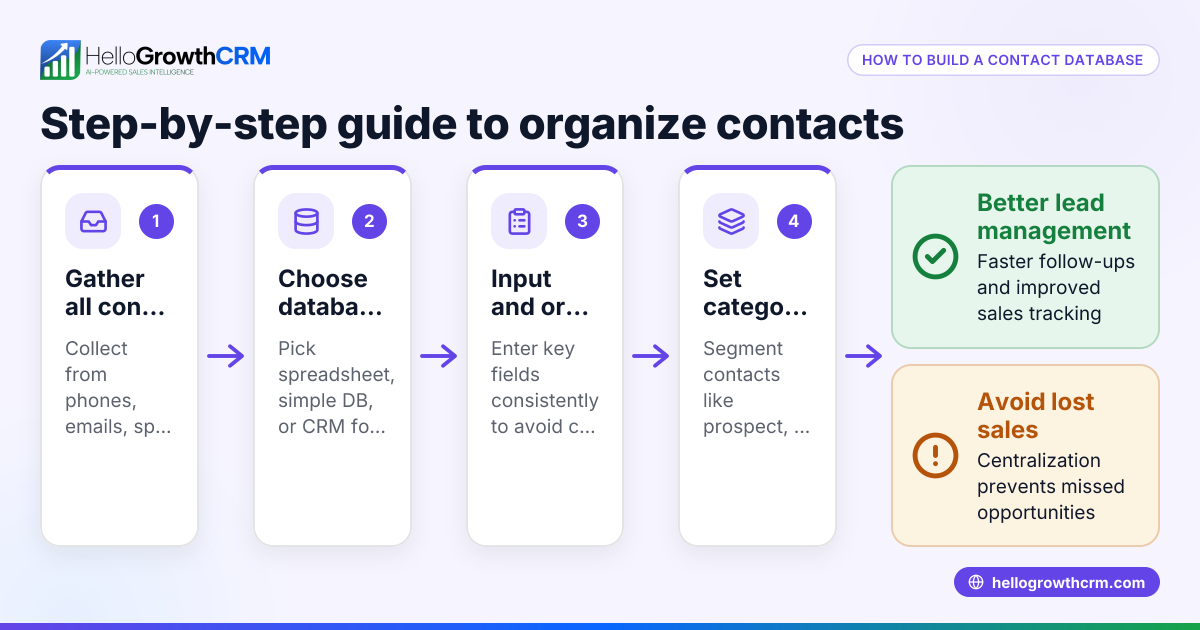
Many small UK businesses start managing customer contacts informally—using WhatsApp chats, email inboxes, or basic spreadsheets. This often results in lost leads, missed follow-ups, and inconsistent customer records. Searching for a “customer contact database template UK” is a way to find a ready-to-use format or download that can be customised quickly. The goal is to have a reliable system that helps your team follow up promptly and keep customer information organised, improving sales efficiency.
Step-by-step
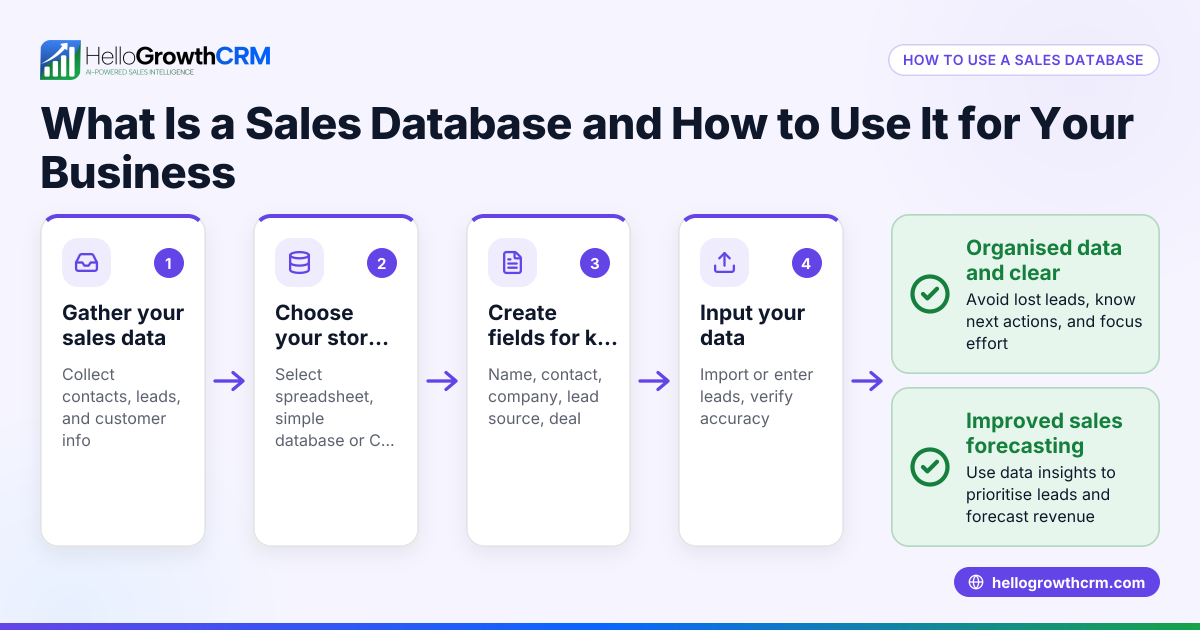
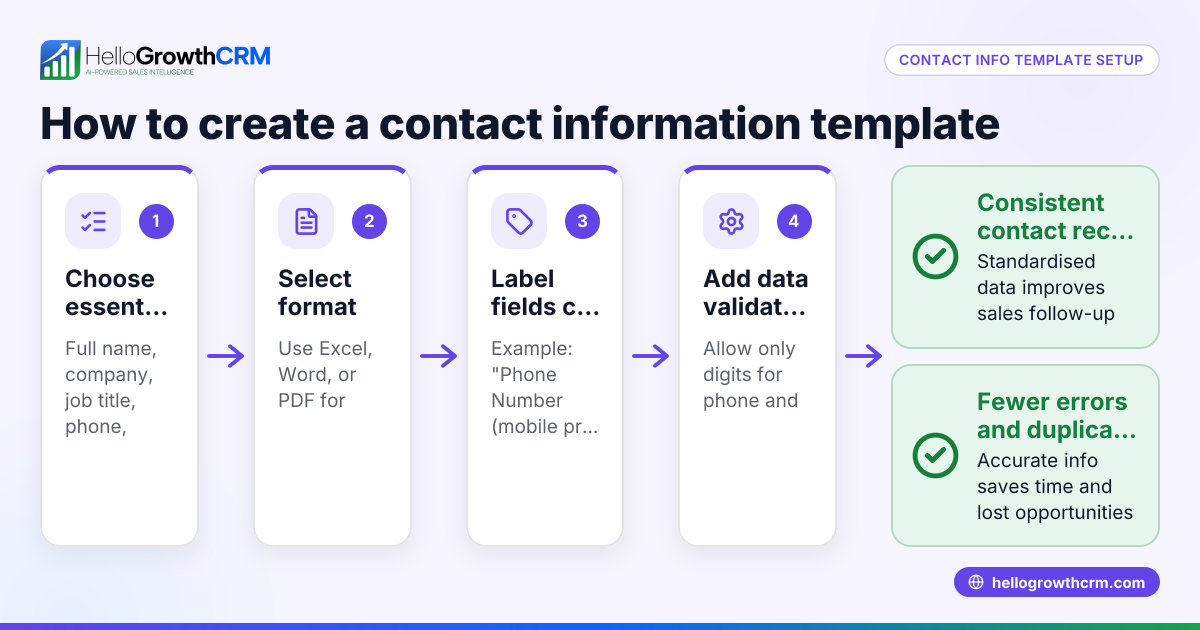
- Choose your format: Decide whether to use a spreadsheet (Excel or Google Sheets) or a CRM system. Spreadsheets are simple to start with, while CRMs offer automation and team collaboration.
- Create essential columns: Your template should include:
- Customer name
- Company name (if B2B)
- Phone number
- Email address
- Preferred contact method (WhatsApp, phone, email)
- Date of first contact
- Last contact date
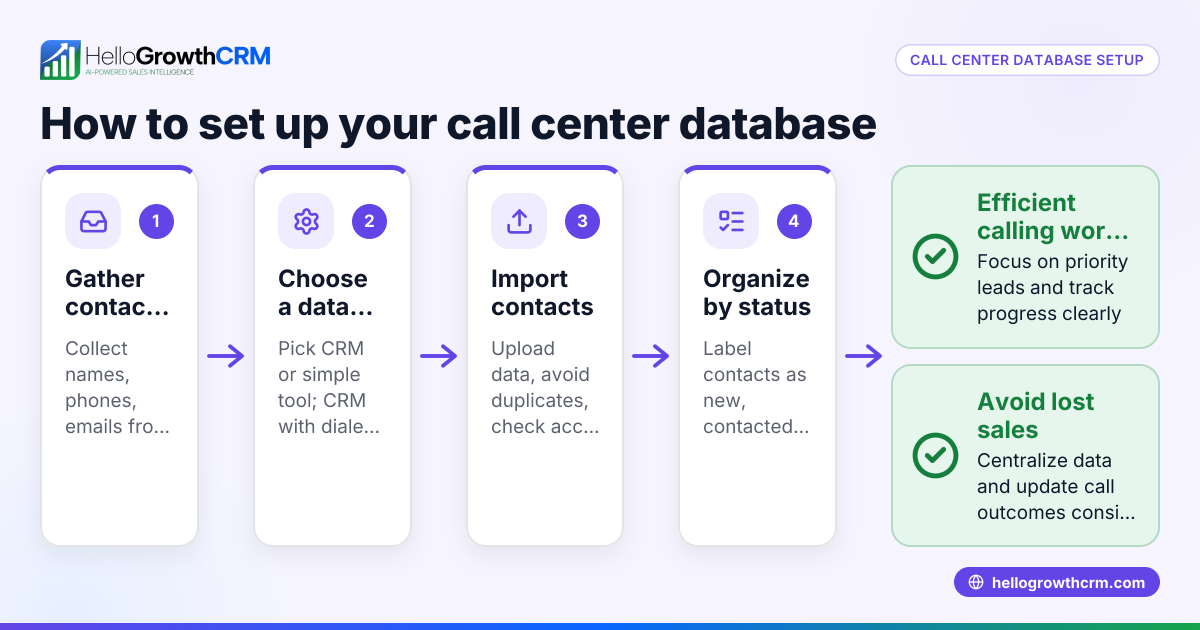
- Lead status (new, contacted, interested, won, lost)
- Next follow-up date
- Notes or comments
- Set data validation: Use spreadsheet validation to ensure phone numbers and emails are entered correctly (e.g., correct format, no missing digits).
- Secure your data: Protect your file with passwords or store it on secure cloud services that comply with UK data protection laws.
- Train your team: Make sure everyone understands how to update the database and follows consistent data entry rules.
- Schedule regular reviews: Monthly or weekly, check for duplicates, update contact details, and archive inactive leads.
- Use reminders for follow-ups: Set calendar alerts or use CRM features to remind your team when to contact customers again.
For downloadable formats, you can access free sales templates and calculators at free sales tools and calculators.
Example (fictional figures)
A letting agency in Manchester starts using a customer contact database template on 01/05/2024. They record a new lead:
- Customer name: Sarah Jones
- Phone: 07123 456789
- Email: sarah.jones@example.com
- Preferred contact: WhatsApp
- Date of first contact: 01/05/2024
- Last contact date: 01/05/2024
- Lead status: New
- Next follow-up date: 05/05/2024
On 05/05/2024, the agent contacts Sarah again and updates:
- Last contact date: 05/05/2024
- Lead status: Interested
- Notes: Wants to view 2-bedroom flat in Didsbury
- Next follow-up date: 10/05/2024
On 10/05/2024, Sarah decides to rent the flat with a monthly rent of £1,200. The agent marks the lead as won and records the deal value:
- Deal value: £1,200 × 12 months = £14,400
- Lead status: Won
This tracking helps the agency avoid missing follow-ups and keeps the lead moving through the sales pipeline.
Common mistakes
- Not updating contact details regularly: Prevent this by scheduling monthly database reviews to verify and update information.
- Missing follow-up dates: Use calendar reminders or CRM features to ensure timely contact.
- Inconsistent data formats: Standardise phone number and email formats with templates and validation rules.
- Sharing the file insecurely: Protect your database with passwords or store it on secure cloud platforms.
- Failing to train the team: Provide short training sessions so everyone uses the template consistently. See sales templates for structured examples.
- Ignoring data protection laws: Always comply with UK GDPR when storing and managing personal data.
Doing this in HelloGrowthCRM
HelloGrowthCRM offers free sales tools, templates and calculators, including follow-up cadence and pipeline templates, available to download without an account at free sales tools and calculators. After the sale, HelloGrowthCRM keeps service requests, referrals and support tickets linked to the same customer record, helping you manage ongoing customer relationships efficiently. Learn more about these features at HelloGrowthCRM for the United Kingdom.
Frequently asked questions
What fields should a customer contact database template include? A good template should have customer name, contact details, preferred contact method, dates of contact, lead status, next follow-up date, and notes. These fields help track interactions and sales progress clearly.
Can I use Excel or Google Sheets for my customer contact database? Yes, spreadsheets are a common and flexible starting point. However, as your business grows, consider moving to a CRM for automation, better team collaboration, and reminders.
How can I keep my customer data secure? Store your database on secure cloud platforms with password protection. Limit access to authorised staff and comply with UK data protection laws.
How often should I update my customer contact database? Update the database immediately after each customer interaction and conduct a full review monthly to remove duplicates and refresh contact details.
Where can I download a free customer contact database template? You can download free sales templates and follow-up cadence templates without an account from HelloGrowthCRM’s free sales tools and calculators.
Key takeaways
- Use a structured template with essential fields like contact details, lead status, and follow-up dates.
- Validate data entry to keep contact information accurate.
- Schedule and track follow-ups to maintain timely communication.
- Secure your database with passwords and comply with data protection laws.
- Train your team to use the template consistently.
- Download free, ready-made templates and tools from free sales tools and calculators to start quickly.
Start organising your customer contacts today with a reliable template and keep your sales process on track. You can Start on the Free Forever plan (200 leads, no credit card) with HelloGrowthCRM to manage contacts and sales pipelines efficiently.
Ready to put this into practice?
Set up your pipeline, WhatsApp follow-ups, and AI lead scoring in minutes — free, no credit card.
Try HelloGrowthCRM freeGet CRM tips in your inbox
Join thousands of sales professionals who get weekly insights on CRM strategy, AI automation, and pipeline optimization.

The HelloGrowthCRM team publishes guides on CRM strategy, AI sales tools, and revenue operations for small business sales teams.