HelloGrowthCRM software
Built for real small-business sales teams
HelloGrowthCRM helps reps qualify faster, follow up on time, and close more deals—with practical automation in one place.
- AI lead scoring and pipeline visibility
- Built-in dialer, WhatsApp, and email automation
- Sales forecasting and RevOps-ready reporting
For small and mid-sized New Zealand businesses with field sales teams, the choice between using a field sales CRM and spreadsheets is crucial. A field sales CRM offers tools tailored to managing leads, territories, and communications, while spreadsheets are a familiar but manual option. This article compares the two on key aspects, offers a practical example, highlights common mistakes, and explains how HelloGrowthCRM supports field sales teams.
Why this comes up / what goes wrong
Many small New Zealand businesses start tracking sales leads and customer details in spreadsheets because they are free and familiar. However, as field sales teams grow or customer follow-ups increase, spreadsheets become slow and error-prone. Sales information scattered across emails, texts, and spreadsheets can lead to missed leads, delayed follow-ups, and poor visibility into sales performance. Business owners face the decision: continue with spreadsheets or invest in a field sales CRM designed to organise and automate sales activities.
Step-by-step
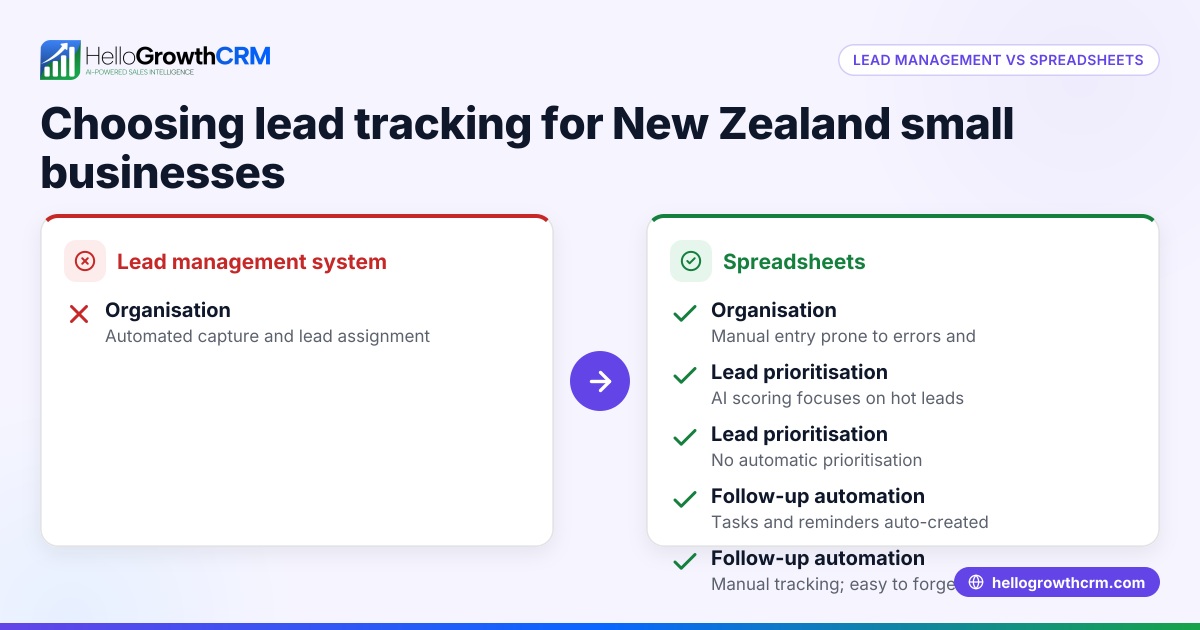
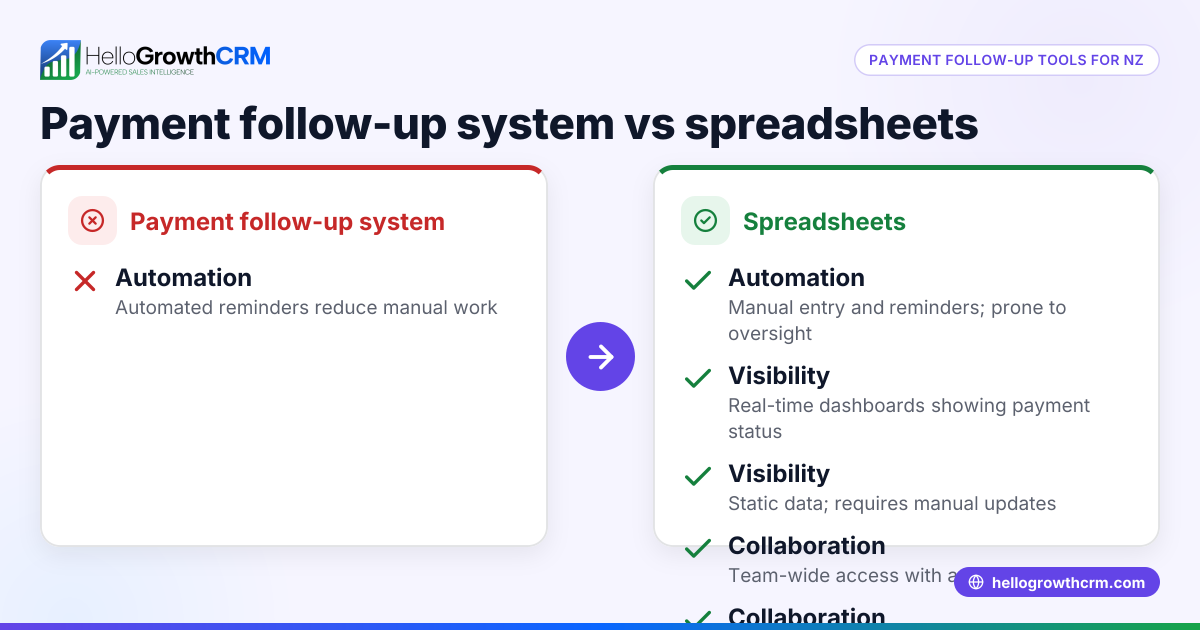
Here is a comparison of field sales CRM versus spreadsheets on important criteria for NZ small businesses:
| Criteria | Field Sales CRM | Spreadsheets |
|---|---|---|
| Lead & Contact Management | Centralised database with automatic updates and notes | Manual entry; risk of outdated or lost info |
| Territory & Visit Tracking | Territories defined; reps log visits via mobile | Manual assignment; visit logs kept separately |
| Follow-up & Reminders | Automated reminders and task boards | Manual tracking; easy to forget or delay |
| Communication Logging | WhatsApp and SMS conversations logged on lead records | Separate apps; no automatic logging |
| Pipeline Visibility | Visual pipeline with deal stages and forecasting | Static tables; no real-time forecasting |
| Collaboration | Shared access with role-based controls | Shared files prone to version conflicts |
| Mobile Access | Mobile apps for on-the-go updates | Limited mobile usability; editing challenges |
Who should pick which?
- Use field sales CRM if your business has multiple sales reps, frequent customer interactions, or needs reliable follow-up and sales forecasting.
- Use spreadsheets if your sales process is very simple, your team is very small, and you have low lead volume.
For more on managing sales territories, see territory management. To compare more CRM options, visit compare CRMs.
Example (fictional figures)
A Wellington electrical contractor with 5 field sales reps tracks leads and visits.
They handle about 150 leads monthly, with an average sale value of NZ$5,000.
Using spreadsheets:
- Time spent updating spreadsheets and chasing missing info: 20 hours/month
- Cost of lost or delayed leads (estimated 10% loss): 150 leads × 10% = 15 lost leads
- Revenue lost: 15 leads × NZ$5,000 = NZ$75,000/month
Using a field sales CRM:
- Time spent updating CRM and logging visits: 8 hours/month
- Lost leads reduced to 2%: 150 leads × 2% = 3 lost leads
- Revenue lost: 3 leads × NZ$5,000 = NZ$15,000/month
Time saved per month: 20 hours - 8 hours = 12 hours
Revenue saved per month: NZ$75,000 - NZ$15,000 = NZ$60,000
This example shows how a CRM improves follow-up and reduces lost revenue.
Common mistakes
- Overloading spreadsheets with too much data – Keep spreadsheets simple or switch to a CRM to avoid errors.
- Failing to update lead status promptly – Use automated reminders in a CRM to stay on top of follow-ups.
- Not tracking field visits systematically – Use territory and visit logging tools to capture on-site activity.
- Ignoring mobile access needs – Field reps need mobile-friendly tools; spreadsheets often lack this.
- Sharing spreadsheets without version control – Leads to confusion; a CRM provides controlled access.
For tips on territory management and field operations, see territory management.
Doing this in HelloGrowthCRM
HelloGrowthCRM offers features designed for New Zealand small businesses with field sales teams:
- Territories, field operations and commissions: Field reps log visits from their phones; managers see the day’s beat and track commissions.
- Deals (pipeline): Manage open opportunities from first contact to close with stage tracking and follow-up dates to avoid forgotten quotes.
- WhatsApp and SMS: Conversations with leads are logged on their records; follow-ups can be sent as messages directly.
Learn more about HelloGrowthCRM for New Zealand at HelloGrowthCRM for New Zealand.
Frequently asked questions
What is the main advantage of a field sales CRM over spreadsheets? A field sales CRM centralises lead management, automates follow-ups, and tracks sales pipelines visually. This reduces manual errors and missed opportunities common with spreadsheets.
Can small teams benefit from a field sales CRM? Yes, even small teams gain from better organisation, mobile access, and automated reminders that help maintain consistent follow-up and improve sales outcomes.
Is it hard to switch from spreadsheets to a CRM? Switching involves initial data import and training, but many CRMs support easy imports and user-friendly interfaces. The time saved and improved sales tracking quickly outweigh transition efforts.
How does HelloGrowthCRM support field sales teams specifically? It offers territory management with mobile visit logging, pipeline tracking for deals, and WhatsApp/SMS communication logging, addressing key field sales needs.
Are spreadsheets suitable for tracking customer communications? No, spreadsheets do not log communications automatically. Using WhatsApp or SMS outside a CRM means conversations are scattered and not linked to leads.
Key takeaways
- Field sales CRMs improve lead tracking, follow-ups, and team coordination compared to spreadsheets.
- Spreadsheets may suffice for very simple, low-volume sales processes.
- Mobile access and territory management are critical for field sales success.
- Automated reminders and communication logging reduce lost leads and errors.
- HelloGrowthCRM offers tools tailored for NZ field sales teams, including visit logging and WhatsApp integration.
Start organising your field sales more effectively by trying HelloGrowthCRM. Start on the Free Forever plan (200 leads, no credit card).
Ready to put this into practice?
Set up your pipeline, WhatsApp follow-ups, and AI lead scoring in minutes — free, no credit card.
Try HelloGrowthCRM freeGet CRM tips in your inbox
Join thousands of sales professionals who get weekly insights on CRM strategy, AI automation, and pipeline optimization.

The HelloGrowthCRM team publishes guides on CRM strategy, AI sales tools, and revenue operations for small business sales teams.