HelloGrowthCRM software
Built for real small-business sales teams
HelloGrowthCRM helps reps qualify faster, follow up on time, and close more deals—with practical automation in one place.
- AI lead scoring and pipeline visibility
- Built-in dialer, WhatsApp, and email automation
- Sales forecasting and RevOps-ready reporting
Automating customer approvals in a CRM helps small and mid-sized businesses speed up sales and service processes by reducing manual follow-ups and paperwork. It ensures that approvals are tracked systematically and that no lead or request stalls due to slow or forgotten approvals.
Why this comes up / what goes wrong
Many Singapore SMB owners run sales and customer service manually via WhatsApp, email, or spreadsheets. This often leads to lost leads or delays because approvals—such as credit checks, discount permissions, or contract sign-offs—are handled offline or inconsistently. Without automation, sales reps may forget to follow up, managers may lose track of pending approvals, and customers get frustrated waiting.
Automating customer approvals in your CRM addresses these challenges by creating clear, repeatable workflows that notify the right people, log decisions, and keep everything in one place.
Step-by-step
- Define your approval criteria clearly. Decide what triggers an approval. For example, a discount over 10%, credit limit above S$5,000, or a contract needing legal review.
- Create custom fields in your CRM. Add fields to capture approval status (e.g., Pending, Approved, Rejected), approver name, and approval date.
- Set up automation rules or workflows. Configure your CRM to:
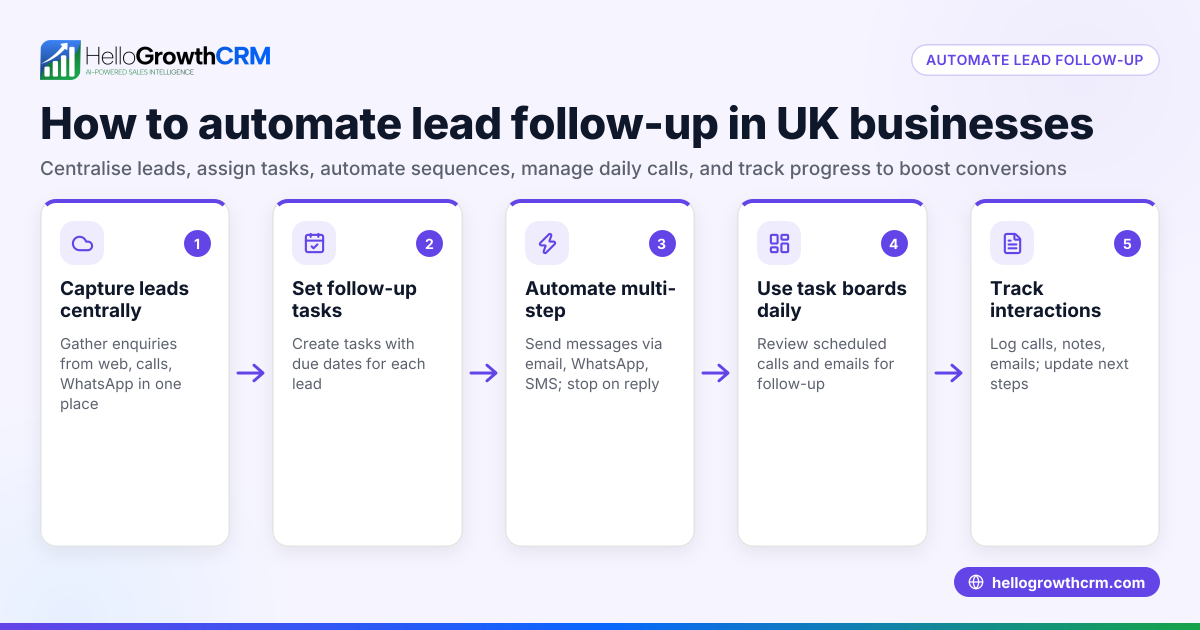
- Automatically assign approval tasks to the correct person when criteria are met.
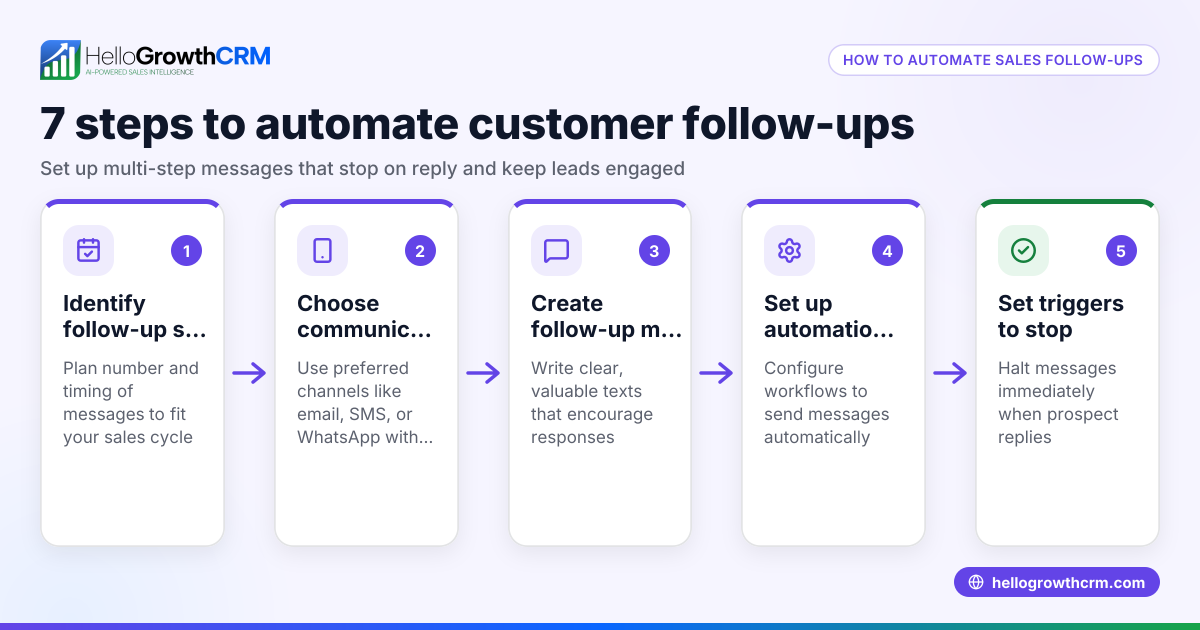
- Send notifications or reminders to approvers via email or WhatsApp.
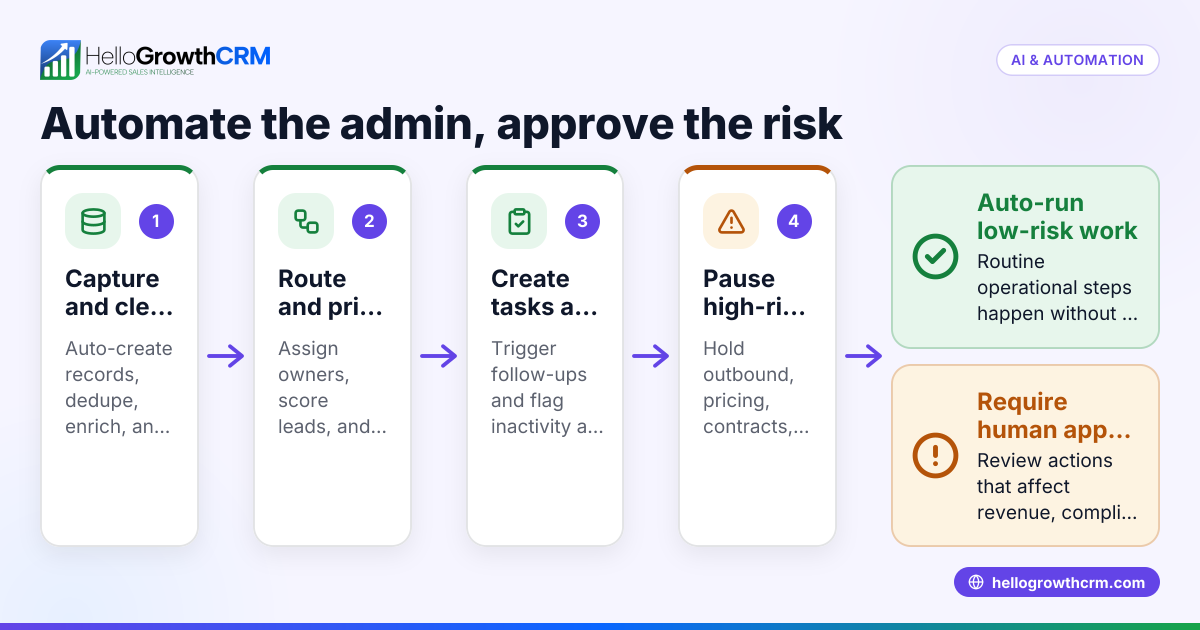
- Lock or flag deals/orders until approval is given.
- Use templates for approval requests. Prepare standard messages or emails that can be sent to approvers, reducing manual drafting.
- Log approval outcomes directly in the CRM. Ensure approvers update the status through the CRM interface or by replying to WhatsApp messages, so the system records the decision.
- Set up follow-up actions. For approved requests, trigger next steps like order processing or contract generation. For rejections, notify sales reps to revise offers.
- Monitor approval metrics. Use CRM reports to track approval times, bottlenecks, and volumes.
Check that every step triggers correctly by testing with sample leads or deals.
Example (fictional figures)
A tuition centre in Tampines offers customised packages. Discounts above 15% require manager approval.
- A sales rep creates a deal with a 20% discount on 01/06/2024.
- The CRM detects discount > 15% and sets approval status to Pending.
- An approval task is assigned to the manager with notification via WhatsApp.
- Manager reviews and approves on 02/06/2024.
- CRM updates status to Approved and triggers contract preparation.
Calculation:
Discount threshold = 15%
Proposed discount = 20%
Since 20% > 15%, approval is required.
The workflow:
Deal created (01/06/2024) → Approval task assigned → Manager approves (02/06/2024) → Status updated → Next steps triggered.
Common mistakes
- Not defining clear approval criteria. Prevent by documenting exact triggers and thresholds.
- Failing to notify approvers promptly. Use automated WhatsApp or email alerts to avoid delays.
- Allowing manual updates outside the CRM. Prevent data loss by requiring approvals logged inside the CRM.
- Ignoring follow-up actions after approval or rejection. Automate next steps to maintain momentum.
- Overcomplicating workflows. Keep approval processes simple to encourage adoption.
- Not monitoring approval performance. Use CRM reporting to identify delays and improve.
Doing this in HelloGrowthCRM
HelloGrowthCRM supports customer approval automation with features that streamline communication and logging:
- Built-in dialer: Sales reps can call leads directly from the CRM and outcomes, including approval discussions, are logged on the lead record.
- WhatsApp and SMS: Approval requests and follow-ups can be sent and received via WhatsApp, with conversations automatically logged for transparency.
- AI agents: Beta AI agents draft follow-up messages after calls so sales reps review and send approvals requests quickly.
Learn more about WhatsApp and SMS CRM and how HelloGrowthCRM helps Singapore SMBs on the HelloGrowthCRM for Singapore page.
Frequently asked questions
How do I start automating approvals without technical skills? Most CRMs, including HelloGrowthCRM, offer user-friendly workflow builders. Start by defining simple rules like "if discount > 10%, assign approval task" and use templates for messages. Testing on a few leads helps you refine before full rollout.
Can approvals be done via WhatsApp in the CRM? Yes, HelloGrowthCRM logs WhatsApp conversations on the lead record, so approvers can reply directly in WhatsApp and the system captures the decision. This reduces switching apps and speeds up approvals.
What if approvers are slow to respond? Set automatic reminders and escalation rules in the CRM to notify managers or supervisors if approvals are delayed beyond a set time.
Is it possible to track approval performance? Yes, use CRM reporting to monitor average approval times, pending approvals, and bottlenecks. This helps improve your sales process.
Can AI help with approval follow-ups? HelloGrowthCRM’s AI agents (in Beta) can draft follow-up messages after calls, saving reps time and ensuring no approvals slip through.
Do I need to integrate other tools? For most small businesses, HelloGrowthCRM’s built-in features suffice. For complex needs, check integration options, but start simple.
Key takeaways
- Define clear, measurable approval criteria before automating.
- Use CRM workflows to assign tasks, send notifications, and log decisions.
- Automate follow-ups and next steps based on approval outcomes.
- Use WhatsApp and SMS features in HelloGrowthCRM for fast, logged communication.
- Monitor approval metrics regularly to improve processes.
- Avoid overcomplicating workflows to encourage team adoption.
Start automating your customer approvals today with HelloGrowthCRM. Start on the Free Forever plan (200 leads, no credit card) and see how built-in dialer, WhatsApp messaging, and AI agents can speed up your sales approvals.
Ready to put this into practice?
Set up your pipeline, WhatsApp follow-ups, and AI lead scoring in minutes — free, no credit card.
Try HelloGrowthCRM freeGet CRM tips in your inbox
Join thousands of sales professionals who get weekly insights on CRM strategy, AI automation, and pipeline optimization.

The HelloGrowthCRM team publishes guides on CRM strategy, AI sales tools, and revenue operations for small business sales teams.