HelloGrowthCRM software
Built for real small-business sales teams
HelloGrowthCRM helps reps qualify faster, follow up on time, and close more deals—with practical automation in one place.
- AI lead scoring and pipeline visibility
- Built-in dialer, WhatsApp, and email automation
- Sales forecasting and RevOps-ready reporting
To capture website leads in India, you need a clear process: collect visitor information via a form, ensure the data is organized and assigned to a sales team member, and follow up quickly to convert leads into customers. This article explains why capturing leads is crucial, provides a detailed step-by-step guide, includes a realistic example, highlights common mistakes, and shows how HelloGrowthCRM supports this process.
Why this comes up / what goes wrong
Many Indian small-business owners rely on WhatsApp, phone calls, or spreadsheets to track leads from their website. This often results in leads getting lost, delayed follow-up, or no clear ownership. Without a structured system, enquiries from the website may remain untracked or scattered across notebooks or chat apps. This leads to missed sales opportunities and wasted marketing spend.
Owners need a straightforward way to capture every enquiry from their website, assign it to a team member, and ensure the lead is followed up promptly. This is especially important for businesses with multiple salespeople or telecalling teams.
Step-by-step
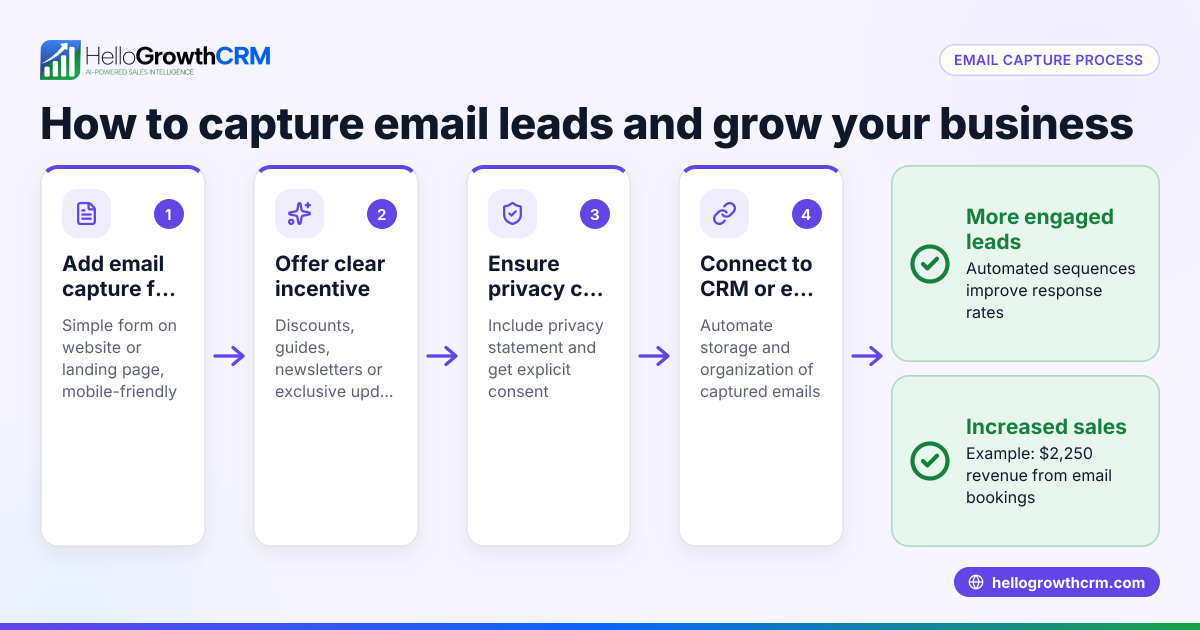
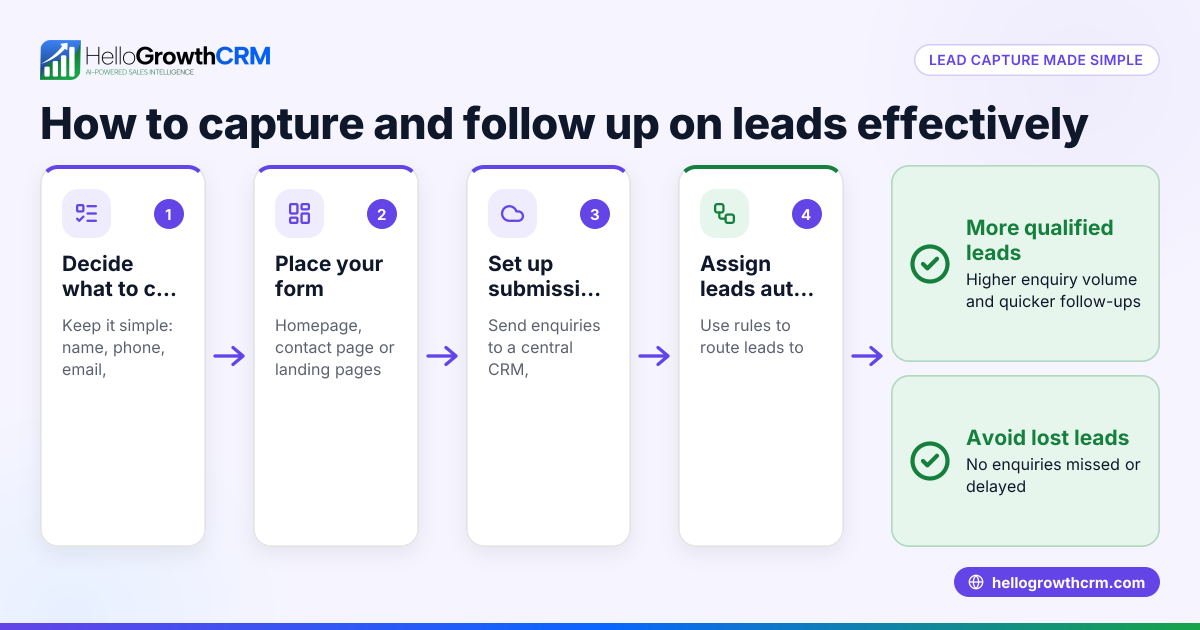
- Create a lead capture form on your website
- Include fields for name, phone number, email, enquiry details, and source.
- Ensure the form is easy to find and use on desktop and mobile.
- Check the form submits data correctly without errors.
- Connect the form to a lead management system
- Use tools or CRM software that automatically capture form submissions.
- Verify that each enquiry lands as a new lead with all details.
- Confirm leads are assigned to a sales rep or owner immediately.
- Set lead assignment rules
- Decide how leads are distributed: round-robin, territory-based, or source-based.
- Make sure each lead has a clear owner responsible for follow-up.
- Create follow-up tasks automatically
- Assign a next step for the sales rep, such as a first call or WhatsApp message.
- Set reminders or deadlines to ensure timely contact.
- Train your telecalling team to prioritize leads
- Use lead scoring to focus on leads most likely to convert.
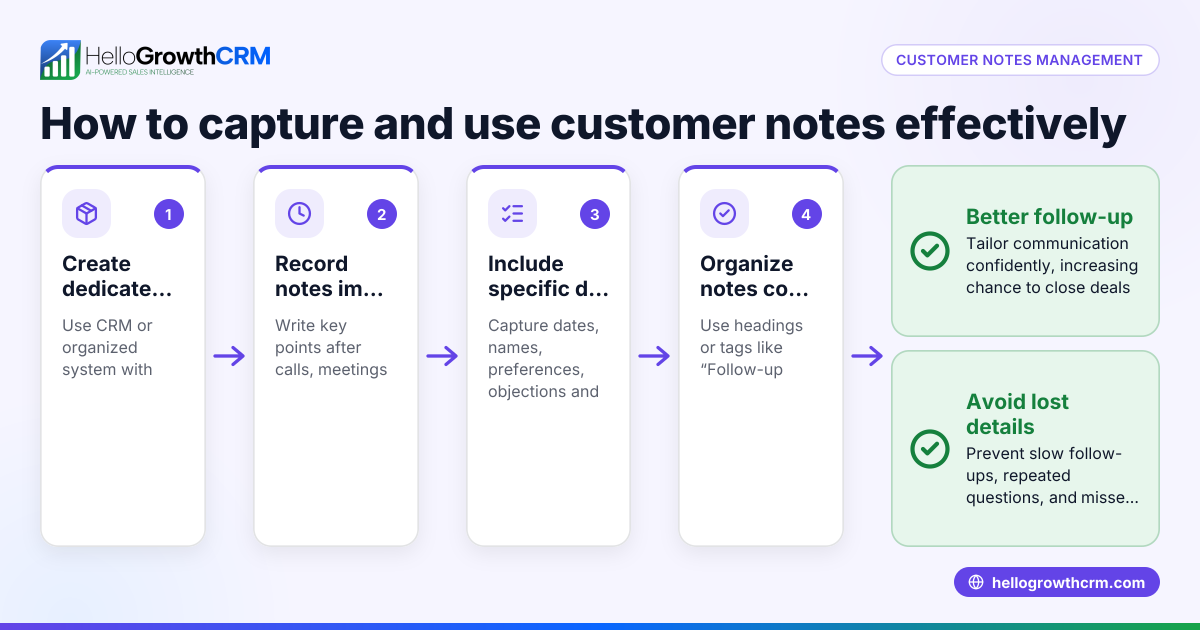
- Keep track of contact attempts and update lead status.
- Monitor and report on lead capture and follow-up
- Check daily that all website leads are captured and assigned.
- Review conversion rates and response times.
- Improve your website and form based on feedback
- Fix any issues that cause form abandonment.
- Add fields or change questions to qualify leads better.
Example (fictional figures)
Rajesh runs a furniture business in Bengaluru. His website form collects name, phone, email, and enquiry. On 01/05/2024, he received 10 enquiries.
- Each enquiry is captured as a lead with owner assigned round-robin to 2 sales reps.
- Each lead has a task: call within 24 hours.
Calculations:
Total leads = 10
Leads per rep = 10 ÷ 2 = 5 leads each
Assuming each rep calls 5 leads, and each call takes 10 minutes:
Total calling time per rep = 5 × 10 = 50 minutes
Rajesh tracks that 3 leads convert into orders worth ₹1,00,000 each:
Total sales = 3 × ₹1,00,000 = ₹3,00,000
By capturing and following up leads promptly, Rajesh increased his sales pipeline and team productivity.
Common mistakes
- Not having a lead capture form on the website
- Prevent by adding a clear, simple form on all key pages.
- Leads landing in email or spreadsheets without assignment
- Prevent by using a CRM to assign leads automatically.
- Delayed follow-up or no next step assigned
- Prevent by creating automatic tasks and reminders.
- Ignoring lead source data
- Prevent by tracking where leads come from to optimise marketing.
- No lead prioritization
- Prevent by using AI lead scoring to call hot leads first.
- Lack of reporting on lead status and outcomes
- Prevent by reviewing lead reports regularly.
Doing this in HelloGrowthCRM
HelloGrowthCRM captures every enquiry from your website form as a lead with an owner and a next step, so leads don’t get lost in notebooks or WhatsApp chats. It uses AI lead scoring so telecallers focus on leads most likely to convert. Automated workflows and lead routing assign new leads from sources like IndiaMART round-robin and create first-call tasks automatically. This system helps Indian SMBs organise and convert website leads efficiently. Learn more about AI lead scoring, WhatsApp and SMS CRM, and HelloGrowthCRM for India.
Frequently asked questions
How do I make sure website leads don’t get lost? Use a CRM or lead management system that captures form submissions automatically and assigns leads to team members with clear follow-up tasks.
What is the best way to assign leads from a website? Assign leads based on round-robin distribution, territory, or lead source to ensure balanced workload and quick response.
How can I prioritise which leads to call first? Use AI lead scoring tools that rank leads by likelihood to convert, so telecallers call the hottest leads first.
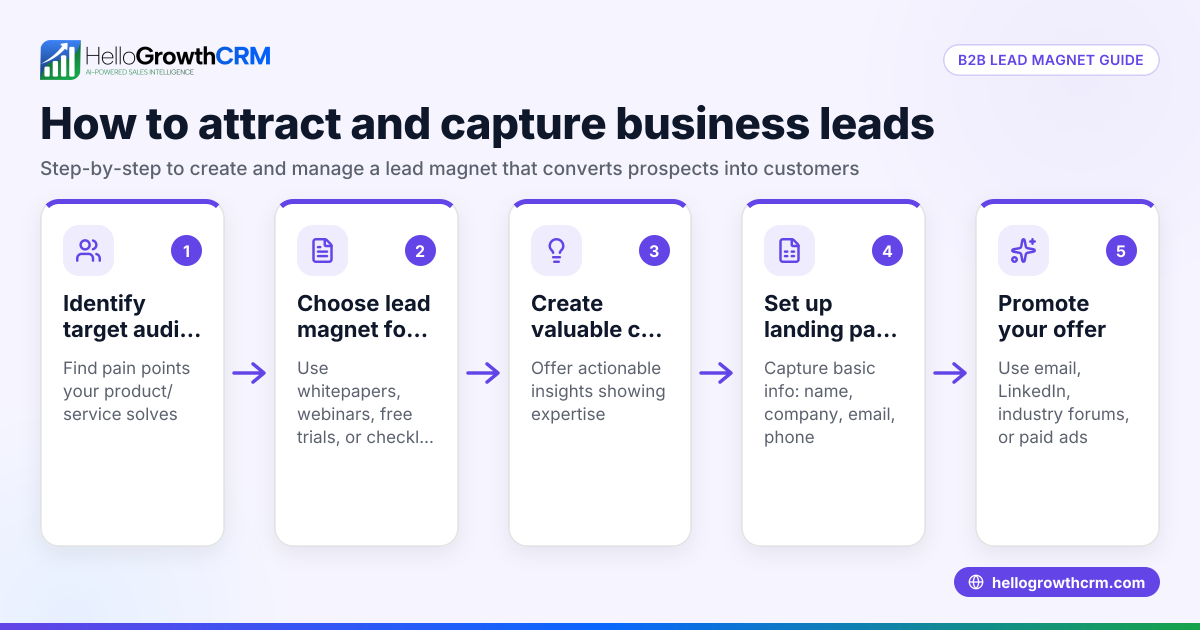
Can I capture leads from multiple sources besides my website? Yes, modern CRMs capture leads from IndiaMART, JustDial, WhatsApp, and web forms all in one place for easy management.
Why is quick follow-up important for website leads? Leads lose interest quickly. Following up within 24 hours increases chances of conversion significantly.
How do I track if my lead capture is working? Monitor daily lead capture reports, response times, and conversion rates to identify gaps and improve processes.
Key takeaways
- Use a website form that collects essential lead details clearly.
- Connect the form to a lead management system that assigns owners and next steps.
- Automate lead assignment and follow-up tasks to avoid delays.
- Prioritise leads using AI lead scoring for efficient telecalling.
- Monitor lead capture and follow-up regularly to improve conversion.
- HelloGrowthCRM offers tools to capture, assign, score, and route leads automatically.
Start capturing your website leads today with a system that keeps enquiries organised and sales teams focused. You can Start on the Free Forever plan (200 leads, no credit card) and see how HelloGrowthCRM helps streamline lead capture and follow-up.
Ready to put this into practice?
Set up your pipeline, WhatsApp follow-ups, and AI lead scoring in minutes — free, no credit card.
Try HelloGrowthCRM freeGet CRM tips in your inbox
Join thousands of sales professionals who get weekly insights on CRM strategy, AI automation, and pipeline optimization.

The HelloGrowthCRM team publishes guides on CRM strategy, AI sales tools, and revenue operations for small business sales teams.