HelloGrowthCRM software
Built for real small-business sales teams
HelloGrowthCRM helps reps qualify faster, follow up on time, and close more deals—with practical automation in one place.
- AI lead scoring and pipeline visibility
- Built-in dialer, WhatsApp, and email automation
- Sales forecasting and RevOps-ready reporting
Creating a customer database is essential for managing contacts, tracking sales, and improving customer service. This article explains why small business owners in New Zealand need a reliable database, provides clear numbered steps to build one, shows an example with realistic NZ figures, highlights common pitfalls, and outlines how HelloGrowthCRM supports customer management.
Why this comes up / what goes wrong
Many small businesses in New Zealand start with customer details scattered across emails, text messages, and spreadsheets. This scattered approach causes lost leads and slow follow-up. Without a structured database, it’s hard to track customer interactions, sales progress, or service requests. Business owners often struggle to keep customer records up to date or fail to capture all relevant information, which leads to missed opportunities and inefficient sales processes.
Step-by-step
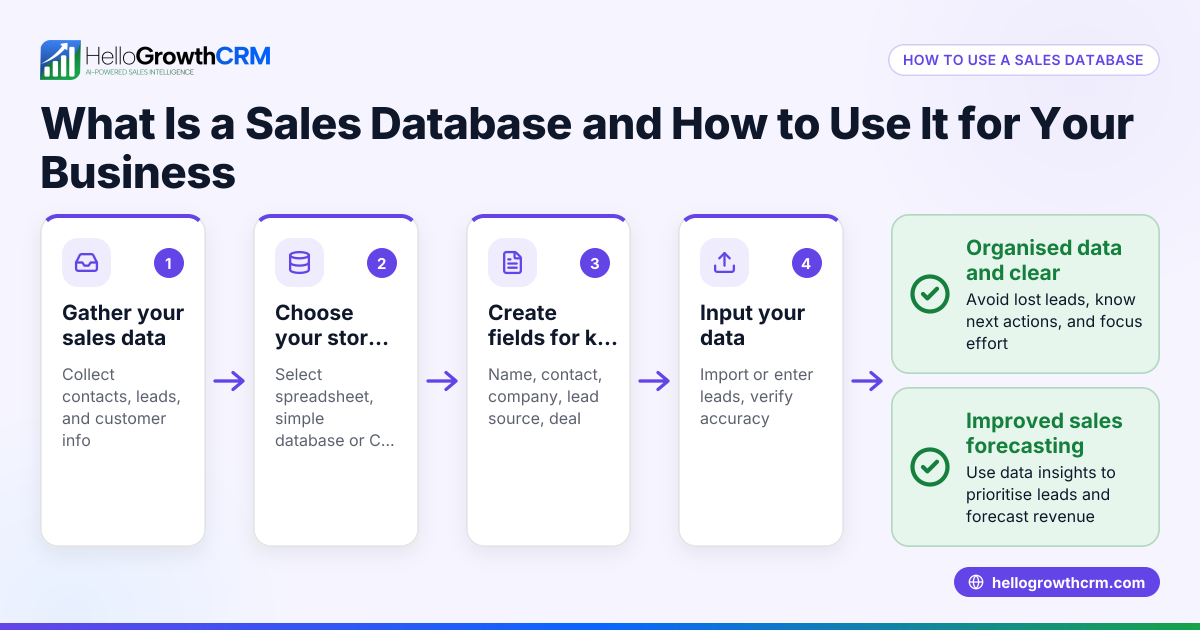
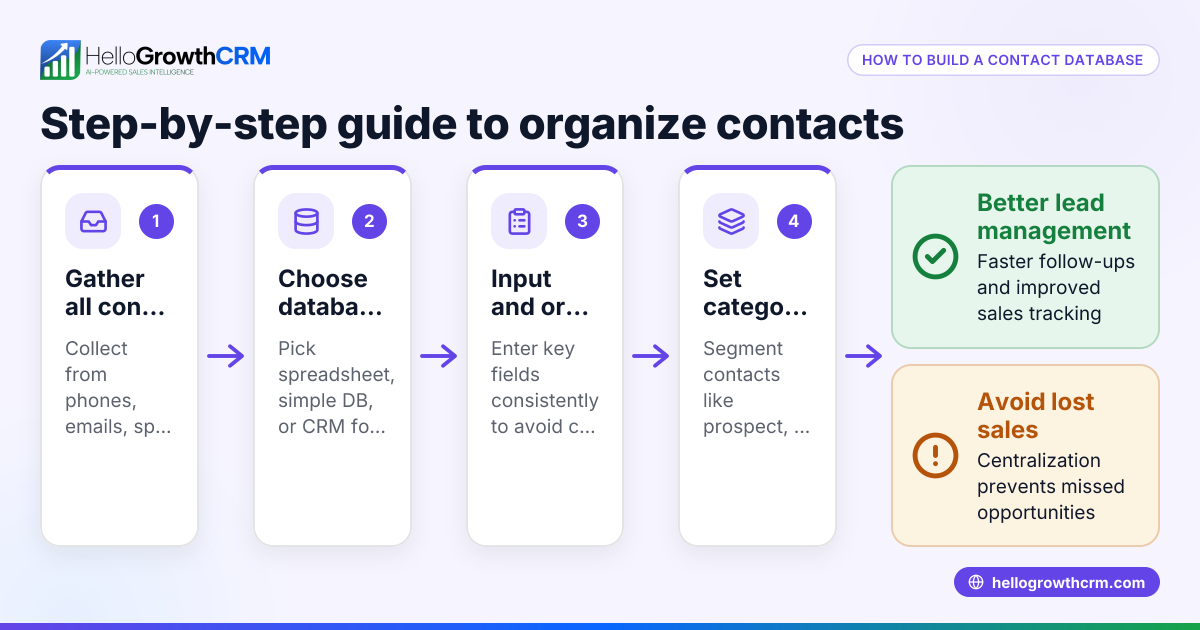
- Decide what customer information to collect: At minimum, gather full name, phone number, email address, physical address, and purchase history. Also consider notes on preferences or communication preferences.
- Choose a storage method: Start with a spreadsheet if you’re small, but plan to move to a CRM as you grow. Ensure it allows easy updating and searching.
- Create fields/columns for each data point: For example, in a spreadsheet, create columns labelled Name, Phone, Email, Address, Last Purchase Date, and Notes.
- Gather existing customer data: Collect information from past invoices, emails, business cards, and conversations. Verify contact details for accuracy.
- Input data consistently: Use the same format for phone numbers (e.g., +64 21 123 4567), dates (DD/MM/YYYY), and addresses.
- Set up a process for adding new customers: When you get a new lead or sale, enter their details immediately.
- Regularly update the database: Review and clean data monthly to remove duplicates and correct errors.
- Backup your database: Store copies on a secure cloud service or external drive to avoid data loss.
- Consider using HelloGrowthCRM: It offers a customer portal, referral tracking, tickets, and knowledge base, keeping service requests linked to the same customer record.
For more on tracking customer engagement, see customer health score.
Example (fictional figures)
Emma runs an electrical contracting business in Wellington. She wants to create a customer database to track her clients.
- Step 1: She decides to collect Name, Phone, Email, Address, Last Service Date, and Notes.
- Step 2: She opens a spreadsheet and creates columns: Name | Phone | Email | Address | Last Service Date | Notes.
- Step 3: She gathers her customer list from invoices and business cards.
- Step 4: She enters her first customer:
Name: John Smith Phone: +64 21 555 1234 Email: john.smith@email.co.nz Address: 12 Main St, Wellington Last Service Date: 15/05/2024 Notes: Prefers evening calls
- Step 5: Emma adds 20 customers over two weeks, updating the Last Service Date after each job.
- Step 6: She backs up the spreadsheet weekly to Google Drive.
This simple database helps Emma follow up on service calls and schedule repeat jobs.
Common mistakes
- Inconsistent data entry: Prevent by using a standard format for phone numbers and dates.
- Not updating regularly: Schedule monthly reviews to keep data current.
- Storing data in multiple places: Consolidate into one system to avoid duplicates.
- Failing to backup: Use cloud storage or external drives to secure data.
- Ignoring customer preferences: Record communication preferences to improve engagement.
- Delaying data entry: Enter new customer info immediately after contact.
Using a CRM like HelloGrowthCRM can reduce these mistakes by centralising customer data and automating updates. Learn more about WhatsApp and SMS CRM features at WhatsApp and SMS CRM.
Doing this in HelloGrowthCRM
HelloGrowthCRM provides a branded customer portal, referral programme tracking, support tickets, and a knowledge base. After the sale, service requests stay linked on the same customer record as the deal, making it easier to manage ongoing customer relationships. This helps small businesses in New Zealand keep all customer interactions in one place and respond faster to service requests. For details, see HelloGrowthCRM for New Zealand.
Frequently asked questions
What is the best way to start a customer database for a small business? Start simple with a spreadsheet capturing key fields like name, phone, and email. Keep it updated and backed up. As your business grows, consider moving to a CRM for better management.
How often should I update my customer database? Review and update your database at least once a month. This keeps contact details accurate and helps track customer activity.
Can I use WhatsApp or SMS to manage customer contacts? Yes, many small businesses use WhatsApp and SMS for communication. HelloGrowthCRM integrates these channels directly into your CRM to manage conversations and follow-ups efficiently.
What information should I avoid collecting? Avoid collecting sensitive personal information unless necessary, such as financial details or private IDs, to comply with privacy laws.
How can I prevent data loss? Regularly back up your database to cloud storage or an external drive. Using a CRM with automatic backups also helps.
Key takeaways
- Collect essential customer info consistently and store it in one place.
- Use standard formats for phone numbers, dates, and addresses.
- Update and clean your database regularly to keep it accurate.
- Back up your data to prevent loss.
- Consider HelloGrowthCRM to manage customer service requests and referrals on one platform.
Start building your customer database today and improve your sales follow-up and service. To get started easily, try the Free Forever plan with 200 leads, no credit card.
Ready to put this into practice?
Set up your pipeline, WhatsApp follow-ups, and AI lead scoring in minutes — free, no credit card.
Try HelloGrowthCRM freeGet CRM tips in your inbox
Join thousands of sales professionals who get weekly insights on CRM strategy, AI automation, and pipeline optimization.

The HelloGrowthCRM team publishes guides on CRM strategy, AI sales tools, and revenue operations for small business sales teams.