HelloGrowthCRM software
Built for real small-business sales teams
HelloGrowthCRM helps reps qualify faster, follow up on time, and close more deals—with practical automation in one place.
- AI lead scoring and pipeline visibility
- Built-in dialer, WhatsApp, and email automation
- Sales forecasting and RevOps-ready reporting
Creating a customer database is essential for UK small and mid-sized businesses to keep track of contacts, sales, and customer interactions in one place. Many businesses struggle because their customer information is scattered across WhatsApp chats, emails, and spreadsheets, leading to lost leads and poor follow-up.
Why this comes up / what goes wrong
Small business owners often start by managing customer details informally — for example, using WhatsApp messages or Excel sheets. This approach quickly causes problems: duplicated entries, missed sales opportunities, and difficulty tracking customer history or service requests. Without a proper database, sales teams can lose leads and customer service quality suffers. A well-organised customer database centralises all relevant information, making it easier to manage sales pipelines, follow-ups, and after-sales service.
Step-by-step
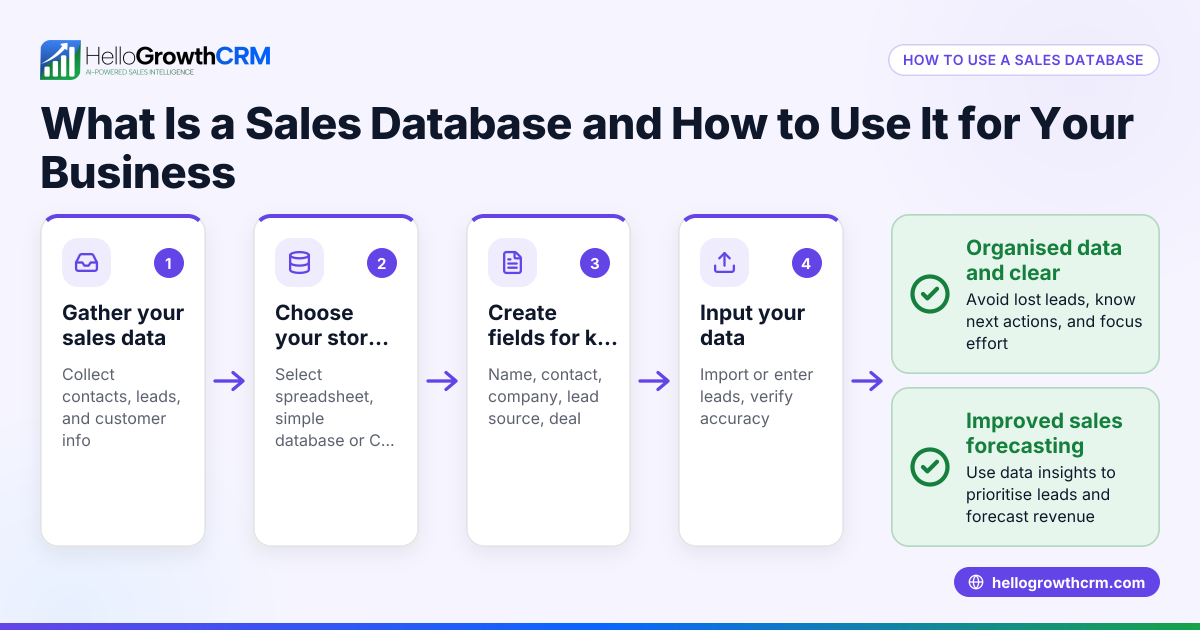
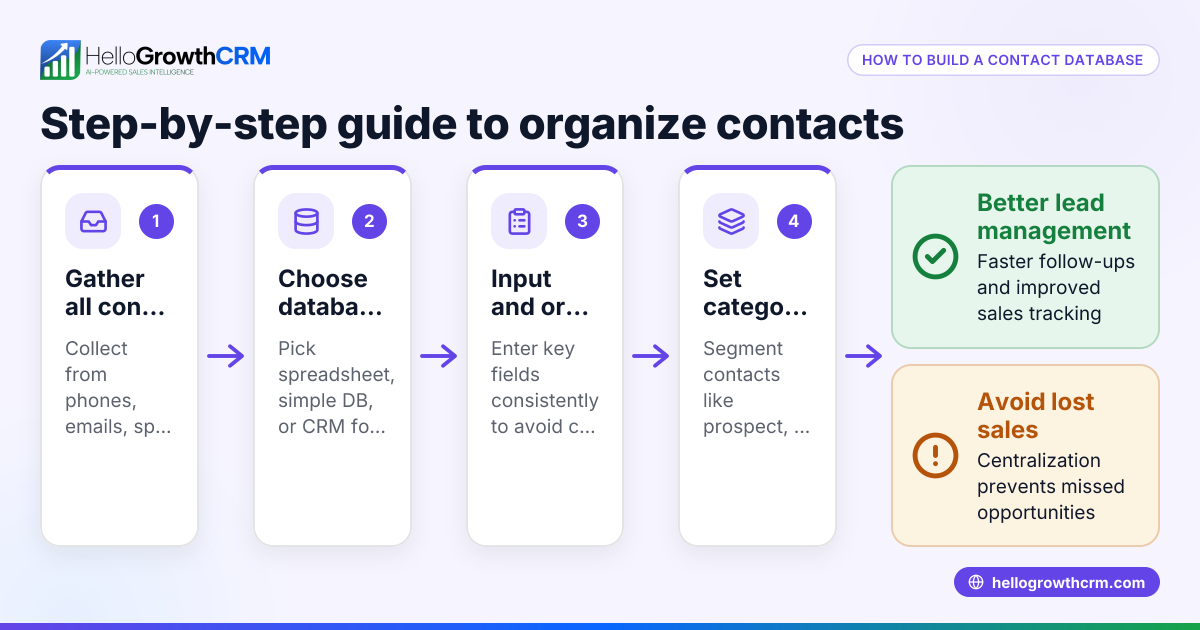
- Decide what customer information to collect: Gather basic contact details like full name, phone number, and email address. Add physical address if needed. Also include purchase dates, product or service details, and payment status.
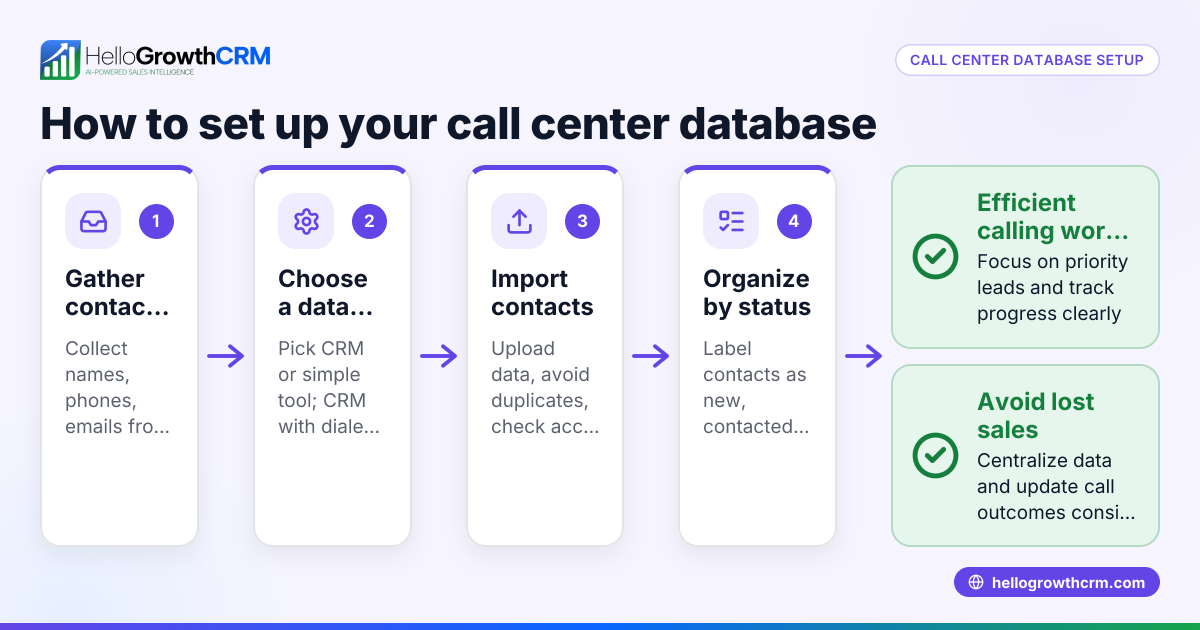
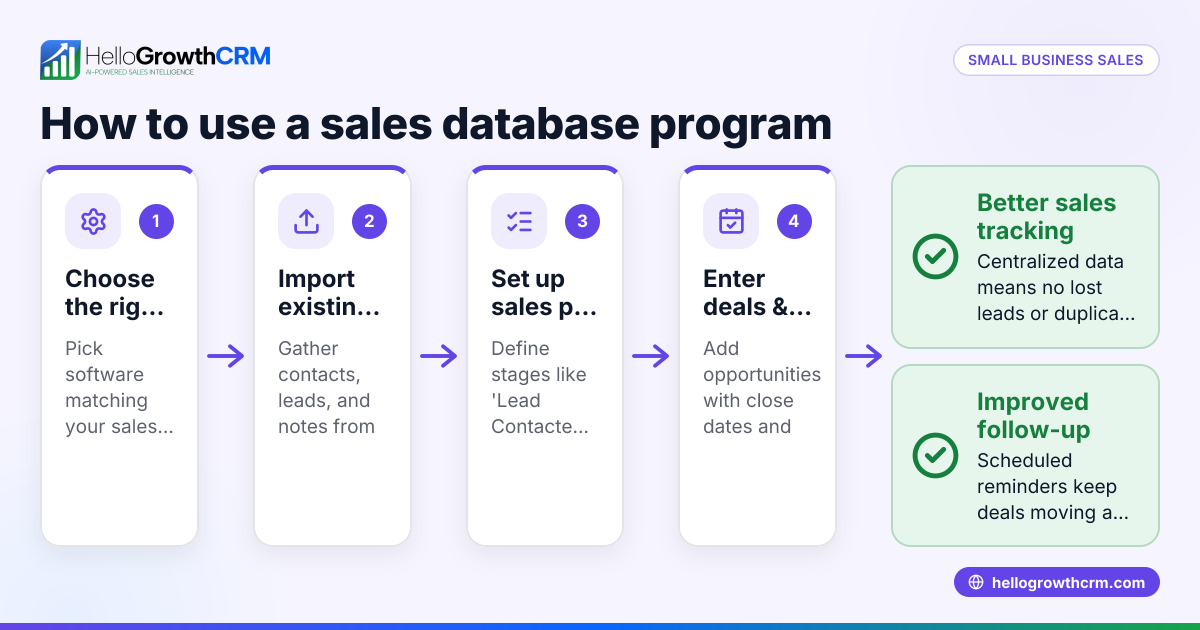
- Choose how to store the data: For small teams, a spreadsheet might suffice initially. As you grow, consider database software or a CRM system tailored for your business size and sales process.
- Set up data fields or columns: Typical fields include Customer ID, Name, Phone, Email, Address, Last Purchase Date, Product or Service, Payment Status, and Notes.
- Enter existing customer data: Input information from business cards, emails, invoices, and conversations. Check carefully for duplicates and fix any errors.
- Standardise data entry formats: Use consistent formats for phone numbers (e.g., starting with 07 for UK mobiles) and dates (DD/MM/YYYY). This helps avoid confusion and supports sorting or filtering.
- Secure your customer data: Protect personal information according to UK data protection laws (NEEDS EXPERT REVIEW). Restrict access to authorised staff only.
- Schedule regular updates: Set a routine to add new customers and update existing records weekly or monthly.
- Use the database to manage sales and service: Track follow-ups, send quotations, and record customer interactions to improve service.
- Monitor customer engagement: Use tools like a customer health score to prioritise active leads and referrals.
- Integrate communication channels: If you use WhatsApp or SMS for sales, consider solutions like WhatsApp and SMS CRM to centralise messages and customer data.
Example (fictional figures)
A kitchen-fitting company in Leeds wants to create a customer database. They track Customer ID, Name, Phone, Email, Address, Last Purchase Date, Product, and Payment Status.
They start with three customers:
- Customer 001: John Smith, 07123 456789, john.smith@email.co.uk, 12 Green Lane, Leeds, LS1 2AB, Last Purchase 15/03/2024, Kitchen Installation, Paid
- Customer 002: Sarah Jones, 07234 567890, sarah.jones@email.co.uk, 5 Oak Street, Leeds, LS3 4CD, Last Purchase 20/02/2024, Worktop Replacement, Unpaid
- Customer 003: Mike Brown, 07345 678901, mike.brown@email.co.uk, 8 Elm Road, Leeds, LS2 3EF, Last Purchase 01/04/2024, Kitchen Repair, Paid
They record the payments received and outstanding:
John Smith paid £3,500 for Kitchen Installation.
Sarah Jones owes £1,200 for Worktop Replacement.
Mike Brown paid £450 for Kitchen Repair.
Calculate total payments received:
£3,500 + £450 = £3,950
Calculate total outstanding payments:
£1,200
They ensure phone numbers start with 07 and dates use DD/MM/YYYY format, avoiding duplicates.
Common mistakes
- Inconsistent data entry formats: Prevent this by setting clear rules for phone numbers, dates, and addresses before entering data.
- Not updating the database regularly: Schedule weekly or monthly reviews to keep information current.
- Ignoring data security: Protect customer data by restricting access and following UK data protection laws (NEEDS EXPERT REVIEW).
- Failing to remove duplicates: Regularly check for and merge duplicate entries to avoid confusion.
- Using multiple disconnected tools: Avoid scattered data by centralising records. Consider a CRM that integrates communication and data, such as HelloGrowthCRM.
Doing this in HelloGrowthCRM
HelloGrowthCRM offers a customer portal that keeps service requests, referrals, tickets, and knowledge base entries linked to the same customer record as the deal after the sale. This centralises customer data and interactions, helping you manage sales, support, and referrals in one place. Learn more about the customer health score and managing communications with WhatsApp and SMS CRM.
Frequently asked questions
How do I start creating a customer database for my small business? Start by listing key details such as name, phone, and email. Use a spreadsheet or CRM software to organise and update this data regularly.
What information should I include in a customer database? Include contact details, purchase history, payment status, and notes relevant to customer preferences or interactions.
How can I create a quotation for a customer in the UK? Prepare a document with your company details, customer information, description of goods or services, prices, VAT if applicable, and payment terms. Keep a copy linked to the customer record for reference.
Is it necessary to secure customer data? Yes, UK data protection laws require you to keep personal data secure and accessible only by authorised personnel (NEEDS EXPERT REVIEW).
Can I use WhatsApp for managing my customer database? WhatsApp alone is not a database, but integrating WhatsApp with CRM tools like HelloGrowthCRM centralises messages and customer information for better management.
Key takeaways
- Collect essential customer details consistently and accurately.
- Use a clear, organised format for storing and updating data.
- Schedule regular updates and clean your database.
- Protect customer data according to UK laws (NEEDS EXPERT REVIEW).
- Avoid duplicates and standardise data entry formats.
- Centralise communication and customer data with tools like HelloGrowthCRM.
Start building your customer database today to improve sales follow-ups and customer service. To try a CRM that integrates customer records with support tickets and referrals, start on the Free Forever plan (200 leads, no credit card).
Ready to put this into practice?
Set up your pipeline, WhatsApp follow-ups, and AI lead scoring in minutes — free, no credit card.
Try HelloGrowthCRM freeGet CRM tips in your inbox
Join thousands of sales professionals who get weekly insights on CRM strategy, AI automation, and pipeline optimization.

The HelloGrowthCRM team publishes guides on CRM strategy, AI sales tools, and revenue operations for small business sales teams.