HelloGrowthCRM software
Built for real small-business sales teams
HelloGrowthCRM helps reps qualify faster, follow up on time, and close more deals—with practical automation in one place.
- AI lead scoring and pipeline visibility
- Built-in dialer, WhatsApp, and email automation
- Sales forecasting and RevOps-ready reporting
To create a customer feedback form in the USA, you first decide what information you want from your customers, then design the form with clear, relevant questions. Next, choose a platform or method to build and distribute the form, such as an online survey tool or email link. Finally, collect and analyze the responses to improve your business.
Why this comes up / what goes wrong
Small-business owners often want direct input from customers to improve products or services. However, many struggle to create feedback forms that customers actually complete or that yield useful data. Common issues include unclear questions, too many fields, or poor distribution methods. Without a clear process, feedback forms may be ignored or provide irrelevant information, wasting time and effort.
Step-by-step
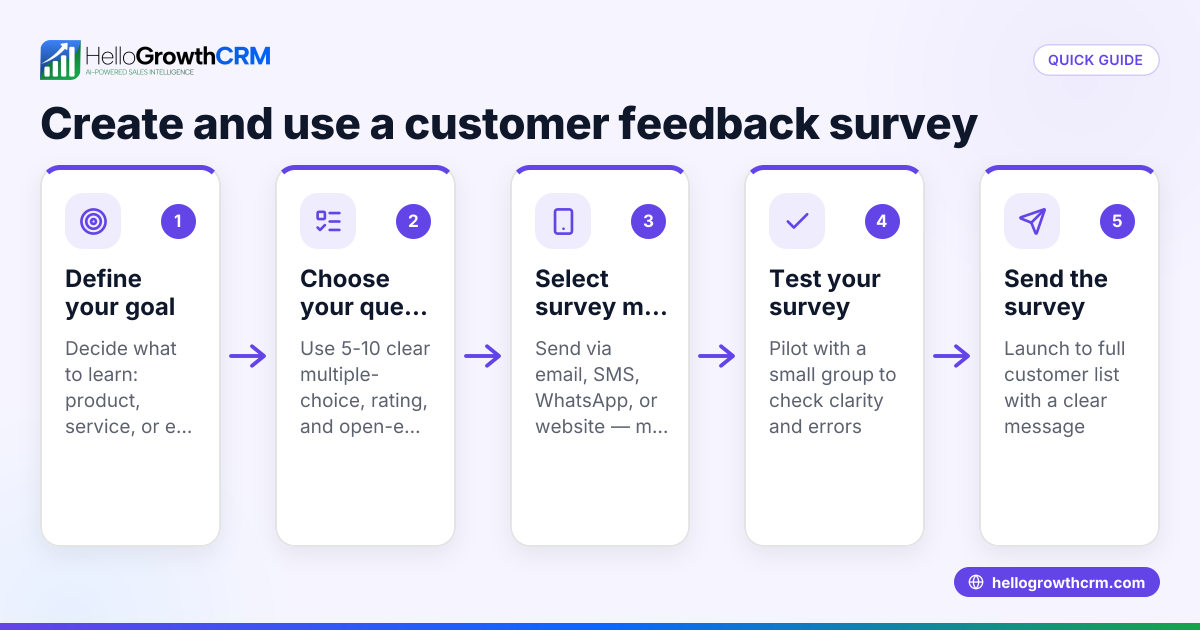
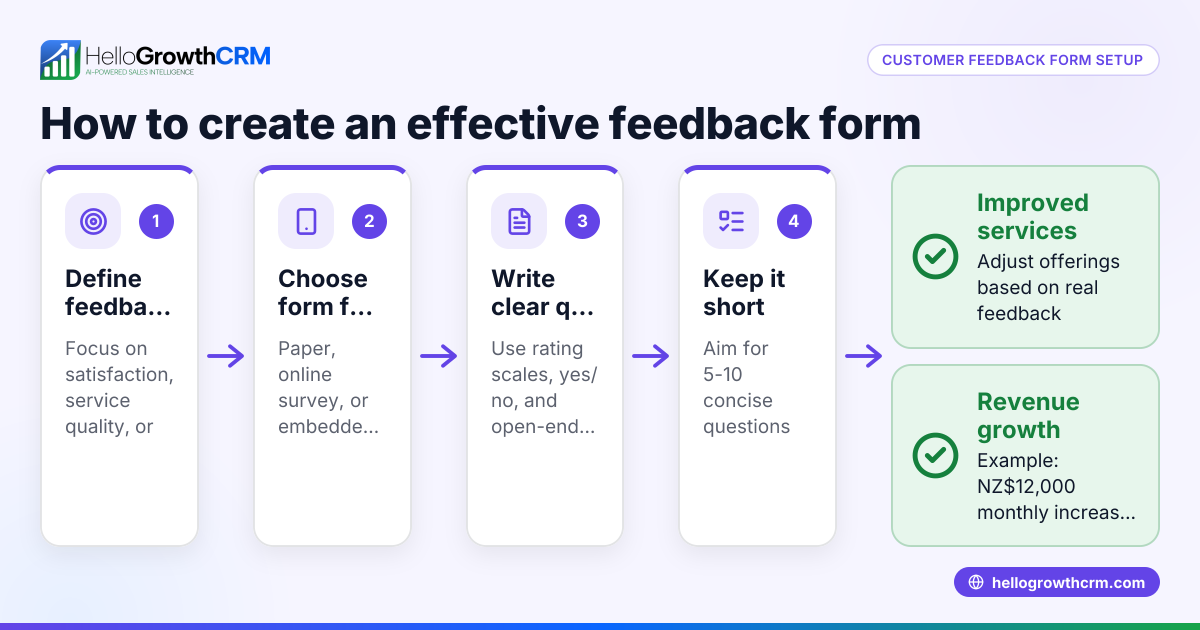
- Define your feedback goals: Decide what you want to learn—product satisfaction, service quality, or overall experience. Clear goals guide your questions.
- Choose the question types: Use a mix of multiple-choice, rating scales (e.g., 1 to 5), and open-ended questions. Keep it short—5 to 10 questions is ideal.
- Draft your questions: Write clear, simple questions. For example, "How satisfied are you with our service?" with a 1-5 scale.
- Select a tool to create the form: You can use Google Forms, Microsoft Forms, or survey software. Ensure it supports easy sharing and data export.
- Design the form layout: Make it visually clean and mobile-friendly. Group similar questions and use progress indicators if the form is long.
- Test the form: Send it to a few colleagues or friends to check for clarity and technical issues.
- Distribute the form: Share via email, social media, website links, or SMS. Personalize invitations to increase response rates.
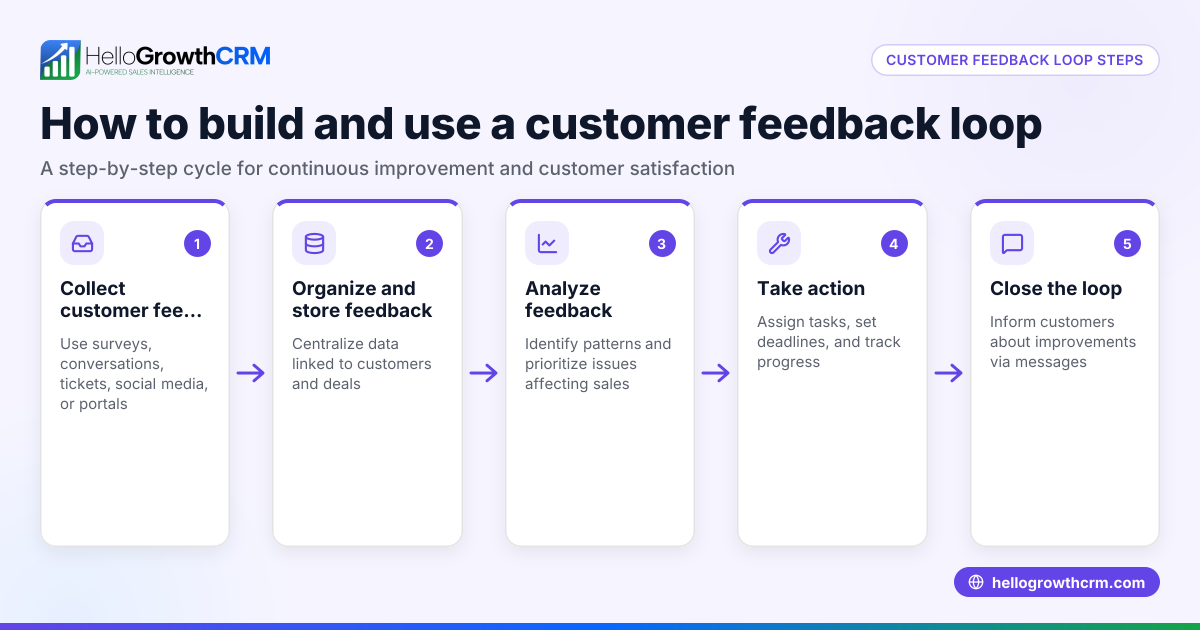
- Collect and analyze responses: Download the data in CSV or Excel format. Look for trends and actionable insights.
- Follow up with customers: Thank respondents and inform them about changes made based on their feedback.
- Integrate feedback with your CRM: Track feedback alongside customer records for better service and referrals.
Example (fictional figures)
Phoenix Home Realty, a residential real estate team in Phoenix, Arizona, wants to create a feedback form to improve client satisfaction.
- They define their goal: measure client satisfaction with the buying process.
- They draft 7 questions, including a 1-5 rating on overall experience.
- They use Google Forms to build the form.
- They test it with 3 colleagues.
- They email it to 100 recent clients.
- They receive 40 responses.
They analyze the 1-5 rating question:
Average rating = (Sum of all ratings) ÷ Number of responses
Assuming the sum of ratings is 160,
Average rating = 160 ÷ 40 = 4.0
This indicates good satisfaction but room for improvement.
Phoenix Home Realty plans to follow up with clients who rated 3 or below for detailed feedback.
Common mistakes
- Asking too many questions: Keep the form short to avoid drop-offs. Prevent by limiting to 10 questions max.
- Using unclear language: Avoid jargon or complex terms. Test questions with non-experts.
- Not testing the form: Always pilot the form to catch technical or wording issues.
- Ignoring mobile users: Ensure the form works well on phones and tablets.
- Failing to act on feedback: Show customers their input matters by making visible improvements.
- Separating feedback from CRM: Track feedback in your CRM to maintain customer context and improve follow-up. Learn more about managing customer data with HelloGrowthCRM's customer health score.
Doing this in HelloGrowthCRM
After collecting feedback, HelloGrowthCRM helps you manage customer interactions efficiently. Its Customer portal allows customers to submit service requests and feedback that stay linked to the same customer record as the deal. You can also track referrals, manage support tickets, and maintain a knowledge base to resolve common issues faster. This integrated approach keeps your team informed and responsive. Learn more about HelloGrowthCRM for the United States here.
Frequently asked questions
How do I create a customer intake form in the USA? A customer intake form collects initial client information. Follow similar steps: define what data you need, draft clear questions, choose a form tool, test, and distribute. Keep it focused on essential details like contact info and service needs.
What are the best tools to create customer feedback forms? Popular options include Google Forms, Microsoft Forms, SurveyMonkey, and Typeform. Choose one that fits your budget, ease of use, and integration needs. Some CRM systems also offer built-in feedback features.
How can I increase response rates for my feedback form? Personalize invitations, keep the form short, offer incentives, and send reminders. Make sure the form is mobile-friendly and easy to access.
Can I manage customer feedback within a CRM? Yes. HelloGrowthCRM supports managing customer feedback by linking service requests and tickets to the customer record, making follow-ups and referral tracking easier. See more about HelloGrowthCRM's WhatsApp and SMS CRM features.
Key takeaways
- Define clear goals before creating your feedback form.
- Keep questions simple, relevant, and under 10.
- Test the form thoroughly before sending.
- Distribute via multiple channels and personalize invites.
- Analyze responses to drive improvements.
- Use a CRM like HelloGrowthCRM to track feedback and customer interactions.
Start creating your customer feedback form today. To manage feedback and customer data efficiently, Start on the Free Forever plan (200 leads, no credit card).
Ready to put this into practice?
Set up your pipeline, WhatsApp follow-ups, and AI lead scoring in minutes — free, no credit card.
Try HelloGrowthCRM freeGet CRM tips in your inbox
Join thousands of sales professionals who get weekly insights on CRM strategy, AI automation, and pipeline optimization.

The HelloGrowthCRM team publishes guides on CRM strategy, AI sales tools, and revenue operations for small business sales teams.