HelloGrowthCRM software
Built for real small-business sales teams
HelloGrowthCRM helps reps qualify faster, follow up on time, and close more deals—with practical automation in one place.
- AI lead scoring and pipeline visibility
- Built-in dialer, WhatsApp, and email automation
- Sales forecasting and RevOps-ready reporting
To create a lead capture form for your New Zealand business, you need to decide what information to collect, choose a tool to build the form, and set it up so leads come to you in an organised way. This article explains why small businesses ask this, the exact steps to follow, a realistic example, common pitfalls, and how HelloGrowthCRM can help manage leads after capture.
Why this comes up / what goes wrong
Many small-business owners in New Zealand want a lead capture form to turn website visitors or enquiries into actual leads. Without a proper form, leads might come in by text, email, or phone but get lost in notebooks or spreadsheets. This causes slow follow-up and lost sales. Owners often don’t know which fields to include or how to organise the form, leading to incomplete or unusable lead data.
Step-by-step
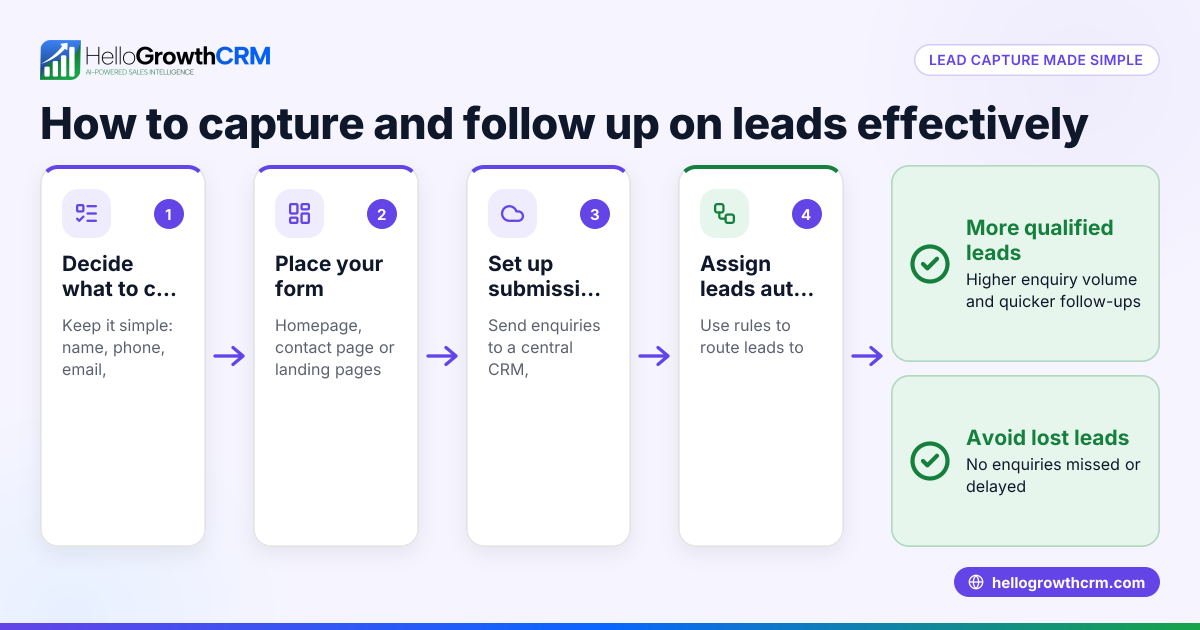
- Decide what information to collect
- Minimum fields: Name, phone number, email address.
- Additional fields: Company name, enquiry details, preferred contact time.
- Check that each field is clearly labelled and easy to understand.
- Choose a form-building tool
- Use your website platform’s form builder or a simple service like Google Forms or Typeform.
- Confirm the tool can embed the form on your website or link from social media.
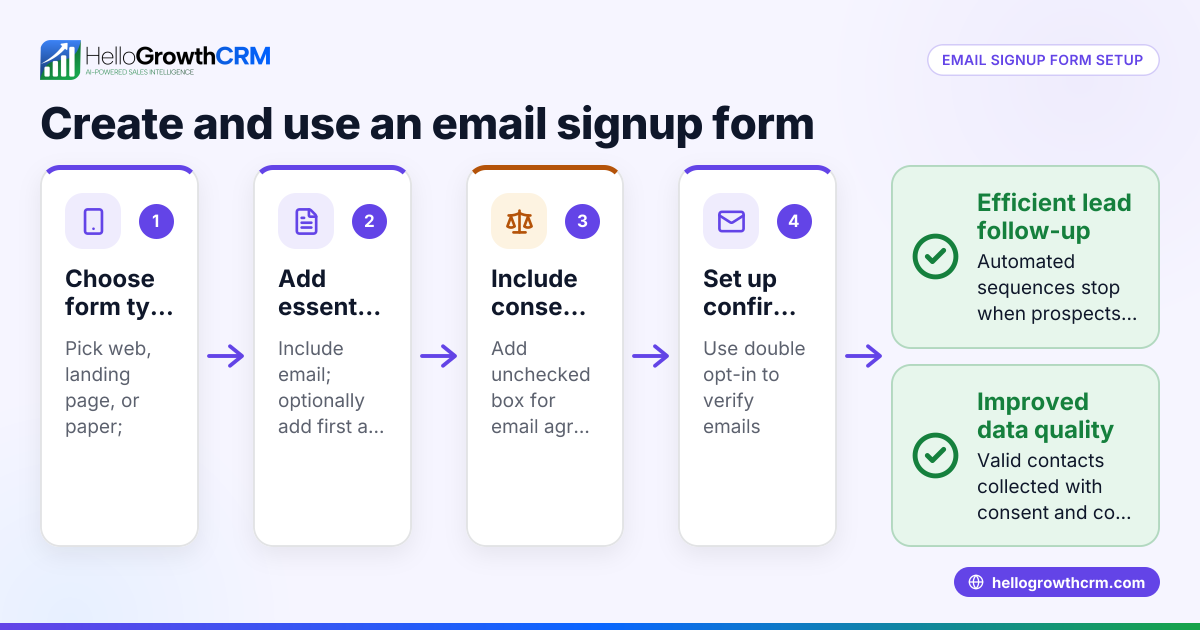
- Create the form fields
- Add the fields decided in step 1.
- Mark essential fields (like phone and email) as mandatory.
- Add a ‘Submit’ button with clear text like “Get a Quote” or “Contact Us”.
- Set up notifications or lead capture
- Configure the form to email enquiries to your sales team or save them to a spreadsheet.
- Better: integrate with a CRM to capture leads automatically and assign follow-up tasks.
- Test the form
- Submit test entries to check all fields work and notifications arrive.
- Fix any errors or unclear labels.
- Publish and promote the form
- Embed it on your website’s contact or landing pages.
- Share the link on social media, email signatures, or ads.
- Monitor and improve
- Track how many leads come through and if the data collected is useful.
- Adjust fields or instructions if leads are incomplete or low quality.
Example (fictional figures)
A Queenstown-based tourism operator, "Alpine Adventures", wants to capture leads for summer tours starting 01/11/2024. They create a form with these fields:
- Full Name (mandatory)
- Phone Number (mandatory)
- Email Address (mandatory)
- Number of Guests
- Preferred Tour Date
- Special Requests
They embed the form on their website and set it to notify the sales team by email.
In one month, Alpine Adventures gets 120 enquiries, with an average booking value of NZ$1,200 per guest. They estimate conversion of 25% from leads to bookings.
Calculations:
120 leads × 25% conversion = 30 bookings 30 bookings × NZ$1,200 per booking = NZ$36,000 revenue
This shows the lead capture form directly helps forecast sales and revenue.
Common mistakes
- Collecting too much information upfront: This can deter prospects. Prevent by limiting mandatory fields to essentials.
- Unclear field labels or instructions: Leads may enter wrong data. Prevent by using simple, direct labels.
- Not testing the form before launch: Errors can block leads. Prevent by submitting test entries.
- No follow-up process linked to the form: Leads get lost. Prevent by integrating with a CRM or setting clear manual follow-up steps.
- Ignoring mobile users: Forms not mobile-friendly lose leads. Prevent by choosing responsive form tools.
- Failing to comply with privacy laws: Collect only necessary data and inform users why you collect it. NEEDS EXPERT REVIEW
Doing this in HelloGrowthCRM
In HelloGrowthCRM, every enquiry from a form, call or WhatsApp lands as a lead with an owner and a next step, instead of in a notebook. The system’s AI lead scoring helps telecallers call the leads most likely to convert first. Workflows, lead routing and validation rules automate assigning new enquiries and creating first-call tasks. Learn more about AI lead scoring and the WhatsApp and SMS CRM features that support lead capture and follow-up.
Frequently asked questions
What fields should I include in my lead capture form? Include essential contact details: full name, phone number, email address. Additional fields can be enquiry details or preferences, but keep mandatory fields minimal to avoid discouraging submissions.
How do I make sure my lead capture form complies with New Zealand privacy laws? Collect only necessary information and explain why you collect it. Provide a link to your privacy policy. Avoid storing sensitive data unless required. NEEDS EXPERT REVIEW
Can I integrate my lead capture form with HelloGrowthCRM? Yes, HelloGrowthCRM captures every enquiry from forms, calls, or WhatsApp messages as leads automatically, helping you organise and follow up efficiently.
How do I test if my lead capture form works properly? Submit test entries yourself or ask a colleague to do so. Check that all fields capture data correctly and notifications or CRM entries are created without errors.
Should my lead capture form be mobile-friendly? Yes, many users access websites on mobile devices. Use form builders that create responsive forms to ensure ease of use on phones and tablets.
Key takeaways
- Start with essential fields: name, phone, email.
- Use a simple, tested form builder that supports embedding and notifications.
- Make mandatory fields clear but limited to avoid losing leads.
- Test your form thoroughly before publishing.
- Integrate lead capture with a CRM to organise leads and automate follow-up.
- Monitor lead quality and adjust your form as needed.
Creating a lead capture form is the first step to turning enquiries into customers. To manage and prioritise those leads efficiently, consider using HelloGrowthCRM. Start on the Free Forever plan (200 leads, no credit card) today to organise your leads and follow-up tasks without extra cost.
Ready to put this into practice?
Set up your pipeline, WhatsApp follow-ups, and AI lead scoring in minutes — free, no credit card.
Try HelloGrowthCRM freeGet CRM tips in your inbox
Join thousands of sales professionals who get weekly insights on CRM strategy, AI automation, and pipeline optimization.

The HelloGrowthCRM team publishes guides on CRM strategy, AI sales tools, and revenue operations for small business sales teams.