HelloGrowthCRM software
Built for real small-business sales teams
HelloGrowthCRM helps reps qualify faster, follow up on time, and close more deals—with practical automation in one place.
- AI lead scoring and pipeline visibility
- Built-in dialer, WhatsApp, and email automation
- Sales forecasting and RevOps-ready reporting
To create a lead capture form for your UK business, follow these clear steps: decide on the essential fields, design the form for clarity, comply with data protection rules, and connect the form to your lead management system. This article explains why creating an effective lead capture form is important, the step-by-step process, a worked example with realistic figures, common pitfalls to avoid, and how HelloGrowthCRM supports lead capture and follow-up.
Why this comes up / what goes wrong
Many small and mid-sized UK businesses lose potential customers because their lead capture is slow, incomplete, or disorganised. Often, enquiries come in via WhatsApp, email or spreadsheets, making it hard to track and respond promptly. Without a proper form, you might miss key customer details or fail to follow up quickly. This leads to lost sales and wasted marketing spend. A well-built lead capture form collects the right data clearly and funnels leads into your sales pipeline efficiently.
Step-by-step
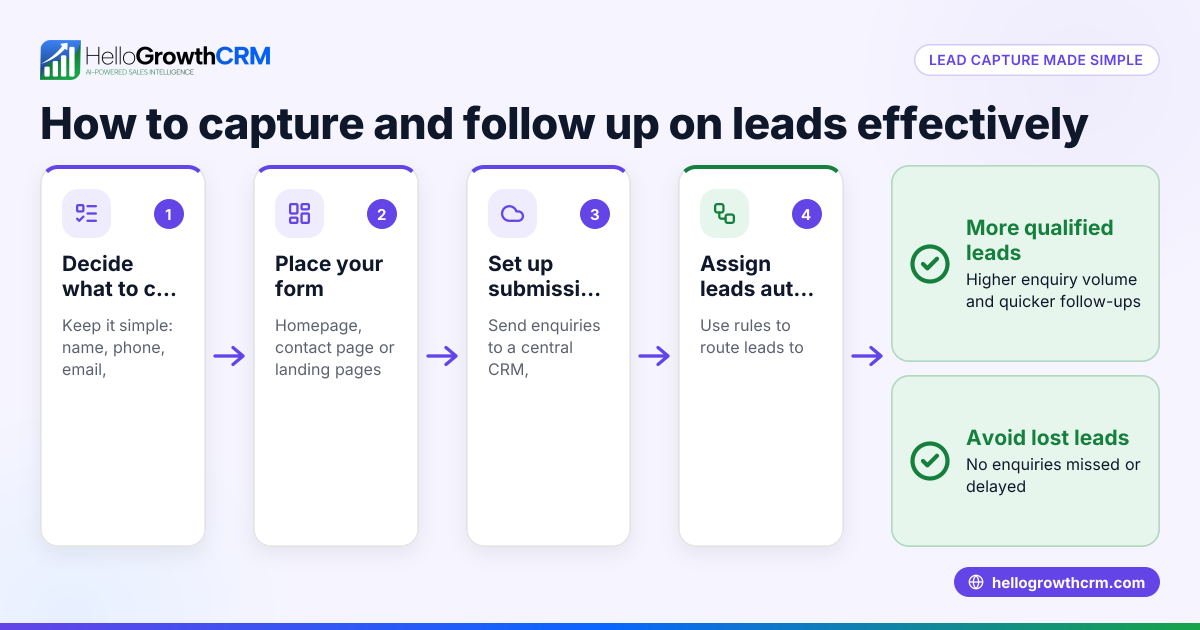
- Choose the purpose of your form: Decide whether you want enquiries, quotes, newsletter sign-ups, or bookings. This guides the fields you include.
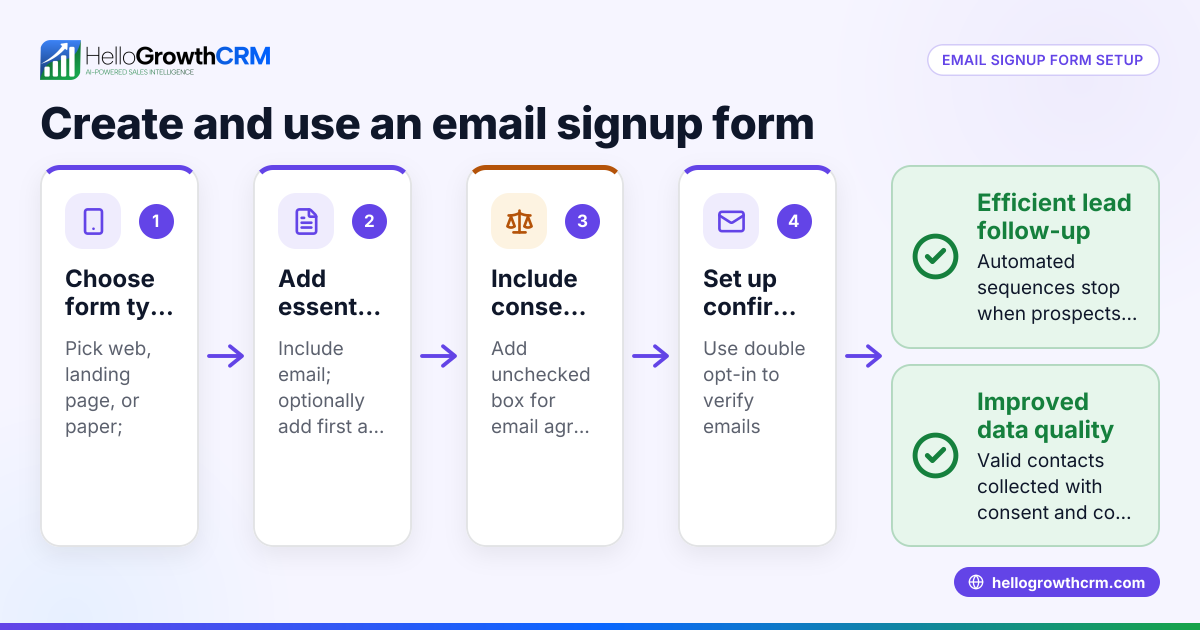
- Select the fields to include: Typically, name, email address, phone number, and enquiry details are essential. Avoid too many fields that might deter users. For example:
- Full name (required)
- Email address (required)
- Phone number (optional but recommended)
- Enquiry message or dropdown for type of service
- Add a clear call to action (CTA): Use a button labelled with action words like “Get a quote”, “Contact us”, or “Send enquiry”.
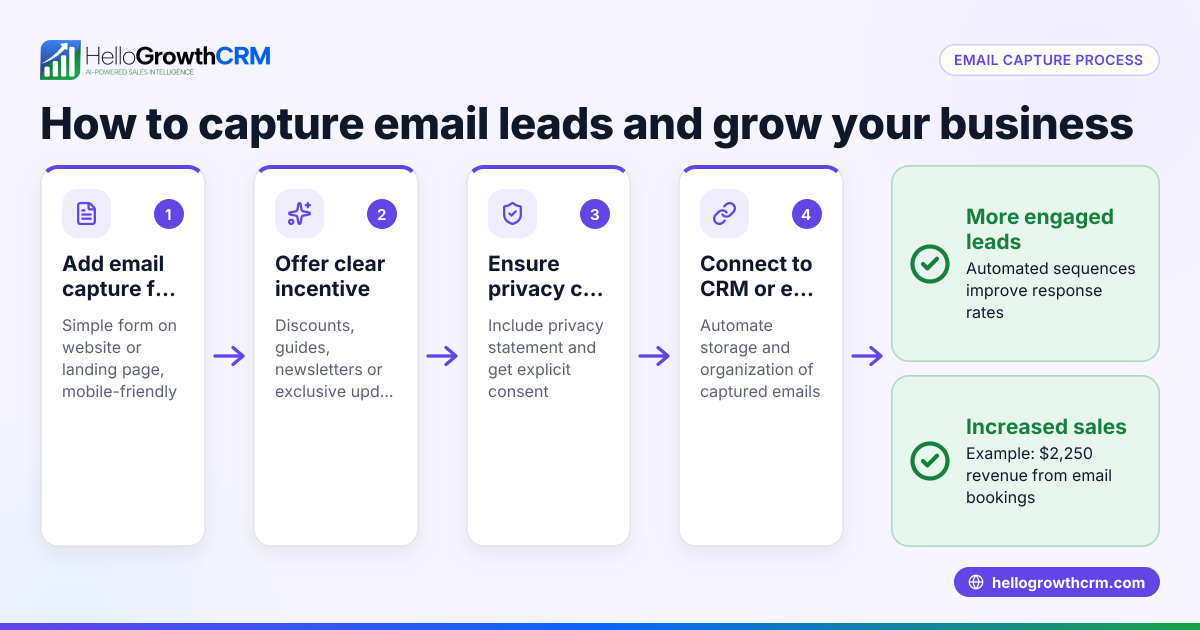
- Include a privacy notice: Add a short statement about how you will use the data and link to your privacy policy to comply with UK data protection laws (GDPR). Example: “We respect your privacy. Your details will only be used to respond to your enquiry.”
- Design the form layout: Make it simple and mobile-friendly. Use one column, clear labels, and visible required fields.
- Test the form: Submit test enquiries to check all fields work and data is received correctly.
- Integrate the form with your CRM or email system: Ensure enquiries land in your lead management system automatically to avoid lost leads.
- Publish the form on your website or landing page: Place it where visitors can easily find it, such as your homepage or contact page.
- Monitor and improve: Regularly check submission rates and update fields or wording to improve conversions.
For more on managing leads after capture, see AI lead scoring and WhatsApp and SMS CRM.
Example (fictional figures)
A Manchester letting agency launches a lead capture form on 01/06/2024 to collect enquiries for rental properties.
Fields chosen:
- Full name (required)
- Email (required)
- Phone number (optional)
- Property type (dropdown)
- Message (optional)
They expect 100 enquiries monthly, with an average rental value of £1,200 per month.
Calculation of potential monthly rental income from enquiries:
100 enquiries × 30% conversion rate = 30 new tenants
30 new tenants × £1,200 rent = £36,000 monthly income
£36,000 × 12 months = £432,000 annual rental income
The agency budgets £500 for the form setup and integrates it with HelloGrowthCRM to track and prioritise leads.
Common mistakes
- Too many fields: Asking for excessive information reduces form completion rates. Keep it minimal to essential data.
- Unclear CTA: Vague buttons like “Submit” don’t encourage action. Use specific phrases like “Get a quote”.
- No privacy notice: This can deter users and breach data laws. Always include a concise privacy statement.
- Poor mobile design: Many users visit on phones. Ensure the form displays well on small screens.
- Not testing the form: Errors in submission or missing data can lose leads. Always test before going live.
- Leads lost in notebooks or spreadsheets: Without CRM integration, follow-up is slower. Use systems like HelloGrowthCRM to automate lead capture and assignment.
Doing this in HelloGrowthCRM
HelloGrowthCRM captures every enquiry from your form, call or WhatsApp as a lead with an owner and next step, so no lead is lost in a notebook. Its AI lead scoring helps telecallers prioritise calls to leads most likely to convert. Automated workflows and lead routing can assign new enquiries round-robin and create first-call tasks automatically, streamlining your sales process.
Frequently asked questions
What fields should I include in a lead capture form? Include essential contact details like full name, email, and phone number, plus a message or enquiry type. Keep it simple to encourage completion.
How do I ensure my lead capture form complies with UK data protection laws? Add a clear privacy notice explaining how you use the data and link to your full privacy policy. Only collect data you need and keep it secure.
Can I integrate my lead capture form with a CRM? Yes, integrating with a CRM like HelloGrowthCRM ensures leads go directly into your sales pipeline for prompt follow-up.
How do I test if my lead capture form works? Submit test enquiries yourself and check if you receive the data correctly. Test on desktop and mobile devices.
What is the best place to put a lead capture form on my website? Place it on high-traffic pages like your homepage, contact page, or dedicated landing pages where visitors expect to enquire.
Key takeaways
- Decide the purpose and essential fields before building your form.
- Use a clear call to action and include a privacy notice.
- Design for simplicity and mobile use.
- Test thoroughly before publishing.
- Integrate with CRM for automatic lead capture and follow-up.
- Avoid common mistakes like too many fields and poor CTA wording.
Creating a lead capture form is a straightforward way to convert website visitors into customers. To manage your leads efficiently, try HelloGrowthCRM and start on the Free Forever plan (200 leads, no credit card) at Start on the Free Forever plan (200 leads, no credit card).
Ready to put this into practice?
Set up your pipeline, WhatsApp follow-ups, and AI lead scoring in minutes — free, no credit card.
Try HelloGrowthCRM freeGet CRM tips in your inbox
Join thousands of sales professionals who get weekly insights on CRM strategy, AI automation, and pipeline optimization.

The HelloGrowthCRM team publishes guides on CRM strategy, AI sales tools, and revenue operations for small business sales teams.