HelloGrowthCRM software
Built for real small-business sales teams
HelloGrowthCRM helps reps qualify faster, follow up on time, and close more deals—with practical automation in one place.
- AI lead scoring and pipeline visibility
- Built-in dialer, WhatsApp, and email automation
- Sales forecasting and RevOps-ready reporting
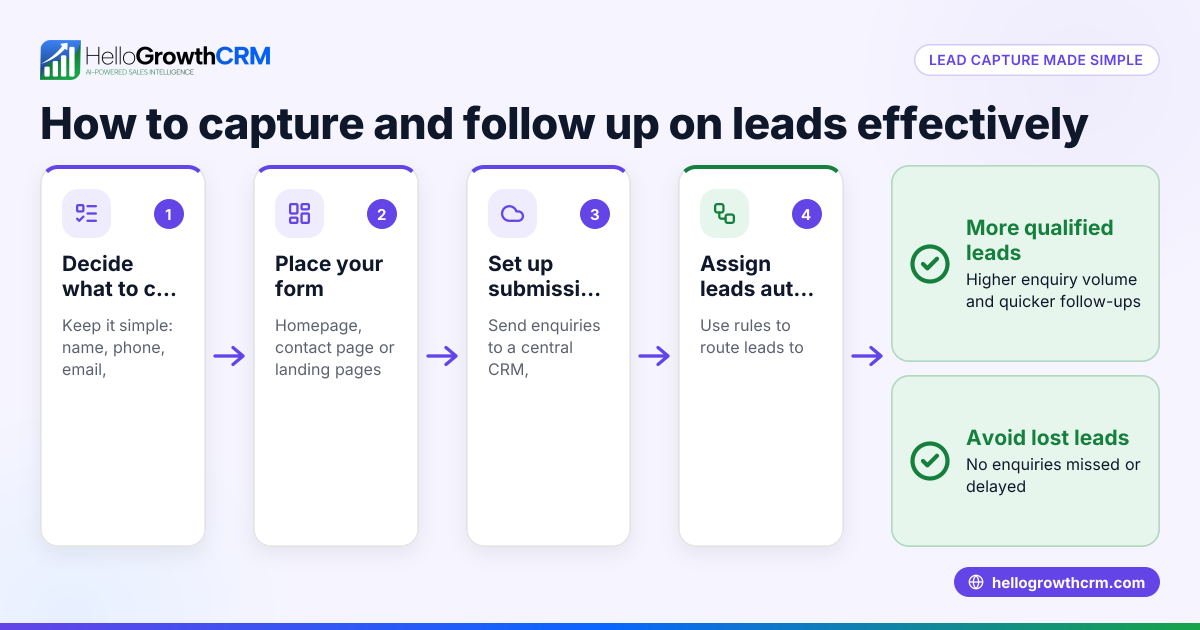
To create a lead capture form in the USA, start by deciding what customer information you need, then build a simple online form with fields like name, email, and phone number. Make sure the form is easy to find on your website and test it before going live. This article covers why lead capture forms matter, step-by-step instructions, a practical example, common mistakes, and how HelloGrowthCRM can help manage your leads.
Why this comes up / what goes wrong
Small business owners often want to capture leads effectively but struggle with slow or disorganized follow-up. Many run sales on text messages, email, or spreadsheets, which leads to lost or forgotten inquiries. Creating a lead capture form helps collect customer information consistently and automatically, so no potential lead slips through the cracks. Without a clear form, businesses may miss key details or fail to respond promptly, costing sales opportunities.
Step-by-step
- Identify essential fields: Decide which information you need from leads. Common fields include full name, email address, phone number, and a message or inquiry description. Keep it short to encourage completion.
- Choose a form builder: Use an online form tool or your website platform's built-in form feature. Ensure it supports mobile-friendly design.
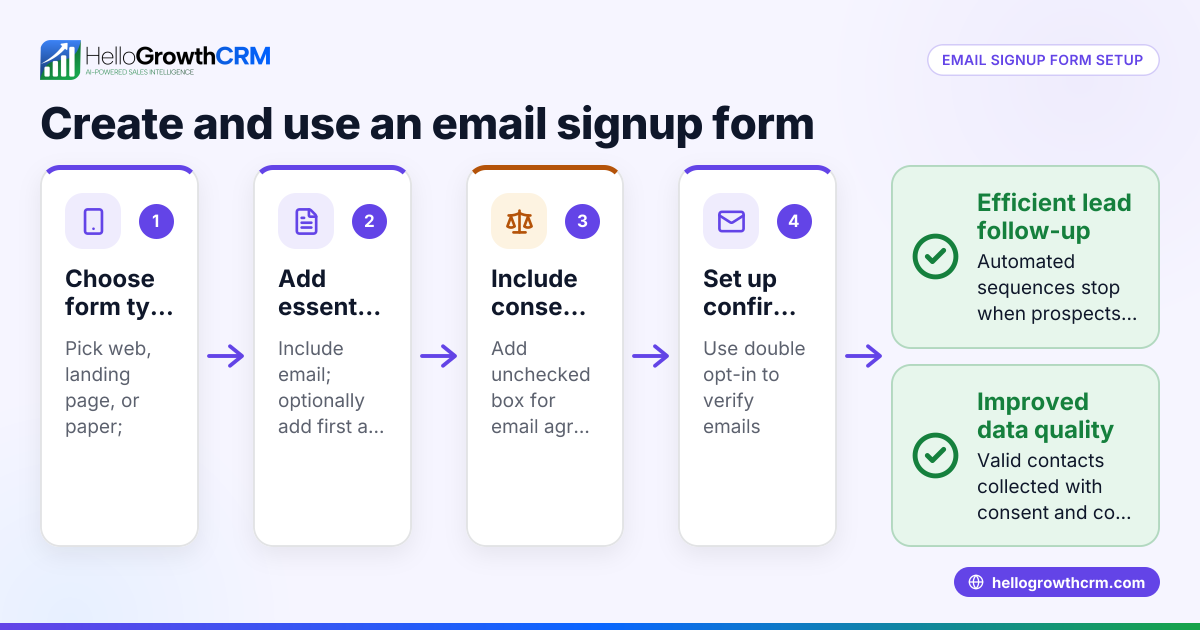
- Create the form: Add the chosen fields, label them clearly, and set required fields to avoid incomplete submissions.
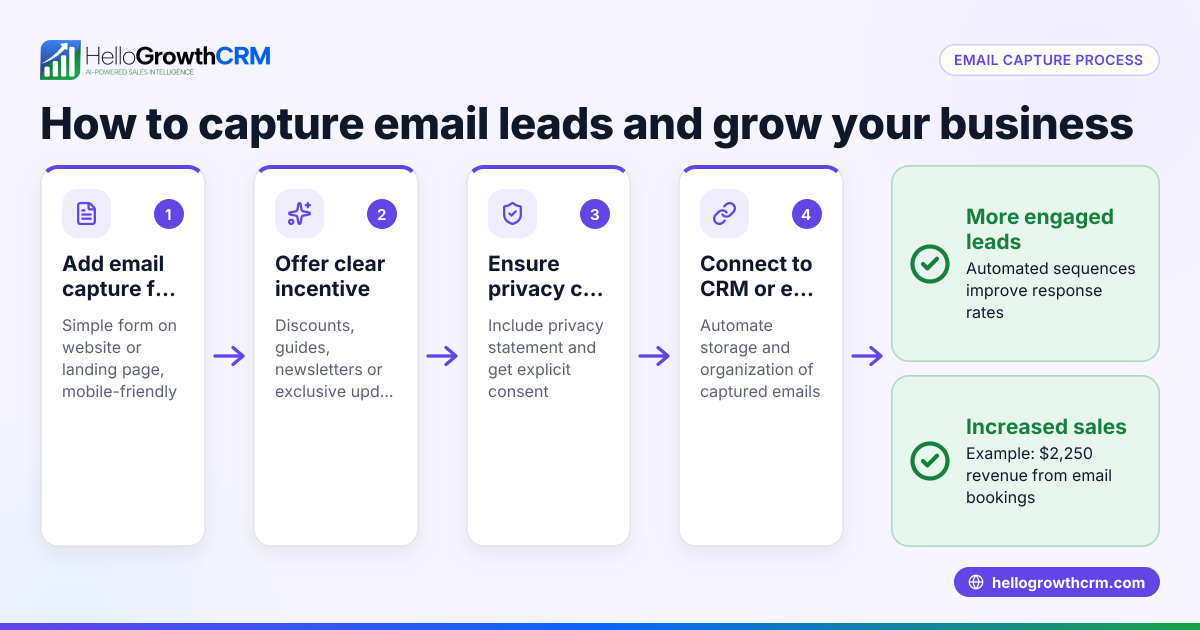
- Add privacy notice: Include a brief statement about how you will use the data and a link to your privacy policy to build trust.
- Set up notifications: Configure the form to send you an email or notification whenever a new lead submits the form.
- Embed the form on your website: Place the form on a visible page like your homepage, contact page, or a dedicated landing page.
- Test the form: Submit test entries to check that data is collected correctly and notifications arrive.
- Integrate with your CRM or lead management system: If you use HelloGrowthCRM or another CRM, connect the form to capture leads automatically for faster follow-up. See HelloGrowthCRM for the United States for integration options.
- Promote the form: Share the link on social media, email signatures, and marketing materials to drive traffic.
- Monitor and optimize: Regularly review form submissions and update fields or placement to improve conversion.
Example (fictional figures)
A two-location dental practice in Columbus, Ohio wants to capture new patient inquiries via a lead capture form on their website.
- They choose these fields: Full Name, Email, Phone Number, Preferred Location, and Message.
- They embed the form on their homepage.
- They set up email notifications to the office manager.
On 04/15/2024, the form receives 25 submissions.
- 20 include phone numbers and emails.
- 5 are incomplete but still captured.
Assuming a $100 average new patient visit value and a 20% conversion rate from leads:
25 leads × 20% conversion = 5 new patients 5 new patients × $100 = $500 revenue
This simple form helps the dental practice estimate potential revenue and prioritize follow-up.
Common mistakes
- Asking for too much information: Too many fields discourage completion. Keep it minimal to increase submissions.
- No clear call to action: Make it obvious what the visitor should do, e.g., "Schedule your free consultation today."
- Poor form placement: Hiding the form deep in menus or requiring many clicks reduces leads. Place it prominently.
- Ignoring mobile users: Forms must be mobile-friendly since many users visit websites on phones.
- No follow-up plan: Collecting leads without a process to contact them quickly wastes opportunities. Use tools like AI lead scoring to prioritize calls.
- Not testing the form: Broken forms or missing notifications cause lost leads. Always test before launch.
Doing this in HelloGrowthCRM
HelloGrowthCRM captures every enquiry from your forms, calls, or WhatsApp messages as leads with an assigned owner and a next step, so no lead gets lost in notebooks or spreadsheets. Its AI lead scoring helps your telecallers focus on leads most likely to convert first. Automated workflows and lead routing assign enquiries by territory or round-robin and create first-call tasks automatically, speeding up your sales process. Learn more about these features at HelloGrowthCRM for the United States.
Frequently asked questions
What fields should I include in a lead capture form? Include essential contact details like full name, email, and phone number. Add a message field if you want specific inquiries. Keep it simple to encourage completion.
How do I make sure leads from the form don’t get lost? Set up notifications to alert you or your sales team immediately. Integrate the form with a CRM like HelloGrowthCRM to automatically organize and assign leads with follow-up tasks.
Can I use WhatsApp or SMS to follow up on leads? Yes, using a CRM that supports WhatsApp and SMS sequences helps you follow up quickly and personally. HelloGrowthCRM offers these capabilities to streamline communication. See WhatsApp and SMS CRM.
How often should I review and update my lead capture form? Review your form performance monthly. Update fields or placement based on feedback and conversion rates to improve results.
Is it necessary to have a privacy policy linked on the form? Yes, including a privacy notice builds trust and complies with data protection best practices, even if not legally required everywhere.
Key takeaways
- Keep lead capture forms simple with essential fields to increase completion rates.
- Place forms prominently on your website and ensure they are mobile-friendly.
- Test forms thoroughly to avoid losing leads due to errors.
- Use notifications and CRM integration to organize and follow up on leads quickly.
- Avoid common mistakes like asking for too much info or poor form placement.
- HelloGrowthCRM can automate lead capture, scoring, routing, and follow-up tasks.
Start capturing and managing leads more effectively today with a clear, tested form and the right tools.
Try HelloGrowthCRM for free and start organizing your leads with AI lead scoring and automated workflows. Start on the Free Forever plan (200 leads, no credit card).
Ready to put this into practice?
Set up your pipeline, WhatsApp follow-ups, and AI lead scoring in minutes — free, no credit card.
Try HelloGrowthCRM freeGet CRM tips in your inbox
Join thousands of sales professionals who get weekly insights on CRM strategy, AI automation, and pipeline optimization.

The HelloGrowthCRM team publishes guides on CRM strategy, AI sales tools, and revenue operations for small business sales teams.