HelloGrowthCRM software
Built for real small-business sales teams
HelloGrowthCRM helps reps qualify faster, follow up on time, and close more deals—with practical automation in one place.
- AI lead scoring and pipeline visibility
- Built-in dialer, WhatsApp, and email automation
- Sales forecasting and RevOps-ready reporting
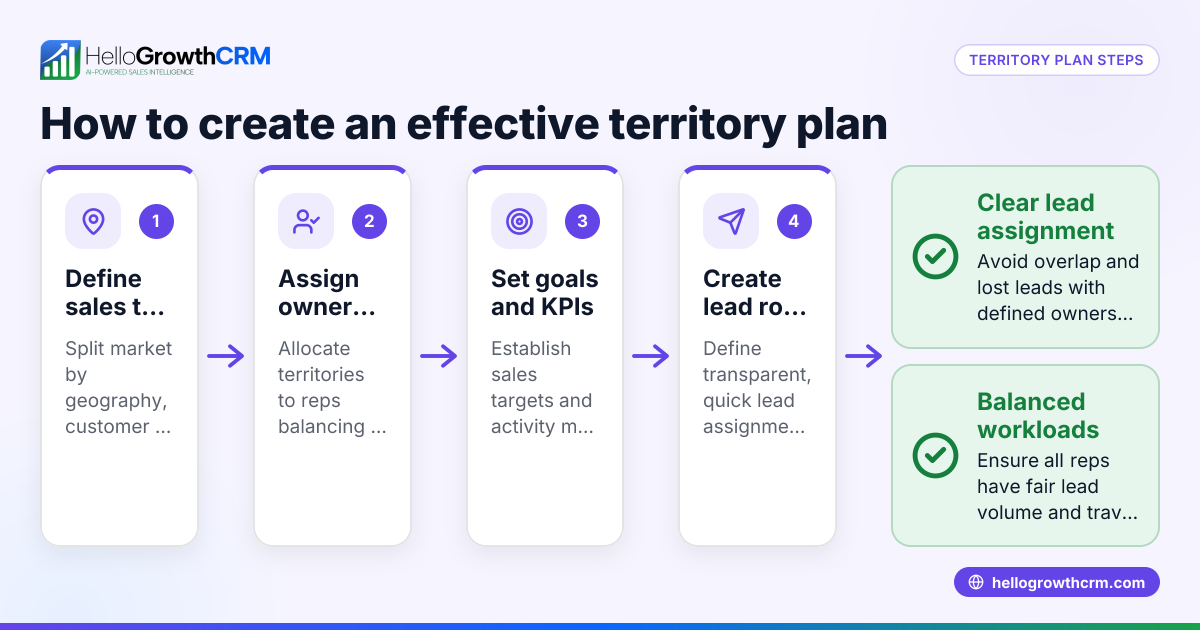
To create a sales territory plan, define territories by geography or customer segments, analyze sales potential and customers, assign territories to sales reps balancing workload, set sales goals, and schedule regular visits and follow-ups. This article covers why territory plans matter, detailed steps, a worked example without assumed percentages, common mistakes, and how HelloGrowthCRM supports territory and deal management.
Why this comes up / what goes wrong
Small-business owners often face lost leads and uneven sales coverage when territories are unclear or overlap. Without a clear sales territory plan, sales reps may duplicate efforts or neglect some areas, causing missed revenue and unbalanced workloads. Organizing sales efforts by territory improves coverage, accountability, and workload balance.
Step-by-step
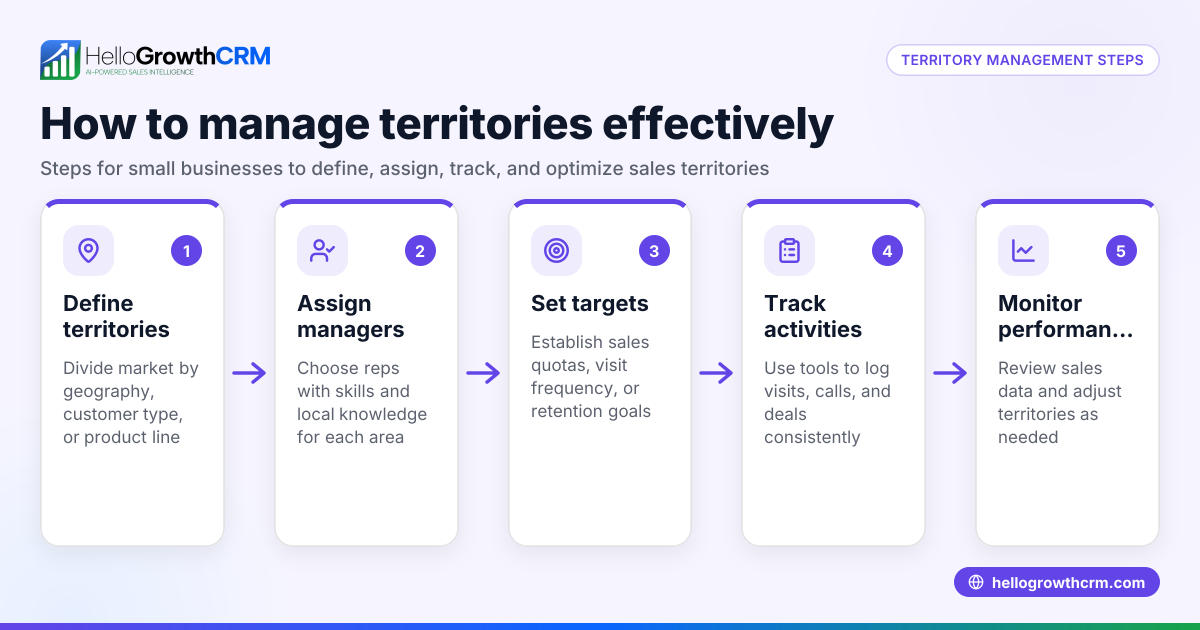
- Define Your Territory Boundaries Decide how to divide territories: by geography (states, cities, zip codes), customer industry, company size, or product type. Use your existing customer and sales data to guide this.
- Analyze Sales Potential and Current Customers Collect data on current customers, leads, and market size in each territory. Note sales volume, number of prospects, and competitor presence.
- Assign Territories to Sales Reps Allocate territories based on reps’ location, expertise, and capacity. Strive to balance workload and sales potential across reps.
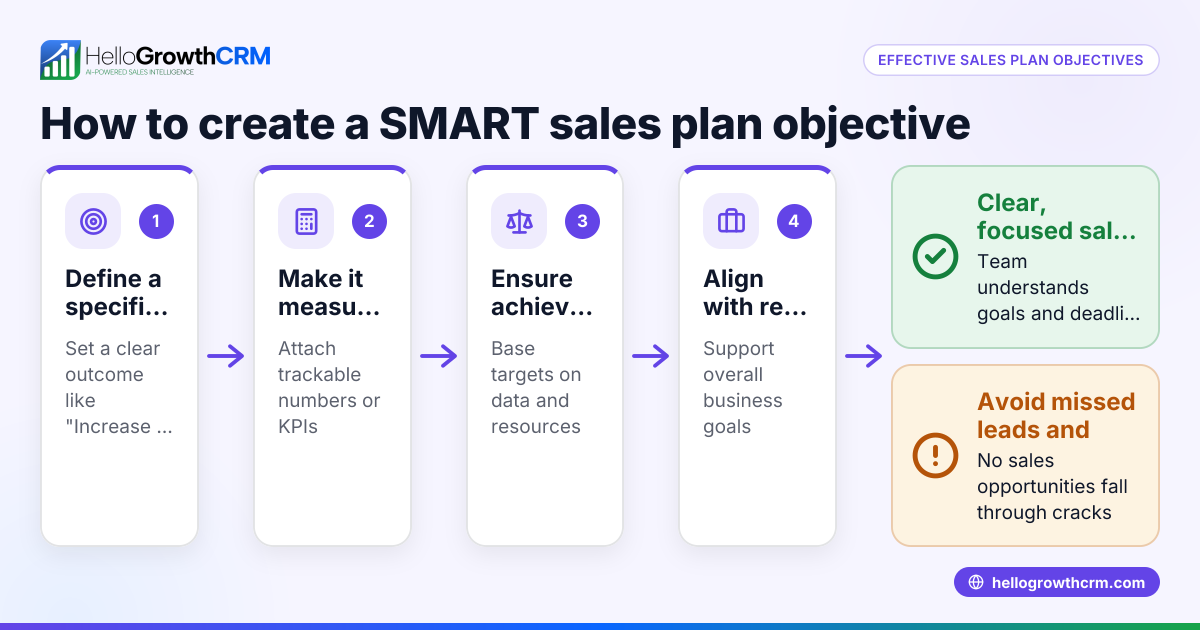
- Set Sales Goals and Quotas for Each Territory Establish revenue targets and activity goals (calls, visits) for each territory using your sales data.
- Create a Visit and Follow-Up Schedule Organize regular customer visits and follow-ups. Use route planning to reduce travel time and maximize client contact.
- Track Sales Activity and Results Monitor deals in progress, follow-up dates, and sales performance for each territory. Adjust plans as needed.
- Communicate the Plan Clearly Share territory maps, goals, and expectations with your sales team. Ensure everyone understands their responsibilities.
- Review and Adjust Territories Periodically Markets and customers change. Review territory performance and reassign as necessary quarterly or when needed.
For tools that help manage this process, see territory management.
Example (fictional figures)
A B2B software reseller in Denver, Colorado, plans sales territories for four sales reps covering the state.
- Total Colorado market potential is estimated at $8,000,000 annually.
- Current customers generate $4,000,000 unevenly across the state.
Step 1: Divide Colorado into four territories: Denver Metro, Northern Colorado, Southern Colorado, Western Slope.
Step 2: Analyze sales potential:
- Denver Metro: $3,000,000
- Northern Colorado: $1,500,000
- Southern Colorado: $2,000,000
- Western Slope: $1,500,000
Step 3: Assign reps:
- Rep A (Denver-based): Denver Metro
- Rep B: Northern Colorado
- Rep C: Southern Colorado
- Rep D: Western Slope
Step 4: Set sales goals based on estimated potential (example figures):
- Rep A: $2,700,000 (estimated target)
- Rep B: $1,350,000 (estimated target)
- Rep C: $1,800,000 (estimated target)
- Rep D: $1,350,000 (estimated target)
Step 5: Plan visits:
- Each rep to visit 10 key clients and 20 new prospects monthly.
Step 6: Track deals weekly and follow-up dates.
Step 7: Review the plan quarterly to adjust goals and territories.
This example shows balanced workload and clear targets without using assumed percentage calculations.
Common mistakes
- Ignoring data when defining territories: Prevent by analyzing customer and market data before setting boundaries.
- Unequal workload among reps: Prevent by balancing sales potential and rep capacity.
- Lack of clear sales goals: Prevent by setting measurable targets for each territory.
- No follow-up schedule: Prevent by planning regular visits and tracking follow-ups.
- Failing to review territories regularly: Prevent by scheduling quarterly reviews.
- Poor communication of the plan: Prevent by sharing maps, goals, and expectations clearly.
Use territory management tools to avoid these mistakes.
Doing this in HelloGrowthCRM
HelloGrowthCRM offers tools for defining territories and ownership, logging field visits from mobile devices, and viewing daily sales rep activity. Its Deals pipeline tracks opportunities from first contact to close, showing follow-up dates so quotations are not forgotten. For founders without sales managers, Managed RevOps provides weekly follow-up support to keep pipelines clean and moving. See more about territories, field operations and commissions, deals pipeline, and Managed RevOps.
Frequently asked questions
How often should I update my sales territory plan? Review and adjust your sales territory plan at least quarterly to reflect market changes, new leads, and sales performance. This ensures balanced assignments and realistic goals.
What criteria should I use to assign territories to sales reps? Assign territories based on geography, rep location, expertise, workload capacity, and customer relationships. Balancing sales potential and rep skills improves results.
Can sales territories be based on factors other than geography? Yes. Territories can be defined by customer industry, company size, product line, or sales channel. Choose what best fits your business.
How do I balance workload if some territories have higher sales potential? Adjust quotas to reflect sales potential and provide extra support to reps with larger territories. Alternatively, split large territories.
What tools can help me manage sales territories effectively? CRM systems with territory management features, like HelloGrowthCRM, help assign territories, track visits, and manage deals efficiently.
Key takeaways
- Define territories using customer and geographic data.
- Assign reps based on capacity, location, and expertise.
- Set clear sales goals and visit schedules.
- Track progress and follow-ups regularly.
- Review and adjust territories quarterly.
- Use CRM tools with territory and deal management features.
Start organizing your sales territories and pipeline today. Start on the Free Forever plan (200 leads, no credit card).
Ready to put this into practice?
Set up your pipeline, WhatsApp follow-ups, and AI lead scoring in minutes — free, no credit card.
Try HelloGrowthCRM freeGet CRM tips in your inbox
Join thousands of sales professionals who get weekly insights on CRM strategy, AI automation, and pipeline optimization.

The HelloGrowthCRM team publishes guides on CRM strategy, AI sales tools, and revenue operations for small business sales teams.