HelloGrowthCRM software
Built for real small-business sales teams
HelloGrowthCRM helps reps qualify faster, follow up on time, and close more deals—with practical automation in one place.
- AI lead scoring and pipeline visibility
- Built-in dialer, WhatsApp, and email automation
- Sales forecasting and RevOps-ready reporting
To make a prospect list in sales, begin by clearly defining your target customer profile, then collect contact details from trustworthy sources such as industry directories, social media, or referrals. Organize these contacts into a structured list with essential fields like name, company, contact info, and notes. This article explains why prospect lists are crucial, walks you through the exact steps to create one, provides a detailed example with realistic figures, highlights common mistakes, and shows how HelloGrowthCRM can streamline the process.
Why this comes up / what goes wrong
Small-business owners often struggle with slow or ineffective sales follow-up because they don’t have a clear, organized list of prospects. Without a prospect list, sales efforts become scattered, leads are lost, and opportunities are missed. Many owners rely on scattered spreadsheets, text messages, or emails, which lack structure and make it difficult to track progress or prioritize leads. Creating a well-structured prospect list helps focus sales efforts, prioritize high-potential leads, and avoid forgetting or duplicating contacts.
Step-by-step
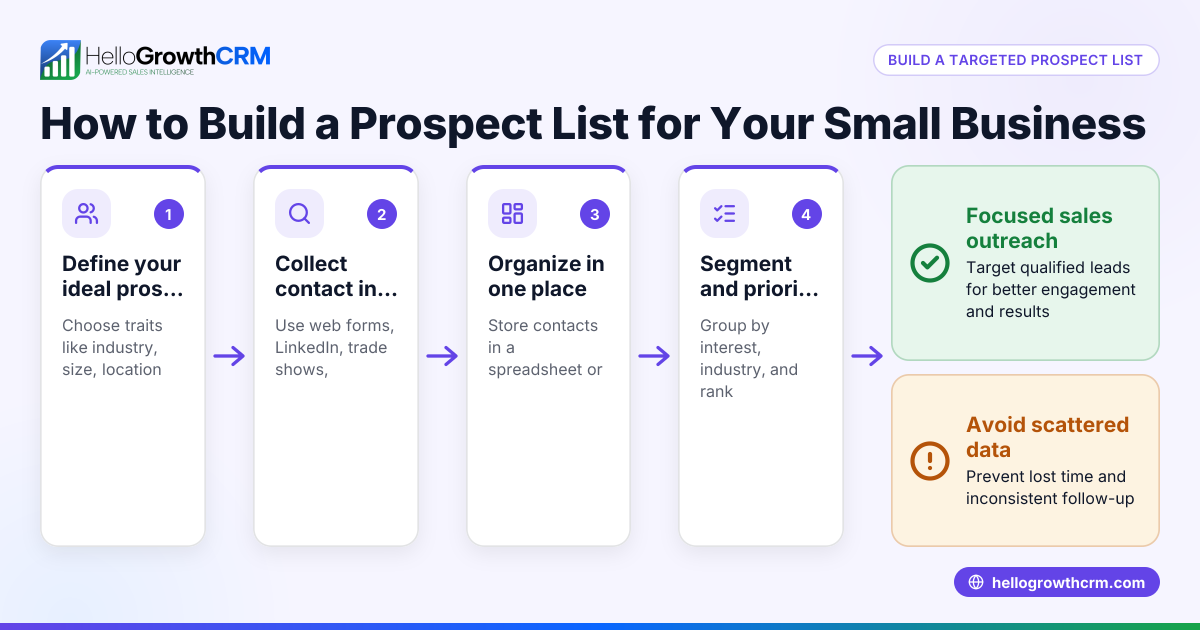
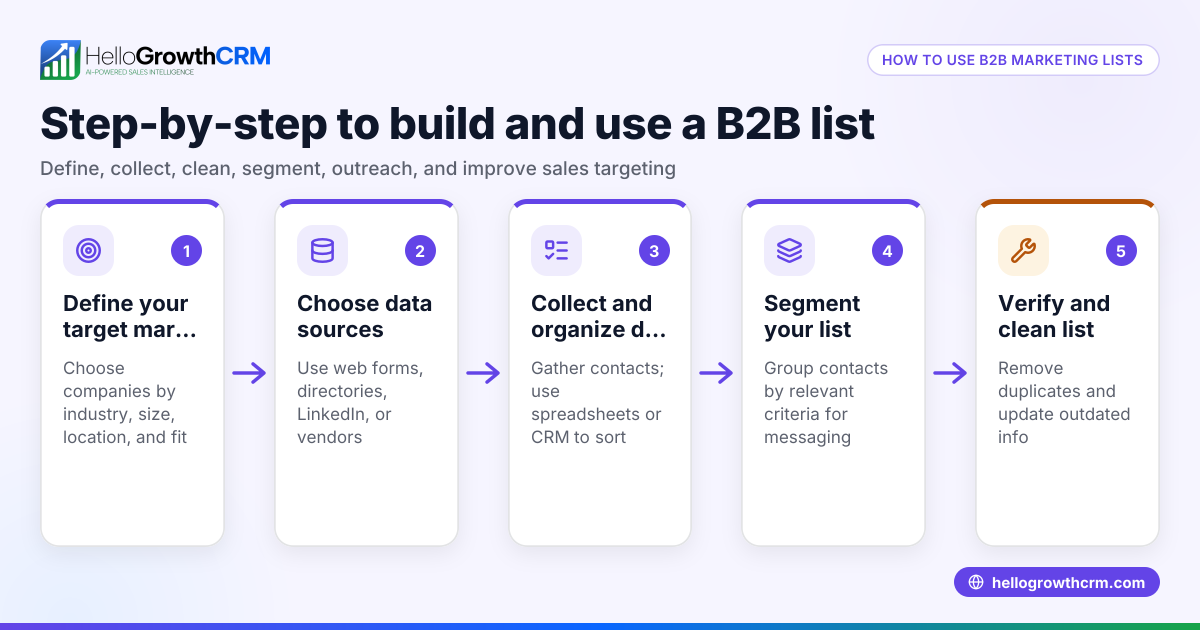
- Define your ideal customer profile (ICP)
- Determine the characteristics of customers most likely to buy your product or service (e.g., industry, company size, location, role).
- Check that your ICP aligns with your sales goals and product capabilities.
- Identify sources for prospect data
- Use industry directories, LinkedIn, trade shows, referrals, or web form leads.
- Verify the credibility and freshness of the data source to avoid outdated contacts.
- Collect essential contact information
- For each prospect, gather: full name, company name, job title, phone number, email address, and location.
- Add notes on how you found the prospect or any relevant details.
- Organize the data into a list
- Use a spreadsheet or a CRM system.
- Include columns for each data field and a status column (e.g., new, contacted, follow-up).
- Check for duplicate entries and remove them.
- Prioritize prospects
- Score or rank prospects based on fit with your ICP or interest level.
- Mark high-priority prospects for immediate follow-up.
- Plan follow-up actions
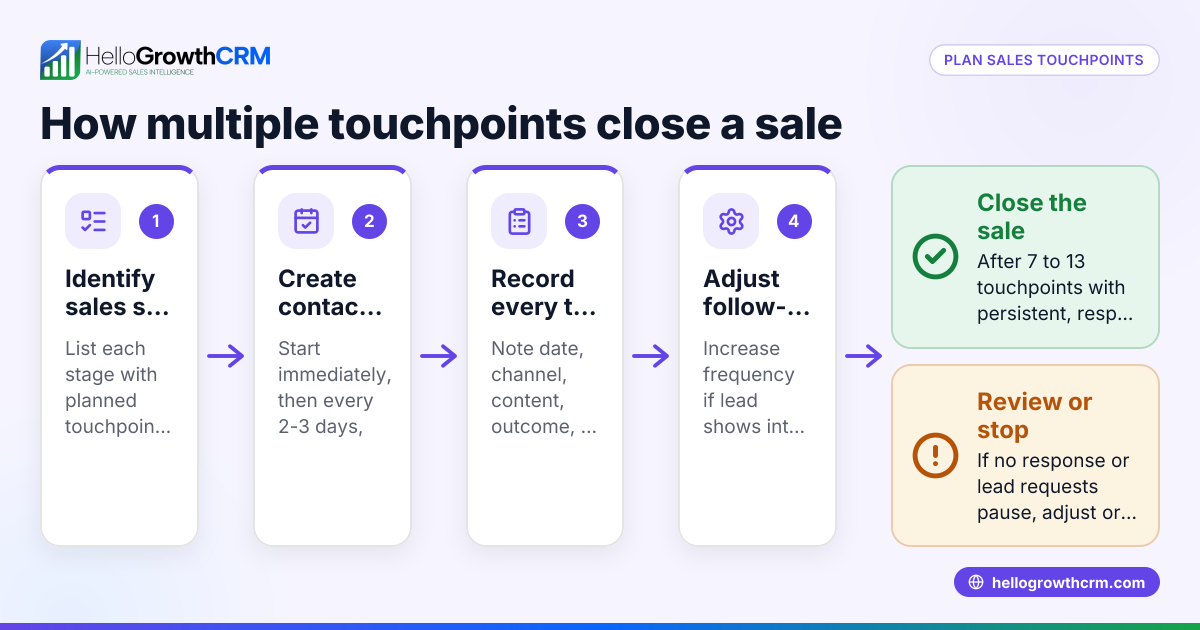
- Set reminders or follow-up dates for each prospect.
- Prepare personalized outreach messages.
- Review and update regularly
- Remove unresponsive or disqualified prospects.
- Add new leads as they come in.
Example (fictional figures)
A landscaping contractor in Charlotte, North Carolina, wants to make a prospect list on 06/15/2026.
- Defines ICP as small to mid-sized residential property owners within 20 miles.
- Sources data from a local property owners’ directory and referrals.
- Collects contacts:
- John Smith, 123 Green St, Charlotte, NC, 555-123-4567, john.smith@email.com
- Mary Jones, 456 Oak Dr, Charlotte, NC, 555-987-6543, mary.jones@email.com
- Organizes in a spreadsheet:
| Name | Company | Phone | Location | Status | |
|---|---|---|---|---|---|
| John Smith | N/A | 555-123-4567 | john.smith@email.com | Charlotte, NC | New |
| Mary Jones | N/A | 555-987-6543 | mary.jones@email.com | Charlotte, NC | New |
- Prioritizes John Smith as high because he referred a friend who used landscaping services.
- Plans follow-up calls on 06/17/2026.
- Reviews list weekly to add new referrals and update statuses.
Common mistakes
- Not defining the ideal customer clearly: Leads to wasting time on poor-fit prospects. Prevent by writing a detailed ICP before sourcing.
- Using outdated or unverified contact info: Causes failed outreach. Prevent by verifying contacts before adding.
- Ignoring data organization: Leads to duplicates and lost prospects. Prevent by using structured spreadsheets or CRM tools.
- Failing to prioritize: Treating all prospects equally reduces efficiency. Prevent by scoring leads based on fit and interest.
- No follow-up plan: Leads go cold. Prevent by setting reminders and follow-up dates.
- Not updating the list regularly: Causes clutter and missed opportunities. Prevent by weekly reviews and cleanups.
Doing this in HelloGrowthCRM
HelloGrowthCRM helps manage your prospect list with its Deals (pipeline) feature, which tracks open opportunities from first contact through close, showing quotations at the 'quote sent' stage with follow-up dates so no lead is forgotten. Its built-in dialer allows sales reps to call prospects directly from the CRM and log call outcomes, keeping full call history tied to each lead. For teams with field operations, territories and visit logs help managers see daily beats and commissions linked to deal outcomes. Learn more about HelloGrowthCRM for the United States and its WhatsApp and SMS CRM and built-in CRM dialer features.
Frequently asked questions
How to prospect for sales effectively? Prospecting effectively starts with defining your ideal customer, then using multiple sources such as referrals, social media, and directories to gather contacts. Organize and prioritize leads, and use personalized outreach. Regular follow-up and tracking improve conversion.
What fields should I include in a prospect list? Essential fields include full name, company, job title, phone number, email, location, and notes on lead source or interest level. A status or priority field helps track progress.
How often should I update my prospect list? Update your prospect list at least weekly to add new leads, remove unresponsive contacts, and adjust statuses. Regular updates keep your sales pipeline accurate and manageable.
Can I manage prospect lists without a CRM? Yes, a spreadsheet can work for small lists, but a CRM like HelloGrowthCRM helps automate follow-ups, track calls, and manage pipelines, improving efficiency as your list grows.
What is the benefit of using HelloGrowthCRM for prospecting? HelloGrowthCRM’s Deals pipeline and built-in dialer streamline prospect tracking and communication, ensuring no lead is forgotten and all calls are logged. Territory and visit logging features support field sales teams.
Key takeaways
- Define your ideal customer profile before gathering prospects.
- Collect accurate and complete contact information.
- Organize prospects in a structured list with clear statuses.
- Prioritize leads to focus your sales efforts.
- Set follow-up dates and reminders to avoid losing leads.
- Regularly review and update your prospect list.
- Use tools like HelloGrowthCRM to track deals and calls efficiently.
Start building your prospect list today and keep your sales pipeline active. To manage your leads better, start on the Free Forever plan (200 leads, no credit card).
Ready to put this into practice?
Set up your pipeline, WhatsApp follow-ups, and AI lead scoring in minutes — free, no credit card.
Try HelloGrowthCRM freeGet CRM tips in your inbox
Join thousands of sales professionals who get weekly insights on CRM strategy, AI automation, and pipeline optimization.

The HelloGrowthCRM team publishes guides on CRM strategy, AI sales tools, and revenue operations for small business sales teams.