HelloGrowthCRM software
Built for real small-business sales teams
HelloGrowthCRM helps reps qualify faster, follow up on time, and close more deals—with practical automation in one place.
- AI lead scoring and pipeline visibility
- Built-in dialer, WhatsApp, and email automation
- Sales forecasting and RevOps-ready reporting
Managing multiple contacts at one company in Singapore requires a structured approach to keep communication organised and effective. By linking all contacts under one company profile and tracking their roles and interactions individually, you reduce confusion and improve follow-up efficiency.
Why this comes up / what goes wrong
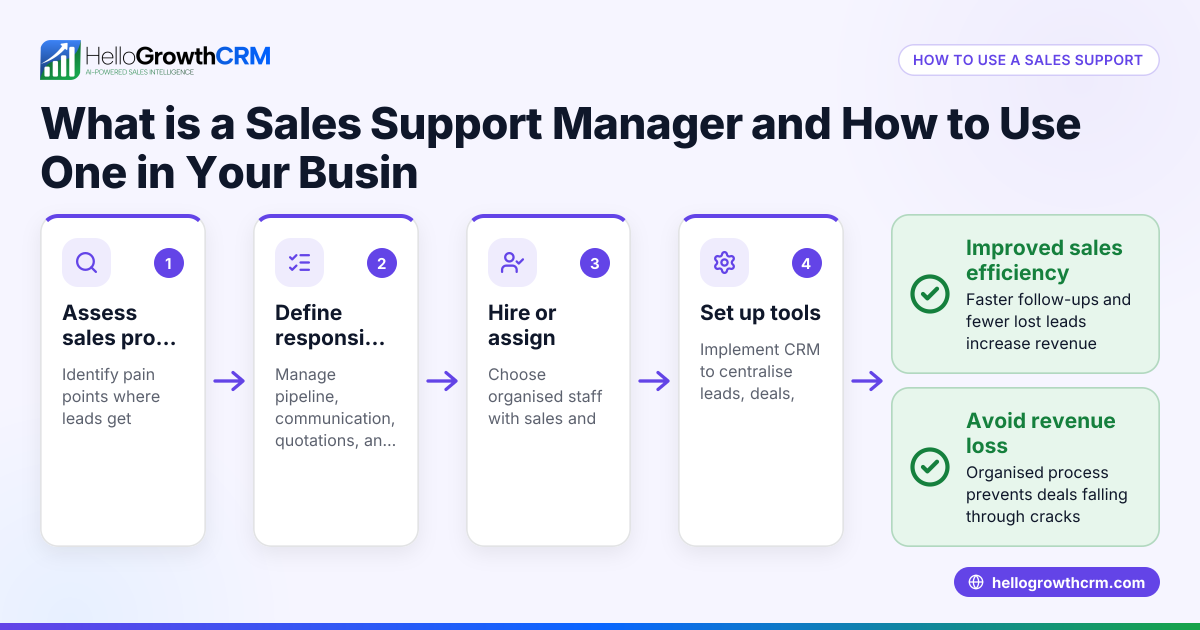
Small and mid-sized businesses often deal with several contacts at the same client company — for example, a procurement manager, finance officer, and technical lead. Without a clear system, sales teams may lose track of who handles what, leading to missed opportunities or duplicated efforts. Managing contacts separately without linking them to the company can cause inconsistent communication and difficulty forecasting sales.
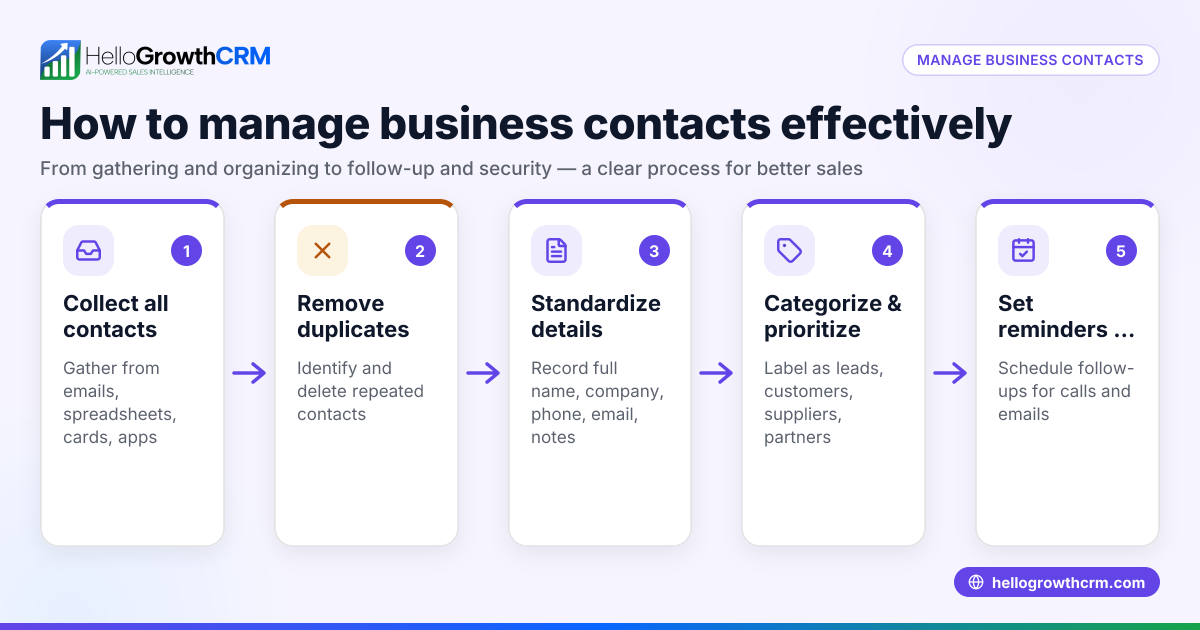
Step-by-step
- Create a Company Profile: Start by setting up a single record for the company in your CRM or contact management system. Include the company name, address, industry, and any relevant notes.
- Add Multiple Contacts Under the Company: For each person you interact with at the company, create individual contact entries linked to the company profile. Record full name, job title, email, phone number, and WhatsApp or SMS details if available.
- Specify Roles and Responsibilities: Clearly note each contact’s role in the buying or decision-making process. This helps your team know whom to approach for different matters.
- Track Communication History Separately: Log emails, calls, WhatsApp messages, and meetings for each contact individually but accessible under the company profile. This ensures personalised follow-up and avoids confusion.
- Use Tags or Labels: Apply tags like “Finance,” “Procurement,” or “Technical” to contacts to quickly filter and identify them.
- Set Reminders and Tasks per Contact: Assign follow-up tasks or reminders linked to specific contacts to keep communications timely and relevant.
- Review and Update Regularly: Periodically check the company profile and contacts to update any changes in roles, contact details, or communication preferences.
- Integrate Communication Channels: If using tools like WhatsApp and SMS for sales communication, ensure these are linked to the respective contact records for seamless tracking. Learn more about WhatsApp and SMS CRM integration here.
- Train Your Team: Make sure everyone understands the system and uses it consistently to avoid data fragmentation.
- Leverage CRM Features: If your CRM includes a built-in dialer, use it to call contacts directly from their profiles, keeping call records organised by contact and company. See more on built-in CRM dialers here.
Example (fictional figures)
Imagine a Singapore-based F&B supplier in Woodlands called FreshTaste Pte Ltd. You have three contacts:
- Ms Lee, Procurement Manager
- Mr Tan, Finance Officer
- Ms Ong, Quality Assurance
You create a company profile for FreshTaste Pte Ltd with address and industry details.
Then, you add each contact:
- Ms Lee: procurement@freshtaste.sg, 9123 4567, role: Procurement Manager
- Mr Tan: finance@freshtaste.sg, 9234 5678, role: Finance Officer
- Ms Ong: qa@freshtaste.sg, 9345 6789, role: Quality Assurance
You log a recent call with Ms Lee on 15/05/2024 about a new order:
- Call duration: 15 minutes
- Order value discussed: S$48,000
You set a follow-up reminder for 22/05/2024 to confirm delivery dates.
Tracking this way:
- Company: FreshTaste Pte Ltd
- Contacts linked: 3
- Follow-up tasks: 1 (Ms Lee)
This organisation ensures your sales team knows exactly who to contact and when.
Common mistakes
- Not linking contacts to a company: Leads to duplicated records and confusion. Prevent by always creating or selecting the company profile first.
- Ignoring contact roles: Causes misdirected communication. Prevent by clearly noting each contact’s role.
- Mixing personal and work contact details: Can breach privacy or cause lost messages. Use official work contacts where possible.
- Failing to update contact info: Leads to outdated communication. Schedule regular reviews.
- Using separate tools without integration: Makes tracking hard. Use CRM features that integrate WhatsApp and SMS communication WhatsApp and SMS CRM.
- Not training the team: Results in inconsistent data entry. Conduct regular training sessions.
Frequently asked questions
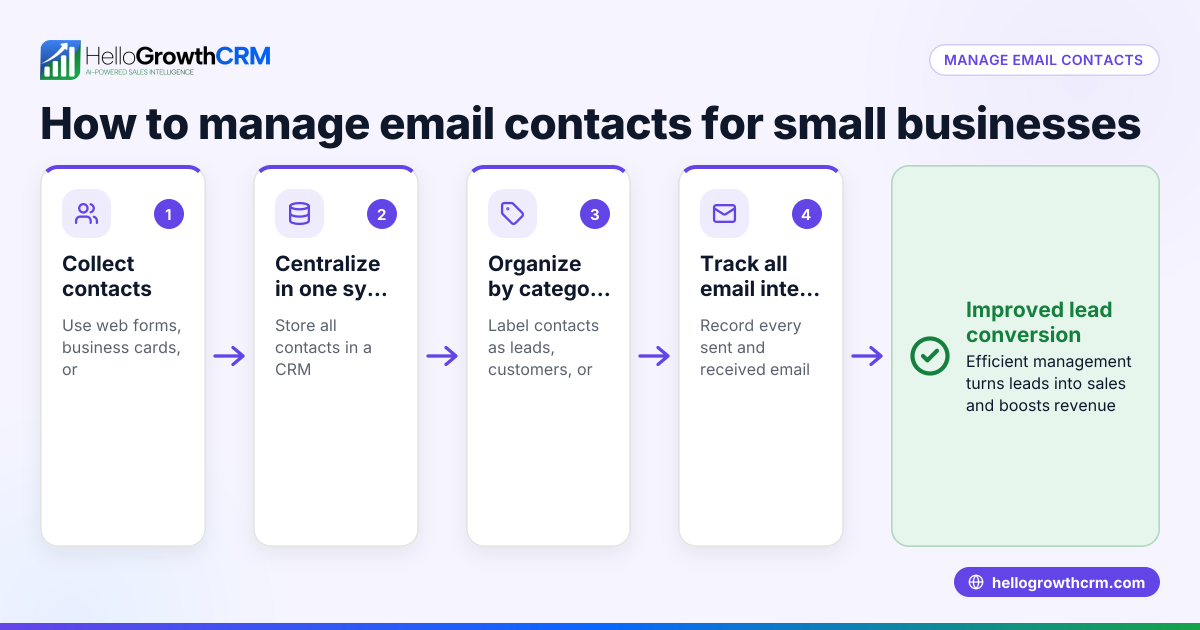
Can I manage multiple contacts at one company without a CRM? Yes, but it is harder to keep track manually with spreadsheets or email. A CRM helps link contacts to companies and centralises communication, reducing errors.
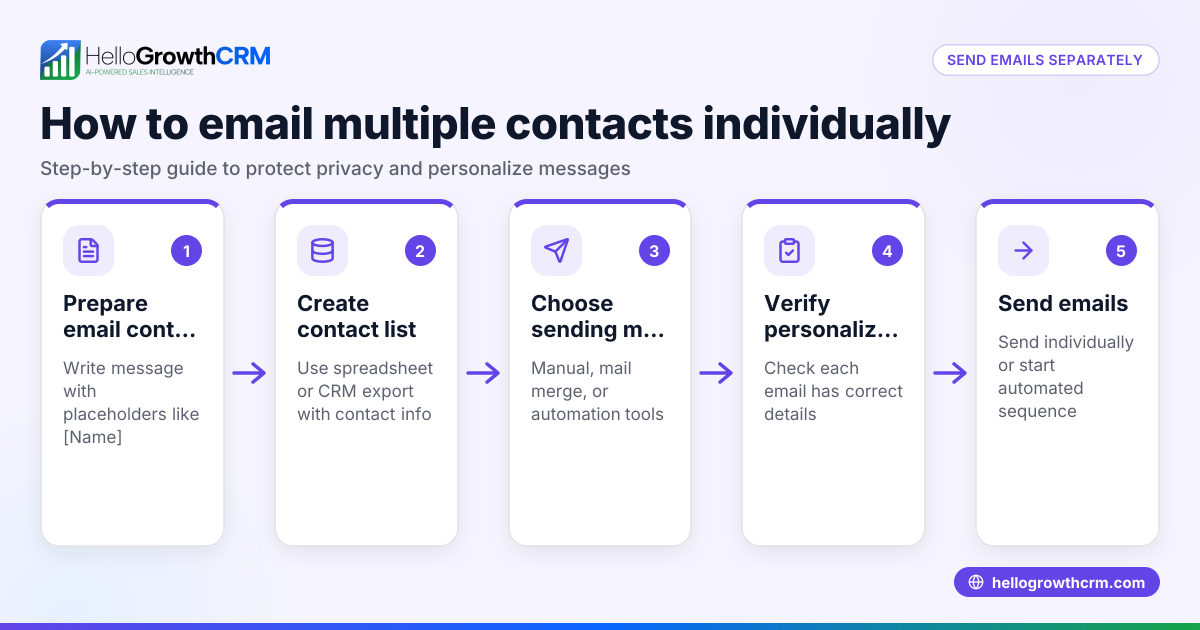
How do I keep communication personalised with many contacts? Record communication history per contact and note their preferences. This helps tailor messages and avoid sending irrelevant information.
What if contacts change roles or leave the company? Update their records promptly and add new contacts as needed. Keep the company profile current to maintain accurate relationships.
Is it necessary to track WhatsApp and SMS conversations? If these channels are used for sales or support, tracking them helps maintain a complete communication history. CRMs with WhatsApp and SMS integration make this easier WhatsApp and SMS CRM.
How can I improve follow-up speed with multiple contacts? Use task reminders and pipeline boards in your CRM to prioritise follow-ups and avoid losing leads. Learn more about managing sales pipelines HelloGrowthCRM for Singapore.
Key takeaways
- Always create a single company profile to link all contacts.
- Record each contact’s role, contact details, and communication history individually.
- Use tags, reminders, and task boards to organise and prioritise follow-ups.
- Integrate communication channels like WhatsApp and SMS for complete tracking.
- Regularly update contact information and train your team to use the system consistently.
Managing multiple contacts efficiently improves your sales process and customer relationships.
Start organising your contacts today and improve your sales follow-up. You can start on the Free Forever plan (200 leads, no credit card) to try out these methods and manage your contacts effectively.
Ready to put this into practice?
Set up your pipeline, WhatsApp follow-ups, and AI lead scoring in minutes — free, no credit card.
Try HelloGrowthCRM freeGet CRM tips in your inbox
Join thousands of sales professionals who get weekly insights on CRM strategy, AI automation, and pipeline optimization.

The HelloGrowthCRM team publishes guides on CRM strategy, AI sales tools, and revenue operations for small business sales teams.